How to Use the Espanso YAML Match File Prompt for a Veterinary Front Desk
Build a working Espanso match file for repetitive front desk messages: short triggers, date variables with offsets, choice lists, and forms for fill-in replies, organized by file with a trigger naming scheme the whole team can remember.
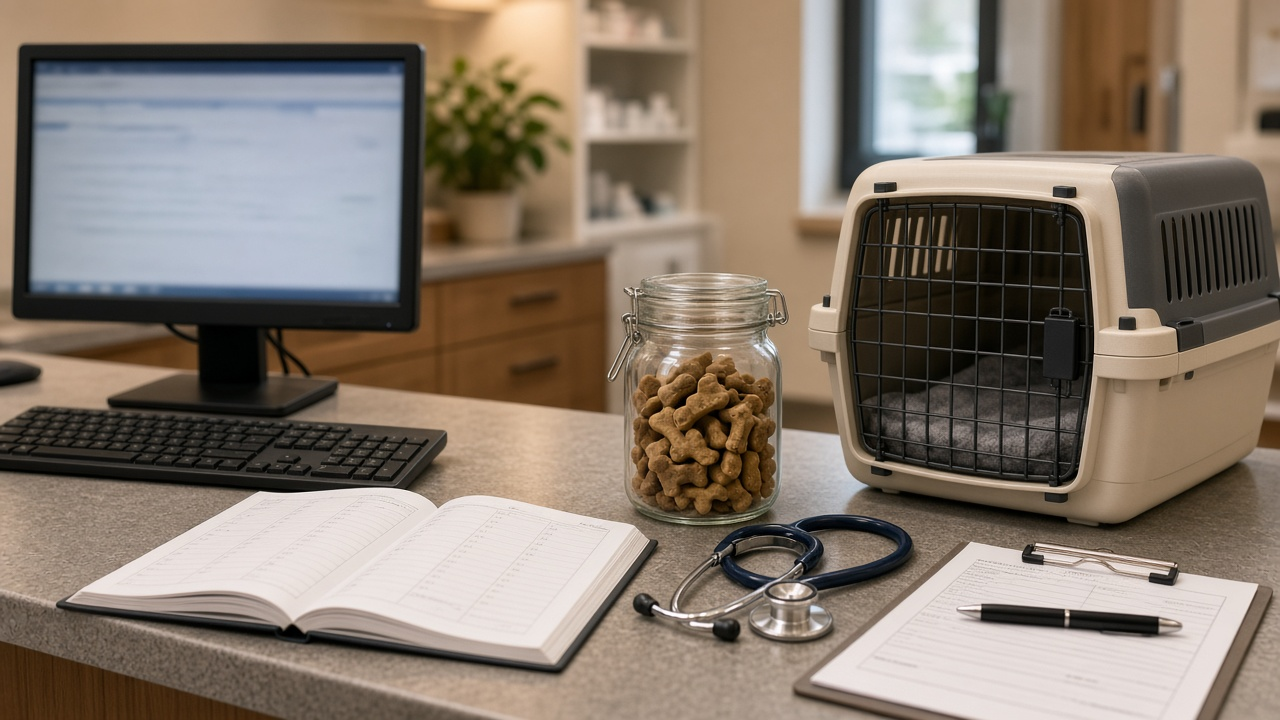
A clinic front desk types the same handful of messages all day: appointment reminders, records request confirmations, vaccine due notices. Each one has a few parts that change, like the owner's name, the pet, the vet, and the date, and everything else stays the same. Espanso, the open source text expander, can turn each of those messages into a short trigger. The catch is that Espanso is configured in YAML, and a single indentation mistake stops a match from firing. The Espanso YAML Match File for a Veterinary Front Desk: Triggers, Forms, and Date Offsets prompt writes the match file, the trigger scheme, and a test script from your real messages.
Why a trigger scheme comes first
Text expansion only saves time if people remember the triggers. A desk with three staff and twenty snippets needs a pattern, not a list of random abbreviations. The prompt starts with one prefix for the whole team, such as a semicolon, then a short family code per message group, and a cheat sheet table of trigger, purpose, and file. A prefix also keeps triggers from firing by accident inside normal words.
What the prompt produces
- A trigger scheme and cheat sheet you can print and tape next to the monitor.
- A file layout that keeps general helpers like today's date in
match/base.ymland clinic messages in a separate file such asmatch/frontdesk.yml, plus how to find the config folder withespanso path. - The YAML. Each repeated message becomes a match with a trigger, a replacement, and variables. Dates use
type: datewith a format string and anoffsetin seconds for tomorrow or next week. Fixed lists such as vets or vaccines become choice fields. Free values like a pet name go in a form, so staff fill a small window instead of editing text after it expands. - App notes for each place the snippets are used: where a field strips line breaks, where a form works better than a long multiline replacement, and an optional app-specific config with
filter_execorfilter_titleif expansion should be off in one program. - A test script with
espanso restart,espanso logfor when a match does not fire, and the expected output of each trigger.
How to fill the inputs
Paste RepeatedMessages as real examples, with the changing parts marked in braces. Do not clean them up first; the prompt needs to see the actual wording. PickLists holds every value that comes from a fixed set, such as the vets on staff and the vaccines you send reminders for. The prompt will not invent staff names or locations, so anything missing here will not appear in the output.
Apps lists where the snippets will be used, such as the practice management notes field, the email client, or a browser SMS portal. DeskOS tells the prompt which operating system to write for. NeverSend is the safety input. List what the clinic never sends by text, such as diagnoses, prices, or medication doses. If one of your example messages includes those, the prompt rewrites it to route the client to a call.
Walking through the example
The sample clinic has three messages, two vets, four vaccines, three Windows desk PCs, and an SMS portal that strips line breaks. Some choices in the output are worth copying:
- Every replacement is one line, because the SMS portal would flatten line breaks anyway.
- The reminder trigger opens a form with a dropdown for the vet and text fields for owner, pet, and time, and fills in tomorrow's date with an offset of 86400 seconds.
- The output flags the Friday problem. Tomorrow is always the next calendar day, so a Friday reminder for a Monday visit needs a second trigger with a longer offset, or a typed date.
- The records and vaccine triggers use the shorter form syntax, with only the fields each message actually needs.
- No filter file is added yet, with a note on how to switch expansion off in one app if it misfires there.
Mistakes to avoid
- Unquoted strings with colons or hashes. YAML treats them as structure. The prompt quotes every such string.
- Tabs instead of spaces. Espanso expects consistent two-space indentation.
- Triggers without a prefix. A trigger like "rem" will fire inside "remember." Use the prefix, or
word: truewhere a trigger could appear inside a normal word. - Putting clinical details in a snippet. A saved replacement is easy to send to the wrong client. Keep anything on the NeverSend list out of every match.
- Skipping the log. When a trigger does nothing,
espanso logusually shows a parse error with a line number.
Who it is for
This prompt is for clinic managers, front desk leads, and office administrators who want consistent messages without a paid template tool. The same approach works for dental offices, salons, and any desk that retypes the same replies, as long as you paste your own messages and lists.
Related PromptDig links
- Prompt: Espanso YAML Match File for a Veterinary Front Desk: Triggers, Forms, and Date Offsets
- More productivity prompts: Browse more prompts
- Have a text expansion setup to share? Share a prompt