How to Use the Discogs Marketplace Listing Writer Prompt to Sell Used Vinyl Without Disputes
Turn your notes on a used record into a Discogs Marketplace listing: confirm the exact release from matrix and runout and label details, assign media and sleeve grades on the Goldmine based scale Discogs uses, and write a comments field that tells buyers exactly what they get.
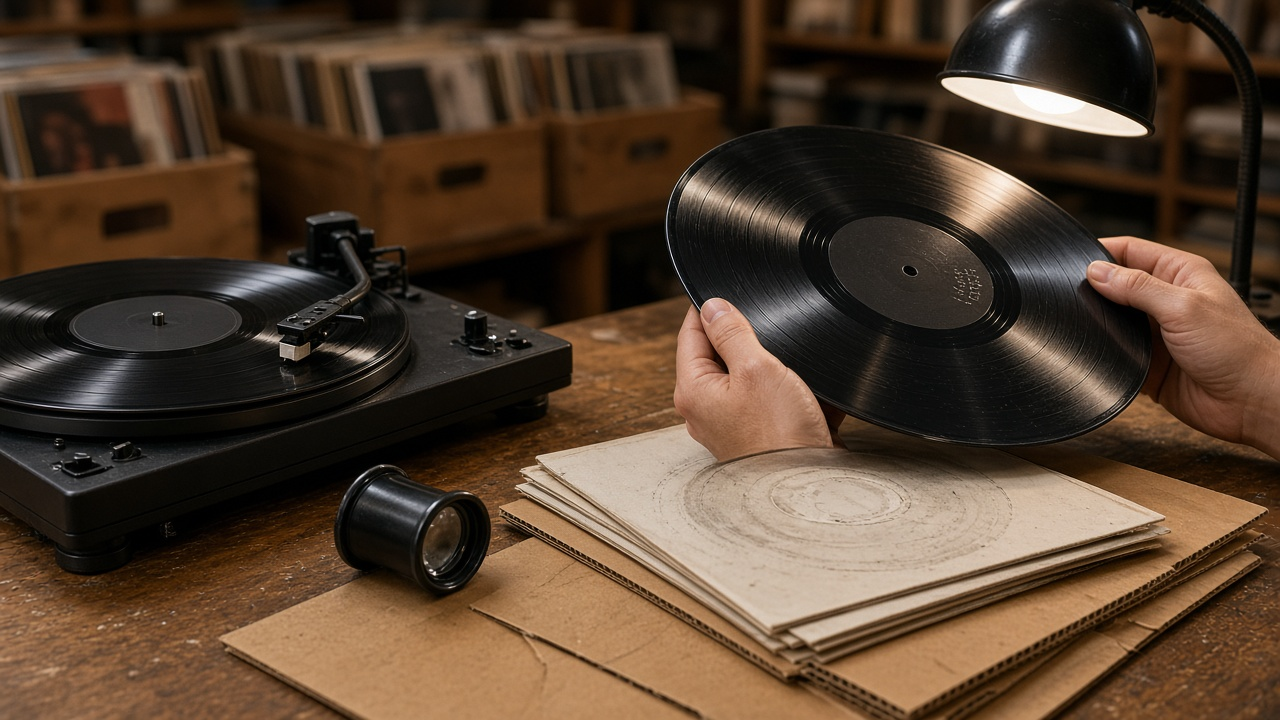
Selling used records on Discogs comes down to three things agreeing with each other: the release page you list on, the grades you assign, and the comments you write. When one of them is off, buyers notice. A reissue listed on the original pressing page, a Near Mint grade on a record that was never played, or comments that skip a seam split are the usual reasons for returns and unhappy feedback. The Discogs Marketplace Listing Writer for Used Vinyl: Goldmine Media and Sleeve Grades, Exact Pressing Match, and Honest Condition Comments prompt walks through all three the way an experienced dealer does.
What the prompt produces
- A pressing match that compares your matrix and runout etchings and label details against candidate release pages and names the one to list on.
- A Media Condition grade on the Discogs scale, based on your play test, with a reason for each side.
- A Sleeve Condition grade, or Generic, Not Graded, or No Cover when that is the truth.
- A comments field short enough to read on a phone, covering identifiers, noise, sleeve faults, what is included, and how it ships.
- A pricing checklist for reading sales history and current listings without inventing a price.
- Risk notes about common disputes for that kind of record and how the listing handles them.
How to fill the inputs
LabelDetails is what is printed on the record and jacket: artist, title, label, catalog number, country, and year. MatrixRunout is what is etched or stamped in the dead wax on each side. This is usually what separates one pressing from another, so copy it carefully, including small stamped letters or symbols.
CandidateReleases lists the release pages you found and what each one shows for matrix and barcode. PlayNotes is your play test, side by side: surface noise, pops, ticks, skips, and where they happen. SleeveNotes covers ring wear, seam splits, writing, stickers, and inserts. ShopPolicy gives your packing and return basics so the comments match what you actually do.
Reading the example output
The example is a well known 1977 album with three similar US release pages. The lessons apply to any record:
- One stamped mark decides the page. Only one candidate page lists the stamp found on both sides of the record, so that is where it goes. The other two pages need marks that are not there.
- The grade follows the worst side. Side B has a short tick at the start of a quiet track, which still fits Very Good Plus, but it goes in the comments because buyers listen for that track.
- Hairlines without sound do not lift the grade. Visible marks with no audible effect support Very Good Plus, not Near Mint.
- The sleeve is graded on its own. Ring wear plus a seam split brings the jacket to Very Good. The lyric inner sleeve is described separately.
- Comments name the identifiers. A buyer can check the stamp and runout before buying, which heads off reissue disputes.
- Price is researched, not invented. The checklist points to sales history on the exact release page for the same grades.
Tips for better results
Play test before you grade. The prompt will not give Mint or Near Mint without a full play test of both sides, and missing play notes mean the listing says it was visually graded.
Photograph the dead wax. Clear runout photos make the pressing match easier and help if a buyer questions it later.
Keep comments in plain words. Describe what the noise sounds like and where it is. Buyers trust specific comments.
Ship to protect the sleeve. Moving the record out of the jacket prevents seam splits from growing in transit, and saying so in the comments reassures buyers.
Mistakes to avoid
- Listing on the master release or on a page that only roughly matches.
- Grading by eye alone and calling it Near Mint.
- Folding inner sleeve damage into the jacket grade.
- Pricing against Near Mint sales when your copy is Very Good Plus.
Who it is for
This prompt fits record store owners, crate diggers who sell their extras, estate sale buyers listing a collection, and anyone moving from casual selling to a steady Discogs shop. It works for LPs, 45s, and box sets, as long as you supply the identifiers and condition notes.
Related PromptDig links
- Prompt: Discogs Marketplace Listing Writer for Used Vinyl: Goldmine Media and Sleeve Grades, Exact Pressing Match, and Honest Condition Comments
- More marketplace and hobby prompts: Browse more prompts
- Have a reseller prompt that works? Share a prompt