How to Use the Janitorial Cleaning Bid Builder Prompt to Price a Commercial Contract From a Walkthrough
Price a commercial cleaning contract from the walkthrough instead of guessing: square footage by area type, your own production rates per task, a frequency schedule, labor hours per month, loaded wage with burden, supplies and equipment, overhead and margin math shown line by line, a scope of work with exclusions, and a monthly price for the proposal.
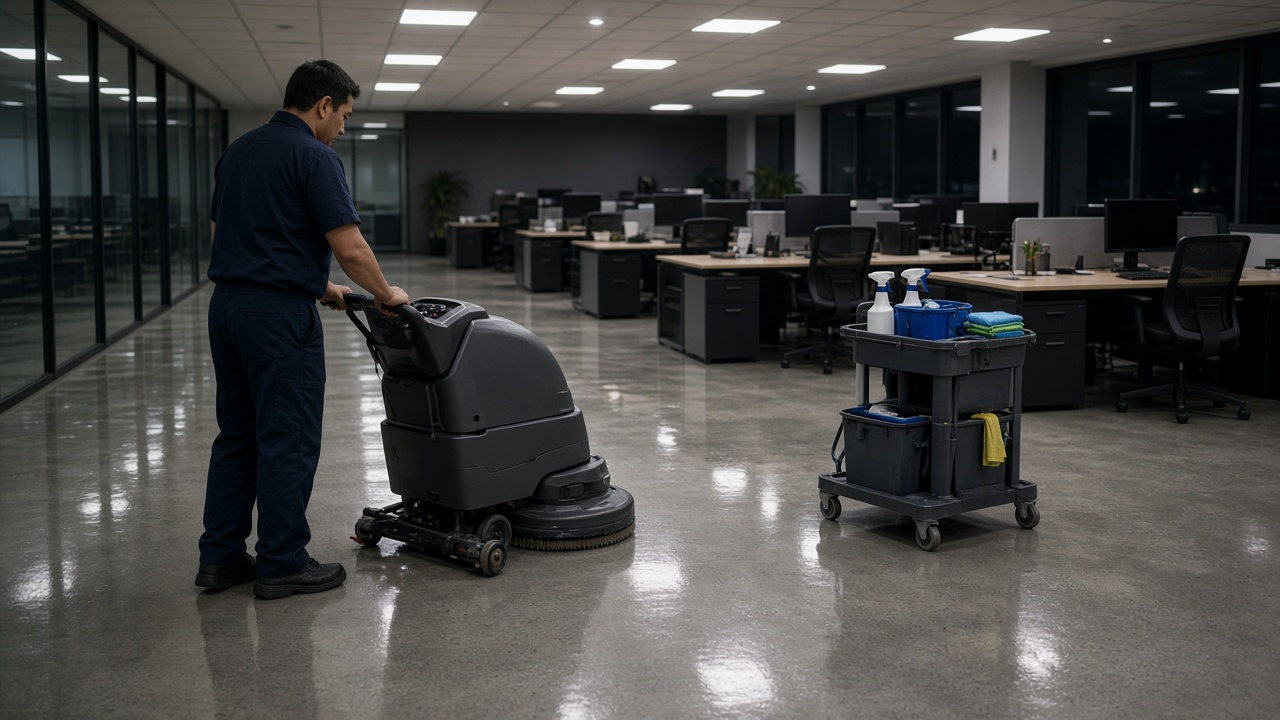
Commercial cleaning contracts are often won or lost on price, and many cleaning companies lose money on the jobs they win because the bid was a guess per square foot. Wrong measurements, optimistic production rates, and a forgotten burden line can turn a good looking contract into one you work for free. The Commercial Janitorial Cleaning Bid Builder: Walkthrough Sheet, Square Footage by Area Type, Production Rates per Task, Cleaning Frequencies, Labor Hours, Wage Plus Burden, Supplies, Overhead and Margin, and Monthly Price Proposal prompt builds the bid the way experienced estimators do: from the walkthrough, square footage by area type, your own production rates, a frequency schedule, labor hours, a loaded wage, and margin math you can check line by line.
What the prompt produces
- A walkthrough summary listing each area, its surface, square footage, fixture counts, special items, the access window, and questions to ask the client.
- A task and frequency matrix for trash, dusting, vacuuming, restrooms, mopping, detail vacuuming, machine scrubbing, and high dusting.
- Labor hours per task: square feet divided by your production rate, times visits per month, with the formula for converting nights per week into monthly visits.
- A staffing plan with hours per night and a suggested crew size that fits the access window.
- A cost build: labor at wage plus burden, supplies, equipment, overhead, and price from your target margin, with the difference between margin on price and markup on cost stated clearly.
- Price checks per square foot per month and per cleaning, plus a sensitivity line if crews run slower than planned.
- A scope of work in plain language, with exclusions.
- A proposal pricing block with the monthly price, term, and how changes are repriced.
How to fill the inputs
WalkthroughNotes captures the building type, floors, surfaces, restroom fixtures, access hours, and alarm or key rules.
AreaSqFt breaks square footage into area types and says how it was measured. Floor plans and measured walkthroughs beat a number from a leasing flyer.
ProductionRates is your own square feet per hour for each task. Use crew history if you have it, or a reference you trust. If a rate is missing, the prompt marks it NEEDS RATE instead of inventing one.
FrequencySchedule lists how often each task happens: nightly, a set number of days per week, weekly, monthly, or quarterly.
LaborCost is the wage, burden percentage for payroll taxes, workers compensation, and benefits, and how supervision works.
SuppliesEquipment covers chemicals, consumables, and equipment wear, and who supplies paper and liners.
OverheadMargin gives your overhead percentage and target margin.
Reading the example output
The example is a 22,000 square foot two story office cleaned five nights a week:
- Monthly visits are calculated, not guessed: five nights times 52 weeks divided by 12 gives about 21.67.
- Each task line shows the math, adding up to about 212 labor hours per month.
- Staffing comes out to about 8.4 hours per night, roughly two cleaners, which fits the access window.
- The loaded wage includes burden before any overhead is applied.
- Price uses margin on price: total cost divided by 0.85 for a 15 percent margin, with the dollar margin shown.
- A sensitivity line shows the price if crews work 10 percent slower, a reminder to confirm rates before committing.
- Exclusions are explicit: carpet extraction, strip and wax, exterior windows, and biohazard cleanup.
Tips for better results
- Time your own crews on a few existing buildings to build reliable production rates.
- Ask about secured rooms, interior glass, and kitchen appliances during the walkthrough.
- Bid restrooms by fixture count as a cross check against square footage.
- Keep a copy of the matrix. When the client adds a floor or changes frequency, repricing takes minutes.
Mistakes to avoid
- Do not confuse margin with markup. A 15 percent markup on cost is less profit than a 15 percent margin on price.
- Do not skip burden. Payroll taxes and workers compensation are real costs on every hour.
- Do not include add on work in the base price without a rate.
- Do not round early. Round the final monthly price, not each line.
Who it is for
Owners of small and mid sized janitorial companies, estimators bidding office and medical cleaning, and facility managers who want to check whether bids they receive add up.
Related PromptDig links
Open the Commercial Janitorial Cleaning Bid Builder: Walkthrough Sheet, Square Footage by Area Type, Production Rates per Task, Cleaning Frequencies, Labor Hours, Wage Plus Burden, Supplies, Overhead and Margin, and Monthly Price Proposal prompt and paste your walkthrough notes. For more business prompts, Browse more prompts. If you have an estimating or operations prompt that works, Share a prompt.