Grok Prompts for Video: 12 Grok Imagine Clip Recipes
12 Grok prompts for video: text-to-video and image-to-video recipes, camera moves, sound cues and drift fixes for Grok Imagine, with a worked pottery example.
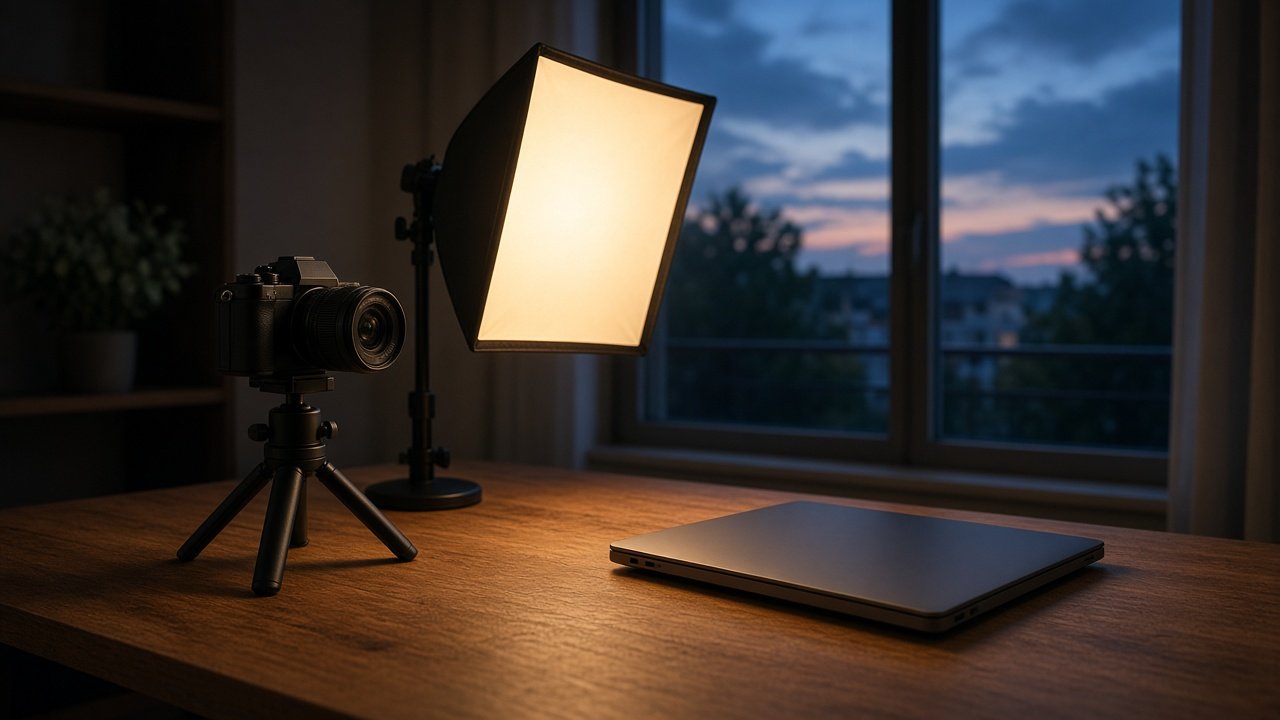
Grok prompts for video work best when you write them like a shot plan: the first frame, one action, one camera move, and the sound you want. Grok Imagine turns that into a short clip with generated audio, so a vague prompt gets you random motion and random noise. Below are 12 Grok Imagine video prompts for text-to-video, image-to-video, camera moves, sound and fixes, plus a worked pottery studio example.
To plan a full clip with beats, variants and a fix list, use the Grok Imagine video prompt for a shot brief, motion and audio. It splits the clip into timed beats, writes one main prompt, adds an image-to-video version and gives four follow-up fixes.
What Grok Imagine video can do right now
According to xAI's developer docs (updated November 2026), the current Grok Imagine video models make clips from 1 to 15 seconds, with 8 seconds as the API default, in 1:1, 16:9, 9:16, 4:3, 3:4, 3:2, 2:3, 21:9 and 5:2. Clips come with a generated audio track, and the 1.5 models can add lip-synced speech. In image-to-video, your still becomes the first frame and the clip takes the still's aspect ratio. On the API, the grok-imagine-video model can edit a source clip of up to 8.7 seconds or extend a clip by 2 to 10 seconds; the Grok app's tools and which plans include video can differ, so check your account on the day.
Text to video
1. One-shot clip from a description
[Subject as it looks on screen] [one action] in [setting]. [Camera move and framing]. [Light and color]. Sound: [ambience and effects]. [Duration] seconds, [aspect ratio]. No [things to avoid].
2. Product moment without logos
Close-up of [product described by shape, color and material] on [surface]; [one action, for example a hand turns it slowly]. Slow orbit around the product. Soft studio light. Sound: [effects]. No logos, no readable text.
3. Loop for a page header
[Calm scene with one repeating motion, for example steam rising from a cup]. Locked-off camera. The last second should look like the first so the clip loops. [Light]. Ambient sound only. [Aspect ratio].
Image to video
4. Animate my own photo
Starting from my photo, [the one thing that moves]. Keep [people, objects and background] exactly as in the photo. [Camera move]. Sound: [sound]. [Duration] seconds.
5. Bring a product shot to life
From this product photo, [subtle motion, for example light sweeps across the surface]. The product stays still and unchanged. No new objects. Soft room tone.
6. Landscape with weather
From this landscape photo, add [weather motion, for example low clouds drifting left to right and grass moving in the wind]. Camera stays locked. Wind sound, no music.
Camera and motion
7. Slow push-in
Slow push-in from a [starting framing] to a [ending framing] on [subject] while [action]. Smooth and steady, no shake.
8. Tracking shot
The camera tracks alongside [subject] as it [moves through setting], keeping [subject] centered. [Light]. [Sound].
9. Timed beats
[Duration] seconds. 0 to [x] s: [beat 1]. [x] to [y] s: [beat 2]. [y] to [end] s: [beat 3]. One camera move throughout: [move].
Sound and fixes
10. Sound design line
Sound: [main ambience], [two or three effects tied to the action], [music feel or no music]. The [effect] starts exactly when [action] happens.
11. One narrator line
An off-screen narrator says, calmly: "[line under 12 words]". No on-screen speaker. Keep the ambience low under the voice.
12. Fix the drift
The clip shows [problem, for example a third hand or letters on the cup]. Fix only that. Keep the subject, camera, light and sound the same.
Worked example: a glaze stroke for a pottery class page
A pottery studio wanted an 8 second 4:3 header clip for its winter glaze class. The brief kept it to one action: a wide brush laying one slow stroke of pale blue glaze around a speckled stoneware mug, hands only, by a rainy window. The beat plan split the clip into 0 to 2, 2 to 6 and 6 to 8 seconds, the sound was rain, brush on clay and room tone with no music, and the fix list covered an extra hand, a fast push-in, letters on shelf mugs and sound timing. The check step suggested a frame from the last two seconds as the newsletter still.
Variations
- Storyboards: write three clips that share setting and light, then join them in an editor for a longer sequence.
- Vertical posts: switch to 9:16 and keep the action in the middle of the frame.
- Your own still first: make or pick a still you like, then animate it so the look is fixed before motion is added.
Tips
- One action and one camera move per clip. Two of each is where clips fall apart.
- Describe sound as events tied to the action, not as a mood word.
- Name speeds and directions ("half as fast", "left to right") when you fix motion.
- Do not use real people's names or likeness without consent, and label AI clips when you post them.
This page is not affiliated with xAI. Features named here come from xAI's documentation in November 2026.
Related on PromptDig
For stills first, see Grok prompts for images and the Grok Imagine image prompt builder. For other video models, read AI prompts for video generation and try the start frame and motion clip plan prompt. More in the Video hub, browse all prompts, or share your own video prompt.