ChatGPT Prompts for Pinterest: 12 Board, Pin and SEO Prompts
12 ChatGPT prompts for Pinterest: board maps, sections, pin titles and descriptions, seasonal calendars, video pins and analytics, with a knitting shop example.
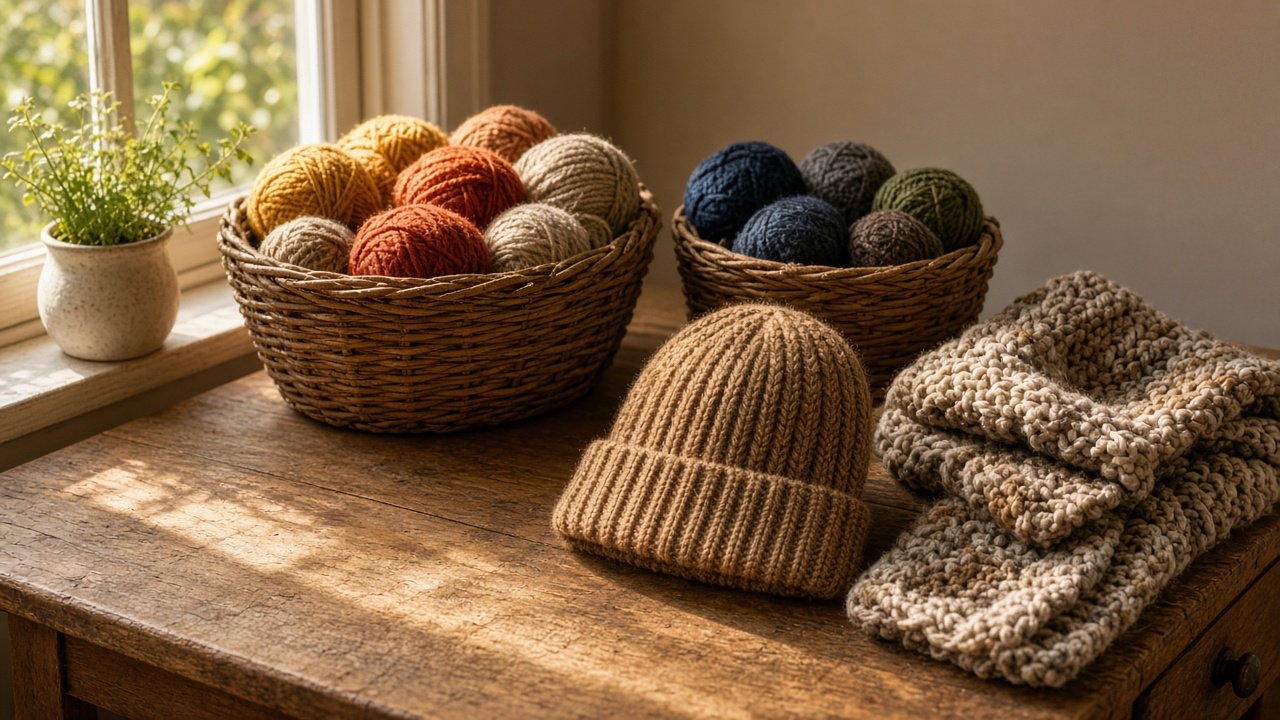
ChatGPT prompts for Pinterest help you plan boards, write pin titles and descriptions, and keep a steady posting rhythm from your own keywords and pages. The trick is to start from what people type into Pinterest search, then name boards and pins for that, not for your brand. Below are 12 prompts for board planning, pins, keywords, video pins and analytics, plus a worked knitting shop example.
To set up a whole profile in one pass, use the Pinterest board plan prompt for boards, sections and pin briefs. It builds a board map with sections, eight pin briefs that link to your real pages, fixes for old boards and a weekly schedule that fits your hours.
Pinterest specs to plan around
Pinterest's help pages list pin titles at up to 100 characters, with roughly the first 40 visible in feeds; descriptions can run to 800 characters and do not show in the home or search feed, but Pinterest uses them to judge relevance. A 2:3 vertical image (1000 x 1500 px) is the recommended shape, and taller images may get cut off. Boards can hold sections to group pins by theme.
Boards and profile
1. Board map from my keywords
I sell [products] to [audience]. Using only these Pinterest search suggestions: [keywords], plan [number] boards with searcher-first names, two-sentence descriptions and three sections each.
2. Fix my old boards
Here are my boards and what is in them: [list]. For each, say keep, rename, merge or archive, with one reason tied to what people search.
3. Profile description
Write three short Pinterest profile descriptions for [business] that say what a visitor will find on my boards, using [one or two keywords] naturally.
Pins
4. Titles from one page
Write five pin titles under 100 characters for my page about [topic], each with the main words in the first 40 characters and a different angle (how-to, gift, quick project, mistake to avoid, inspiration).
5. Descriptions that match the pin
For a pin showing [image description] that links to [page], write a two-sentence description that says what it is and who it is for, using [keyword] once.
6. Image ideas from what I have
I have these photos and videos: [assets]. Suggest eight 2:3 pin images, one per idea, and say which page each should link to.
7. Fresh pins for an old page
My page [title] already has [number] pins. Give me three new pin ideas with a different image and title angle each, so I am not repeating the same pin.
Keywords and seasons
8. Sort my search suggestions
Group these Pinterest search suggestions by what the searcher wants (learn, buy, get inspired, plan an event): [list]. Flag any that do not fit [business].
9. Seasonal pin calendar
Plan pins for [season or holiday] for [business], starting [number] weeks early, with one pin idea per week and the page each links to.
Video and analytics
10. Short video pin plan
Turn [process or product] into a short vertical video pin: five shots in order, one line of on-screen text per shot, and a title and description.
11. Read my analytics
Here are my top pins with impressions, saves and outbound clicks: [table]. Tell me which images and titles to repeat, and one test for pins with saves but few clicks.
12. Weekly routine
I have [hours] a week for Pinterest. Split it into tasks with minutes that add up to the total, covering new pins, organizing sections and checking results.
Worked example: a beginner knitting shop
A small shop selling beginner knitting patterns and yarn kits gave the prompt six search suggestions, four real pages, its photo library and two hours a week. The plan built four boards named for searches (beginner patterns, how to knit, gift kits and finished knits), dropped "crochet blanket" because the shop sells knitting only, and wrote eight pin briefs with titles that put the key words first and link to the scarf pattern, hat kit, cast-on guide or gift collection. The old mixed "My Shop" board was set to archive, and the weekly plan came to 75 + 30 + 15 = 120 minutes.
Variations
- Service businesses: build boards around projects clients want, such as kitchen ideas or wedding florals, and link pins to service pages.
- Bloggers: one board per main topic, and three pin designs per post.
- Shops with seasons: plan holiday boards early and add sections per gift type.
Tips
- Copy keywords from Pinterest's own search suggestions instead of guessing.
- Every pin should link to a page that delivers what the image shows.
- Use your own photos; do not repost other creators' images.
- Give a plan eight weeks before you judge it, and change one thing at a time.
This page is not affiliated with Pinterest.
Related on PromptDig
For a month of posts across channels, use the social media content calendar prompt. For a longer search-led plan on another platform, the 90-day Instagram strategy prompt sets pillars and KPIs. For other channels, see ChatGPT prompts for Instagram Stories and ChatGPT prompts for a social media campaign. More in the Social Media hub, browse all prompts, or share your own prompt.