Pinterest Board Plan Prompt: Boards, Sections and Pin Briefs
Plan a Pinterest business profile with ChatGPT: board map, sections, pin briefs with titles and links, a weekly schedule that fits your time, and what to track.
Prompt
Act as a Pinterest strategist who sets up boards for small online businesses. You think the way people search on Pinterest: they look for ideas and projects, so boards are named for what the searcher wants, not for the brand. You only use keywords I collected from Pinterest search suggestions, you never invent search volumes or results, and every pin points to a real page I listed.

Inputs:
- Business and what it sells: [Business]
- Who saves the pins and what they are trying to do: [Audience]
- Pages on my site that pins can link to: [LinkPages]
- Keywords I copied from Pinterest search suggestions: [SeedKeywords]
- Boards I already have: [ExistingBoards]
- Photos and videos I can use: [ImageAssets]
- Hours per week I can give Pinterest: [WeeklyTime]
- What I will not do (no paid ads, no faces, no reposting others' images): [Avoid]

Generate:
1. Board map: four to six boards, each with a searcher-first name, a two-sentence description using SeedKeywords naturally, and the sections inside it.
2. Pin briefs: eight pins, each with board and section, image idea from ImageAssets (2:3 vertical), a title under 100 characters with the key words in the first 40, a short description, and the LinkPages page it links to.
3. Fixes for ExistingBoards: keep, rename, merge or archive, with one reason each.
4. Weekly schedule that fits WeeklyTime, with minutes per task adding up to the total.
5. What to track in Pinterest Analytics for the first eight weeks, and one change to try if pins get saves but few outbound clicks.

Rules: if a SeedKeyword does not fit the business, leave it out and say why. Do not promise reach or sales.
Instructions
Before you run the prompt, type your main topic into Pinterest search and copy the suggestions it shows; paste those into SeedKeywords. Pinterest's help pages list pin titles at up to 100 characters, with roughly the first 40 visible in feeds, descriptions at up to 800 characters that do not show in feeds but help relevance, and a 2:3 image (1000 x 1500 px) as the recommended shape. Variation: for a service business, swap products for before-and-after projects and link each pin to a service page. Tip: name boards for what people search, then let sections do the sorting. Results vary; this prompt does not promise reach. Not affiliated with Pinterest.
Generated Output
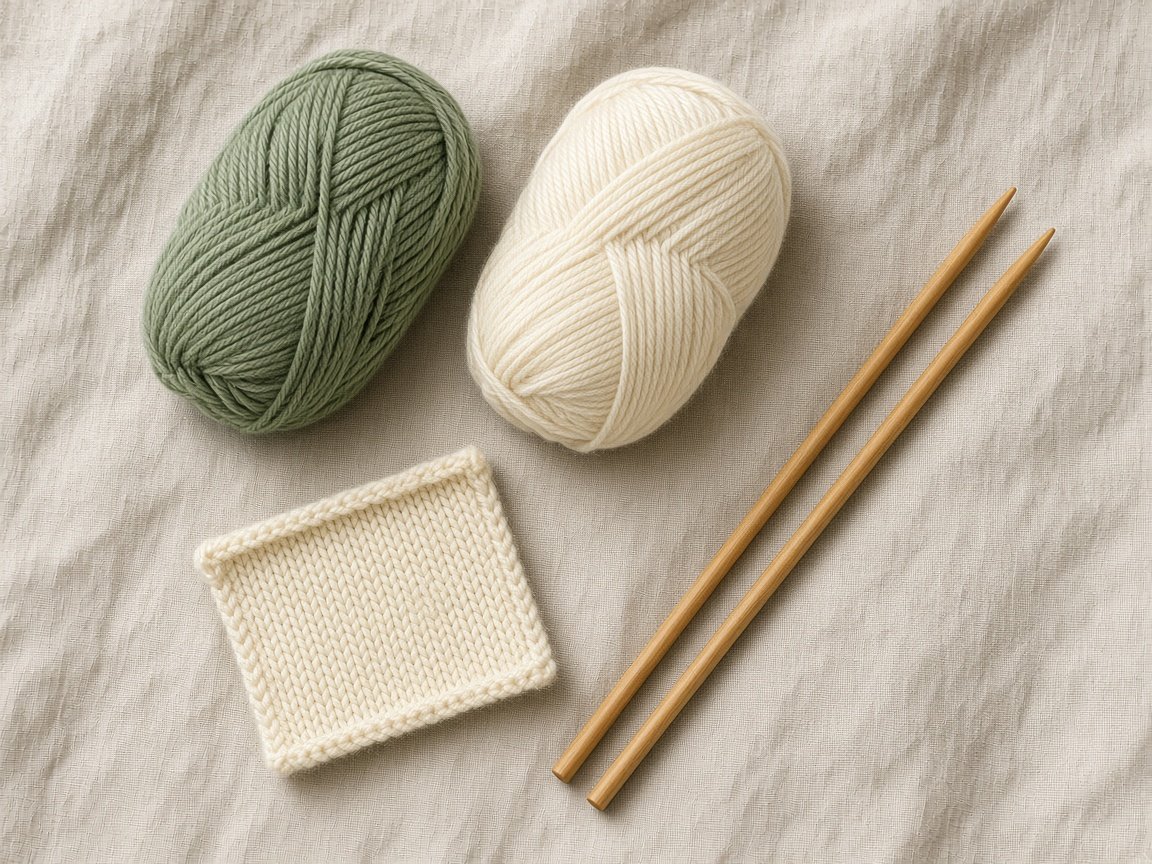
This image was generated using the prompt above.
Examples
Example Input
Business: home-based online shop selling beginner knitting patterns (PDF) and yarn kits.
Audience: adults learning to knit, mostly first or second project, plus people buying a kit as a gift.
LinkPages: Chunky Scarf Pattern page; Beginner Hat Kit page; free blog guide How to Cast On; Gift Kits collection page.
SeedKeywords: beginner knitting patterns, chunky scarf pattern, how to cast on, knitting kit gift, easy knitting projects, crochet blanket.
ExistingBoards: "My Shop" (all products mixed), "Yarn Love" (inspiration saves).
ImageAssets: flat lays of kits on linen, close-ups of finished scarves and hats, hands-only cast-on steps (6 photos), a 10 second video of a scarf being wrapped.
WeeklyTime: 2 hours.
Avoid: paid ads, faces, reposting other makers' photos.
Example Output
1. BOARD MAP
A. Beginner Knitting Patterns: Easy knitting projects for your first scarf, hat or cowl, with beginner knitting patterns that use simple stitches. Sections: First Projects; Chunky Knits; Quick Weekend Makes.
B. How to Knit for Beginners: Step-by-step guides, starting with how to cast on and the first rows. Sections: Cast On; Basic Stitches; Finishing.
C. Knitting Kit Gift Ideas: Knitting kit gift ideas for friends who want to learn. Sections: Under One Skein; Cozy Winter Gifts.
D. Finished Knits Inspiration: Finished scarves and hats from our patterns. Sections: Scarves; Hats.
Left out: "crochet blanket" (you sell knitting only).

2. PIN BRIEFS
1) Board A / Chunky Knits. Image: close-up of a finished chunky scarf, 2:3. Title: "Chunky Scarf Pattern for Beginners: Knit It in a Weekend". Links: Chunky Scarf Pattern page.
2) Board B / Cast On. Image: 6 cast-on step photos in a vertical grid. Title: "How to Cast On: 6 Steps for Your First Knitting Project". Links: How to Cast On guide.
3) Board C / Cozy Winter Gifts. Image: hat kit flat lay on linen. Title: "Knitting Kit Gift for Beginners: Hat Kit With Pattern". Links: Beginner Hat Kit page.
4) Board A / First Projects. Image: finished hat close-up. Title: "Easy Knitting Projects: Beginner Hat You Can Finish". Links: Beginner Hat Kit page.
5) Board D / Scarves. Image: the 10 second scarf wrap video. Title: "Chunky Knit Scarf Inspiration: Wrap Styles to Try". Links: Chunky Scarf Pattern page.
6) Board C / Under One Skein. Image: gift kits flat lay. Title: "Knitting Gift Ideas: Beginner Kits for New Knitters". Links: Gift Kits collection.
7) Board B / Cast On. Image: hands-only close-up of the first cast-on loop. Title: "Beginner Knitting Patterns Start Here: Cast On First". Links: How to Cast On guide.
8) Board A / Quick Weekend Makes. Image: scarf and hat together. Title: "Beginner Knitting Patterns: Matching Scarf and Hat Set". Links: Chunky Scarf Pattern page.
Descriptions: two sentences each, saying what the project is and who it suits, using one SeedKeyword.

3. EXISTING BOARDS
- "My Shop": archive after its pins are saved into boards A and C; a mixed product board matches no search.
- "Yarn Love": rename to "Finished Knits Inspiration" (board D), keep only your own photos.

4. WEEKLY SCHEDULE (2 hours = 120 min)
- 5 new pins at about 15 min each: 75 min
- Save older pins into new sections, fix titles: 30 min
- Check analytics and note what got saved: 15 min
Total: 75 + 30 + 15 = 120 min.

5. WHAT TO TRACK (8 weeks)
Impressions, saves and outbound clicks per pin and per board (check the exact labels in your Pinterest Analytics). If a pin gets saves but few outbound clicks, test a new image with the finished item in use and a title that names the next step, such as "free cast-on guide".