ChatGPT Prompt for Photo Background Change: 12 Prompts
12 ChatGPT prompts for photo background change: studio backdrops, outdoor scenes, product photos, and fixes for cutout edges, light mismatch, and face changes.
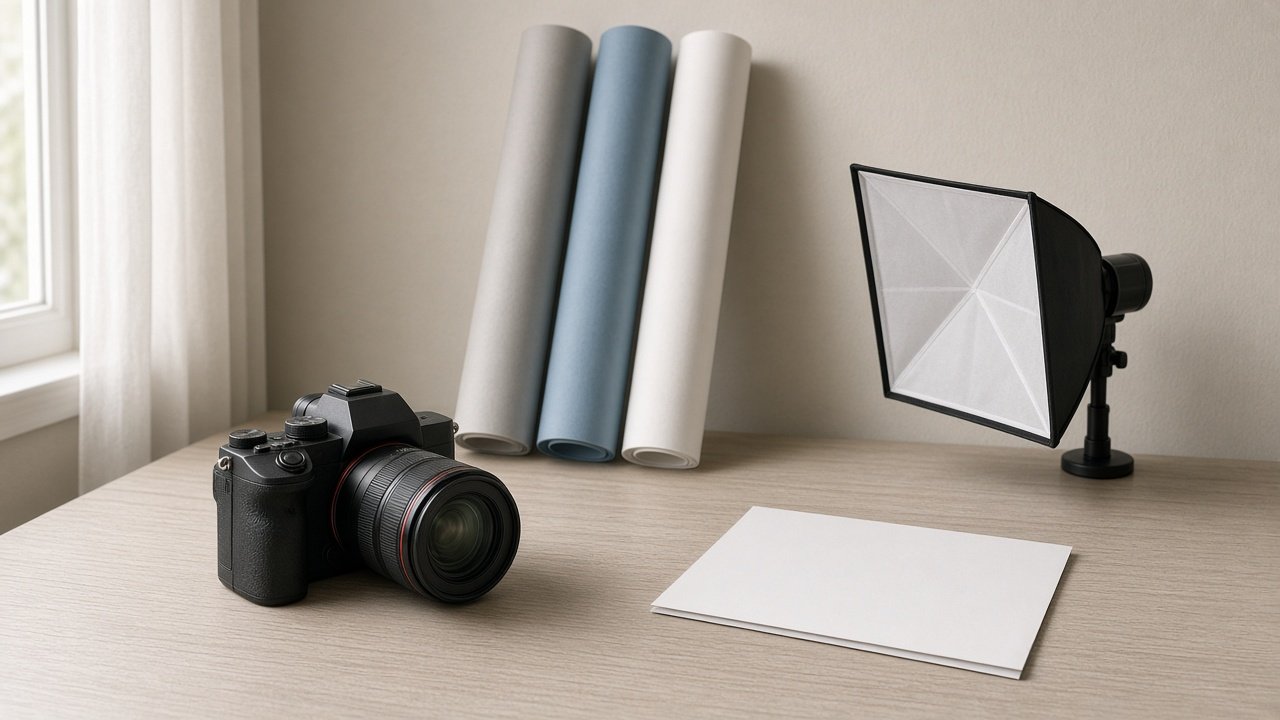
A ChatGPT prompt for photo background change should name the new scene, tell ChatGPT to keep your face, hair, clothes, and pose exactly as they are, and match the light from the original photo. The 12 prompts below cover studio backdrops, outdoor scenes, product photos, and fixes. Use them on your own photos, or on photos of people who said yes.
Edit only your own photos or photos you have permission to change, keep logos and trademarked items out of new backgrounds, and do not use a new scene to mislead people about where a photo was taken.
Clean backgrounds for profile photos
1. Light gray studio backdrop
Replace only the background of my photo with a plain light gray seamless studio backdrop. Keep my face, expression, hair, clothes, and pose exactly the same, and match the light coming from my [left or right].
2. Soft office blur
Change the background to a softly blurred modern office with plants and daylight. Keep me sharp and unchanged, and make the blur look like a real camera with shallow depth of field.
3. Brand color backdrop
Replace the background with a smooth solid [color name or hex] backdrop with a gentle vignette. Do not change my skin tone or clothing color.
New scenes for personal photos
4. Outdoor golden hour
Place me in a [park, beach, or city street] at golden hour. Keep my face and pose unchanged, add warm light from behind on my hair, and keep the background slightly out of focus.
5. Travel spot without the crowd
Keep me exactly as I am and replace the crowded background with the same kind of place, a [type of place], but calm and empty. Do not add landmarks I did not visit.
6. Seasonal backdrop
Change the background to a [season] scene, such as snowy pines or autumn leaves, and match the light on my face so it looks like I was standing there.
7. Group photo, same background for everyone
Replace the background behind all [number] people in this photo with [new background]. Keep every face, body, and outfit unchanged, and keep everyone in the same positions.
Product and listing photos
8. White background product shot
Put this [product] on a pure white background with a soft natural shadow underneath. Keep the product shape, color, and label exactly as in my photo.
9. Lifestyle scene for a product
Place my [product] on a [kitchen counter, desk, or shelf] in soft morning light. Keep the product unchanged and at a realistic size next to everyday objects.
Fix a background swap that looks fake
10. Cutout edge fix
The hair edge looks cut out. Blend fine hair strands softly into the new background with no halo or hard line.
11. Lighting match fix
I look pasted on. Match the background light direction and color to the light on my face, and add a faint soft shadow behind me.
12. Face drift fix
My face changed. Keep my face exactly as in the original photo and change only the background.
Run a full background edit in one prompt
The flagship Photo Background Change Prompt: New Scene, Same Face takes a description of your photo, the new background, the original light, where you will use it, the shape, and details that must not change. It returns an edit brief, a light match plan, the main edit prompt, an edge check list, fix-it lines, and an honest use note. Its example turns a cluttered kitchen photo into a clean gray studio profile picture while keeping the beard and hairline unchanged.
Tips for natural background changes
Describe the light in your original photo, because a mismatch is what makes edits look fake. Ask ChatGPT to change only the background, and go back to the original photo if your face shifts instead of stacking more edits. Do not add places you never visited when a photo is meant to show real events.
Related prompts
For color and tone edits, read ChatGPT prompt for photo editing or try the vintage photo editing prompt. Sellers can use the product photo to catalog hero shot prompt, and portrait fans can see ChatGPT image generation prompts for portraits.
Find more in the Photography category, look through Browse, or post your own on Share.