ChatGPT Prompt for Phone Wallpaper: 12 Ideas That Fit
12 ChatGPT prompts for phone wallpaper: lock screens with room for the clock, calm home screens, dark mode versions, and fixes for crops, clutter, and blur.
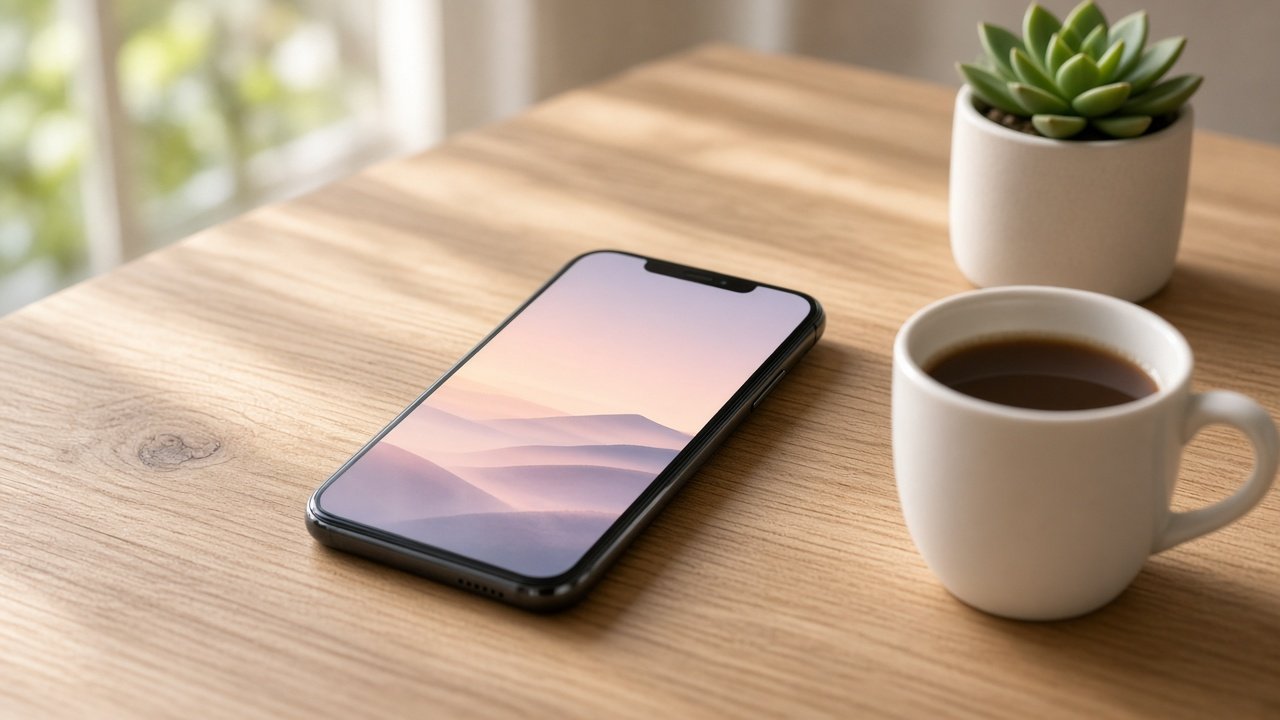
A ChatGPT prompt for phone wallpaper works when it asks for a tall image and keeps the clock and dock areas calm, so the art still looks good after your phone crops it. The 12 prompts below cover lock screens, home screens, dark mode, and quick fixes. Fill in the brackets, generate a few versions, and keep the one that reads best behind your icons.
Keep wallpapers original: no logos, brand characters, or real people's faces unless you have permission.
Lock screen wallpapers
1. Calm landscape with clock space
Create a tall vertical phone wallpaper of [landscape] at [time of day] in [palette]. Keep the top quarter as smooth, low-detail sky for the clock. No text, no logos, no people.
2. Minimal gradient with one shape
Make a tall minimal wallpaper: a smooth [color A] to [color B] gradient with one soft [shape] placed slightly below center. Nothing in the top quarter. No text.
3. Photo style close-up
Create a tall photorealistic close-up of [object or texture, such as raindrops on a leaf] with shallow depth of field. Keep the subject in the lower middle and the top of the frame soft and blurred.
4. Pet portrait from my photo
Using the photo I uploaded of my own pet, create a tall wallpaper in [art style] with the pet in the lower half and a plain [color] background above for the clock. Keep the markings and eye color exactly as in my photo.
Home screen wallpapers
5. Low-detail pattern
Create a tall seamless-looking pattern of small [motif] in [two colors], spaced widely with lots of empty background so app icons stay readable. No text.
6. Soft abstract
Make a tall abstract wallpaper of soft overlapping [color] shapes with gentle blur, low contrast, and no sharp lines, designed to sit behind app icons.
7. Matching lock and home pair
Create two tall wallpapers of the same [scene]. Version one has the full scene for the lock screen. Version two is the same colors with most detail removed for the home screen.
Dark mode and seasonal sets
8. Dark mode version
Recreate this wallpaper [describe or upload] at night: deep [dark color] tones, only a few lit details, and a smooth dark top quarter. Keep the same composition.
9. Four seasons set
Create four tall wallpapers of the same [place] in spring, summer, autumn, and winter. Keep the camera angle and layout identical so they feel like one set.
10. Time of day set
Make three tall versions of [scene] at sunrise, midday, and dusk with the same layout, so I can switch wallpapers through the day.
Fix a wallpaper that is not working
11. Crop and clutter fix
The subject gets cut off and the clock is hard to read. Move the subject into the middle 70 percent of the width, make it smaller, and replace all detail in the top quarter with smooth [color].
12. Sharpness and color fix
This wallpaper looks soft and dull. Recreate it with crisp edges on [main subject], richer [color], and no haze over the whole image. Keep the layout the same.
Build a full wallpaper set in one prompt
The flagship Phone Wallpaper Prompt: ChatGPT Lock Screen Image Pack takes your phone, screen use, subject, palette, style, clear zones, and things to avoid. It returns a layout plan, one main image prompt, a crop safety note, dark mode, home screen, and seasonal variants, fix-it lines, and set-up steps. Its example builds a misty mountain lake at dawn with a small rowboat and a calm sky for the clock.
Tips for wallpapers that look sharp
Ask for a tall portrait image every time, and keep the main subject away from the edges because each phone crops differently. Leave the top of the image calm for the clock and keep busy detail out of the dock area. Use your own photos for pets or people, and skip logos, characters, and celebrity faces.
Related prompts
For bigger prints, try the ChatGPT prompt for poster design. For a painted look, read ChatGPT prompt for watercolor illustration, and for playful edits of your own pictures see ChatGPT prompts for fun photos.
Find more in the Image Generation category, look through Browse, or post your own on Share.