12 ChatGPT Prompts for 3D Images: Render Styles to Copy
12 ChatGPT prompts for 3D images: clay renders, glossy toy plastic, low poly, isometric dioramas, product renders, and 3D icons, plus fix lines for retries.
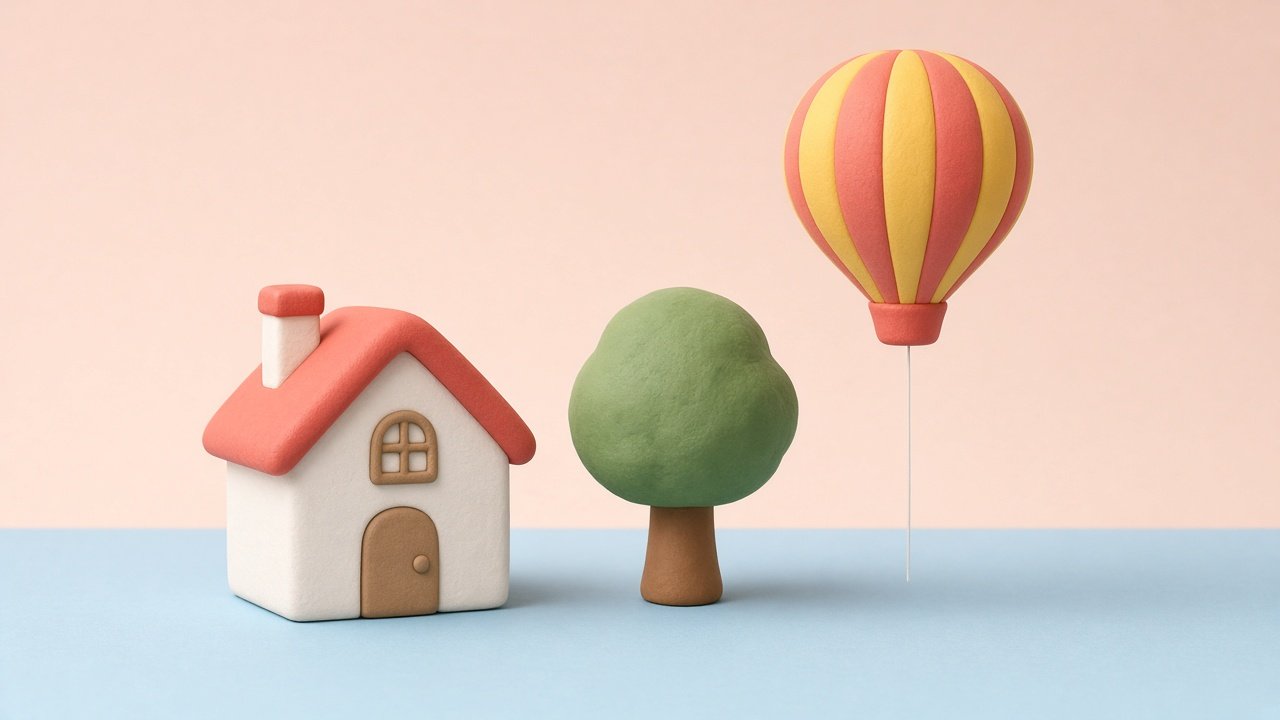
A ChatGPT prompt for 3D image results needs four things: the objects in the scene, a named 3D render style, a camera angle, and lighting. The 12 prompts below cover clay renders, glossy toy plastic, low poly scenes, isometric dioramas, product renders, and icons, with fix lines for when the first result looks flat. Fill in the brackets with your own subject and colors.
Keep 3D scenes original: no logos, brand products, copyrighted characters, or real people without their consent.
Pick a 3D render style
1. Soft clay render
Create a soft clay 3D render of [subject] with rounded edges and matte surfaces, in [colors], lit by soft light from the [side], on a plain [color] background.
2. Glossy toy plastic
Make [subject] look like a glossy toy plastic 3D model with smooth shiny surfaces, crisp highlights, and bright [colors]. Plain studio background.
3. Low poly scene
Render [scene] in low poly 3D style with flat-shaded facets, a limited palette of [colors], and soft ambient light.
4. Realistic product render
Create a realistic 3D product render of [my product, described by shape, material, and color] on a [surface], with studio softbox lighting and a soft reflection. No logos or text.
Isometric scenes and dioramas
5. Isometric diorama
Show [place, such as a cafe or bookshop] as a small floating isometric diorama on a plain background, with [details], in a [style] 3D render.
6. Isometric room
Create an isometric 3D cutaway of a [room type] with [furniture list], walls cut at half height, warm lighting, and a [style] finish.
7. Tiny world in an object
Render a miniature [scene] inside a [container, such as a glass jar or teacup] as a detailed 3D scene with soft depth of field.
Characters, icons, and text-free graphics
8. 3D mascot
Design an original 3D mascot: a [animal or object] with [personality], in a [style] render, standing on a plain background, front three-quarter view. Not based on any existing character.
9. 3D app icon set
Create a set of [number] matching 3D icons for [topics], same clay style, same light from the upper left, each on a rounded square in [color].
10. 3D hero image
Make a landscape 3D render for a website hero about [topic], with [main object] on the right and empty space on the left for my headline. No text in the image.
Fix and repeat
11. Make it read as 3D
This looks flat. Redo it as a clear 3D render with depth, soft shadows under objects, visible bevels on edges, and light from the [side].
12. Keep a series consistent
Make another image in the same set: same palette [colors], same light direction, same camera height, same background. Change only [what changes].
Build a full 3D image brief in one prompt
The flagship 3D Image Prompt for ChatGPT: Render Style Scene from a Brief takes your subject, render style, camera, lighting, palette, use, and things to avoid. It returns a scene spec, a main image prompt under 120 words, material notes, three style variants, fix lines, and series notes. Its example builds a clay bookshop diorama with a cat asleep in the window and a blank sign.
Tips for 3D images in ChatGPT
Name the render style in plain words, since "3D" alone can come out as a flat illustration. Describe materials (matte, glossy, translucent) and where the light comes from. Ask for blank signs and no text, because generated lettering is often garbled. If a result is close, send a short fix line in the same chat instead of starting over.
Related prompts
For product spins, use the Spline 3D product turntable prompt. For homes, try the 3D floor plan prompt. Collectible looks work well with the designer vinyl toy product shot prompt, and any style can start from the ChatGPT image prompt builder.
Find more in the Image Generation category, look through Browse, or post your own on Share.