AI Video Prompt for Baby: 12 Gentle Clips From a Photo
12 AI video prompts for baby photos: rattle shakes, head turns, newborn yawns and slow camera moves, plus a Runway credit plan and fixes for face drift.
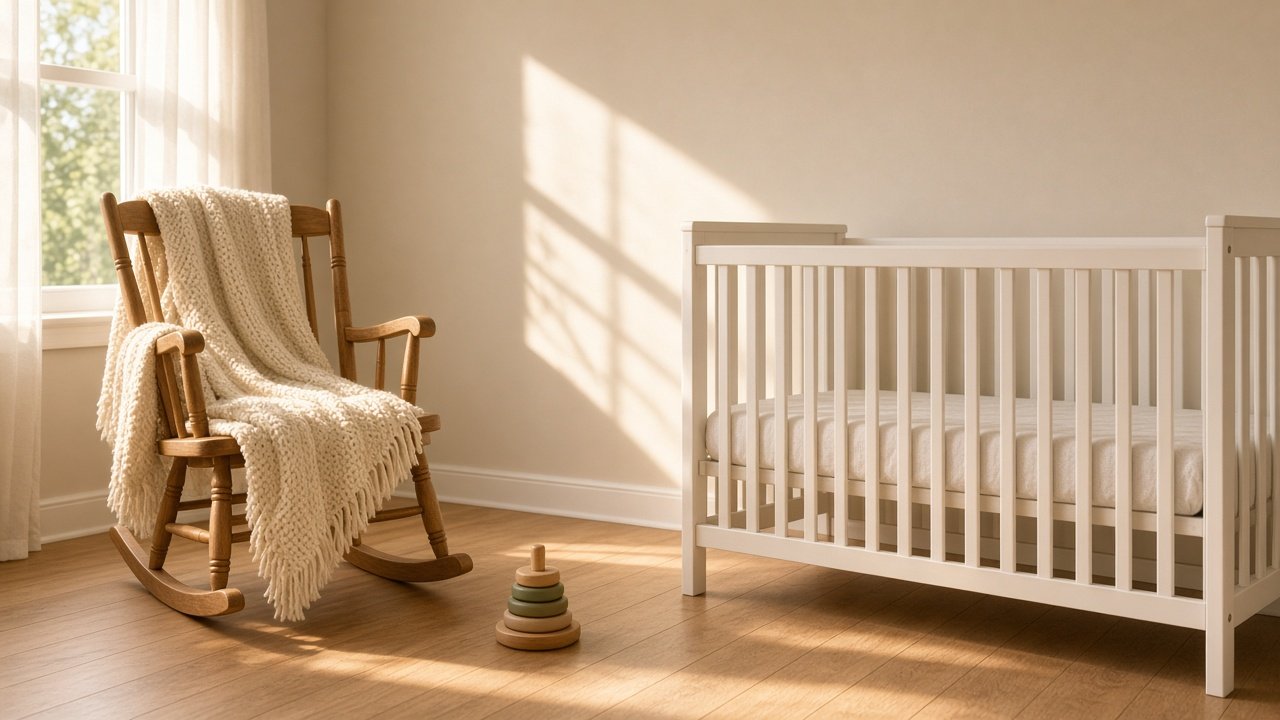
An AI video prompt for a baby should describe small, real movements and nothing else: a rattle shake, a head turn, a laugh, a slow camera push. The 12 prompts below turn your own baby photos into short, gentle clips with image-to-video tools such as Runway Gen-4.5. Upload the photo, paste one prompt, and keep each clip short so your baby's face stays the same.
For a full plan from one photo (keep-the-same list, three timed clip prompts, a credit budget, crop advice and fixes), use the baby AI video prompt for Runway clips from your own photo.
Use only photos of your own child, or get a parent or guardian's permission before uploading or posting anyone else's child. Clips may be stored by the tool you use, so check its privacy settings before uploading.
First smiles and small moments
1. Rattle shake
The baby shakes the [toy] in their hands gently twice, then smiles at the camera. The camera holds still. Same face, clothes and background as the photo. [duration] seconds.
2. Head turn toward a voice
The baby slowly turns their head a little to the [side] as if hearing a familiar voice, then looks back and laughs. Only head and shoulders move. Locked-off camera.
3. Happy kicks
Lying on their back on [surface], the baby kicks both legs a few times and waves their arms, smiling. Overhead camera, no movement. Light stays soft from the [side].
4. Slow blink close-up
A very slow push-in toward the baby's face. They blink once and keep looking at the camera. Nothing else changes.
Newborn clips
5. Breathing and a yawn
The newborn rests in [parent's arms or bassinet], breathing slowly. Halfway through they give a small yawn and settle again. No other motion. Warm, dim light.
6. Tiny hand stretch
Close shot of the newborn's hand. The fingers slowly open and curl around [parent's finger]. Shallow depth of field, camera still.
Family and milestone clips
7. Parent's kiss on the forehead
The parent in the photo leans in slowly and kisses the baby's forehead, then both smile. Keep both faces exactly as in the photo. Soft natural light.
8. First birthday candle moment
The baby looks at the [cake] in front of them, claps their hands once and laughs. The candle flame flickers gently. Camera holds at eye level.
9. Monthly milestone photo comes alive
The baby sitting next to [milestone prop] reaches toward it with one hand and smiles. The prop does not move or change. [duration] seconds, slow and calm.
Camera and light
10. Window light drift
The baby sits still while soft sunlight from the window slowly moves across the [rug or blanket]. A tiny smile at the end. Static camera.
11. Gentle orbit
The camera moves slowly a short way around the baby from front to a three-quarter view. The baby keeps holding [toy] and looks toward the camera. Background unchanged.
12. Drift fix follow-up
Same as before, but shorter: [new duration] seconds, only one movement ([movement]). The baby's face stays exactly as in the photo, nothing enters the frame, no other people or hands.
Worked example: a 7-month-old with a rattle
In the prompt's sample, a vertical 3:4 photo shows a 7-month-old girl in a mustard cardigan sitting with a nursing pillow and holding a wooden ring rattle. The plan writes three motion-only clips of 5, 4 and 6 seconds. At Runway's listed 12 credits per second for Gen-4.5, that is 60 + 48 + 72 = 180 credits, leaving 20 of a 200-credit budget, not enough for even a 2-second retry, so it tells the parent to check the first clip before making the third.
Tips
- Only describe motion your baby really makes at their age; tools invent the rest badly.
- Keep clips short (4 to 6 seconds) and one movement each; longer clips drift more.
- Crop to 9:16 yourself before uploading so the face and hands stay in the frame.
- Tool facts (Runway Gen-4.5: 2 to 10 seconds, 12 credits per second, image prompts should describe motion) were checked on Runway's help page on November 27, 2026. Plans and prices change, so check before you spend credits.
This page is not affiliated with Runway.
Related on PromptDig
Want a still portrait first? Try the baby photoshoot prompt for a themed portrait or read ChatGPT prompts for a baby photoshoot. For more image-to-video clips from a photo, see the Runway clips from your own photo prompt, and for camera wording, Runway prompt examples. Browse the Video hub, browse all prompts, or share your own video prompt.