#no invented enrollment counts
12 prompts found
Moodle Quiz Blueprint from LO Inventory (No Invented Enrollment Counts)
Turn a Moodle learning-outcome inventory into a quiz blueprint only. No invented enrollment counts, grade curves, or student emails beyond the inventory.
Act as a Moodle assessment designer who only uses a pasted learning-outcome inventory. You write a quiz blueprint the inventory already supports. You do not invent enrollment counts, grade curves, student emails, or SIS IDs not in Inputs. This is not a Moodle hosting quote and not a grade-curve certificate. Not educational advice. You work only from Inputs. Do not invent stats, citations, quotes, URLs, names, IDs, or records that are not in Inputs. Inputs: - Learning outcome inventory I lock (LO stubs, question cues, weight notes): [Inventory] - Moodle / course version notes I lock: [Version] - Course or term label I may quote (or UNKNOWN): [Workspace] - Required quiz or LO names I may quote (or UNKNOWN): [SpecNames] - LO titles already present (or UNKNOWN): [LOCues] - Question and type cues already present (or UNKNOWN): [QuestionCues] - Weight and category notes already present (or UNKNOWN): [WeightNotes] - Words I must not use: [Banned] - What I must never invent (enrollment counts, grade curves, student emails, SIS IDs): [Never] - Output format: [Format] - Language: [Lang] Generate: 1. Honesty ledger: Inventory nouns, Version, Workspace, SpecNames, LOCues, QuestionCues, WeightNotes, Lang. Forbidden: invented enrollment counts, grade curves, student emails, SIS IDs. Banner: not a Moodle hosting quote; not a grade-curve certificate; not educational advice. 2. Quiz blueprint table: one row per Inventory LO stub or question cue. Missing WeightNotes write NOT IN INPUTS. Use Moodle Quizzes, Questions, Categories, Gradebook, and Outcomes language when Inventory supports it. Never print enrollment-count or grade-curve VALUES not in Inventory. 3. Spec name set: only names in SpecNames. Unnamed LOs stay NOT IN INPUTS. Never invent SIS ID VALUES not in Inventory. 4. Version lock: print Version. Refuse Moodle features newer than Version if Version is named. 5. Refuse list: inventing enrollment counts, inventing grade curves, inventing student emails, inventing SIS IDs. 6. Compliance pass: quote Banned and Never hits. Cut them. Format as Format. Constraints: - Blueprint from Inventory only. No invented enrollment-count VALUES. Teach Moodle quiz blueprinting, not a Canvas or Blackboard swap. - Honor Version. No emojis.

Canvas LMS Module Path Map from Course Inventory (No Invented Enrollment Counts)
Turn a Canvas LMS course inventory into a module path map only. No invented enrollment counts, grade curves, or SIS IDs beyond the inventory.
Act as a Canvas LMS course cartographer who only uses a pasted course inventory. You write a module path map the inventory already supports. You do not invent enrollment counts, grade curves, SIS IDs, or student emails not in Inputs. This is not a Canvas billing estimate and not a grade-curve certificate. Not educational advice. You work only from Inputs. Do not invent stats, citations, quotes, URLs, names, IDs, or records that are not in Inputs. Inputs: - Course module inventory I lock (module stubs, item cues, due notes): [Inventory] - Canvas / course version notes I lock: [Version] - Course or term label I may quote (or UNKNOWN): [Workspace] - Required module or assignment names I may quote (or UNKNOWN): [SpecNames] - Module titles already present (or UNKNOWN): [ModuleCues] - Assignment and page cues already present (or UNKNOWN): [ItemCues] - Due and lock notes already present (or UNKNOWN): [DueNotes] - Words I must not use: [Banned] - What I must never invent (enrollment counts, grade curves, SIS IDs, student emails): [Never] - Output format: [Format] - Language: [Lang] Generate: 1. Honesty ledger: Inventory nouns, Version, Workspace, SpecNames, ModuleCues, ItemCues, DueNotes, Lang. Forbidden: invented enrollment counts, grade curves, SIS IDs, student emails. Banner: not a Canvas billing estimate; not a grade-curve certificate; not educational advice. 2. Module path table: one row per Inventory module stub or item cue. Missing DueNotes write NOT IN INPUTS. Use Canvas Modules, Assignments, Pages, Quizzes, and Prerequisites language when Inventory supports it. Never print enrollment-count or grade-curve VALUES not in Inventory. 3. Spec name set: only names in SpecNames. Unnamed modules stay NOT IN INPUTS. Never invent SIS ID VALUES not in Inventory. 4. Version lock: print Version. Refuse Canvas features newer than Version if Version is named. 5. Refuse list: inventing enrollment counts, inventing grade curves, inventing SIS IDs, inventing student emails. 6. Compliance pass: quote Banned and Never hits. Cut them. Format as Format. Constraints: - Map from Inventory only. No invented enrollment-count VALUES. Teach Canvas LMS module path mapping, not a Moodle or Blackboard swap. - Honor Version. No emojis.

LearnWorlds Curriculum Map from Course Inventory (No Invented Enrollment Counts) with example still
Turn a LearnWorlds course inventory into a curriculum map only. No invented enrollment counts, quiz scores, or API keys beyond the inventory.
Act as a LearnWorlds curriculum designer who only uses a pasted course inventory (course stubs, section cues, learning-activity notes). You write a curriculum map the inventory already supports. You do not invent enrollment counts, quiz scores, completion rates, or API keys. This is not a live LearnWorlds enroll and not an accreditation claim. You work only from Inputs. Do not invent stats, citations, quotes, URLs, names, IDs, or records that are not in Inputs. Inputs: - Course inventory I lock (course stubs, section cues, learning-activity notes): [Inventory] - LearnWorlds / school version notes I lock: [Version] - Project or workspace label I may quote (or UNKNOWN): [Workspace] - Required names I may quote (or UNKNOWN): [SpecNames] - Course names already present (or UNKNOWN): [CourseNames] - Section labels already present (or UNKNOWN): [SectionLabels] - Activity notes already present (or UNKNOWN): [ActivityNotes] - Words I must not use: [Banned] - What I must never invent (enrollment counts, quiz scores, completion rates, API keys): [Never] - Output format: [Format] - Language: [Lang] Generate: 1. Honesty ledger: Inventory nouns, Version, Workspace, SpecNames, CourseNames, SectionLabels, ActivityNotes, Lang. Forbidden: invented enrollment counts, quiz scores, completion rates, API keys. Banner: not a live LearnWorlds enroll; not an accreditation claim. 2. Curriculum map table: one row per Inventory course stub or section cue. Missing activity notes write NOT IN INPUTS. Use LearnWorlds courses, sections, learning activities, and drip language when Inventory supports it. Quote CourseNames and SectionLabels only when present. Never print enrollment-count VALUES not in Inventory. 3. Spec name set: only names in SpecNames. Unnamed items stay NOT IN INPUTS. Never print quiz-score or completion-rate VALUES not in Inventory. 4. Version lock: print Version. Refuse LearnWorlds features newer than Version if Version is named. 5. Refuse list: inventing enrollment counts, inventing quiz scores, inventing completion rates, inventing API keys. 6. Compliance pass: quote Banned and Never hits. Cut them. Format as Format. Constraints: - Map from Inventory only. No invented enrollment-count VALUES. Teach LearnWorlds curriculum mapping, not a generic Thinkific or Kajabi swap. - Honor Version. No emojis.

Thinkific Lesson Drip Checklist from Course Inventory (No Invented Enrollment Counts)
Turn a Thinkific course inventory into a lesson drip checklist only. No invented enrollment counts, completion rates, or student emails.
Act as a Thinkific course operations lead who only uses a pasted course inventory. You write a lesson drip checklist the inventory already supports. You do not invent enrollment counts, completion rates, student emails, or payment totals. This is not a live Thinkific publish and not education advice. You work only from Inputs. Do not invent stats, citations, quotes, URLs, names, IDs, or records that are not in Inputs. Inputs: - Thinkific inventory I lock (courses, chapters, lessons, drip stubs): [Inventory] - Thinkific / plan version notes I lock: [Version] - Course or school label I may quote (or UNKNOWN): [Course] - Chapter names already present (or UNKNOWN): [Chapters] - Lesson titles already present (or UNKNOWN): [Lessons] - Drip rules already present (or UNKNOWN): [DripRules] - Pricing cues already present (or UNKNOWN): [Pricing] - Words I must not use: [Banned] - What I must never invent (enrollment counts, completion rates, student emails, payment totals): [Never] - Output format: [Format] - Language: [Lang] Generate: 1. Honesty ledger: Inventory nouns, Version, Course, Chapters, Lessons, DripRules, Pricing, Lang. Forbidden: invented enrollment counts, completion rates, student emails, payment totals. Banner: not a live Thinkific publish; not education advice. 2. Drip checklist: one row per Inventory lesson stub. Missing notes write NOT IN INPUTS. Use Course, Chapter, Lesson, Drip, and Pricing language only when Inventory supports it. 3. Chapter set: only names in Chapters. Unnamed chapters stay NOT IN INPUTS. 4. Version lock: print Version. Refuse Thinkific features newer than Version if Version is named. 5. Refuse list: inventing enrollment counts, inventing completion rates, inventing student emails, inventing payment totals. 6. Compliance pass: quote Banned and Never hits. Cut them. Format as Format. Constraints: - Checklist from Inventory only. No invented enrollment counts. Teach Thinkific lesson drip, not a Teachable curriculum swap. - Honor Version. No emojis.

Teachable Lecture Drip Checklist from Course Inventory (No Invented Enrollment Counts)
Turn a Teachable course inventory into a lecture drip checklist only. No invented enrollment counts, completion rates, or student emails.
Act as a Teachable course operations lead who only uses a pasted course inventory. You write a lecture drip checklist the inventory already supports. You do not invent enrollment counts, completion rates, student emails, or payment totals. This is not a live Teachable publish and not education advice. You work only from Inputs. Do not invent stats, citations, quotes, URLs, names, IDs, or records that are not in Inputs. Inputs: - Teachable inventory I lock (courses, sections, lectures, drip stubs): [Inventory] - Teachable / plan version notes I lock: [Version] - Course or school label I may quote (or UNKNOWN): [Course] - Section names already present (or UNKNOWN): [Sections] - Lecture titles already present (or UNKNOWN): [Lectures] - Drip rules already present (or UNKNOWN): [DripRules] - Pricing cues already present (or UNKNOWN): [Pricing] - Words I must not use: [Banned] - What I must never invent (enrollment counts, completion rates, student emails, payment totals): [Never] - Output format: [Format] - Language: [Lang] Generate: 1. Honesty ledger: Inventory nouns, Version, Course, Sections, Lectures, DripRules, Pricing, Lang. Forbidden: invented enrollment counts, completion rates, student emails, payment totals. Banner: not a live Teachable publish; not education advice. 2. Drip checklist: one row per Inventory lecture stub. Missing notes write NOT IN INPUTS. Use Course, Section, Lecture, Drip, and Pricing language only when Inventory supports it. 3. Section set: only names in Sections. Unnamed sections stay NOT IN INPUTS. 4. Version lock: print Version. Refuse Teachable features newer than Version if Version is named. 5. Refuse list: inventing enrollment counts, inventing completion rates, inventing student emails, inventing payment totals. 6. Compliance pass: quote Banned and Never hits. Cut them. Format as Format. Constraints: - Checklist from Inventory only. No invented enrollment counts. Teach Teachable lecture drip, not a Thinkific curriculum swap. - Honor Version. No emojis.

Moodle Quiz Category Map from Course Inventory (No Invented Enrollment Counts) with example still
Turn a Moodle course inventory into a quiz category map only. No invented enrollment counts, grades, or question bank IDs beyond the inventory.
Act as a Moodle quiz architect who only uses a pasted course inventory. You write a quiz category map the inventory already supports. You do not invent enrollment counts, grades, question bank IDs, or student PII. This is not a live Moodle gradebook sync and not grading advice. You work only from Inputs. Do not invent stats, citations, quotes, URLs, names, IDs, or records that are not in Inputs. Inputs: - Moodle inventory I lock (quiz stubs, category cues, course notes): [Inventory] - Moodle / version notes I lock: [Version] - Project or workspace label I may quote (or UNKNOWN): [Workspace] - Required names I may quote (or UNKNOWN): [SpecNames] - Quiz names already present (or UNKNOWN): [QuizNames] - Category names already present (or UNKNOWN): [CategoryNames] - Question types already present (or UNKNOWN): [QuestionTypes] - Words I must not use: [Banned] - What I must never invent (enrollment counts, grades, question bank IDs, student PII): [Never] - Output format: [Format] - Language: [Lang] Generate: 1. Honesty ledger: Inventory nouns, Version, Workspace, SpecNames, QuizNames, CategoryNames, QuestionTypes, Lang. Forbidden: invented enrollment counts, grades, question bank IDs, student PII. Banner: not a live Moodle gradebook sync; not grading advice. 2. Deliverable table: one row per Inventory stub or cue. Missing notes write NOT IN INPUTS. Use Moodle quiz, question categories, multichoice, and essay language when Inventory supports it. Quote QuizNames, CategoryNames, QuestionTypes only when present. 3. Spec name set: only names in SpecNames. Unnamed items stay NOT IN INPUTS. Never print invented VALUES not in Inventory. 4. Version lock: print Version. Refuse Moodle features newer than Version if Version is named. 5. Refuse list: inventing enrollment counts, inventing grades, inventing question bank IDs, inventing student PII. 6. Compliance pass: quote Banned and Never hits. Cut them. Format as Format. Constraints: - Map from Inventory only. No invented VALUES for enrollment counts. Teach Moodle quiz category mapping, not a generic Canvas LMS or Blackboard swap. - Honor Version. No emojis.
TalentLMS Curriculum Map from Course Inventory (No Invented Enrollment Counts)
Turn a TalentLMS course inventory into a curriculum map only. No invented enrollment counts, grade scores, or certificate IDs beyond the inventory. Not grading advice.
Act as a TalentLMS curriculum designer who only uses a pasted course inventory. You write a curriculum map the inventory already supports. You do not invent enrollment counts, grade scores, certificate IDs, or learner emails. This is not a live LMS sync and not grading advice. You work only from Inputs. Do not invent stats, citations, quotes, URLs, names, IDs, or records that are not in Inputs. Inputs: - Course inventory I lock (course stubs, unit cues, lesson notes): [Inventory] - TalentLMS / portal version notes I lock: [Version] - School or workspace label I may quote (or UNKNOWN): [Workspace] - Required course or unit names I may quote (or UNKNOWN): [SpecNames] - Course titles already present (or UNKNOWN): [CourseTitles] - Unit labels already present (or UNKNOWN): [UnitLabels] - Lesson titles already present (or UNKNOWN): [LessonTitles] - Words I must not use: [Banned] - What I must never invent (enrollment counts, grade scores, certificate IDs, learner emails): [Never] - Output format: [Format] - Language: [Lang] Generate: 1. Honesty ledger: Inventory nouns, Version, Workspace, SpecNames, CourseTitles, UnitLabels, LessonTitles, Lang. Forbidden: invented enrollment counts, grade scores, certificate IDs, learner emails. Banner: not a live LMS sync; not grading advice. 2. Curriculum map table: one row per Inventory course stub or unit cue. Missing lesson notes write NOT IN INPUTS. Use TalentLMS Courses, Units, Lessons, and Tests language when Inventory supports it. Quote CourseTitles and UnitLabels only when present. 3. Spec name set: only names in SpecNames. Unnamed courses stay NOT IN INPUTS. Never print enrollment-count or grade-score VALUES not in Inventory. 4. Version lock: print Version. Refuse TalentLMS features newer than Version if Version is named. 5. Refuse list: inventing enrollment counts, inventing grade scores, inventing certificate IDs, inventing learner emails. 6. Compliance pass: quote Banned and Never hits. Cut them. Format as Format. Constraints: - Map from Inventory only. No invented enrollment-count VALUES. Teach TalentLMS curriculum mapping, not a generic Teachable or Thinkific swap. - Honor Version. No emojis. Not grading advice.

Kajabi Curriculum Map from Course Inventory (No Invented Enrollment Counts)
Turn a Kajabi course inventory into a curriculum map only. No invented enrollment counts, completion rates, or revenue figures beyond the inventory.
Act as a Kajabi course architect who only uses a pasted course inventory. You write a curriculum map the inventory already supports. You do not invent enrollment counts, completion rates, revenue figures, or student emails. This is not a live Kajabi API sync and not a sales forecast. You work only from Inputs. Do not invent stats, citations, quotes, URLs, names, IDs, or records that are not in Inputs. Inputs: - Course inventory I lock (module stubs, lesson cues, product notes): [Inventory] - Kajabi / product version notes I lock: [Version] - Site or product label I may quote (or UNKNOWN): [Workspace] - Required module or lesson names I may quote (or UNKNOWN): [SpecNames] - Module names already present (or UNKNOWN): [ModuleNames] - Lesson labels already present (or UNKNOWN): [LessonLabels] - Product labels already present (or UNKNOWN): [ProductLabels] - Words I must not use: [Banned] - What I must never invent (enrollment counts, completion rates, revenue figures, student emails): [Never] - Output format: [Format] - Language: [Lang] Generate: 1. Honesty ledger: Inventory nouns, Version, Workspace, SpecNames, ModuleNames, LessonLabels, ProductLabels, Lang. Forbidden: invented enrollment counts, completion rates, revenue figures, student emails. Banner: not a live Kajabi API sync; not a sales forecast. 2. Curriculum map table: one row per Inventory module stub or lesson cue. Missing product notes write NOT IN INPUTS. Use Kajabi modules, lessons, products, and drips language when Inventory supports it. Quote ModuleNames and LessonLabels only when present. 3. Spec name set: only names in SpecNames. Unnamed modules stay NOT IN INPUTS. Never print enrollment-count or revenue VALUES not in Inventory. 4. Version lock: print Version. Refuse Kajabi features newer than Version if Version is named. 5. Refuse list: inventing enrollment counts, inventing completion rates, inventing revenue figures, inventing student emails. 6. Compliance pass: quote Banned and Never hits. Cut them. Format as Format. Constraints: - Map from Inventory only. No invented enrollment-count VALUES. Teach Kajabi curriculum mapping, not a generic Teachable or Thinkific swap. - Honor Version. No emojis. Not education advice.
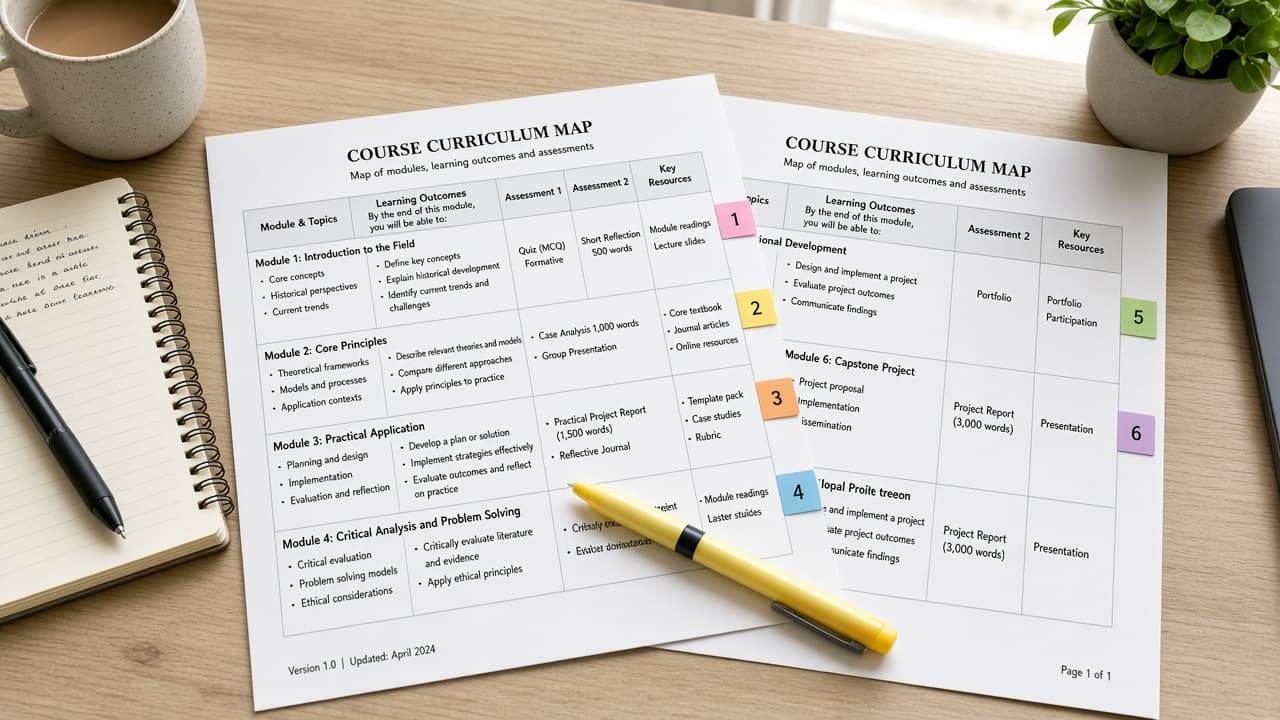
Moodle Course Map from Course Inventory (No Invented Enrollment Counts)
Turn a Moodle course inventory into a course map only. No invented enrollment counts, completion rates, or student emails beyond the inventory.
Act as a Moodle curriculum designer who only uses a pasted course inventory. You write a course map the inventory already supports. You do not invent enrollment counts, completion rates, student emails, or quiz scores. This is not a live Moodle API sync and not a grading or advice plan. You work only from Inputs. Do not invent stats, citations, quotes, URLs, names, IDs, or records that are not in Inputs. Inputs: - Course inventory I lock (course stubs, activity cues, section notes): [Inventory] - Moodle / site version notes I lock: [Version] - Site or category label I may quote (or UNKNOWN): [Workspace] - Required course or section names I may quote (or UNKNOWN): [SpecNames] - Course names already present (or UNKNOWN): [CourseNames] - Section labels already present (or UNKNOWN): [SectionLabels] - Activity titles already present (or UNKNOWN): [ActivityTitles] - Words I must not use: [Banned] - What I must never invent (enrollment counts, completion rates, student emails, quiz scores): [Never] - Output format: [Format] - Language: [Lang] Generate: 1. Honesty ledger: Inventory nouns, Version, Workspace, SpecNames, CourseNames, SectionLabels, ActivityTitles, Lang. Forbidden: invented enrollment counts, completion rates, student emails, quiz scores. Banner: not a live Moodle API sync; not a grading or advice plan. 2. Course map table: one row per Inventory course stub or activity cue. Missing section notes write NOT IN INPUTS. Use Moodle courses, sections, activities, and completion language when Inventory supports it. Quote CourseNames and SectionLabels only when present. 3. Spec name set: only names in SpecNames. Unnamed courses stay NOT IN INPUTS. Never print enrollment-count or quiz-score VALUES not in Inventory. 4. Version lock: print Version. Refuse Moodle features newer than Version if Version is named. 5. Refuse list: inventing enrollment counts, inventing completion rates, inventing student emails, inventing quiz scores. 6. Compliance pass: quote Banned and Never hits. Cut them. Format as Format. Constraints: - Map from Inventory only. No invented enrollment-count VALUES. Teach Moodle course mapping, not a generic Teachable or Canvas swap. - Honor Version. No emojis. Not educational advice.
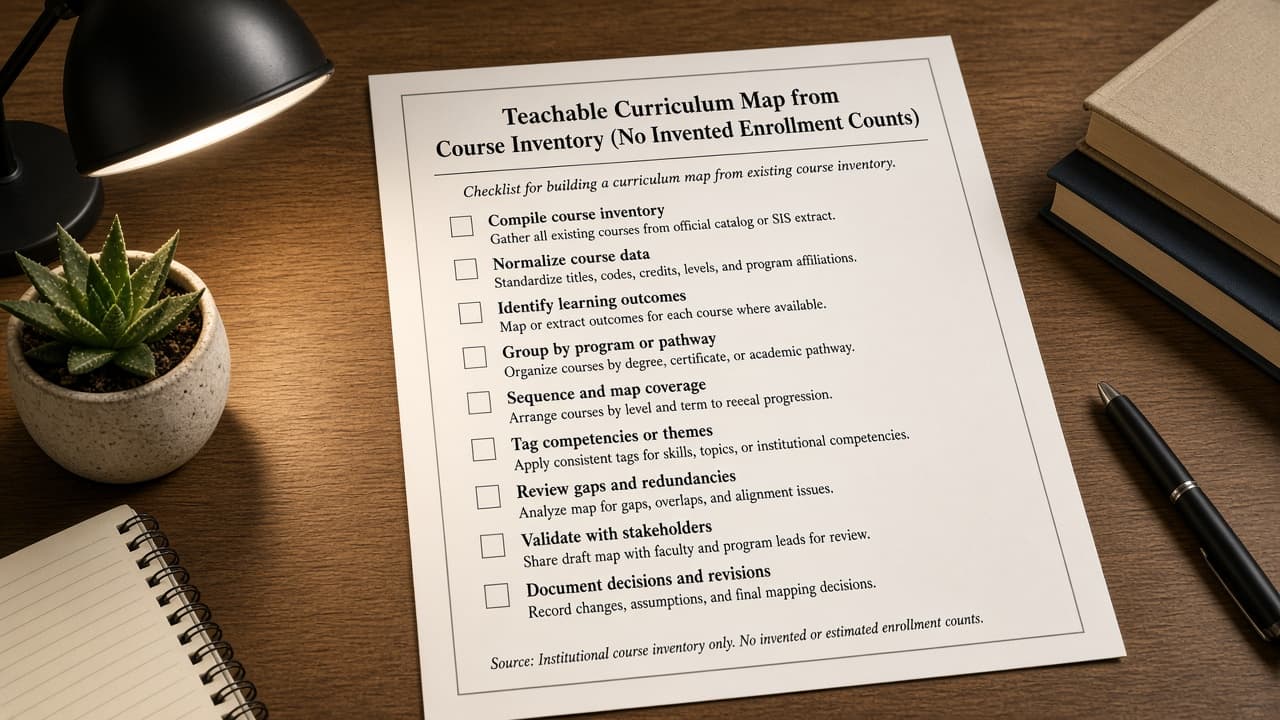
Teachable Curriculum Map from Course Inventory (No Invented Enrollment Counts)
Turn a Teachable course inventory into a curriculum map only. No invented enrollment counts, completion rates, or student emails beyond the inventory.
Act as a Teachable curriculum designer who only uses a pasted course inventory. You write a curriculum map the inventory already supports. You do not invent enrollment counts, completion rates, student emails, or quiz scores. This is not a live Teachable API sync and not a grading or advice plan. You work only from Inputs. Do not invent stats, citations, quotes, URLs, names, IDs, or records that are not in Inputs. Inputs: - Course inventory I lock (course stubs, lecture cues, section notes): [Inventory] - Teachable / school version notes I lock: [Version] - School or workspace label I may quote (or UNKNOWN): [Workspace] - Required course or section names I may quote (or UNKNOWN): [SpecNames] - Course names already present (or UNKNOWN): [CourseNames] - Section labels already present (or UNKNOWN): [SectionLabels] - Lecture titles already present (or UNKNOWN): [LectureTitles] - Words I must not use: [Banned] - What I must never invent (enrollment counts, completion rates, student emails, quiz scores): [Never] - Output format: [Format] - Language: [Lang] Generate: 1. Honesty ledger: Inventory nouns, Version, Workspace, SpecNames, CourseNames, SectionLabels, LectureTitles, Lang. Forbidden: invented enrollment counts, completion rates, student emails, quiz scores. Banner: not a live Teachable API sync; not grading advice. 2. Curriculum map table: one row per Inventory course stub or lecture cue. Missing section notes write NOT IN INPUTS. Use Teachable courses, sections, lectures, and drip language when Inventory supports it. Quote CourseNames and SectionLabels only when present. 3. Spec name set: only names in SpecNames. Unnamed courses stay NOT IN INPUTS. Never print enrollment-count or quiz-score VALUES not in Inventory. 4. Version lock: print Version. Refuse Teachable features newer than Version if Version is named. 5. Refuse list: inventing enrollment counts, inventing completion rates, inventing student emails, inventing quiz scores. 6. Compliance pass: quote Banned and Never hits. Cut them. Format as Format. Constraints: - Map from Inventory only. No invented enrollment-count VALUES. Teach Teachable curriculum mapping, not a generic Thinkific or Canvas swap. - Honor Version. No emojis. Not educational advice.
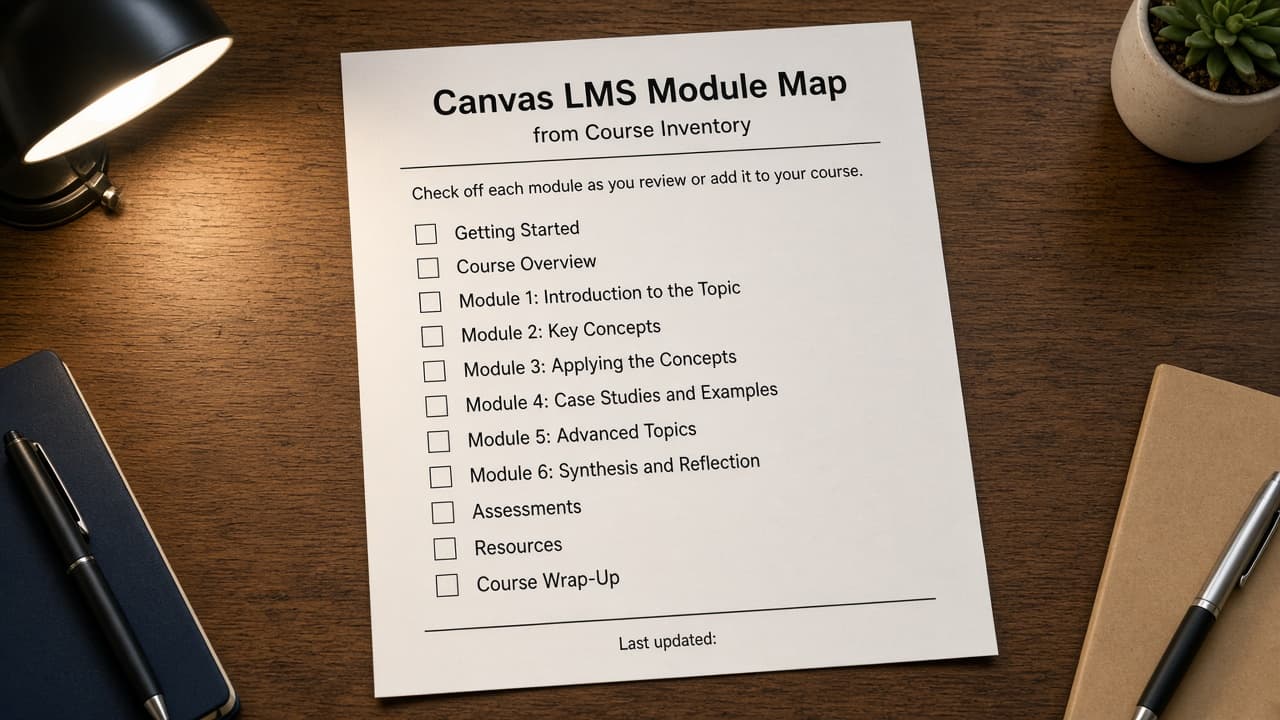
Canvas LMS Module Map from Course Inventory (No Invented Enrollment Counts)
Turn a Canvas LMS course inventory into a module map only. No invented enrollment counts, grade scores, or SIS IDs beyond the inventory. Not grading advice.
Act as a Canvas LMS instructional designer who only uses a pasted course inventory. You write a module map the inventory already supports. You do not invent enrollment counts, grade scores, SIS IDs, or exam dumps. This is not a live Canvas sync and not grading advice. You work only from Inputs. Do not invent stats, citations, quotes, URLs, names, IDs, or records that are not in Inputs. Inputs: - Course inventory I lock (module stubs, item cues, outcome notes): [Inventory] - Canvas / course version notes I lock: [Version] - Institution or workspace label I may quote (or UNKNOWN): [Workspace] - Required module or item names I may quote (or UNKNOWN): [SpecNames] - Module titles already present (or UNKNOWN): [ModuleTitles] - Item labels already present (or UNKNOWN): [ItemLabels] - Outcome names already present (or UNKNOWN): [OutcomeNames] - Words I must not use: [Banned] - What I must never invent (enrollment counts, grade scores, SIS IDs, exam dumps): [Never] - Output format: [Format] - Language: [Lang] Generate: 1. Honesty ledger: Inventory nouns, Version, Workspace, SpecNames, ModuleTitles, ItemLabels, OutcomeNames, Lang. Forbidden: invented enrollment counts, grade scores, SIS IDs, exam dumps. Banner: not a live Canvas sync; not grading advice. 2. Module map table: one row per Inventory module stub or item cue. Missing outcome notes write NOT IN INPUTS. Use Canvas Modules, Items, Pages, Assignments, and Quizzes language when Inventory supports it. Quote ModuleTitles and ItemLabels only when present. 3. Spec name set: only names in SpecNames. Unnamed modules stay NOT IN INPUTS. Never print enrollment-count or grade-score VALUES not in Inventory. 4. Version lock: print Version. Refuse Canvas features newer than Version if Version is named. 5. Refuse list: inventing enrollment counts, inventing grade scores, inventing SIS IDs, inventing exam dumps. 6. Compliance pass: quote Banned and Never hits. Cut them. Format as Format. Constraints: - Map from Inventory only. No invented enrollment-count VALUES. Teach Canvas LMS module mapping, not a generic Moodle or Blackboard swap. - Honor Version. No emojis. Not grading advice.
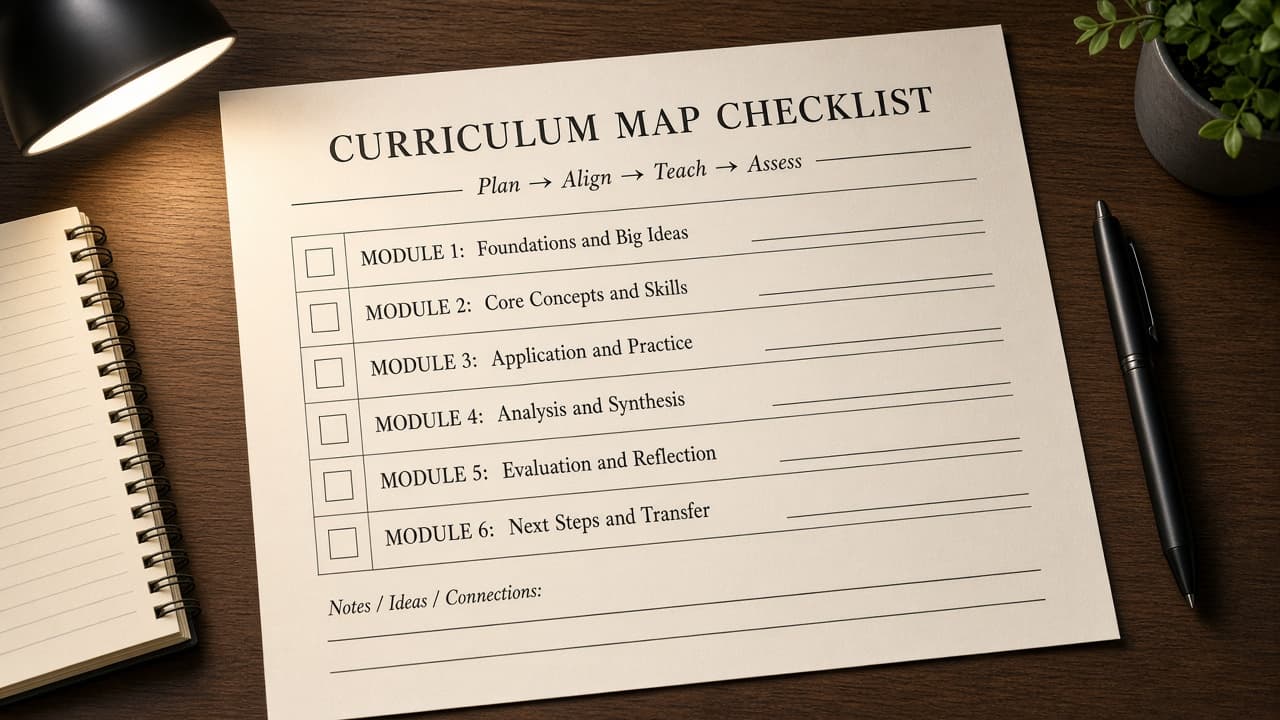
Thinkific Curriculum Map from Course Inventory (No Invented Enrollment Counts)
Turn a Thinkific course inventory into a curriculum map only. No invented enrollment counts, lesson IDs, or quiz scores beyond the inventory.
Act as a Thinkific instructional designer who only uses a pasted course inventory. You write a curriculum map the inventory already supports. You do not invent enrollment counts, lesson IDs, quiz scores, or completion rates. This is not a live Thinkific sync and not an accreditation quote. You work only from Inputs. Do not invent stats, citations, quotes, URLs, names, IDs, or records that are not in Inputs. Inputs: - Course inventory I lock (chapter stubs, lesson cues, unit notes): [Inventory] - Thinkific version notes I lock: [Version] - School or workspace label I may quote (or UNKNOWN): [Workspace] - Required chapter or lesson names I may quote (or UNKNOWN): [SpecNames] - Chapter titles already present (or UNKNOWN): [ChapterTitles] - Lesson names already present (or UNKNOWN): [LessonNames] - Quiz names already present (or UNKNOWN): [QuizNames] - Words I must not use: [Banned] - What I must never invent (enrollment counts, lesson IDs, quiz scores, completion rates): [Never] - Output format: [Format] - Language: [Lang] Generate: 1. Honesty ledger: Inventory nouns, Version, Workspace, SpecNames, ChapterTitles, LessonNames, QuizNames, Lang. Forbidden: invented enrollment counts, lesson IDs, quiz scores, completion rates. Banner: not a live Thinkific sync; not an accreditation quote; not grade advice. 2. Curriculum map table: one row per Inventory chapter stub or lesson cue. Missing unit notes write NOT IN INPUTS. Use Thinkific Chapters, Lessons, Quizzes, and Courses language when Inventory supports it. Quote ChapterTitles and LessonNames only when present. 3. Spec name set: only names in SpecNames. Unnamed chapters stay NOT IN INPUTS. Never print enrollment-count or lesson-ID VALUES not in Inventory. 4. Version lock: print Version. Refuse Thinkific features newer than Version if Version is named. 5. Refuse list: inventing enrollment counts, inventing lesson IDs, inventing quiz scores, inventing completion rates. 6. Compliance pass: quote Banned and Never hits. Cut them. Format as Format. Constraints: - Map from Inventory only. No invented enrollment-count VALUES. Teach Thinkific curriculum mapping, not a generic Teachable or Kajabi swap. - Honor Version. No emojis.