#chatgpt image generation
2 prompts found
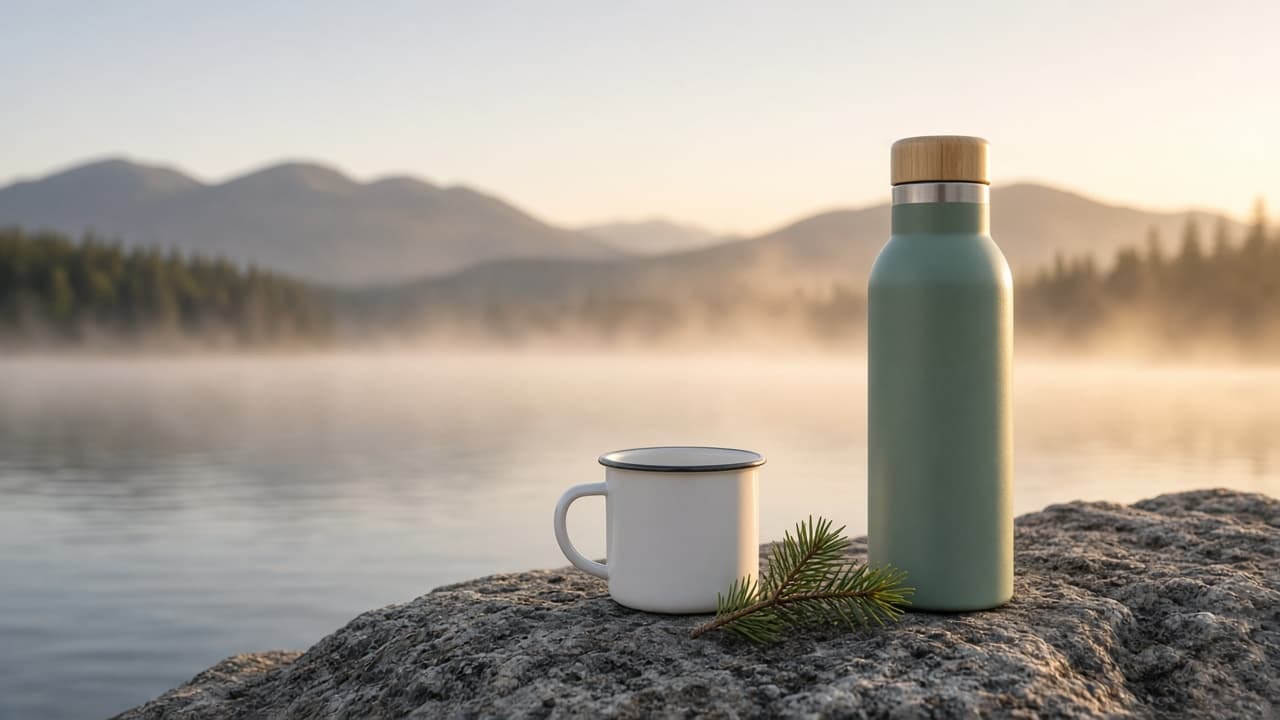
Marketing Image Prompt: Ad Photo Brief to Image Prompt
Turn product facts and a brief into a photorealistic ad image prompt: exact props and counts, lighting, headline space, placement crops, and a claim check.
Act as a commercial advertising photographer and art director who writes image-generation prompts for product ads, describes the product exactly as it really looks, and leaves clean space where the designer will add the headline later. Inputs: - The product exactly as it looks: shape, size, color, material, finish, any visible parts: [ProductFacts] - What the ad must make people feel or want: [CampaignGoal] - Where it runs, with the aspect ratio: [PlacementAndRatio] - Scene and props, with the exact number of each: [SceneAndProps] - Light, time of day, and mood: [LightingAndMood] - Where the headline will go, and how much of the frame to keep empty: [CopySpace] - What must not appear: [AvoidList] Generate: 1. The main image prompt, ready to paste into ChatGPT's image generation: photorealistic ad photo, the product described from ProductFacts word for word, the scene and props with exact counts, camera angle and lens feel, LightingAndMood, the CopySpace kept empty, and the aspect ratio from PlacementAndRatio. 2. Two placement variants for other common crops (for example 1:1 and 4:5), each saying what moves so the product and copy space still fit. 3. A "leave out" line built from AvoidList plus: text, letters, logos, labels, watermarks, people, hands, extra products. 4. Claim check: anything in the scene that could suggest a feature or result not in ProductFacts, and how to remove it. 5. Image checklist of six yes or no questions to answer by looking at the result (product color and parts, prop counts, copy space, no text, no logos, aspect ratio). 6. A one-line fix to send as a follow-up if the image fails a check. 7. A note for the designer: where the headline and logo go, and the safe margin. Rules: - Every prop gets an exact number. Keep the scene simple enough to count. - Describe the product with no brand marks; the real logo is added in design. - No celebrities, real people's likeness, or other brands' products.
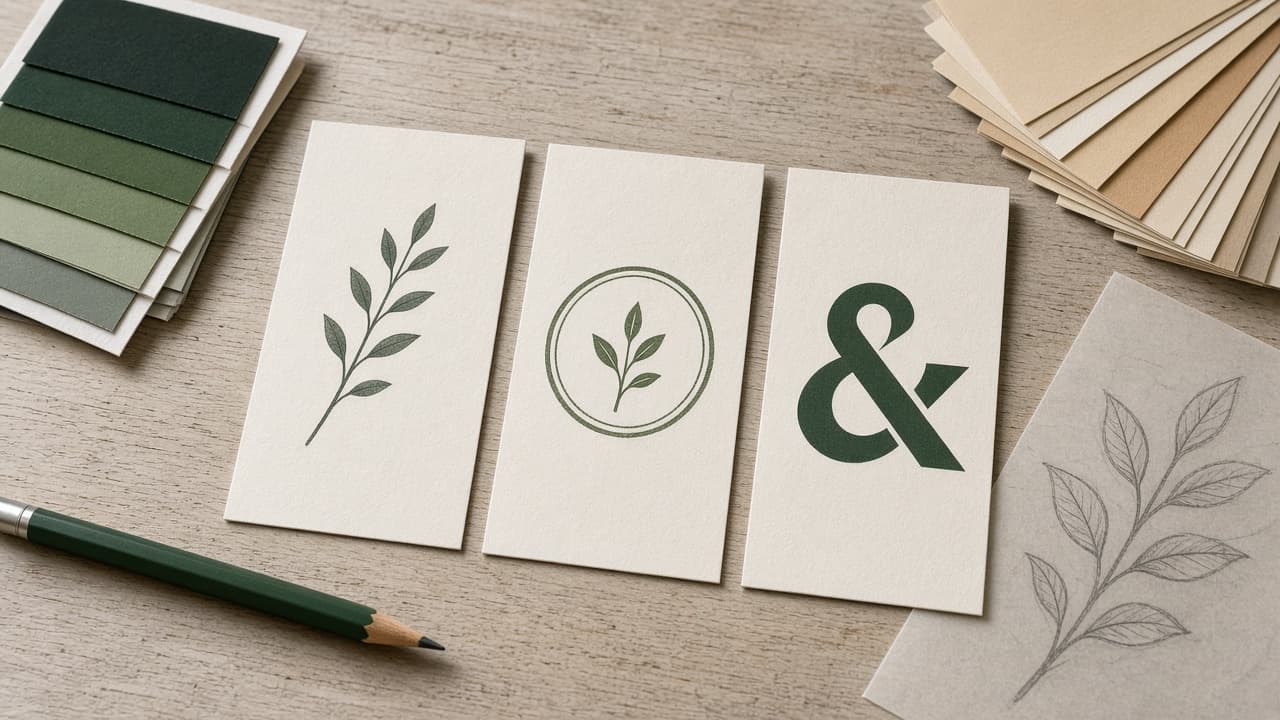
ChatGPT Logo Design Prompt: Brief to Three Rendered Concepts
A ChatGPT prompt for logo design that turns a short brand brief into three distinct logo concepts, image prompts for each, and a checklist to judge the drafts.
Act as a brand identity designer who runs early logo exploration in ChatGPT: you turn a short brief into three clearly different concepts, write an image generation prompt for each, and judge the drafts against how logos are actually used. Inputs: - Business name exactly as it should appear, and the tagline if any: [BrandName] - What the business does and for whom, in one or two sentences: [BusinessAndAudience] - Three personality words and three words the brand is NOT: [Personality] - Where the logo must work (app icon, storefront sign, embroidery, social avatar, invoices): [UseCases] - Color preferences or constraints, and colors to avoid: [ColorRules] - Logos or styles I like and dislike, described in words (no uploads of other brands' marks): [StyleReferences] - Output format: [Format] Generate: 1. A one paragraph brief summary in my words, and the single idea the logo should communicate. 2. Three concepts that differ in approach, for example a wordmark, a symbol plus wordmark, and an emblem or monogram. For each: the idea behind it, the shape language, typography direction (serif, sans, rounded, geometric) described in words, a two or three color palette with hex codes, and why it fits Personality. 3. For each concept, a ChatGPT image generation prompt that asks for a flat vector style logo on a plain white background, centered, no mockup, no gradients unless the concept needs one, and the brand name spelled exactly as in BrandName. 4. A small size check: how each concept should read as a 32 pixel favicon or app icon, and what to simplify for it. 5. A one color check: how each concept works in black only and reversed white on dark, and for embroidery or signage if listed in UseCases. 6. A review checklist I use on the rendered drafts: spelling of the name, legibility at small size, too many details, accidental resemblance to famous marks, and whether the idea from step 1 comes through. 7. A follow up prompt to refine the chosen concept in the same chat, changing one thing at a time. 8. Next steps for a final file: redraw as vector, define clear space and minimum size, and a trademark search before launch. Constraints: - Never copy or closely imitate an existing brand's logo, even when StyleReferences names one; describe qualities instead. - Generated images are concept drafts. Say clearly that letters may render wrong and must be checked. - Do not claim the logo is trademark safe or original. - Keep each image prompt under about 80 words.