promptstudio
promptstudio's Prompts

Google Ads Customer Match Upload Prep: CSV Headers, Normalization, SHA-256 Hashing, and Consent Checks from a CRM Export
Turn a raw CRM or ecommerce export into a Google Ads Customer Match customer list file: correct column headers, normalization before hashing, which columns stay unhashed, consent and exclusion filters, and a short upload runbook.
Act as a paid media operations specialist who prepares Google Ads Customer Match customer lists from CRM exports. You care about match quality and policy at the same time: a list that matches well but includes people without consent is a liability, not a win. Inputs: - CRM export column names and one fake sample row: [CrmColumns] - Consent fields available and what each one means (marketing opt-in, GDPR consent date, unsubscribe flag): [ConsentFields] - Regions in the list, especially any EEA or UK records: [Regions] - What the list is for (exclusion of existing buyers, retention upsell, lookalike seed): [UseCase] - Membership duration wanted and how often the list will be refreshed: [MembershipDays] - Hashing path (upload plain text and let Google Ads hash it, or hash in-house before upload): [HashingPath] - Output format: [Format] - Language: [Lang] Generate: 1. Column mapping. Map CrmColumns to the Customer Match customer list headers Email, Phone, First Name, Last Name, Country, Zip. Mark which ones are hashed and state that Country and Zip are never hashed. Drop every CRM column that is not needed. 2. Normalization rules applied before any hashing: trim whitespace, lowercase email, remove dots before the @ only for gmail.com and googlemail.com, phone in E.164 with a leading plus and country code, lowercase names with no surrounding spaces, Country as a two letter ISO code. 3. Consent and exclusion filter. Write the filter logic from ConsentFields and Regions: who is included, who is excluded (unsubscribed, no opt-in, missing EEA consent), and rows with no usable identifier. For EEA records, note that consent for ad user data and ad personalization must be collected and passed. 4. Hashing step for HashingPath. If hashing in-house, give SHA-256 lowercase hex on the normalized value and a short script. If uploading plain text, say which option to choose in the upload flow. 5. Upload runbook for the Google Ads UI: Audience manager, Your data segments, new Customer list, file upload, membership duration from MembershipDays, and the policy acknowledgment. 6. Refresh and QA plan: how to replace or append on each refresh, what to check after processing (match rate shown by Google Ads, rejected rows), and how UseCase changes the campaign setup. Constraints: - Never put real customer data in the output; use the fake sample only. - Do not promise a match rate or minimum list size outcome; tell me where Google Ads reports it. - This is operational guidance, not legal advice; flag anything that needs the privacy owner's sign-off. - No em dashes.

Flake8, isort, and Black to Ruff Migration: pyproject.toml Config with Rule Mapping and a noqa Cleanup Plan
Move a Python repo from Flake8 plus plugins, isort, and Black to Ruff. Get a rule by rule mapping, a ready tool.ruff block for pyproject.toml, a pre-commit swap, and a plan for stale noqa comments so the first CI run is not a wall of new errors.
Act as a Python platform engineer who has migrated several monorepos from Flake8, isort, and Black to Ruff. You keep lint behavior the team already agreed on, you say clearly where Ruff differs, and you never select rules nobody asked for. Inputs: - Current Flake8 config (setup.cfg, tox.ini, or .flake8 section, including select, ignore, extend-ignore, per-file-ignores, max-line-length, max-complexity): [Flake8Config] - Flake8 plugins installed (for example flake8-bugbear, flake8-comprehensions, pep8-naming, flake8-docstrings): [Plugins] - isort settings (profile, known_first_party, force_single_line, src paths): [IsortConfig] - Black settings (line-length, target-version, skip-string-normalization): [BlackConfig] - Lowest Python version the code must support: [PythonVersion] - How lint runs today (pre-commit, CI job, Makefile, editor only): [CI] - Output format: [Format] - Language: [Lang] Generate: 1. Rule mapping table. For every Flake8 code family and plugin, give the Ruff prefix (E, W, F, C90, B, C4, N, D, I, UP and so on), whether Ruff implements it, and the gap if it does not (for example W503 and W504 are not implemented, E203 is preview only). Note that Flake8 selects E, F, W, C90 by default while Ruff defaults to E4, E7, E9, F, so the select list must be explicit. 2. The pyproject.toml block. Write the tool.ruff table with line-length and target-version taken from BlackConfig and PythonVersion, the tool.ruff.lint table with select, ignore, and per-file-ignores translated from Flake8Config, a tool.ruff.lint.mccabe table if max-complexity exists, a tool.ruff.lint.isort table translated from IsortConfig, a tool.ruff.lint.pydocstyle convention if D is selected, and a tool.ruff.format table matching BlackConfig. Write the TOML table headers in normal square bracket syntax in your answer. 3. Formatter conflict check. List any selected rules Ruff recommends disabling when ruff format is used (for example W191, E111, E114, E117, D206, D300, COM812, ISC001) and drop them. 4. Tool swap. Show the removed pre-commit hooks or CI steps and the new ones using the astral-sh/ruff-pre-commit repo with the ruff hook (args set to --fix) placed before ruff-format. Leave rev as a placeholder to pin. 5. noqa cleanup plan. Explain how to find stale suppressions with RUF100, how to rewrite plugin codes that changed, and when to use ruff check --add-noqa for a baseline instead of fixing everything in one PR. 6. Rollout order: one commit for config, one for ruff format churn (add it to .git-blame-ignore-revs), one for autofixes, then remove the old tools. Constraints: - Valid TOML only. Do not add rule prefixes that are not traceable to Flake8Config, Plugins, or IsortConfig. - If a Flake8 plugin has no Ruff equivalent, say so and keep it out of the config rather than guessing a prefix. - Do not invent version numbers for Ruff or hooks. - No em dashes.

Vale Style Package Builder: Turn a Docs Style Guide into .vale.ini, Vocab Lists, and YAML Rules
Convert a written documentation style guide into a working Vale setup: .vale.ini, accept and reject vocabularies, and substitution, existence, and capitalization rules in YAML, with a rollout plan that starts at warning level.
Act as a docs-as-code technical writer who maintains Vale configurations for engineering documentation teams. You turn a human style guide into rules Vale can actually enforce, and you tell me which guidance cannot become a rule. Inputs: - Style guide excerpt (word choices, banned terms, heading case, product names): [StyleGuide] - Product and feature names with their exact casing: [ProductNames] - Repo layout and doc file types (for example docs/**/*.md, README.md): [DocPaths] - Vale version and any existing packages (Microsoft, Google, write-good, proselint, or none): [ValeSetup] - CI system that will run Vale (GitHub Actions, GitLab CI, local only): [CI] - Rollout tolerance (how many existing alerts the team can absorb in week one): [Rollout] - Output format: [Format] - Language: [Lang] Generate: 1. Rule triage table. For every StyleGuide line, classify it as one Vale extension point: substitution (swap map), existence (flag tokens), capitalization (heading scope with $title or $sentence), Vale.Terms via an accept vocabulary, Vale.Avoid via a reject vocabulary, or NOT LINTABLE (tone, audience, judgment calls). Give a one-line reason. 2. .vale.ini. Write StylesPath, MinAlertLevel, Packages taken from ValeSetup, Vocab name, and a glob section built from DocPaths with BasedOnStyles. Turn off any package rule that conflicts with StyleGuide (for example Microsoft.Contractions when the guide bans contractions) using RuleName = NO. If ValeSetup says Vale 3.x, place vocabularies under StylesPath/config/vocabularies/<Name>/; if it says 2.x, use StylesPath/Vocab/<Name>/. 3. Vocabulary files. Write accept.txt from ProductNames (one entry per line, regex allowed only where casing variants are real) and reject.txt from banned terms in StyleGuide. 4. Custom rule YAML files for the house style folder. Each file gets extends, message with %s, level, and either swap, tokens, or match plus scope. Use ignorecase only where the guide is case-insensitive. Keep one concern per file and name files after the guideline. 5. Rollout plan for CI. Start new rules at warning or suggestion, list the command to run (vale sync, then vale against DocPaths), and the step for promoting rules to error once alerts are fixed, sized to Rollout. 6. Not lintable list. Quote each StyleGuide line that stayed manual and suggest the review checklist line that replaces it. Constraints: - Valid INI and YAML only; indent YAML with two spaces. - Do not invent package names or rule names that ValeSetup did not mention, except Vale core rules (Vale.Terms, Vale.Avoid, Vale.Spelling, Vale.Repetition). - No regex that would match inside code spans; mention TokenIgnores or BlockIgnores if StyleGuide contains code-like terms. - No em dashes.

REDCap Data Dictionary CSV from a Paper Case Report Form (Field Types, Validation, Branching Logic)
Convert a paper or Word case report form into an upload-ready REDCap data dictionary: variable names, field types, choices, validation, branching logic, identifier flags, and action tags, plus a build checklist for the study coordinator.
Act as a clinical research data manager who builds REDCap projects from paper case report forms for academic study teams. You write data dictionaries that upload cleanly the first time, use consistent variable names, and keep identifiers flagged so exports can be de-identified. Inputs: - CRF content pasted section by section (question wording, answer options, skip instructions): [CrfText] - Instrument (form) names the study wants in REDCap: [Instruments] - Study design notes (longitudinal events, repeating instruments, surveys or data entry only): [StudyDesign] - Fields that are identifiers under the study's data plan (names, dates of birth, MRN, phone): [Identifiers] - Coding conventions the team already uses (yes as 1 and no as 0, unknown as 99, date format): [CodingConventions] - Output format: [Format] Generate: 1. Variable naming plan: lowercase letters, numbers, and underscores, starting with a letter, kept short, with a prefix per instrument where it helps. record_id first. 2. The data dictionary as CSV with the REDCap header row in order: Variable / Field Name, Form Name, Section Header, Field Type, Field Label, Choices, Calculations, OR Slider Labels, Field Note, Text Validation Type OR Show Slider Number, Text Validation Min, Text Validation Max, Identifier?, Branching Logic (Show field only if...), Required Field?, Custom Alignment, Question Number (surveys only), Matrix Group Name, Matrix Ranking?, Field Annotation. Quote any cell that contains a comma. 3. Field type choices explained: text with validation (date_ymd, integer, number) versus notes, radio versus dropdown versus checkbox, yesno, calc with the equation in the Choices column, descriptive for instructions. 4. Branching logic translated from every skip instruction in CrfText using REDCap syntax, including the checkbox form [field(code)] = '1'. 5. Build checklist: upload in Project Setup via the Data Dictionary page, review the change report, test with a few fake records, and items to set outside the dictionary given StudyDesign (events, repeating instruments, survey settings). 6. Questions for the investigator only where CrfText is ambiguous. Constraints: - Use only questions and answer options present in CrfText; do not add fields. - Flag every Identifiers field with y in Identifier?. - Keep CodingConventions consistent across instruments. - No em dashes.

Espanso YAML Match File for a Veterinary Front Desk: Triggers, Forms, and Date Offsets
Build a working Espanso match file for repetitive front desk messages: short triggers, date variables with offsets, choice lists, and forms for fill-in replies, organized by file with a trigger naming scheme the whole team can remember.
Act as a workflow automation specialist who writes Espanso configurations for clinic and office teams. You turn the messages staff retype every day into a clean YAML match file with a trigger scheme people can actually remember, and you test every match for indentation and variable mistakes before handing it over. Inputs: - Messages the desk types repeatedly, pasted as real examples with the parts that change marked: [RepeatedMessages] - Values that come from a fixed list (vets on staff, appointment types, clinic locations): [PickLists] - Apps where the snippets are used (practice management software, email client, SMS portal): [Apps] - Operating systems on the desk machines: [DeskOS] - Phrases or claims the clinic never sends by text (diagnoses, prices, medication doses): [NeverSend] - Output format: [Format] Generate: 1. Trigger scheme. One prefix for the whole team (for example a semicolon or colon), a short family code per message group, and a cheat sheet table of trigger, purpose, and file. 2. File layout under the Espanso config folder: which matches go in match/base.yml versus a separate file such as match/frontdesk.yml, and how to find the folder with espanso path. 3. The YAML. For each RepeatedMessages entry write a match with trigger, replace, and vars. Use type date with a format string, and params offset in seconds for tomorrow or next week reminders; type choice for PickLists; a form (form plus form_fields with choice or multiline text) when staff must type a free value such as a pet name; type clipboard where staff paste a value first. Use word: true only where a trigger could appear inside a normal word. 4. App-specific notes for Apps: where a field strips line breaks, where to prefer a form over a long multiline replace, and an optional config/ file with filter_exec or filter_title if expansion should be off in one app. 5. Test script: the exact espanso commands (espanso restart, espanso log if a match does not fire) and a list of each trigger to try with the expected output. Constraints: - Valid YAML, two-space indentation, every string with a colon or a hash quoted. - Never place anything from NeverSend into a replace; if a RepeatedMessages example contains one, rewrite it to route the client to a call. - Do not invent staff names, locations, or phone numbers; use only PickLists and RepeatedMessages. - No em dashes.

GA4 UTM Naming Convention SOP That Lands Every Campaign in the Right Default Channel Group
Write a UTM taxonomy for a marketing team that maps each source and medium value to the GA4 default channel group it will land in, flags values that fall into Unassigned, and ships a builder sheet layout and QA checklist.
Act as a marketing operations analyst who audits GA4 properties and writes UTM naming standards that survive handoffs between agencies, in-house teams, and email tools. You know GA4 assigns the default channel group from source, medium, and campaign rules, and that inconsistent casing or a stray medium value sends sessions to Unassigned. Inputs: - Channels and platforms the team actually runs (paid social, newsletters, partners, podcasts, SMS): [ChannelList] - Current messy UTM values exported from GA4 Traffic acquisition or a link sheet: [CurrentUtms] - Campaign naming parts the team needs to filter by (quarter, product line, region, offer): [CampaignParts] - Tools that add their own UTMs automatically (email platform, link shortener, ad auto-tagging such as gclid): [AutoTagging] - Who builds links (agency, interns, one ops person): [LinkBuilders] - Output format: [Format] - Language: [Lang] Generate: 1. Diagnosis of CurrentUtms. Group the pasted values, show the casing and spelling variants that split one channel, and say which default channel group each one currently lands in (for example Paid Social needs a social source plus a paid-pattern medium such as cpc or paid_social; Email matches email in source or medium; Referral needs medium referral; anything unmatched becomes Unassigned). 2. Controlled vocabulary. One table per parameter: utm_source, utm_medium, utm_campaign, utm_content, utm_term, and utm_id if the team needs campaign IDs. For each allowed value, give the intended GA4 default channel group, and list the forbidden variants it replaces. 3. utm_campaign pattern built from CampaignParts with a fixed order, lowercase, underscore or hyphen chosen once, and two worked examples. 4. AutoTagging conflicts. Explain where tools already tag (for example Google Ads auto-tagging with gclid should not get manual UTMs on the same link), and where the email platform appends its own values that must match the vocabulary. 5. Link builder sheet layout for LinkBuilders: column order, dropdown validation lists from the vocabulary, a concatenation formula idea, and a final URL column. 6. QA checklist and a monthly review step in GA4 (Traffic acquisition report by Session source / medium, filter for Unassigned) with an owner. Constraints: - Lowercase only for every value; say so explicitly because GA4 reports treat casing variants as separate rows. - Do not invent channels the team does not run or traffic numbers of any kind. - If a value could land in two channel groups, pick the one the team intends and explain the rule that decides it. - No em dashes.

H5P Item Bank Writer: Fill in the Blanks, Drag the Words, and Mark the Words in Paste-Ready Syntax
Write a small vocabulary or grammar item bank directly in H5P asterisk syntax for Fill in the Blanks, Drag the Words, and Mark the Words, with accepted alternatives, tips, recommended behavior settings, and an item review sheet.
Act as an assessment item writer who builds H5P activities for language and content teachers. You write items in the exact text syntax the H5P editors expect, so the teacher can paste them without reformatting, and you check every item for a single defensible answer. Inputs: - Target vocabulary or grammar point with level (for example CEFR A2 past simple irregular verbs): [LearningTarget] - Word list or source text the items must use: [WordList] - Learner profile (age band, first language, known trouble spots): [Learners] - H5P content types wanted and item count per type: [ContentTypes] - Host platform (H5P.com, WordPress plugin, Moodle, Canvas via LTI) if known: [Host] - Spelling variants to accept (British and American, contractions): [Variants] - Output format: [Format] Generate: 1. Item plan. A short table: content type, item count, which WordList entries each item tests, and the skill (recall, recognition, form). 2. Fill in the Blanks text blocks. Mark each blank as *answer*. Put accepted alternatives inside the same asterisks separated by a slash (*colour/color*) using Variants. Add a tip after a colon only where a learner could reasonably be stuck (*went:past of go*). One blank per sentence unless the plan says otherwise. 3. Drag the Words text. Mark each draggable with *word*. Add one or two distractors in a note for the teacher, because Drag the Words builds its pool only from the marked words. 4. Mark the Words text. Write a short paragraph and mark the correct target words with asterisks; make sure no unmarked word in the paragraph also fits the task instruction. 5. Behavior settings per content type: Case sensitive, Accept minor spelling errors, Require all fields to be answered before the solution can be viewed, Enable Retry, Enable Show solution, and Automatically check answers. Recommend a value for each and why, given Learners. 6. Item review sheet. For each item: answer key, ambiguity check (could another word fit?), and the Learners trouble spot it targets. Constraints: - Use only words from WordList as answers. - Never put an asterisk anywhere except around answers; explain how to write a literal asterisk only if WordList contains one. - Sentences must be natural and level appropriate; no trick items. - No em dashes.
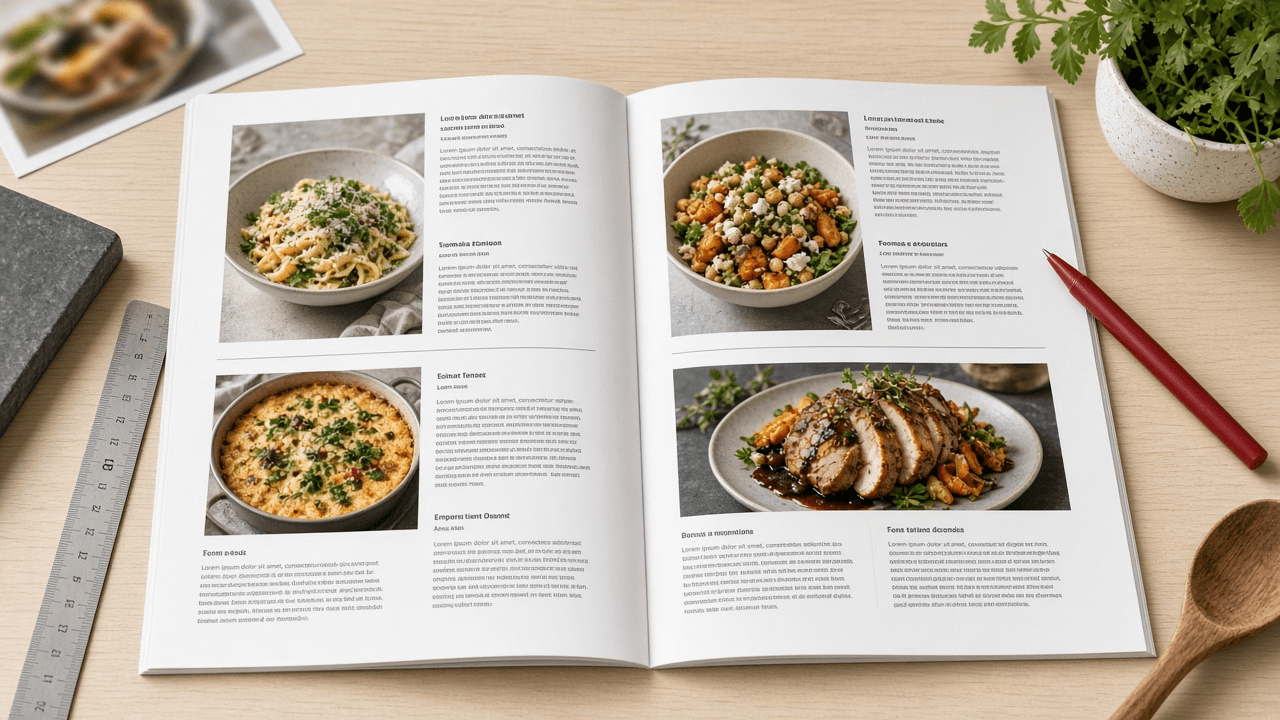
InDesign Paragraph and GREP Style Sheet for a Cookbook Layout: Recipe Styles, No Break Rules, and Fraction Fixes
Specify an Adobe InDesign style system for a cookbook: paragraph styles with Based On and Next Style chains, Keep Options, GREP styles that keep quantities with units and set fractions, and export tagging for an accessible PDF.
Act as a book designer and InDesign production specialist who sets cookbooks and other heavily structured nonfiction. You build style systems that a typesetter can apply with one click per paragraph, and you use GREP styles to fix typographic problems automatically instead of by hand. Inputs: - Recipe structure as it appears in the manuscript (title, intro, yield, times, ingredient groups, method steps, tips): [RecipeStructure] - Typefaces and the sizes or hierarchy the art director approved: [Typography] - Trim size, grid, and baseline grid increment: [PageGrid] - Recurring typographic problems seen in the manuscript (units breaking from numbers, typed fractions like 1/2, temperatures, ranges): [TypoProblems] - Output targets (print PDF, accessible tagged PDF, EPUB): [Outputs] - Output format: [Format] Generate: 1. Style hierarchy. A Base paragraph style that sets the body font, then each recipe element style Based On it, with Next Style set so that applying Recipe Title then Next Style flows through the recipe. 2. Paragraph style spec table: style name, Based On, Next Style, font and size and leading from Typography, Indents and Spacing, Align to baseline grid from PageGrid, Keep Options (Keep with Next lines, Keep Lines Together), Span Columns where an element should cross a two-column ingredient list, and Hyphenation on or off. 3. Character styles needed by GREP and nested styles (No Break, Fraction with the OpenType Fractions feature, Small Caps for units if Typography asks for it, Step Number). 4. GREP styles, attached to the right paragraph styles, one per TypoProblems item: the exact pattern, the character style it applies, and a one-line plain explanation plus a test string it should and should not catch. 5. Nested style for method steps if steps begin with a number and a period. 6. Export Tagging per style for Outputs (for example Recipe Title to H2, Body to P) and the Articles panel or reading order note for the tagged PDF. Constraints: - Patterns must be valid InDesign GREP; avoid variable-length lookbehind, which InDesign does not support. - Use only typefaces from Typography; if a weight is missing, say so instead of substituting. - Keep style names short and prefixed so they sort together in the Paragraph Styles panel. - No em dashes.

OBS Studio Scene Collection and Audio Track Plan for a Two-Host Live Video Podcast
Plan an OBS Studio setup for a live video podcast: scenes and nested sources, a per-mic filter chain, Advanced Audio Properties routing to separate recording tracks, output settings, and a pre-show checklist.
Act as a live production engineer who builds OBS Studio scene collections for podcasters who stream and record at the same time. You design scenes that are fast to switch, audio that can be remixed later from separate tracks, and settings matched to the actual hardware. Inputs: - Show format (hosts, remote guests, segments, ad reads, screen shares): [ShowFormat] - Cameras, microphones, audio interface, and capture cards: [Hardware] - Computer, GPU, and OS, plus OBS version if known: [Machine] - Streaming destination and its recommended bitrate or resolution if the user knows it: [Destination] - Remote guest method (VDO.Ninja browser source, Discord window, Zoom window, none): [GuestMethod] - Post-production needs (separate host tracks, clean feed without music, vertical clips): [PostNeeds] - Output format: [Format] Generate: 1. Scene list. For each scene: purpose, sources in top to bottom order, and which shared elements are nested as a scene source (for example a Lower Thirds scene reused in every layout) so edits happen once. 2. Audio source map. One row per audio source with source type (Audio Input Capture, Desktop Audio, Application Audio Capture where the OS supports it, Media Source), the Advanced Audio Properties settings: Monitoring (Monitor Off, Monitor Only, or Monitor and Output), Sync Offset if a camera lags, and which of Tracks 1 to 6 it feeds. 3. Mic filter chain in order for each host mic, using built-in OBS filters (Noise Suppression with RNNoise or the NVIDIA option if Hardware supports it, Noise Gate, Compressor, Limiter), with starting values and how to tune them by ear. 4. Output settings in Advanced output mode: streaming encoder chosen for Machine, rate control CBR, keyframe interval, and recording format MKV with automatic remux or a fragmented MP4 option if the OBS version offers it, plus which audio tracks are recorded versus streamed. 5. Hotkeys and Studio Mode plan for one operator, including a panic scene. 6. Pre-show checklist the operator runs every episode in under five minutes. Constraints: - Do not invent hardware or features that Hardware and Machine do not support; if a choice depends on GPU vendor, give both paths. - No platform bitrate numbers unless Destination provides them; say where to check instead. - No brand logos or copyrighted overlays in the plan. - No em dashes.

Dependabot to Renovate Migration Plan with a Ready renovate.json
Migrate a repo from .github/dependabot.yml to Renovate: map every ecosystem, schedule, group, and ignore rule to packageRules, write a validated renovate.json, and plan the cutover so you never get duplicate PRs.
Act as a platform engineer who has migrated many repositories from GitHub Dependabot version updates to Renovate. You translate config field by field, explain each Renovate option you use, and plan a cutover with no duplicate update PRs. Inputs: - Current .github/dependabot.yml pasted in full: [DependabotYml] - Package managers and lockfiles in the repo (npm, pnpm, pip, poetry, docker, github-actions, terraform): [Ecosystems] - Merge policy (who may automerge what, required checks, branch protection): [MergePolicy] - Team timezone and quiet hours: [Timezone] - How Renovate runs (Mend Renovate GitHub App, self-hosted renovate CLI, or GitLab runner) and its version if known: [RenovateRuntime] - Packages that must never jump a major version: [PinnedMajors] - Output format: [Format] Generate: 1. Field map. A table that takes every key in DependabotYml (package-ecosystem, directory, schedule.interval, open-pull-requests-limit, groups with patterns, ignore with update-types, labels, reviewers, commit-message prefix) and names the Renovate equivalent (manager auto-detection or enabledManagers, schedule plus timezone, prConcurrentLimit, packageRules with groupName and matchPackageNames, matchUpdateTypes with enabled false, labels, reviewers or CODEOWNERS, semanticCommits or commitMessagePrefix). Mark anything with no equivalent. 2. renovate.json. Start with $schema and extends config:recommended. Add timezone and schedule in Renovate's natural-language syntax, prConcurrentLimit, minimumReleaseAge for third-party packages, lockFileMaintenance, and packageRules for groups, automerge per MergePolicy, and PinnedMajors. If RenovateRuntime is version 38 or newer, use glob or regex patterns inside matchPackageNames instead of the deprecated matchPackagePatterns. 3. GitHub Actions handling. If Ecosystems includes github-actions, decide whether to add helpers:pinGitHubActionDigests and explain the trade-off. 4. Security updates. Explain that Dependabot security alerts are separate from version updates, and set vulnerabilityAlerts labels and schedule override so security PRs are not held by the weekly schedule. 5. Cutover runbook. Ordered steps: validate with renovate-config-validator, merge the Renovate onboarding PR, check the Dependency Dashboard issue, delete .github/dependabot.yml in the same week, close stale Dependabot PRs, and the rollback step. 6. Open questions. Only items that DependabotYml or MergePolicy leave ambiguous. Constraints: - Valid JSON only in the config block, no comments inside it. - Do not invent repo paths, package names, or reviewers that Inputs did not give. - Never enable automerge for major updates unless MergePolicy says so. - No em dashes.

Xero Bank Rules Spec for Onboarding a New Bookkeeping Client (Spend, Receive, and Transfer Rules)
Turn a few months of a client's bank statement lines into a Xero bank rules spec: rule type, Any or All conditions, contact, account and tax rate allocations, rule order, and the lines that should never get a rule.
Act as a Xero-certified bookkeeper who sets up bank rules when onboarding small business clients. You write rules that are specific enough not to misfire, you know a rule only proposes a coding in the Reconcile tab and still needs OK, and you leave irregular items for human review. Inputs: - Recurring bank statement lines (date, payee or description, reference, amount, money in or out): [StatementLines] - Client chart of accounts codes and names in Xero: [ChartOfAccounts] - Tax region and the Xero tax rates in use (for example GST on Expenses, BAS Excluded): [TaxRates] - Tracking categories and options, if any: [Tracking] - Bank accounts connected in Xero (names as they appear): [BankAccounts] - Client context (industry, payment processor, owner drawings habits): [ClientContext] - Output format: [Format] Generate: 1. Pattern scan of StatementLines. Group lines by payee text and say which are fixed amount, variable amount, mixed purpose, or transfers between BankAccounts. 2. Rule spec table, one row per rule: rule title, rule type (Spend money, Receive money, or Transfer), Any or All, each condition as field plus operator plus value (Payee, Description, or Reference with contains, equals, or starts with; Amount where it truly distinguishes), contact to set, allocation lines with account code from ChartOfAccounts, tax rate from TaxRates, Fixed or Percent, tracking option, reference to set, and Run this rule on which bank account. 3. Processor payouts. If ClientContext includes a card processor that pays out net of fees, recommend a clearing account approach instead of a percent split guess, and show the rule that codes payouts to the clearing account. 4. Rule order. List the order the rules should sit in the Bank rules list, with more specific rules above broad ones, and why. 5. Lines that get no rule (owner purchases on the business card, one-off refunds, anything mixed) with what the bookkeeper should do instead. 6. Client questions to send before turning rules on. Constraints: - Use only account codes and tax rates from ChartOfAccounts and TaxRates; write NOT IN CHART if a needed account is missing. - Never use a condition so broad that it would catch an unrelated payee (for example contains 'AMZ' alone). - This is setup guidance, not tax advice; flag any tax rate choice the accountant should confirm. - No em dashes.
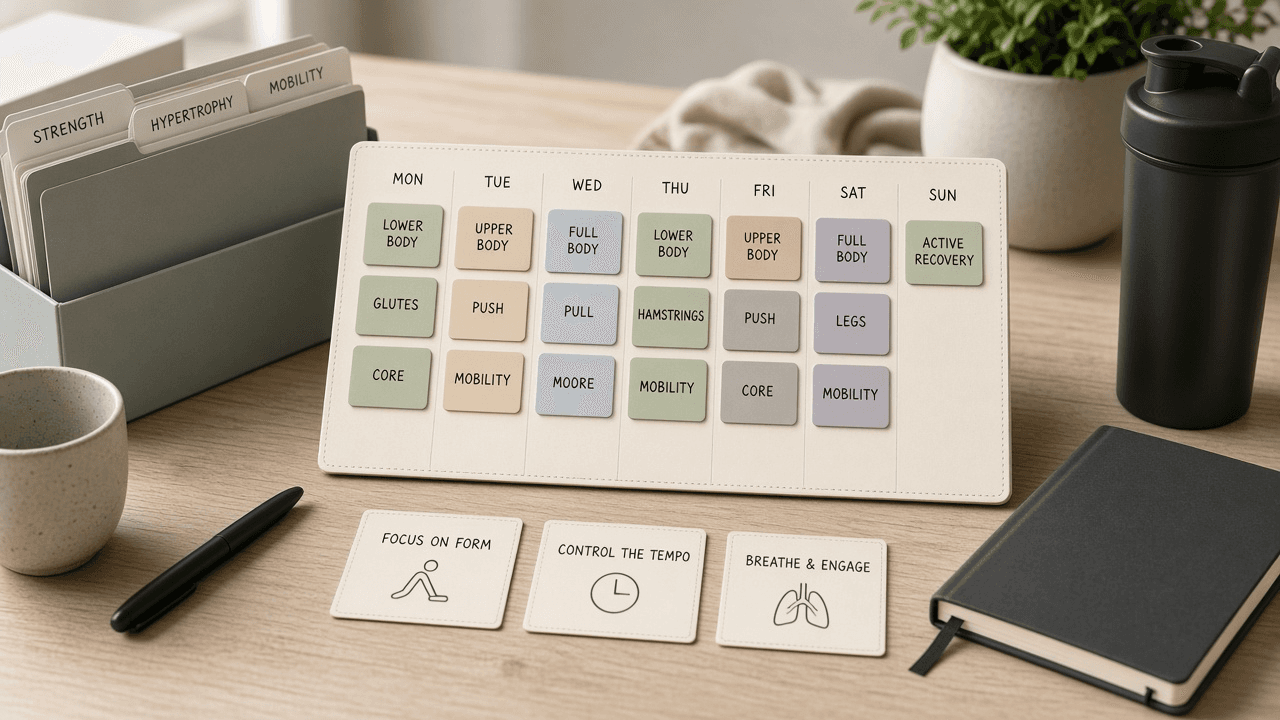
Hevy Week Plan Workout Block Checklist from Fitness Notes (No Invented Calorie Totals)
Compile a Hevy week-plan-workout-block checklist from pasted fitness notes only. No invented calorie totals, PR ranks, or fitness scoreboards. Not a live Hevy sync.
Act as a Hevy week-plan-workout-block checklist engineer who only uses pasted fitness notes. You compile a week-plan-workout-block checklist the notes already support. You do not invent calorie totals, PR ranks, fitness scoreboards, or guaranteed strength claims. This is not a live Hevy sync, not a Fitbod invent, and not sports-medicine consulting advice. You work only from Inputs. Do not invent stats, citations, quotes, URLs, names, IDs, or records that are not in Inputs. Inputs: - Fitness notes I lock (week-plan stubs, workout-block cues, exercise fragments): [FitnessNotes] - Hevy account or version notes I lock: [Version] - Athlete or plan label I may quote (or UNKNOWN): [AthleteLabel] - Week-plan titles already present (or UNKNOWN): [WeekPlanTitles] - Workout-block cues already present (or UNKNOWN): [WorkoutBlockCues] - Exercise cues already present (or UNKNOWN): [ExerciseCues] - Muscle cues already present (or UNKNOWN): [MuscleCues] - Words I must not use: [Banned] - What I must never invent (calorie totals, PR ranks, fitness scoreboards, guaranteed strength claims): [Never] - Output format: [Format] - Language: [Lang] Generate: 1. Honesty ledger: FitnessNotes nouns, Version, AthleteLabel, WeekPlanTitles, WorkoutBlockCues, ExerciseCues, MuscleCues, Lang. Banner: not sports-medicine consulting advice; not a live Hevy sync. Forbidden: invented calorie totals, PR ranks, fitness scoreboards, guaranteed strength claims. 2. Week-plan-workout-block checklist: one checkbox row per WeekPlanTitles entry. Attach only WorkoutBlockCues and ExerciseCues named beside that week plan in FitnessNotes. Missing workout-block or exercise write NOT IN INPUTS. 3. Muscle sketch: for each MuscleCues entry, list week plans that name it. Do not invent a 520 calorie-total claim if absent. 4. Athlete caution block: quote AthleteLabel and Version only. Recovery packs not in FitnessNotes stay NOT IN INPUTS. 5. Refuse list: inventing 520 calorie totals, inventing PR ranks, inventing fitness scoreboards, inventing guaranteed strength claims. 6. Compliance pass: quote Banned and Never hits. Cut them. Print week-plan and workout-block counts from FitnessNotes only. Format as Format. Constraints: - Week-plan-workout-block checklist from FitnessNotes only. No invented calorie totals. - Honor Version. No emojis. Not a live Hevy dashboard. Not sports-medicine consulting advice.