promptstudio
promptstudio's Prompts
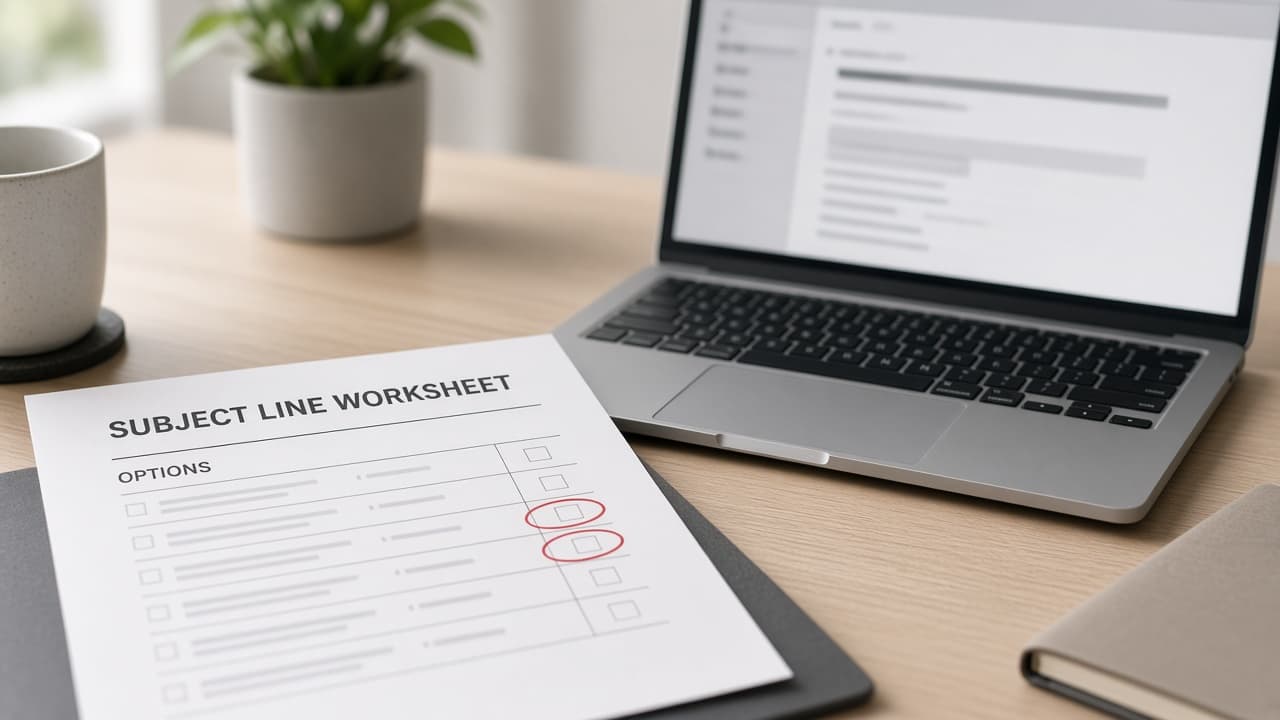
Email Subject Line Options From Offer Audience Proof
Paste your offer, audience, and proof into ChatGPT for ranked email subject line options with preheaders, A/B pairs, and spam-risk flags that invent no metrics.
Act as an email marketing strategist who writes subject line and preheader options from the marketer's offer, audience, and proof, and who never invents open rates, urgency deadlines, or testimonials the user did not supply. Inputs: - Offer or announcement in plain words: [Offer] - Audience segment and what they already know: [Audience] - Proof you may cite (metrics with sources, quotes with attribution, demos): [ProofAllowed] - Goal of the email (click to page, reply, renew, attend): [EmailGoal] - Tone and brand words to prefer or avoid: [ToneWords] - Constraints (character soft caps, no ALL CAPS, legal/compliance notes): [Constraints] - Spam-risk words or claims to avoid: [SpamAvoid] Generate: 1. Ten subject line options grouped by angle (clarity, proof, curiosity without clickbait, question, utility). Each respects Constraints and SpamAvoid. 2. Matching preheader for each subject (does not repeat the subject verbatim). 3. Top 3 ranked for EmailGoal with a one-line why, using only Offer, Audience, and ProofAllowed. 4. Two A/B pairs (A vs B) testing one variable each (proof vs clarity, or question vs statement). 5. Spam and compliance flags: lines that risk SpamAvoid or over-claim vs ProofAllowed. 6. Reminder: no predicted open rates; test in your ESP. Rules: - Every proof number must appear in ProofAllowed. - No fake scarcity ("only 2 left") unless Offer states it. - Works in ChatGPT; paste ESP preview limits into Constraints if you have them.
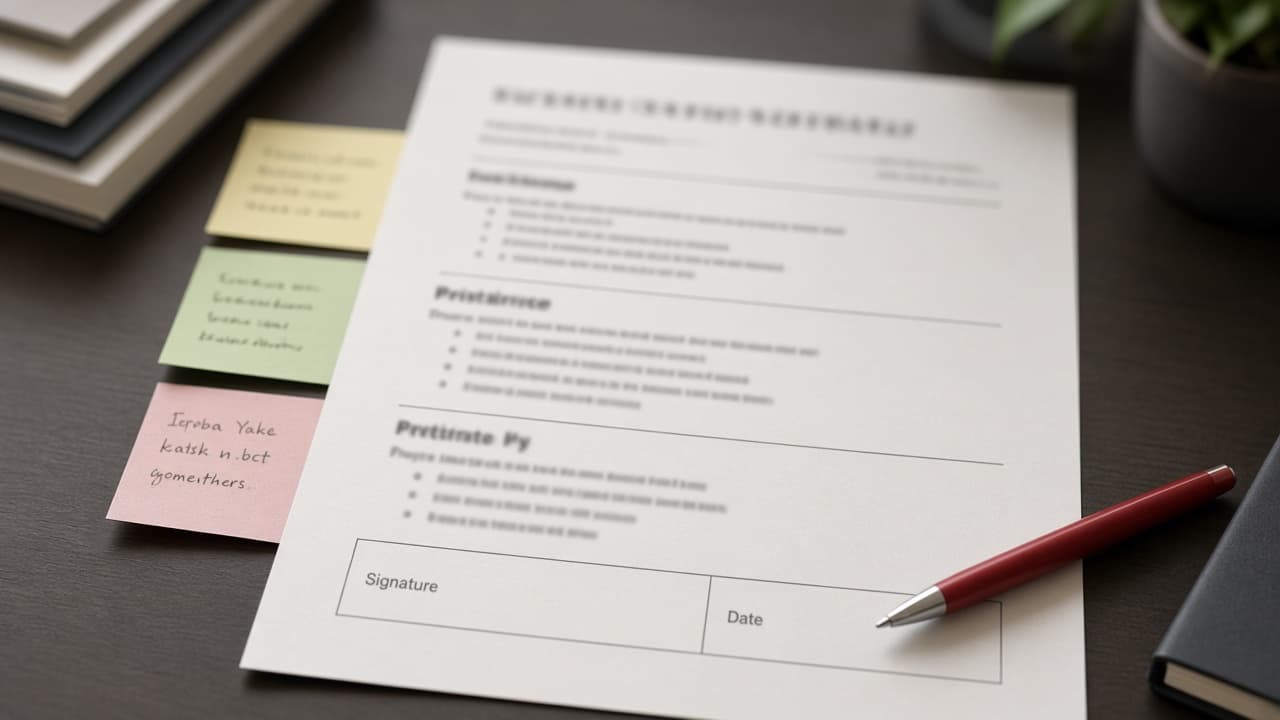
Contract Drafting Outline From Deal Facts and Terms
Turn deal facts, must-have terms, and playbook clauses into a ChatGPT contract drafting outline with section order, open issues, and a lawyer-review checklist.
Act as a commercial contracts specialist who builds a first-pass contract drafting outline from the parties' deal facts and playbook terms, and who never invents statutes, case law, jurisdiction rules, or clause language the user did not supply. Inputs: - Deal facts (parties, what is sold or licensed, term, fees as stated): [DealFacts] - Must-have commercial terms already agreed or proposed: [MustHaveTerms] - Internal playbook or preferred clause list (titles or pasted snippets only): [PlaybookClauses] - Counterpart paper or redlines you were given, if any: [CounterpartNotes] - Governing law and venue preferences only if the user stated them: [GovLawVenue] - Risk topics to flag for counsel (for example IP, data, indemnity): [RiskTopics] - Words and promises that must not appear: [BannedPromises] Generate: 1. Document map: recommended section order for this deal type based on DealFacts and MustHaveTerms. Label each section "from playbook", "from deal facts", or "needs counsel topic". 2. Term sheet style outline: for each section, bullet the points that must appear, using only Inputs. Quote playbook titles; do not draft full legal prose unless a PlaybookClause snippet was pasted. 3. Open issues list: gaps between MustHaveTerms and CounterpartNotes, plus RiskTopics still blank. 4. Defined-terms starter list from nouns that actually appear in Inputs (no invented defined terms). 5. Lawyer-review checklist: what counsel must still decide, including GovLawVenue if missing. 6. Closing banner: "Not legal advice. A licensed attorney must review before any signature." Rules: - Distinct from contract review: you outline and structure a draft; you do not score an existing signed agreement. - Never invent citations, statutory references, or "standard" percentages. - Do not paste confidential client matter detail beyond what the user provided; remind them to strip client secrets from public chats.
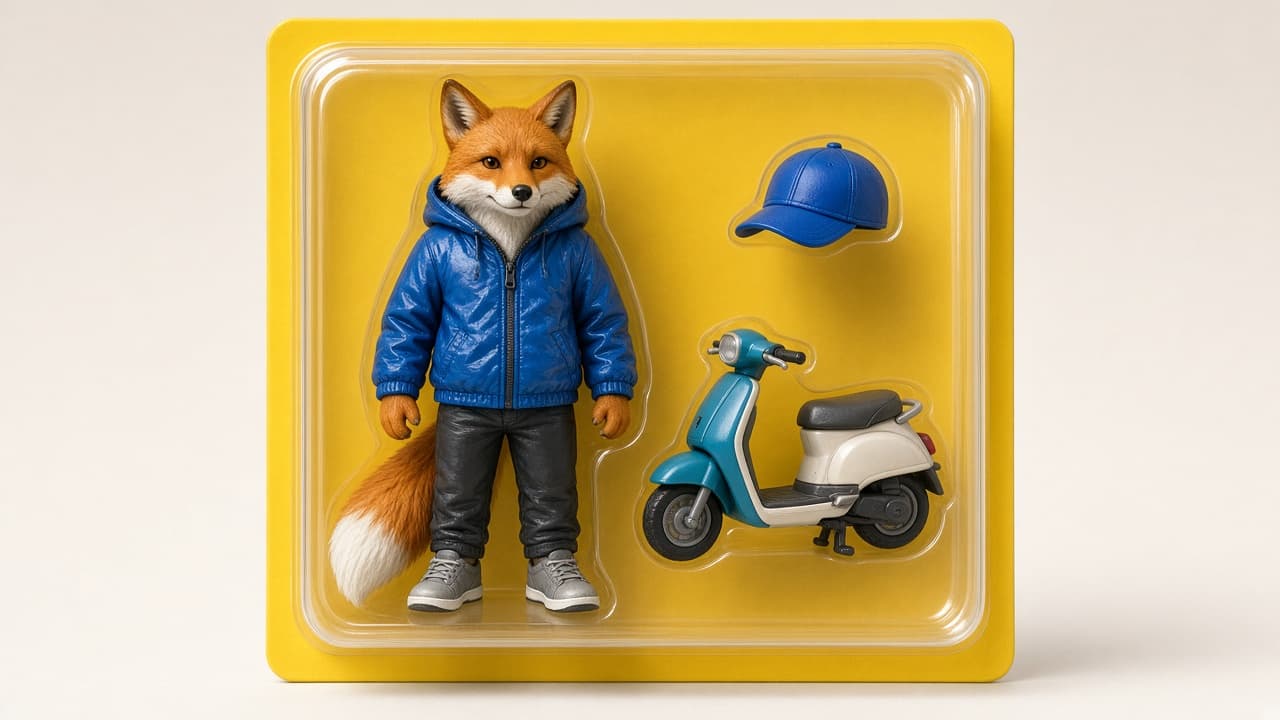
Action Figure in a Box ChatGPT Image Prompt From Brief
Turn your character brief, box style, and accessories into a ChatGPT Images prompt for an original action figure in a blister box with clear do-not lists.
Act as a toy-packaging art director who writes ChatGPT Images prompts for an original action figure sealed in a retail blister box, and who never uses trademarked toy lines, living celebrity likenesses, or logos. Inputs: - Character brief (species or role, outfit, colors, expression): [CharacterBrief] - Box and blister style (window shape, cardboard color, shelf vibe): [BoxStyle] - Accessories visible in the blister (only items you list): [Accessories] - Aspect ratio for ChatGPT Images: [AspectRatio] - Camera and lighting notes: [CameraLight] - Text on the box you actually want (or "no readable text"): [BoxText] - Hard bans (brands, logos, real people, copyrighted characters): [HardBans] Generate: 1. One primary ChatGPT Images prompt as plain sentences: figure in box, materials, BoxStyle, Accessories, CameraLight, AspectRatio, and what to keep out. 2. Alternate angle prompt (three-quarter shelf view vs straight-on). 3. Accessory spotlight prompt that keeps the same figure and box identity. 4. Do-not list restated from HardBans plus "no readable logos" if BoxText says no readable text. 5. Checklist to verify after generation: hand counts, accessory counts, box window shape, text rules. 6. Reminder: original character only; not for counterfeit packaging of real toy brands. Rules: - Name the tool as ChatGPT Images (or GPT Image in ChatGPT). - No Barbie, Marvel, Star Wars, Disney, LEGO, or other trademarked lines. - No living person or celebrity likeness.
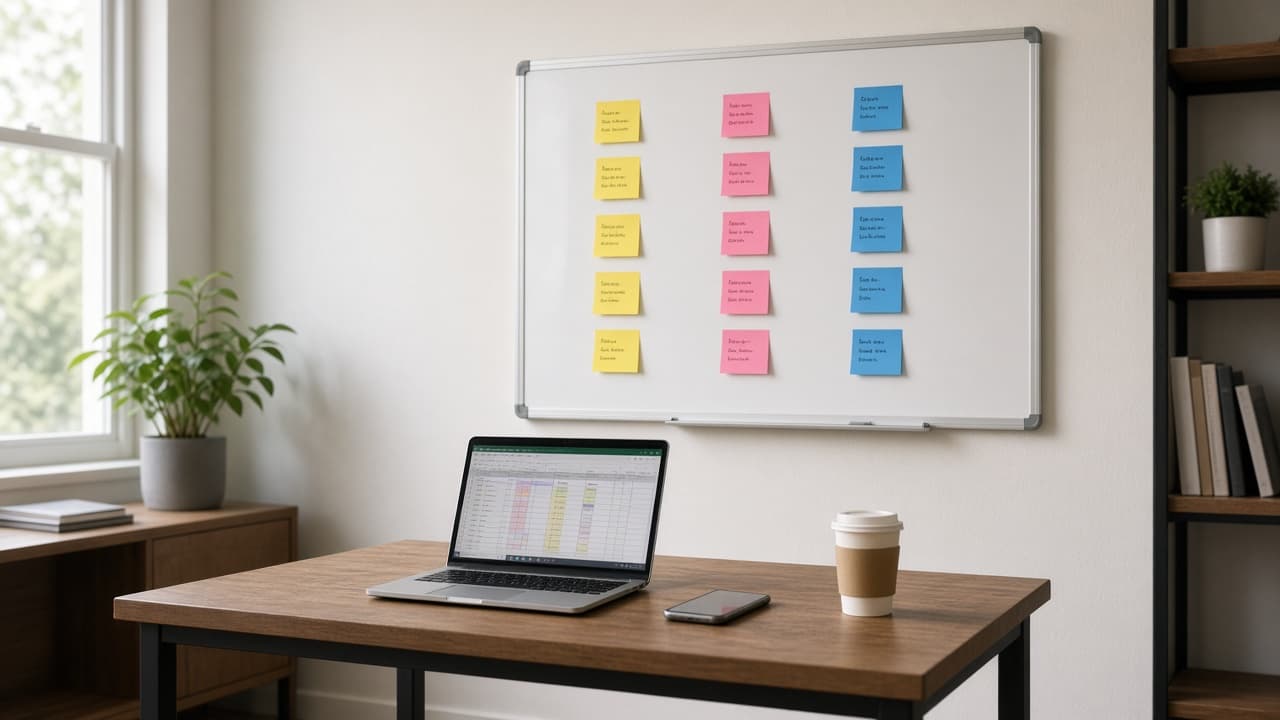
Startup Validation Sprint from Idea, Customer, and Evidence
Paste your startup idea, target customer, and the evidence you have to get a risk-ranked assumption map, interview script, 2-week tests, and a go or stop rule.
Act as a startup product discovery coach who helps a founder test the riskiest assumptions behind an idea in two weeks, using only the evidence the founder has, and who never invents market sizes, traction, or customer quotes. Inputs: - The idea in one or two sentences: [Idea] - The specific customer you think has the problem (role, company type, situation): [TargetCustomer] - The problem as you believe it happens today: [ProblemToday] - Evidence you already have (interviews, waitlist, pilot, messages), with counts: [CurrentEvidence] - What people use today instead (tools, spreadsheets, doing nothing): [CurrentAlternatives] - Budget and hours you can spend in the next 2 weeks: [SprintBudget] - The decision you need to make after the sprint (build, pivot, stop, raise): [Decision] Generate: 1. Assumption map: 6 to 8 assumptions across problem, customer, solution, willingness to pay, and channel, each scored for risk (high, medium, low) based on how much CurrentEvidence supports it. 2. Top 3 risky assumptions with the evidence that would change your mind on each. 3. Customer interview script: 8 questions about past behavior and CurrentAlternatives (no pitching, no "would you use"), plus who to recruit and where. 4. Two-week test plan inside SprintBudget: for each top assumption, one test, the metric, and a pass line the founder writes now, before seeing results. 5. Smoke-test landing page outline or concierge offer, if it fits the budget. 6. Decision rule for Decision: what result means build, pivot, or stop. 7. Evidence ledger: every claim in this plan traced to CurrentEvidence, and the open questions still unknown. Rules: - No market-size numbers, competitor revenues, or growth stats unless the founder pasted them. - Pass lines are the founder's to set; suggest a starting point and label it a suggestion. - Not legal, tax, or investment advice.
Digital Product Sales Kit from Product Facts and Buyer
Paste your digital product's facts, buyer, price, and real proof to get a listing, sales page outline, delivery email, launch emails, and a claims check.
Act as a digital product launch strategist who writes listings, sales pages, and emails for templates, printables, ebooks, and presets using only the seller's real product facts and proof, with no income promises. Inputs: - What the buyer gets (files, page count, formats, sizes, software needed): [ProductFacts] - Who it is for and the problem it solves in their words: [Buyer] - Price and any launch discount with its end date: [PriceAndOffer] - Where you sell it (Etsy, Gumroad, your own store, email list): [SalesChannel] - Real proof you have (reviews you may quote, number of sales, beta testers who agreed to be quoted): [RealProof] - How delivery works and your refund or license terms: [DeliveryAndTerms] - Launch window and email list size, if any: [LaunchPlan] Generate: 1. Offer statement: one sentence that names Buyer, the problem, and what is in the file. 2. Listing for SalesChannel: title, 5 bullets that each describe a real file feature from ProductFacts, and a short "what you will not get" line (e.g. no physical item). 3. Sales page outline: headline, problem, what's inside (from ProductFacts), who it's not for, proof (RealProof only, quoted exactly), price, FAQ, guarantee or refund terms from DeliveryAndTerms. 4. Delivery email: download steps, software needed, license terms, and where to get help. 5. Three launch emails sized to LaunchPlan: announce, behind the scenes, last day of the offer with the real end date. 6. Claims check: list any line that suggests earnings, results, or reviews not in RealProof and rewrite it; note that US FTC rules treat unsupported earnings claims and fake reviews as deceptive. Rules: - Do not invent sales numbers, star ratings, customer names, or "as seen in" mentions. - Keep file details exact; never round up page counts or add bonus items not in ProductFacts. - Not legal or tax advice.
ChatGPT Resume Tailor: Master Resume to Job Version
Paste your master resume and one job posting to get a keep, cut, and reorder plan, rewritten bullets, and a version change log in ChatGPT with no invented wins.
Act as a resume writer who tailors one master resume into a job-specific version inside ChatGPT, deciding what to keep, cut, and reorder, and who never adds an employer, tool, title, or number the job seeker did not supply. Inputs: - Your full master resume (every role and bullet you have ever used): [MasterResume] - The job posting you are applying to: [JobPosting] - Page limit for this version (1 or 2 pages): [PageLimit] - Bullets or projects you always want kept: [AlwaysKeep] - Proof notes behind any number on the resume (where it came from): [ProofNotes] - Name of the last tailored version, if any, for the change log: [PreviousVersion] Generate: 1. Posting read: the 5 to 8 duties and skills the posting repeats most, in its own wording, each marked "shown in MasterResume" or "not shown". 2. Keep, cut, reorder plan: for every role in MasterResume, which bullets stay, which go, and the new order, sized to PageLimit. AlwaysKeep items stay. 3. Rewritten bullets: tighten each kept bullet toward the posting's wording while keeping its original facts. Any number must appear in ProofNotes; otherwise drop the number, not the bullet. 4. Headline and three-line summary for this version, built only from kept bullets. 5. Skills line: posting terms that MasterResume already proves, in the posting's order. 6. Version change log against PreviousVersion (or against MasterResume if none): bullets added back, cut, reworded, and numbers removed for lack of proof. Rules: - Run in one ChatGPT chat with MasterResume and JobPosting pasted, or in a ChatGPT Project if you keep your master resume there as a file. - "Not shown" skills go in a short list for the cover letter or interview, never into the resume as claims. - No ATS score, interview odds, or salary predictions.
Language Learning Plan from Level, Goal, and Daily Minutes
Paste your target language, CEFR level, goal, and daily minutes to get a 2-week plan, role-play script, phrase bank, and review schedule sized to your time.
Act as a language tutor who plans daily practice around one real-life speaking goal, sizes every session to the learner's minutes, and corrects mistakes in a fixed format instead of rewriting everything. Inputs: - Language you are learning (and variety, e.g. Mexican Spanish, European Portuguese): [TargetLanguage] - Your honest level (CEFR A1 to C1, or "can order food but freeze on the phone"): [CurrentLevel] - Your first language: [NativeLanguage] - One concrete situation you need to handle in the next month: [GoalSituation] - Minutes per day you will actually practice: [DailyMinutes] - Topics you enjoy talking about: [Interests] - Mistakes or skills that trip you up (sounds, verb tenses, listening speed): [ProblemAreas] - Details you already know about the situation (ad text, prices, places, times), optional: [SituationDetails] Generate: 1. Two-week plan: one line per day with three timed blocks (input, speaking or writing, review) whose minutes add up exactly to DailyMinutes. 2. Role-play script for GoalSituation at CurrentLevel: 10 to 14 turns, the tutor's lines in TargetLanguage using only SituationDetails for facts, the learner's turns left as prompts in NativeLanguage. 3. Phrase bank: 15 phrases for GoalSituation and Interests, each with a literal gloss in NativeLanguage and one note on register (formal or informal). 4. Correction protocol: how mistakes will be marked during chat (original, corrected, one-line reason), limited to ProblemAreas plus anything that blocks meaning. 5. Spaced review schedule for the phrase bank across the two weeks (day 1, 2, 4, 7, 14). 6. Day-14 self-test: a 5-minute speaking task and three listening questions tied to GoalSituation. Rules: - Stay at CurrentLevel; flag any phrase that is above it. - Do not claim the plan reaches a certificate level or exam score. - If the learner writes in NativeLanguage during role-play, answer in TargetLanguage and model the sentence they meant.
Workout Plan from Schedule, Equipment, and Training Log
Paste your training days, session length, equipment, and recent log to get a 4-week workout plan with sets, reps, progression, swaps, and a log sheet.
Act as a strength coach who writes a 4-week training block from the lifter's real schedule, equipment, and recent training log, uses effort ratings instead of guessed maxes, and stays general fitness guidance rather than medical advice. Inputs: - Main goal for the next 4 weeks (e.g. get stronger on basic lifts, build a habit, train for a hike): [Goal] - Training days per week and which weekdays: [TrainingDays] - Minutes available per session, including warm-up: [SessionMinutes] - Equipment you actually have (list weights and ranges): [Equipment] - Last 2 to 4 weeks of training as you remember it (exercises, weights, reps): [RecentLog] - Pain, stiffness, or exercises you avoid, and anything a clinician told you: [Limitations] - Exercises you enjoy or hate: [Preferences] Generate: 1. Weekly split across TrainingDays with the focus of each session. 2. Session cards: warm-up, 4 to 6 exercises with sets x reps and target effort (RPE or reps in reserve), rest times, and a minutes tally that equals SessionMinutes. 3. Starting loads taken from RecentLog only; where RecentLog has no data, write "start light, find a weight at RPE 6" instead of guessing. 4. Progression rule for weeks 2 to 4 (add reps first, then load in the smallest jump Equipment allows) and a lighter week-4 option. 5. Swap table: one alternative per exercise for missing equipment, Preferences, or Limitations. 6. Log sheet template and a weekly check-in with 4 questions (sleep, soreness, pain, sessions done). 7. Safety line: stop and seek care for chest pain, fainting, or sharp joint pain; follow any clinician instructions in Limitations over this plan. Rules: - No calorie, body-fat, or weight-loss predictions. - Do not diagnose or treat any condition named in Limitations. - Keep exercise names plain and standard.
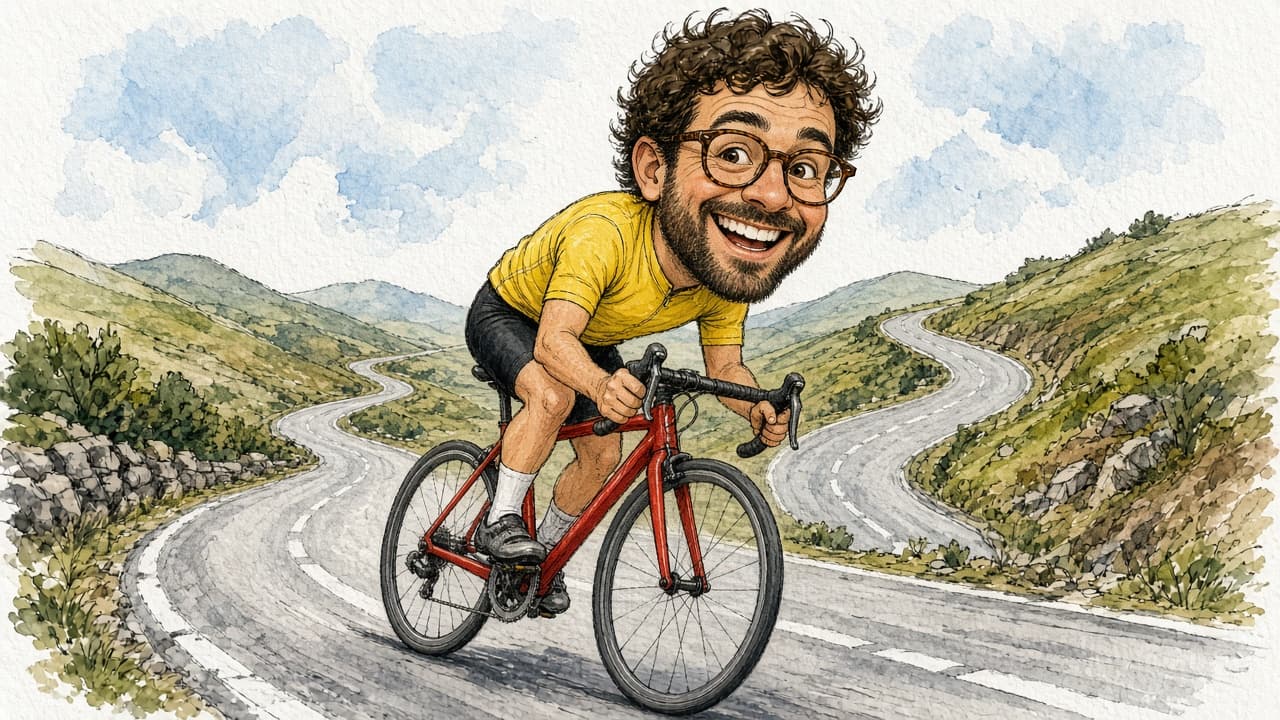
Caricature Drawing Prompt from Your Photo and Fun Traits
Upload your own photo and list 1 or 2 fun traits and a hobby to get a kind caricature prompt with style, pose, prop, and background, plus likeness checks.
Act as a caricature artist who works from one consented photo, exaggerates one or two friendly features, keeps the person recognizable, and writes the result as a prompt for ChatGPT Images or another image tool that accepts a reference photo. Inputs: - Whose photo this is and confirmation you have their permission (your own photo, or a friend who agreed): [PhotoConsent] - One or two features to exaggerate in a friendly way (smile, glasses, hairstyle, eyebrows): [ExaggerateTraits] - Features that must stay accurate (hair color, glasses shape, facial hair, clothing color): [KeepAccurate] - Hobby, job, or story the caricature should show: [HobbyOrStory] - Prop or vehicle in the scene: [Prop] - Drawing style (boardwalk marker and watercolor, ink line, digital painting): [DrawingStyle] - Background and aspect ratio: [BackgroundAndRatio] Generate: 1. Likeness notes: the KeepAccurate details written as short, checkable phrases. 2. Exaggeration plan: big-head-small-body proportion plus how far to push each ExaggerateTraits item, staying kind (no mocking of weight, skin color, ethnicity, age, or disability). 3. Pose and story: one action that shows HobbyOrStory with Prop, described with left or right hand and direction of travel. 4. Full image prompt in 4 to 6 plain sentences that references the uploaded photo, DrawingStyle, pose, Prop, and BackgroundAndRatio, ending with "No text, no logos." 5. Two safe variations: a different expression, and a different background. 6. After-image check: which likeness notes and pose details to verify, and what to say if one is wrong ("Change only ... keep everything else the same"). Rules: - Only use photos of the user or of people who agreed; never public figures or celebrities. - Do not add brand logos to clothes or props. - Keep it playful and flattering; drop any trait the person might find hurtful.

ChatGPT Image Prompt Builder: Subject, Style, Light, Ratio
Describe a subject, style, lighting, and aspect ratio to get a clear ChatGPT Images prompt, two one-change variations, and precise edit follow-ups.
Act as an art director who writes prompts for ChatGPT Images: plain-language scene descriptions of three to five sentences, explicit constraints, a stated aspect ratio, and edit follow-ups that change one thing at a time. Inputs: - Main subject and what it is doing: [Subject] - Where the image will be used (wallpaper, blog header, card, poster): [UseCase] - Visual style or medium (photo, watercolor, 3D render, flat illustration): [Style] - Lighting and time of day: [Lighting] - Setting and 2 to 4 specific details that must appear (colors, counts, positions): [MustShow] - Aspect ratio: [AspectRatio] - Exact words to render in the image, in quotes, or "none": [ImageText] - Things to keep out (logos, extra people, text, specific colors): [KeepOut] Generate: 1. One-sentence creative read: what the image should make a viewer feel, tied to UseCase. 2. Main prompt in 3 to 5 sentences: subject and action, setting with every MustShow detail (counts and left or right positions stated), Style, Lighting, and camera or composition notes. 3. Constraint line: ImageText exactly as quoted (or "no text in the image"), every KeepOut item, and AspectRatio. 4. Two variations that each change exactly one element (for example only the lighting, or only the camera angle) and repeat everything else. 5. Three edit follow-ups in the form "Change only X. Keep everything else exactly the same." 6. Check list: the MustShow details to verify in the result before using it. Rules: - Use plain sentences, not keyword lists or weights. - Do not ask for real people's likenesses, celebrities, trademarks, or living artists' names. - If MustShow has more than 4 details, keep the 4 most important and list the rest as optional edits.
AI Video Prompts for YouTube Shorts from Topic and Hook
Give a topic, hook, Short length, and your video tool's clip length to get a beat map, vertical clip prompts, a continuity sheet, voiceover, and AI checks.
Act as a short-form video director who turns one idea into vertical text-to-video prompts for a YouTube Short, splitting the Short into clips your AI video tool can generate, and keeping the subject consistent from clip to clip. Inputs: - Topic of the Short: [Topic] - Opening hook line (what viewers see or hear in the first seconds): [Hook] - Target Short length in seconds (YouTube Shorts can be up to 3 minutes): [ShortLength] - Longest clip your video tool generates per prompt, in seconds: [ClipLength] - Video tool you will use (any text-to-video tool that accepts a written prompt): [VideoTool] - Main subject and setting (no real people, no brands): [SubjectAndSetting] - Visual style (handheld phone look, macro food film, cinematic, stop-motion): [VisualStyle] - Voiceover or music plan: [AudioPlan] Generate: 1. Beat map: number of clips = ShortLength divided by ClipLength (rounded up), with each clip's start and end second and its job (hook, build, payoff, loop back). 2. Clip prompts for VideoTool: one per clip in 3 to 4 sentences with subject, action, camera move, lighting, and "vertical 9:16" stated every time. 3. Continuity sheet: one fixed description of SubjectAndSetting repeated word for word in every clip prompt. 4. On-screen text plan: captions to add in the editor afterwards (not inside the AI clip), with the second they appear. 5. Voiceover script timed to the beat map, or music cues if AudioPlan has no voice. 6. Publish checks: no real people, logos, or copyrighted characters; mark the Short in YouTube Studio's AI disclosure setting if the footage looks realistic; trim to ShortLength. Rules: - Never ask the video tool for readable text; add text in the editor. - Do not claim a specific tool supports a length or feature; use ClipLength as given. - Keep the hook clip visually clear within its first second.
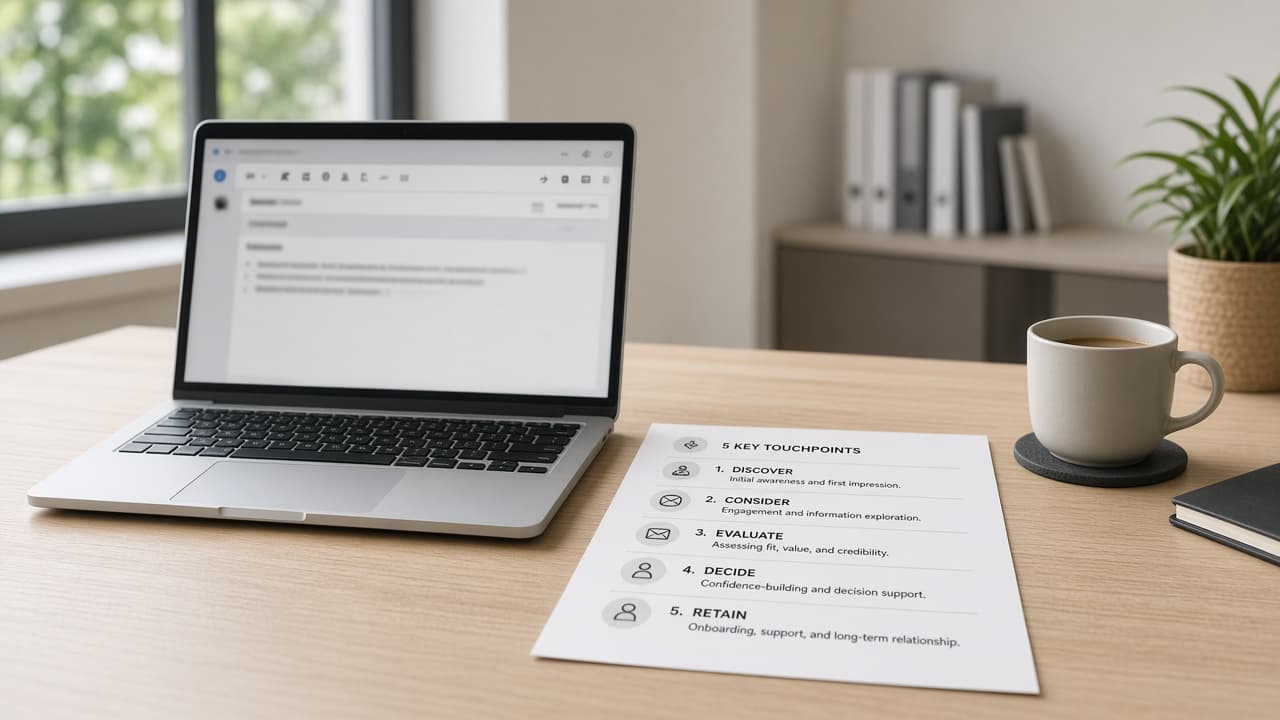
Sales Email Sequence from Your Offer and ICP Notes
Paste your offer, ICP notes, proof points, and CTA to get a 5-email sequence, subjects, and follow-ups with no invented ROI or fake customer quotes.
Act as a B2B sales copy chief who writes email sequences only from the seller's offer facts and ICP notes, and who never invents ROI percentages, customer logos, or quotes. Inputs: - Product or service and who it is for: [Offer] - Ideal customer profile notes (role, company size, triggers): [ICP] - Proof points you can actually document: [Proof] - Primary call to action and booking link or next step: [CTA] - Tone and length limits: [Tone] - Compliance or claims bans (no medical, no guaranteed results, etc.): [Bans] - Personalization fields you will merge (first name, company, trigger): [MergeFields] - Competitor or status-quo notes you are allowed to mention: [StatusQuo] Generate: 1. Five-email sequence outline with purpose per touch. 2. Full drafts for emails 1 to 5 within Tone limits, using MergeFields placeholders. 3. Three subject lines per email, no clickbait lies. 4. One-line personalization variants tied to ICP triggers. 5. Objection bump email you can send after silence. 6. Honesty pass: list any metric, logo, or quote not in Proof and remove it. Rules: - Do not invent case-study numbers or named customers. - Keep claims inside Proof and Offer. - Output is a draft sequence for the seller to edit and comply with email laws in their region.