How to Use the Themed Crossword Constructor Prompt to Build a Symmetric 15x15 Grid With a Clean Theme
Build a publishable American style themed crossword from an idea: a tight theme set with a revealer, matched entry lengths placed with 180 degree rotational symmetry, a black square and word count budget, a fill pass that removes crosswordese and duplicates, clues that follow standard conventions, and a submission checklist for the venue you are targeting.
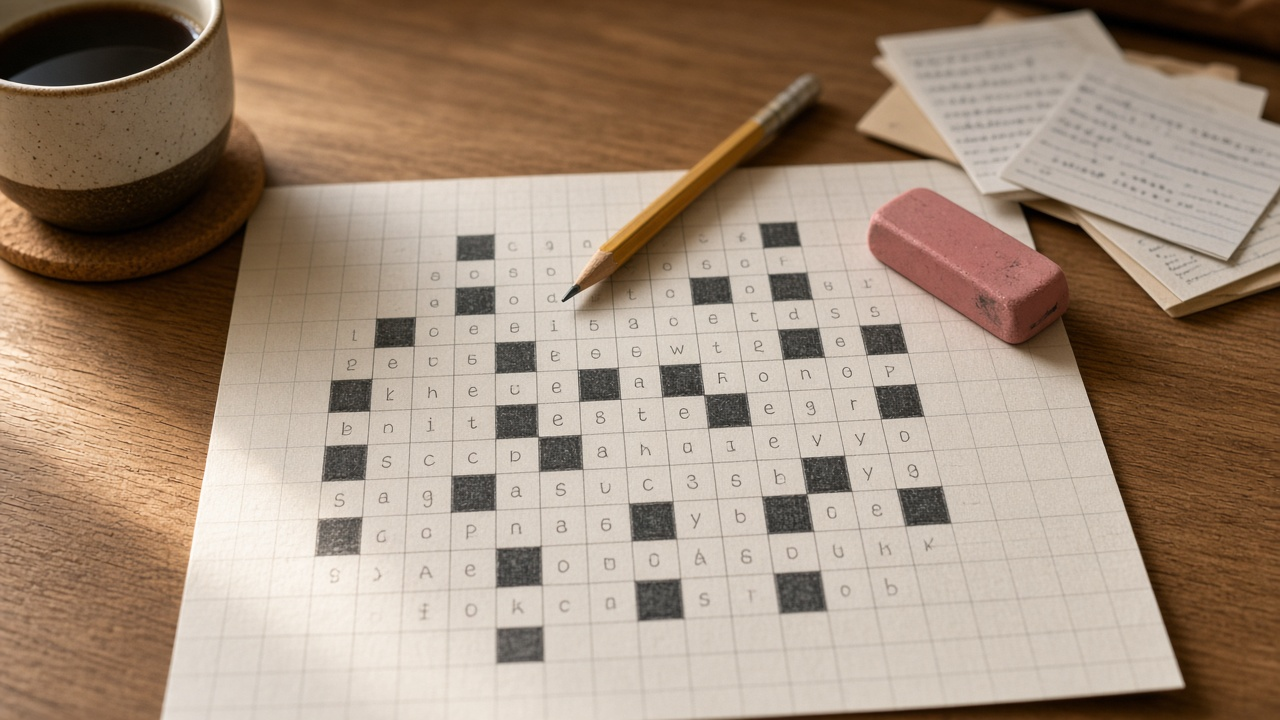
A themed American style crossword lives or dies on two things: a theme set that follows one tight rule, and fill that solvers enjoy instead of groan at. Most first drafts fail on the same points. One theme entry fits the rule loosely, two matching slots have different lengths, the revealer is not a real phrase, or the corners fill up with ESNE and ETUI. The Themed Crossword Constructor for American Style 15x15 Grids: Theme Set and Revealer, Rotational Symmetry Placement, Black Square and Word Count Budget, Fill Quality Pass, Clue Writing Rules, and a Submission Checklist prompt walks you through the constructor's process from idea to submission, with letter counts checked twice along the way.
What the prompt produces
- A theme set audit that lists every candidate with exact letter counts, states the one rule they all follow, and cuts entries that bend it.
- A revealer with its letter count and a recommended slot, usually the center row or the last theme slot.
- A symmetry placement table that gives each theme entry a row and column span so the grid keeps 180 degree rotational symmetry.
- A grid budget with theme squares, a word count target, a black square target, a minimum entry length of three, and the rule that every square is checked.
- A fill pass plan naming the hardest crossing areas and the crosswordese, partials, and duplicate roots to replace, with better options from your own word list.
- Clues for every theme entry and the revealer, plus sample fill clues that show standard conventions.
- A dupe and sensitivity check so no answer word repeats and nothing on your avoid list appears.
- A submission checklist for the venue you named.
How to fill the inputs
ThemeIdea is your concept in one sentence plus any entries you already like. Write it the way you would pitch it to an editor.
Venue names where you plan to submit and the day or difficulty. A Monday wants a simple, clear theme. A Thursday can take a trick.
GridRules carries the size and any published limits, such as a word count cap for themed puzzles or a minimum entry length.
WordList describes your scored list. The prompt uses your scale to decide what counts as lively fill and what to avoid.
AvoidList covers brand names, grim topics, or words your target editor dislikes.
Reading the example output
The example theme is phrases whose first word is something you can draw, revealed by LUCK OF THE DRAW:
- The audit keeps four entries and cuts one. LINE DANCING and CURTAIN CALL are 11 letters each, BLANK CHECK and BATH TOWELS are 10 each, and STRAW POLL is cut because it has no 9 letter partner.
- The revealer is 13 letters, an odd length, so it can sit centered in row 8.
- The placement table proves symmetry. Row 3, columns 1 to 11, rotates to row 13, columns 5 to 15. Row 5, columns 6 to 15, rotates to row 11, columns 1 to 10.
- The budget is honest about density. Fifty five theme squares is heavy for a Tuesday, so the output flags the overlap between rows 3 and 5 and offers a three entry fallback.
- The fill plan names real problems, such as crosswordese below a score of 30 in the constructor's list, and suggests livelier entries instead.
- The clues show conventions: a question mark on wordplay, an abbreviation signal for ASAP, and plural clues for plural answers.
Tips for better results
- Give more candidate entries than you need. A larger pool makes it easier to find matching lengths.
- Paste the venue's own guidelines into GridRules when you have them. Rules differ between outlets.
- Seed the hardest area first. The prompt points to it, and filling it early saves you from rebuilding the whole grid later.
- Read your clues aloud. If a clue needs a second read to parse, simplify it.
Mistakes to avoid
- Do not let a theme entry use the theme word in a different sense. Solvers notice, and editors reject for it.
- Do not use the revealer's key word anywhere else in the grid or clues.
- Do not add cheater squares that break symmetry or push you over the word count cap.
- Do not submit without confirming the venue's current file format and exclusivity rules.
Who it is for
New constructors working toward a first acceptance, experienced constructors who want a second pair of eyes on a theme set, puzzle editors preparing feedback, and teachers running a crossword unit who want to show how a real grid is planned.
Related PromptDig links
Open the Themed Crossword Constructor for American Style 15x15 Grids: Theme Set and Revealer, Rotational Symmetry Placement, Black Square and Word Count Budget, Fill Quality Pass, Clue Writing Rules, and a Submission Checklist prompt and paste your theme idea. For more creative prompts, Browse more prompts. If you have a puzzle or game design prompt that works well, Share a prompt.