How to Use the Prior Art Claim Chart Prompt to Map References Element by Element
Break an invention or patent claim into elements, plan keyword and classification searches across patent databases and non patent literature, then map each reference you found to each element in a claim chart with pinpoint citations and an honest gap summary.
A prior art search is only as useful as the chart that comes out of it. A pile of patents and papers that look related does not tell an inventor or attorney much. What helps is a clear map: each element of the claim, each reference, and the exact passage that shows the element or an honest note that nothing does. The Prior Art Search Claim Chart Builder: Claim Element Breakdown, Search String Plan for Patent and Non Patent Literature, Reference by Element Mapping, and a Gap Summary prompt builds that map and plans the next searches for the gaps.
What the prompt produces
- A claim element breakdown that splits the claim into lettered elements using the claim's own words.
- A search string plan for each element, with synonyms, Boolean and proximity strings, and classification codes to check.
- A non patent literature plan covering papers, standards, manuals, and archived product pages.
- A claim chart with pinpoint citations for every reference and element, or "not found".
- A date check against your priority or filing date.
- A combination note showing which elements need more than one reference.
- A gap summary and the next three searches to run.
How to fill the inputs
ClaimText should be the independent claim exactly as written, or a precise invention summary if no claim exists yet. Element breakdowns go wrong when the input paraphrases the claim.
FieldAndCutoff sets the field and the date that matters. A reference published after the cutoff is not prior art for this purpose, no matter how close it reads. Add classification codes if you know them; the prompt marks any it suggests for you to confirm.
ReferencesFound is where you paste what you already have, with the passages that seem relevant and their locations: paragraph numbers, column and line, or figure numbers. The prompt only cites what you give it, which keeps the chart trustworthy.
Sources lists the databases you can use, so the search strings fit the syntax you will actually type.
SearchPurpose changes the emphasis. A patentability search before filing looks different from an invalidity search against an issued patent, and a freedom to operate screen looks at claims rather than disclosures.
Reading the example output
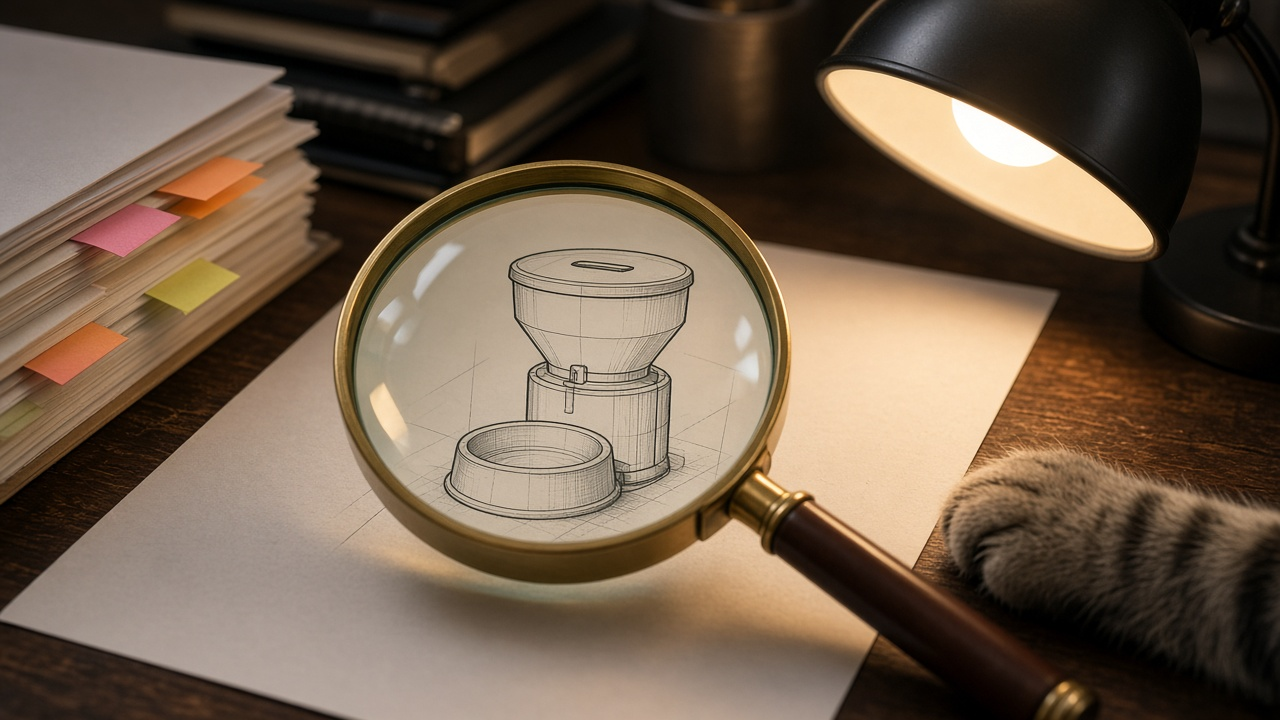
The example searches a smart pet feeder claim with a load cell, a camera, and per pet identification from the camera image.
- The claim is split into five elements, and the phrase "identifies from the camera image" is flagged as a term that may need construction.
- One reference covers the load cell, a product manual covers the camera, and a third reference identifies pets by RFID tag rather than by image. That third mapping is labeled "arguable at most" rather than a teaching.
- The date check notes the manual needs a dated source, such as an archive capture, before it can be relied on.
- The combination note refuses to invent a reason to combine references that none of them states.
- The gap summary lists image based identification and per pet logging as open, with targeted next searches.
Tips for better results
- Paste the full passage around a key citation, not just one sentence. Context changes what a reference teaches.
- Run the search plan in more than one database. Coverage and search syntax differ.
- Keep the chart in a spreadsheet as you go, adding columns as new references turn up.
- Save every search string and date you ran it. A search log helps when someone asks how thorough the search was.
Mistakes to avoid
- Do not count a reference as prior art before you have confirmed its date.
- Do not stretch a mapping. If a reference does something similar in a different way, say so.
- Do not skip non patent literature. Many features show up first in product manuals, papers, or demo videos.
Who it is for
Patent search analysts, patent agents and attorneys, in house IP teams, and inventors preparing for a conversation with counsel. It is not a patentability opinion; it is the organized evidence that opinion depends on.
A practical search rhythm
Break the claim down first and agree on the elements before searching. Run the planned strings for the elements most likely to be novel, then the rest. Update the chart after each session and rerun the prompt with the new references so the gap summary stays current. Stop when the gaps stop shrinking, and hand the chart to counsel with the search log.
Related PromptDig links
Open the Prior Art Search Claim Chart Builder: Claim Element Breakdown, Search String Plan for Patent and Non Patent Literature, Reference by Element Mapping, and a Gap Summary prompt with your claim and references. For more research prompts, Browse more prompts. If you have a search method worth passing on, Share a prompt.