How to Use the NSF Annual Project Report Prompt to Finish Your Research.gov Report Without Last Minute Stress
Draft an NSF annual project report from a PI's notes, section by section as Research.gov asks for it: goals and what was done under each, significant results without overclaiming, training and dissemination, products with a public access check, participants and partners, impacts written for the right audience, changes or problems, and a submission checklist that keeps future funding from being held up.
NSF annual project reports are short compared to proposals, but they still take PIs longer than expected. The form in Research.gov asks for accomplishments by goal, significant results, training, dissemination, products, participants, impacts, and changes, and each section has its own expectations. Notes are usually scattered across lab meeting slides, student updates, and email. A late report can also hold up funding actions, so it is not something to leave for the last week. The NSF Annual Project Report Writer for Research.gov: Accomplishments by Goal, Significant Results, Training and Dissemination, Products and Public Access Check, Participants Over One Person Month, Impacts, and Changes or Problems prompt turns your notes into a section by section draft that follows the Research.gov structure, keeps every claim tied to what you supplied, and flags missing public access deposits before you submit.
What the prompt produces
- Accomplishments by goal, with major activities, specific objectives, significant results, and key outcomes under each goal from your proposal.
- Significant results written for a scientist outside your subfield, separating preliminary from published findings.
- Training and professional development for students and postdocs.
- Dissemination with talks, posters, workshops, and data or code releases.
- Plans for the next reporting period, one paragraph per goal.
- A products table with a public access column that flags articles not yet deposited.
- A participants table listing people who worked at least one person month, plus partner organizations.
- Impacts written separately for each area Research.gov asks about, with "nothing to report" where that is true.
- Changes or problems, including delays and spending shifts.
- A submission checklist with the due date reminder and co PI review.
How to fill the inputs
AwardBasics gives the award number, title, program, reporting period, and report year.
ProjectGoals should be copied exactly from the proposal or the last report. Program officers compare reports to the original goals.
ActivityNotes is what the team did this period, with dates and people. Bullet points from lab meetings work fine.
ProductsList includes papers with their status and whether they are deposited in the public access repository, along with talks, data sets, and code.
ParticipantsList lists names, roles, institutions, and approximate person months.
ImpactsAndChanges covers broader impacts work and any delays, changes in approach, or budget moves.
Reading the example output
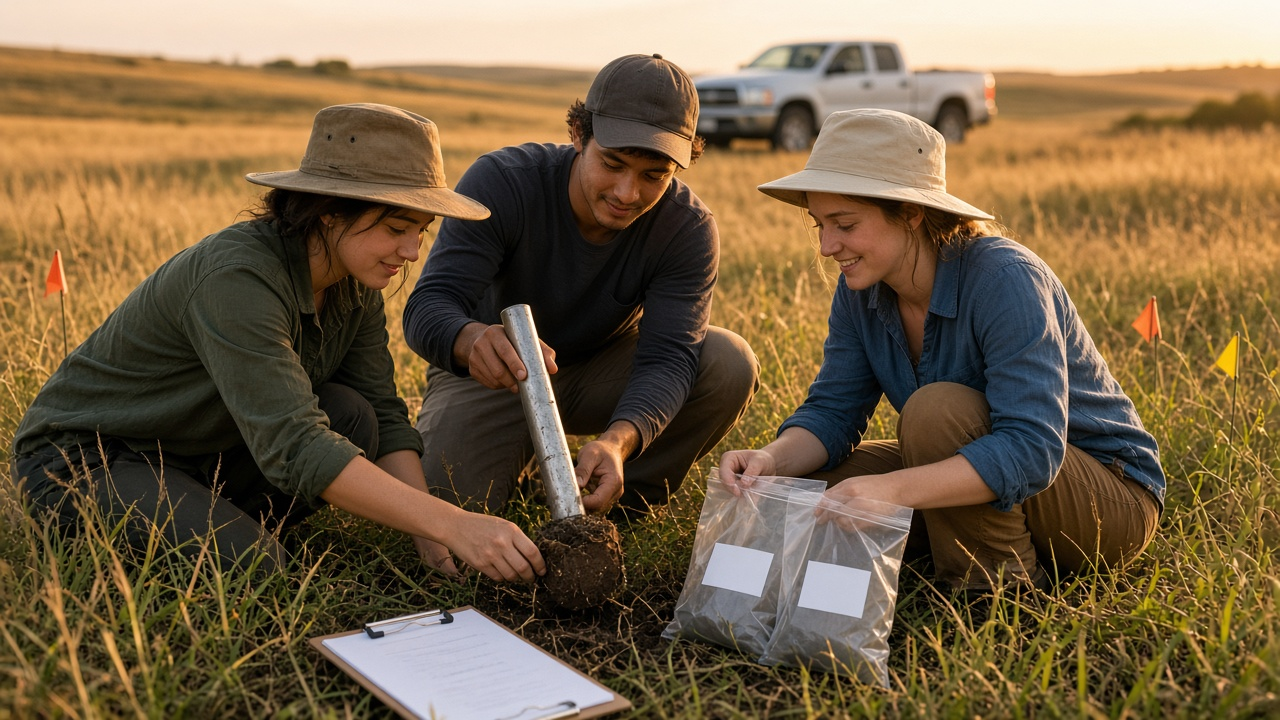
The example is a year two report for a grassland soil microbe project with three goals.
- Each goal keeps its original wording and gets its own activities and results.
- Results the PI has not written up are left as gaps instead of being invented.
- The nitrogen assay delay is reported honestly, with the cause and the plan to finish in spring.
- The accepted paper is flagged as not deposited, so it can be added before submitting.
- Participants are listed with person months, and the land trust appears as an in kind partner.
- Impacts that do not apply say nothing to report, which is better than filler.
Tips for better results
- Keep a running notes file during the year so reporting takes an hour, not a weekend.
- Deposit accepted papers in the public access repository as soon as they are accepted.
- Ask students to send a few lines about what they learned and presented.
- Share the draft with co PIs well before the deadline.
- Write results in plain language so a program officer outside your field can follow.
Mistakes to avoid
- Do not rewrite your goals to match what you did. Report against the original goals.
- Do not overstate preliminary results.
- Do not list people who did not work at least one person month in the participants table.
- Do not submit with products missing from public access.
Who it is for
Principal investigators and co PIs on NSF awards, postdocs who draft reports for their PIs, research development officers and grant administrators, and department staff who support multiple funded labs.
Related PromptDig links
Open the NSF Annual Project Report Writer for Research.gov: Accomplishments by Goal, Significant Results, Training and Dissemination, Products and Public Access Check, Participants Over One Person Month, Impacts, and Changes or Problems prompt and paste your notes to draft your annual report. For more research and grant writing prompts, Browse more prompts. If you have a research reporting prompt that helps your lab, Share a prompt.