How to Use the Home Inspection Report Narrative Writer Prompt to Turn Field Notes Into Clear Comments
Turn a home inspector's field notes and photo captions into clear report comments organized by system, each with what was seen, why it matters, and who should fix it, rated by urgency, plus a plain summary page buyers and agents can read in two minutes.
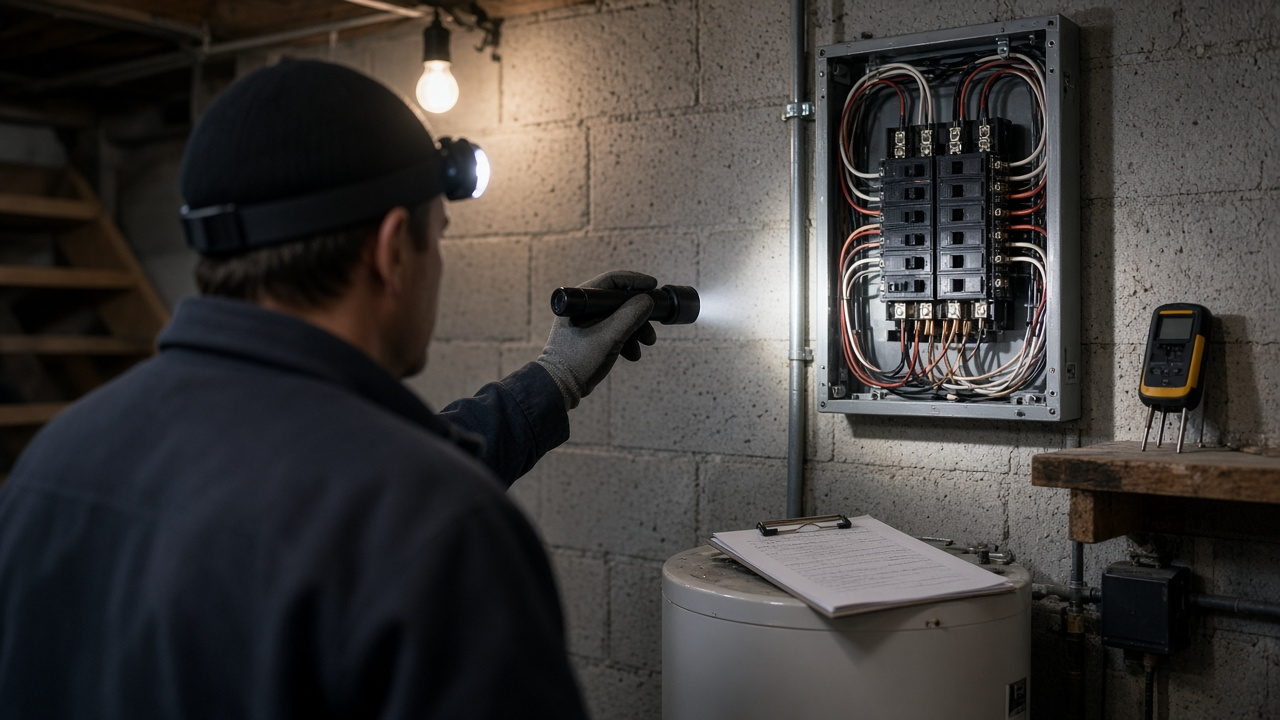
Most home inspectors finish the walkthrough with a phone full of photos and a page of shorthand: "FPE panel", "TPR high", "bath fan to attic". Turning those notes into report comments that a buyer, an agent, and a seller's contractor all read the same way is the slow part of the job. The Home Inspection Report Narrative Writer: Observation, Implication, and Recommendation Comments by System, Safety vs Repair vs Monitor Ratings, and a Buyer Summary Page prompt takes your notes and photo captions and drafts every comment in the same three part structure, rated by urgency, with a summary page on top.
What the prompt produces
- Report comments by system, each written as Observation, Implication, and Recommendation.
- A rating for every comment using your own scale, such as Safety, Repair, Maintenance, and Monitor, with a short reason.
- Photo references attached to the matching comment.
- A limitations section that says what was not inspected and why.
- Wording fixes that replace code inspection language with observation language.
- A buyer summary page listing only Safety and Repair items in priority order.
- A repair request list an agent can paste into an addendum, with no cost estimates.
- A self check that catches vague phrases like "appears old" or "needs attention".
How to fill the inputs
PropertyBasics covers year built, size, foundation, roof type, whether utilities were on, and the weather. Weather matters because rain can reveal or hide leaks.
StandardsOfPractice names the SOP you follow, such as your state's SOP, InterNACHI, or ASHI, plus any wording your state requires in every report.
FieldNotes should be grouped by system. Shorthand is fine. Keep locations in the note, for example "south slope" or "left of sink", because location is what turns a note into a useful comment.
PhotoCaptions need the photo number and a few words. The prompt links each photo to its comment.
Limitations lists what you could not see and why: stored boxes, a locked panel, no attic hatch, snow on the roof.
RatingScale is your own scale. The prompt uses your labels, not its own.
Reading the example output
The example is a 1978 two story house with a crawlspace. The notes mention curling shingles, lifted chimney flashing, a Federal Pacific panel, a double tapped breaker, a missing GFCI, a water heater relief pipe that ends high, standing water in the crawlspace, and a bath fan venting into the attic.
Each becomes a comment a buyer can understand. The double tap reads: two conductors under one terminal, which can loosen and overheat when the breaker is not rated for two wires, so an electrician should correct it. The water heater comment states the manufacture date and the relief pipe height without promising how long the unit will last.
The summary page ranks four Safety items above three Repair items, and the repair request list turns them into one sentence for the agent.
Tips for better results
- Write notes with location and condition, not conclusions. "Water stain on ceiling below hall bath, dry at time of inspection" gives the prompt more to work with than "leak".
- Keep photo numbers in your captions. Clients scroll from a comment to its photo.
- Paste any state required phrase exactly, so it appears in every report.
- Run the self check before you sign. Vague comments are where most client calls come from.
Mistakes to avoid
- Do not add cost estimates or life expectancy predictions. The prompt is built to leave them out.
- Do not cite building codes unless you pasted the code text and your SOP allows it.
- Do not let the draft replace your judgment. You are the one who saw the house.
Who it is for
Home inspectors who write their own reports, inspection firms that want consistent comments across inspectors, and new inspectors building a comment library.
A practical routine
Dictate or type notes by system during the walkthrough, add photo captions in the truck, and run the prompt before you leave the driveway. Review each comment against your photos, adjust ratings, and paste the comments into your report software. Over time, save your best comments as a personal library.
Related PromptDig links
Open the Home Inspection Report Narrative Writer: Observation, Implication, and Recommendation Comments by System, Safety vs Repair vs Monitor Ratings, and a Buyer Summary Page prompt with your next set of field notes. For more report writing prompts, Browse more prompts. If you have a comment template that saves you time, Share a prompt.