How to Use the Product Recall Notice Prompt to Write a Hazard Statement Customers Act On
Write the customer facing pieces of a voluntary consumer product recall: a plain hazard statement, an affected units table by model, lot, and date code, clear stop use and remedy steps, a retailer and distributor notice, and a short FAQ, all held to facts your safety team has confirmed.
A recall notice has one job: get people to stop using a product and claim the fix. Most notices fail at that job because they are written for lawyers instead of the person standing in a kitchen holding the item. The Consumer Product Recall Notice Writer: Hazard Statement, Affected Units by Model and Date Code, Remedy Steps, Retailer Notice, and a Plain Language Customer Letter prompt turns your safety team's confirmed facts into the pieces a voluntary recall needs, in plain language, without filling gaps with guesses.
What the prompt produces
- A headline and one sentence hazard statement that names the product and the actual risk.
- An affected units table by model, lot or date code range, and UPC, with a sentence on where to find the code on the unit.
- Immediate customer actions: stop using steps, safe storage, and what not to do.
- Numbered remedy steps for the refund, repair kit, or replacement.
- An incidents line that repeats your confirmed counts exactly.
- A retailer and distributor notice with stop sale and return instructions.
- A customer letter or email under 250 words.
- A five question FAQ built from what customers actually ask.
- A gaps list of every item marked for your safety team or regulator to confirm.
How to fill the inputs
AffectedUnits is the part customers use to decide if they are affected, so be exact. List every model number, the date code or lot range, the UPC, and where the code is printed. "On the bottom" is less helpful than "on the label under the base."
HazardFacts should come from the engineering investigation. Say what fails and what can happen to the person. The prompt is built to avoid soft phrases that make a hazard sound optional.
IncidentCounts must be the number your team has confirmed. If none have been reported, say so. The prompt copies this line as given and never rounds it up or down.
RemedyAndClaim explains what you are offering and how people claim it. Note whether a receipt is needed. Asking for one when you do not need it cuts response rates.
ChannelsAndDates covers the retailers and sale window, which feeds the retailer notice.
RegulatorStatus tells the prompt whether the wording still needs to be agreed with a regulator such as the CPSC before release. If it does, the output flags that clearly.
Reading the example output
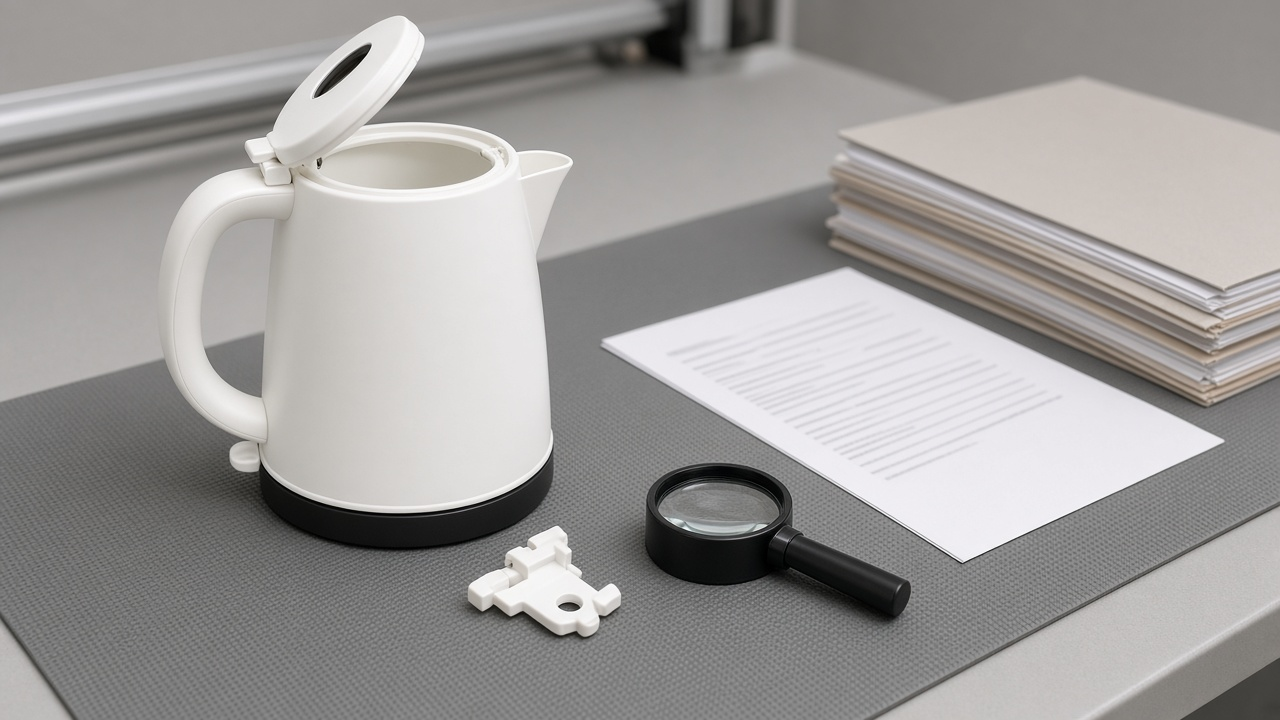
The example covers a fictional electric kettle whose lid hinge pin can crack and let the lid open while pouring. A few things to notice:
- The hazard statement is one sentence and says "splashing boiling water on your hand or arm" instead of a vague "may pose a risk."
- The affected units table tells people that codes outside the range are not part of the recall, which saves your support team calls.
- The remedy says no receipt is needed and asks only for a photo of the date code.
- The retailer notice leaves the stop sale date and contact as placeholders because they were not in the inputs.
- The gaps list repeats that the joint wording with the regulator is not yet approved.
Tips for better results
- Paste the exact incident language your safety team approved. Small wording changes matter in a recall.
- Run the customer letter past someone outside the company. If they cannot tell in ten seconds whether their unit is affected, simplify the affected units section.
- Ask for a short version of the letter for SMS or a social post if you plan to use those channels, and keep the same facts.
Mistakes to avoid
- Do not let the model fill in phone numbers, URLs, or dates. Placeholders are there on purpose.
- Do not bury the stop using instruction under brand language. It should come right after the hazard.
- Do not publish before your regulator signs off when you are in a joint process. The prompt's gaps list reminds you.
Who it is for
Product safety managers, quality leads at small consumer brands, regulatory consultants, and customer support leads who need recall copy that is accurate and readable. It is drafting help, not legal advice.
A practical review order
Draft with the prompt first, then send the hazard statement and affected units table to engineering for a facts check. Send the full packet to legal and, if you are working with a regulator, to your case contact. Only then build the landing page and email. Keep the gaps list open as a checklist until every placeholder is filled with a confirmed value.
When the notice goes live, give your support team the FAQ section as their script. Customers who call will ask the same five questions, and consistent answers build trust during a stressful moment for everyone.
Related PromptDig links
Open the Consumer Product Recall Notice Writer: Hazard Statement, Affected Units by Model and Date Code, Remedy Steps, Retailer Notice, and a Plain Language Customer Letter prompt with your confirmed facts. For more writing and compliance prompts, Browse more prompts. If you have a review checklist your team swears by, Share a prompt.