How to Use the Cocktail Menu Layout Prompt to Design a Bar Menu Guests Can Read by Candlelight
Turn a bar's drink list into a layout spec a designer and printer can follow: section order and hierarchy, how to set names, ingredients, and prices, minimum type sizes for dim rooms, page size and stock, allergen and ABV notes, and a proof checklist before print.
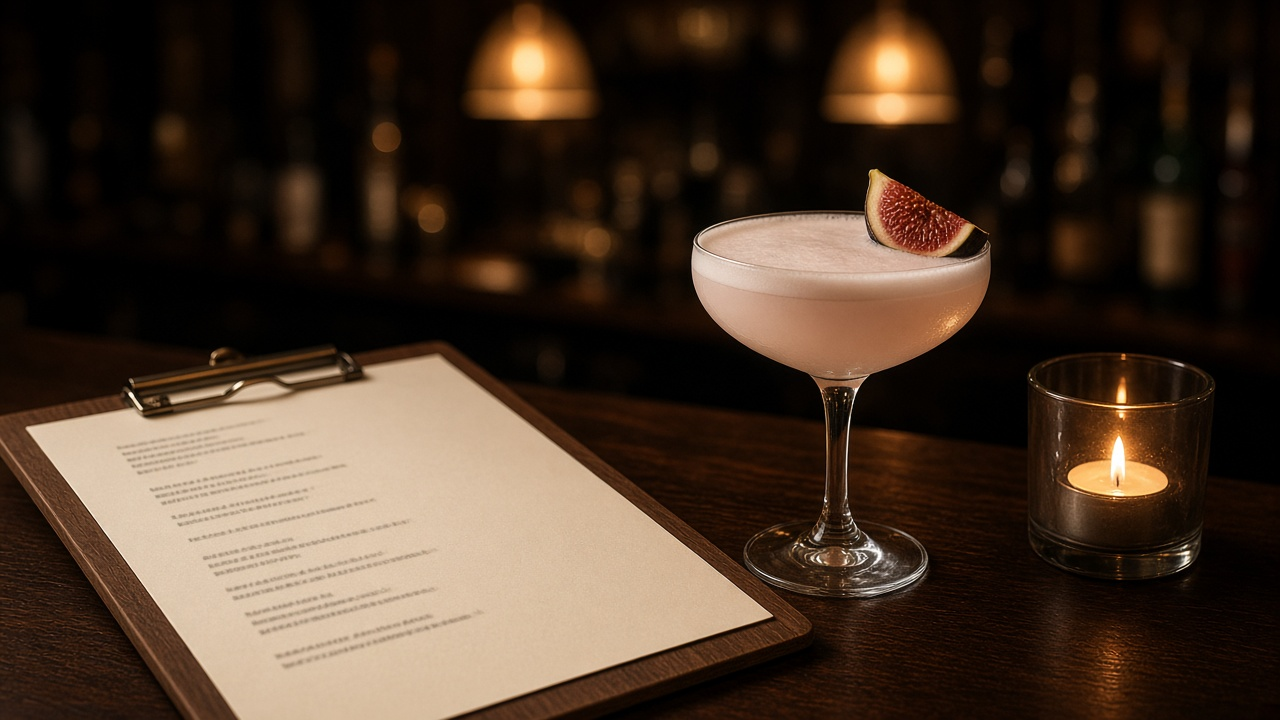
A cocktail menu has a hard job. Guests read it in dim light, often while talking, and they decide in under a minute. If the ingredient lines are thin gray type on cream paper, nobody reads them, and the bartender ends up explaining every drink. The Cocktail Menu Layout Spec for Bars and Restaurants: Section Order, Price Alignment Without Dollar Signs, Type Sizes for Low Light, Paper Stock, and Print Proof Checklist prompt turns your drink list into a layout spec that a designer and printer can follow and the bar manager can update without breaking the page.
What the prompt produces
- A section order and hierarchy with reasons, such as signatures first and zero proof drinks given equal weight.
- An entry style for drink names, ingredient lines, and price placement.
- A type spec with typeface, size, leading, and weight for every element.
- A grid and spacing plan for your page size.
- Color and contrast rules for low light.
- A paper and finish recommendation based on how the menu is handed out and how often it changes.
- Placement for required notes like allergens, zero proof markers, and service charges.
- An update workflow and print proof checklist.
How to fill the inputs
VenueAndLighting is the input most people skip, and it changes everything. A bright brunch spot and a candlelit cocktail bar need different minimum type sizes and contrast.
DrinkList should include every drink with ingredients and price, grouped the way the bar manager wants. The prompt does not invent producers or alcohol content.
BrandAssets lists the typefaces you have licenses for, your colors, and how the logo should appear. The prompt only uses fonts you list.
FormatLimits covers page size, page count, and the holder, such as a clipboard, leather folder, or table card.
RequiredNotes includes allergen keys, zero proof markers, and any local rule about service charges or price display.
UpdateCadence tells the prompt how often the list changes and who edits the file, so the template is built for that person.
Reading the example output
The example lays out a single sheet menu for a dim 40 seat cocktail bar that hands menus out on walnut clipboards.
- Signatures sit in the top third, zero proof drinks come second at the same size, and classics close the page.
- Prices drop the dollar sign and align to a fixed tab, without dot leaders, so guests read the drink before the price.
- Ingredient lines are set at 11 point minimum in regular weight, never light, because thin type disappears under amber pendants.
- The spec warns against gray ingredient lines and metallic inks, and asks for a test print read at an actual candlelit table.
- A required service charge line sits in the footer with the allergen key.
The proof checklist covers ingredient spellings, prices against the POS, and allergen markers on every drink with egg.
Tips for better results
- Print a test sheet and read it at the darkest seat in the room before approving.
- Size the signatures block for one more drink than you have. Seasonal changes then do not reflow the page.
- Lock paragraph styles in the template so the bar manager can edit text without changing type.
- Keep zero proof drinks in the main flow, not hidden in a footnote.
Mistakes to avoid
- Do not use thin or light font weights for anything guests must read.
- Do not laminate a menu that changes every week. It wastes money and looks dated.
- Do not let prices line up in a column that guests scan first.
Who it is for
Bar and restaurant owners, beverage directors, hospitality designers, and freelance graphic designers who take on menu work for local venues.
A practical design routine
Collect the drink list, brand assets, and a photo of the room at service time. Run the prompt, build the template from the spec, and print a test sheet. Read it at the darkest table, fix anything hard to read, and then hand the locked template to the bar manager for weekly updates.
Related PromptDig links
Open the Cocktail Menu Layout Spec for Bars and Restaurants: Section Order, Price Alignment Without Dollar Signs, Type Sizes for Low Light, Paper Stock, and Print Proof Checklist prompt with your drink list and room details. For more design prompts, Browse more prompts. If you have a layout rule that works in your venue, Share a prompt.