How to Use the Construction Superintendent Daily Report Prompt to Write Reports That Hold Up Later
Turn a superintendent's voice notes and texts from the field into a clean daily construction report: weather and site conditions, crew counts by subcontractor, work done by area, deliveries, inspections, safety notes, delays tied to a cause, and a photo log the project manager can rely on later.
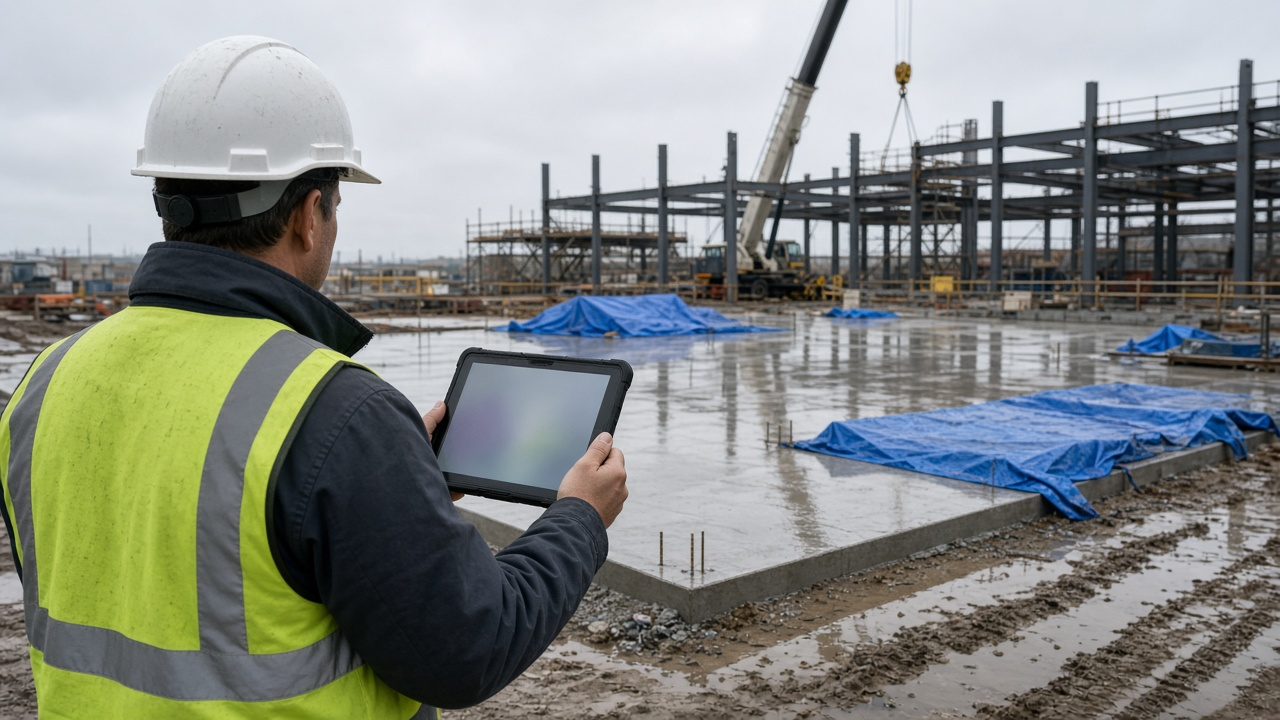
Superintendents know the daily report matters, but at the end of a long shift it is easy to write "rain, some delays, steel crew sent home" and move on. Months later, when a delay claim or change order dispute comes up, that line does not prove much. The Construction Superintendent Daily Report Writer: Weather, Manpower by Trade, Work Completed by Area, Deliveries, Inspections, Delays with Cause, and Photo Log prompt takes your voice notes, texts, and photo names and turns them into a complete daily report with times, headcounts, measurable work, and delays tied to a cause.
What the prompt produces
- A header block with project, job number, report number, superintendent, and shift hours.
- A weather section with times and whether weather stopped or limited work.
- A manpower table by company, trade, foreman, headcount, and hours, with a total.
- Work completed by area, written as specific, measurable statements.
- Deliveries, equipment, inspections, and visitors, with inspection results.
- A safety section with the toolbox talk topic, observations, and any incident.
- A delays and issues section with time lost, crews affected, cause, RFI or directive number, and a flag for the project manager to check notice requirements.
- A photo log keyed to each section.
- Tomorrow's plan and open items.
How to fill the inputs
ProjectAndDate covers project name, job number, report number, superintendent, and shift hours.
WeatherLog should include times: when rain started and stopped, temperature, wind, and ground conditions. Times are what connect weather to lost work.
ManpowerBySub lists each subcontractor, trade, foreman, headcount, and hours. Note any crew released early and why.
WorkByArea can be rough, but include area, level, or grid line. "L2 slab grid C to F" is far more useful than "poured slab".
DeliveriesAndInspections lists deliveries with times, equipment, inspections with results, and visitors.
SafetyNotes gives the toolbox talk topic and any incident or near miss.
IssuesAndDelays captures problems, RFIs, and any directive received in the field, especially verbal ones.
PhotoList pairs each file name with what it shows.
Reading the example output
The example is a medical office building on a day with rain from 10:15 to 12:40 and afternoon wind gusts. The manpower table totals 28 workers and shows the steel crew released at 1:00 p.m. The work section states that about 4,200 square feet of Level 2 slab was placed before the rain and finished under tarps.
The delays section separates three issues by cause: crane picks stopped for wind under the lift plan, a duct and beam conflict sent as RFI 42, and a verbal request from the owner rep to move a door. The verbal request is flagged so the project manager can request written direction and check the contract's notice rules.
Tips for better results
- Record times as they happen. A quick text to yourself at 10:15 saying "rain started" is enough.
- Note who gave any field direction, even informally.
- Name photos or caption them the same day. Unlabeled photos lose value fast.
- Keep the report factual. Leave blame and opinions out.
Mistakes to avoid
- Do not write "a while" or "a lot". Use numbers and times.
- Do not skip days with no problems. A clean report is evidence too.
- Do not let verbal directives go unrecorded.
Who it is for
General contractor superintendents, assistant superintendents, field engineers, and project managers who review daily reports.
A practical routine
Keep notes on your phone through the day, add photo captions at lunch and at the end of the shift, and run the prompt before you leave the trailer. Review the draft against your notes and send it to the project manager the same evening.
Related PromptDig links
Open the Construction Superintendent Daily Report Writer: Weather, Manpower by Trade, Work Completed by Area, Deliveries, Inspections, Delays with Cause, and Photo Log prompt with today's notes. For more field and productivity prompts, Browse more prompts. If you have a reporting template your team relies on, Share a prompt.