How to Use the Wedding Invitation Suite Print Spec Prompt to Send Printers Files They Can Quote
Write the print specification for a wedding invitation suite before sending files to a printer: every piece with trim size, matching envelope sizes, paper and print method per piece, bleed and margins, color notes, assembled weight and postage questions, and a proof and mailing timeline.
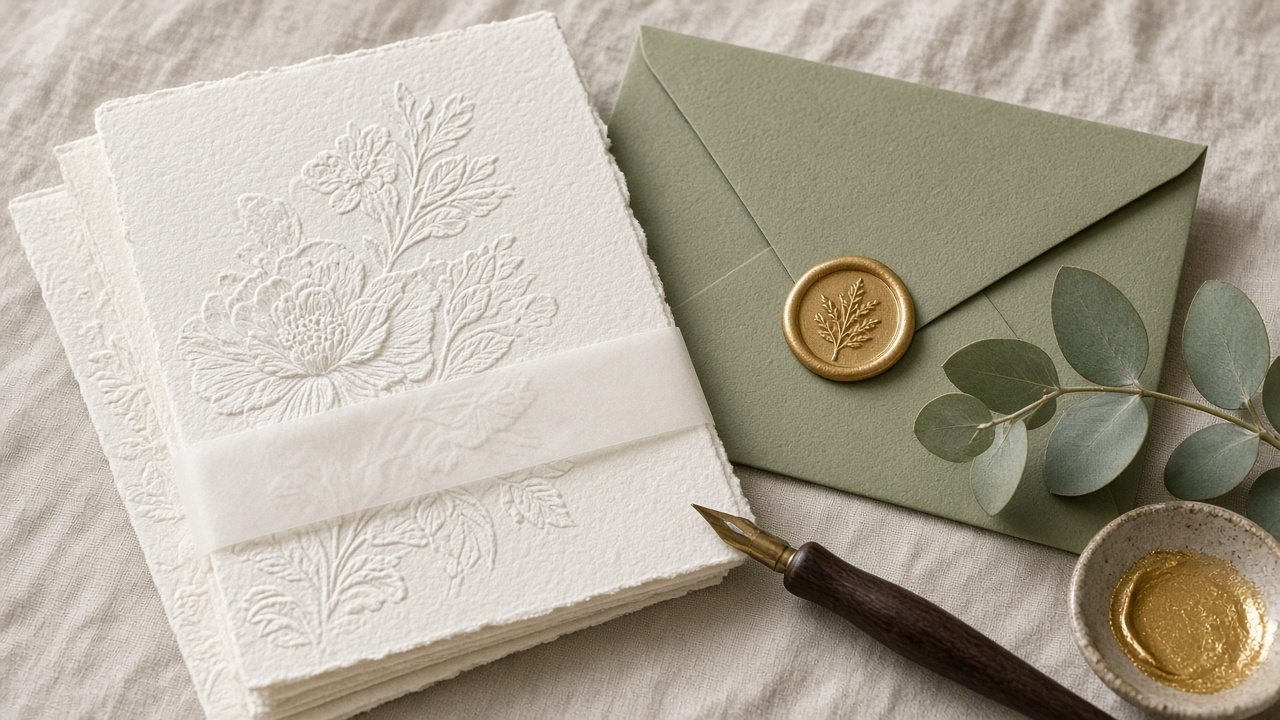
A wedding invitation suite looks simple until it goes to the printer. The invitation is letterpress on thick cotton, the RSVP card is digital, the outer envelope needs to fit the whole stack with a belly band, and the wax seal may change postage. Printers ask the same questions every time, and each round of back and forth costs days. The Wedding Invitation Suite Print Spec: Piece List and Sizes, Envelope Matching, Paper Weight and Print Method, Bleed and Safe Margins, Postage Weight Check, and a Proof Timeline prompt writes a full print spec before you send files, so the printer can quote and print without guessing.
What the prompt produces
- A piece list table with trim size, sides printed, print method, paper, and quantity for every piece.
- Envelope matching for the outer envelope and RSVP return envelope, using standard size names.
- File setup from your printer's rules: bleed, safe zone, color mode, spot color layers, minimum line weight, and file naming.
- Paper and print notes on impression depth, vellum, and duplex printing.
- Mailing weight and postage questions to settle with a real assembled sample.
- Quantities with an overage for mistakes and keepsakes.
- A backward timeline from the mail date through proofs, printing, assembly, and addressing.
- A printer email checklist with every question the printer will ask.
How to fill the inputs
SuitePieces lists every piece and its rough size: invitation, RSVP, details card, map, liner, belly band, seals.
DesignFiles covers software, color mode, fonts, and spot colors such as Pantone references.
PrintAndPaper says which method and paper the couple likes for each piece.
Quantities gives the number of households and whether RSVPs come back by mail.
MailingDetails covers domestic or international mail, envelope shape, wax seals, and hand addressing.
Timeline gives the wedding date and the date invitations should go in the mail.
PrinterRequirements should be pasted from the printer's site. The prompt uses only these rules and marks anything else as a question for the printer.
Reading the example output
The example is a 5 x 7 inch letterpress invitation in sage green with gold foil on 220 lb cotton, plus digital RSVP and details cards, a liner, a vellum band, and a wax seal on a sage envelope.
The spec names an A7 outer envelope and a 4 bar return envelope, separates the Pantone and foil into their own layers, and checks the thinnest script strokes against the printer's minimum line weight. It warns that sage on the digital pieces will not exactly match the Pantone and asks for a printed proof. It adds ten extra copies of each piece and lays out a timeline from early January through an April mail date, including a post office weigh in with a fully assembled sample.
Tips for better results
- Build one complete sample suite, seal and all, before ordering stamps.
- Print the invitation on one side only when using deep impression on thick paper.
- Ask the printer for a printed proof when digital pieces must sit next to a spot color.
- Name files by piece, size, and color layer so nothing gets mixed up.
Mistakes to avoid
- Do not assume postage from a guess. Weigh a real sample.
- Do not leave fonts live in files sent to print. Outline them.
- Do not order exact quantities. Mistakes and late guests always happen.
Who it is for
Wedding stationery designers, freelance designers taking on an invitation project, and couples designing their own suites who want to work smoothly with a printer.
A practical routine
Finish the design, run the prompt with the printer's requirements pasted in, and send the spec and printer checklist together with your files. Update the timeline once the printer confirms turnaround.
Related PromptDig links
Open the Wedding Invitation Suite Print Spec: Piece List and Sizes, Envelope Matching, Paper Weight and Print Method, Bleed and Safe Margins, Postage Weight Check, and a Proof Timeline prompt with your suite details. For more design prompts, Browse more prompts. If you have a print spec template that saves time, Share a prompt.