ChatGPT Prompts for Marketing Flyers: 10 Prompts to Copy
10 ChatGPT prompts for marketing flyers: headlines, a copy deck from your facts, layout grids, text-free background art, and a proof checklist before you print.
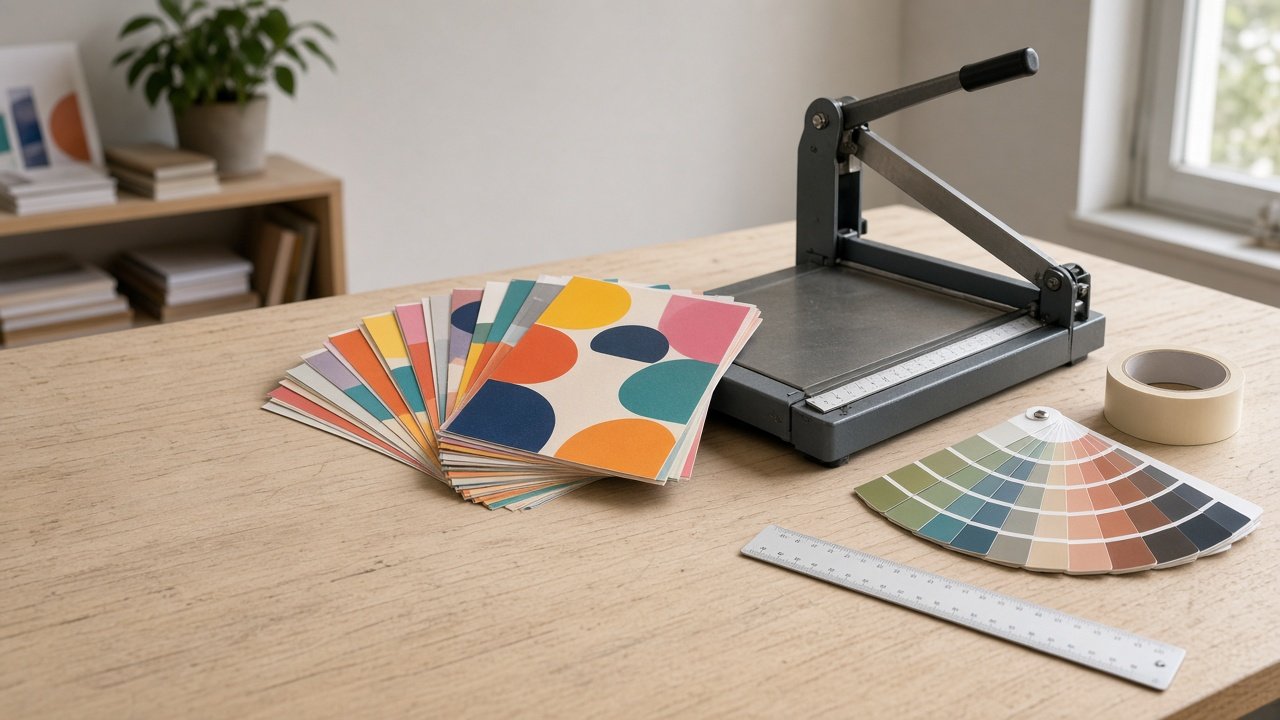
ChatGPT prompts for marketing flyers work best when you split the job in three: ChatGPT writes the words and plans the layout, its image generation makes a background with no text in it, and you set the type in a design tool so every date and address is spelled right. Give it your real facts and one call to action, and you get a flyer that reads in a few seconds. Below are 10 copy-paste prompts grouped by step, plus a flagship prompt that builds the whole flyer plan at once.
Keep words out of generated images, because image models still misspell text and mix up numbers. Only advertise offers and prices you will honor; in the US the FTC Act bars deceptive ads. For size and bleed, use your printer's template. Use only your own logo, never another brand's logo or a look-alike, and do not show a real person in the art without their written permission.
Prompts for the words
1. Headline options
Write five flyer headlines under eight words for [event or offer] aimed at [audience] who will see it on [placement]. Recommend one and say why.
2. Copy deck from facts
Using only these facts: [date, time, place, price, details], write a subhead, three short benefit lines, a facts block that copies every fact exactly, and a call to action that asks readers to [action].
3. Cut it down
Here is my flyer copy: [copy]. Cut it to [number] words without losing any fact, and tell me which line to make biggest.
4. Offer wording check
Check this flyer copy for claims I cannot prove or terms that need fine print: [copy]. Suggest honest replacements and list the conditions to state, such as end dates or limits.
Prompts for layout and art
5. Layout plan
Plan the layout for a [size and orientation] flyer: reading order, a simple grid, where the headline, image, facts, and call to action sit, and how much space each takes. Brand colors: [colors].
6. Text-free background image
Write an image prompt for a flyer background showing [scene], with the [top or left] [percent] of the frame calm and empty for the headline. Ratio [ratio]. No words, letters, numbers, signs, or logos.
7. Illustrated style option
Rewrite that background prompt as a flat illustration in [two or three colors] with simple shapes, keeping the same empty area for text.
8. Canva or Adobe Express build steps
Give me step by step instructions to build this flyer in [Canva or Adobe Express] from my copy deck and background image: page size, grid, text styles, and export settings for [print or digital].
Prompts before you print
9. Proof checklist
Make a proof checklist for this flyer: [copy]. Include each fact to check against its source, date and weekday match, spelling of names and addresses, phone or QR test, and a read-from-six-feet test.
10. Social version
Turn this flyer into a square social post and a vertical story: what stays, what to cut, and where the text goes on the same background.
Plan the full flyer with the flagship prompt
The Marketing Flyer Prompt: Copy Deck, Layout, and Text-Free Art combines prompts 1, 2, 5, 6, 9, and 10. You give it the offer facts, audience and placement, call to action, brand kit, size, image idea, and words to avoid. It returns five headlines with a pick, a copy deck, a layout plan, hierarchy notes, a background image prompt, a proof checklist, and a social version. Its example is a free library Fix-It Clinic flyer on US letter paper, with the background workbench photo left empty at the top for the headline.
Related design prompts
For matching print pieces, use the business card design prompt. If your image tool handles quoted text well, see how to prompt an Ideogram poster with quoted headline text, and for print products read how to prompt a print on demand mock with safe margins. Planning the bigger push around the flyer? Start with ChatGPT Prompts for Marketing Campaigns.
Find more layout prompts in the Design category, look through Browse, or post your own on Share.