ChatGPT Prompt for Product Mockup: 12 Photoreal Scene Ideas
12 ChatGPT prompts for product mockups: photoreal scenes from your specs, blank or uploaded labels, studio and lifestyle shots, edit fixes, and accuracy checks.
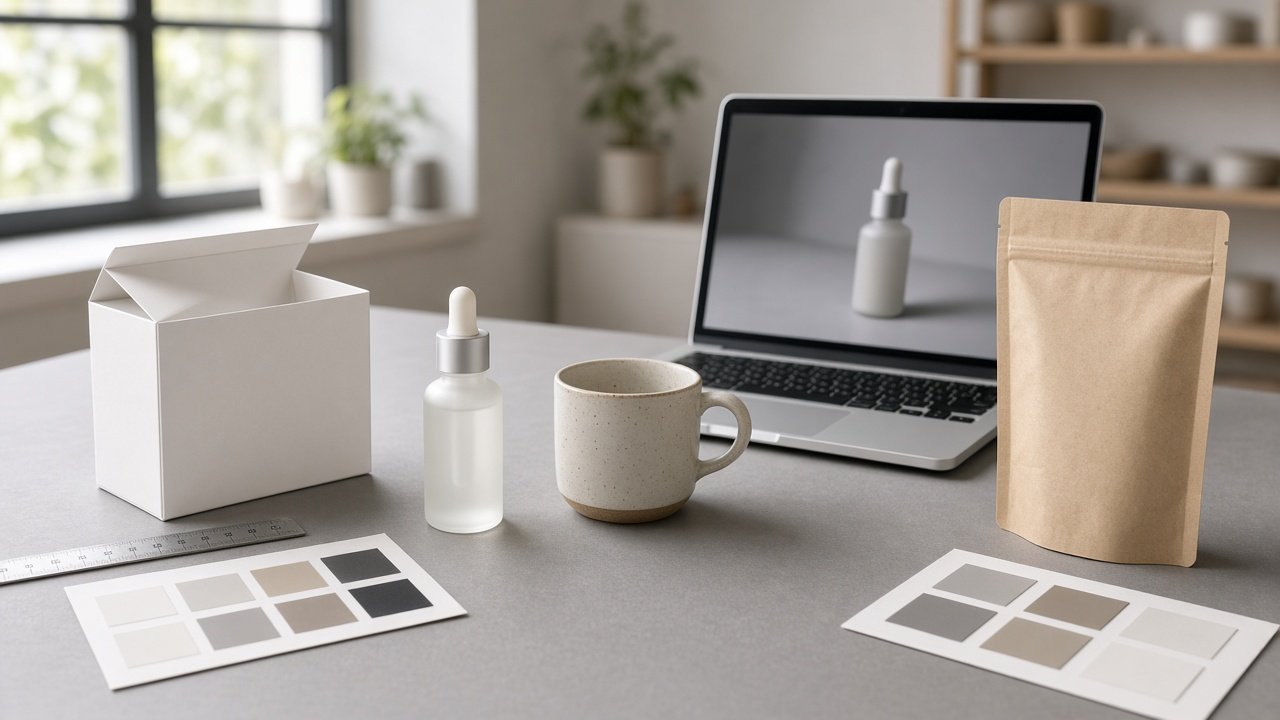
A ChatGPT prompt for product mockup describes your real product's shape, size, materials, and label so the image generator can place it in a believable photoreal scene. The 12 prompts below cover listing previews, studio and lifestyle shots, packaging, and fixes. Upload your own label art or keep the label blank, and compare every mockup with the real product before you use it to sell.
Brand note: Use only your own logo and label art. Do not add other brands' trademarks or logos, and make sure the mockup matches the real product before you sell it.
Set up the mockup
1. Spec lock
Here are my product specs [type, size, materials, colors]. List the details an image must keep exactly and suggest one prop that shows the real scale.
2. Blank label mockup
Create a photoreal image of [product] with a blank [label material] label and no text or logos, on [surface], light from the [side], [aspect ratio].
3. Your own label art
I uploaded my label file. Place it on the [product] so it wraps naturally around the [shape], keep the colors exact, and do not add any other text.
Studio and lifestyle scenes
4. Clean studio shot
Show [product] on a seamless [color] background with soft light from the left and a fill card on the right, centered, sharp focus on the label, [aspect ratio].
5. Lifestyle scene
Place [product] in a [room or setting] with [two or three props] that fit my buyer, natural window light, shallow depth of field, no people and no other brands.
6. Seasonal version
Make a [season or holiday] version of this scene [describe] with [props], keeping the product, label, and size exactly the same.
7. Group shot
Show all [number] variants of my product [list colors or scents] side by side in one row on [surface], same size and spacing, labels facing the camera.
Packaging and pitch mockups
8. Box and product together
Show my [product] next to its [box type] with a blank box surface, lid open to the right, on a [surface], so I can test the box size before ordering.
9. Pitch deck hero image
Create a simple hero image of [product] for a pitch deck slide: plain background with space on the [side] for a headline I will add myself, no text in the image.
10. In-hand scale shot
Show a hand holding [product] so its real size of [dimensions] is clear. Keep the hand generic with no jewelry, nails natural, and the product label facing out.
Fix and check the result
11. Edit fixes
The [part] looks wrong: [problem]. Fix only that, for example straighten the label or correct the color to [color], and keep everything else unchanged.
12. Accuracy check
Compare this mockup with my real product specs [paste]. List any differences in shape, color, size, part count, or label so I can fix them before using the image.
Write the full mockup prompt in one step
The flagship Product Mockup Prompt: Photoreal Scene From Your Specs takes your specs, label plan, use case, scene, aspect ratio, and an optional prototype photo. It returns a spec lock, a main image prompt, studio and lifestyle alternates, edit follow-ups, and an accuracy check. Its example builds an Etsy preview for an amber glass candle jar with a blank label.
Tips for honest product mockups
Image generators often warp labels, change colors, or add extra parts, so check details against the real item. Do not copy another brand's packaging look. If you sell with a mockup before stock arrives, label it as a preview and swap in real photos before you ship, and check your marketplace's photo rules.
Related prompts
For catalog packshots, try the Nano Banana 2 product packshot prompt. Apparel sellers can use the t-shirt design mockup brief prompt, and see ChatGPT prompts for print on demand for listing ideas.
Find more in the Design category, look through Browse, or post your own on Share.