#workflow inventory
4 prompts found
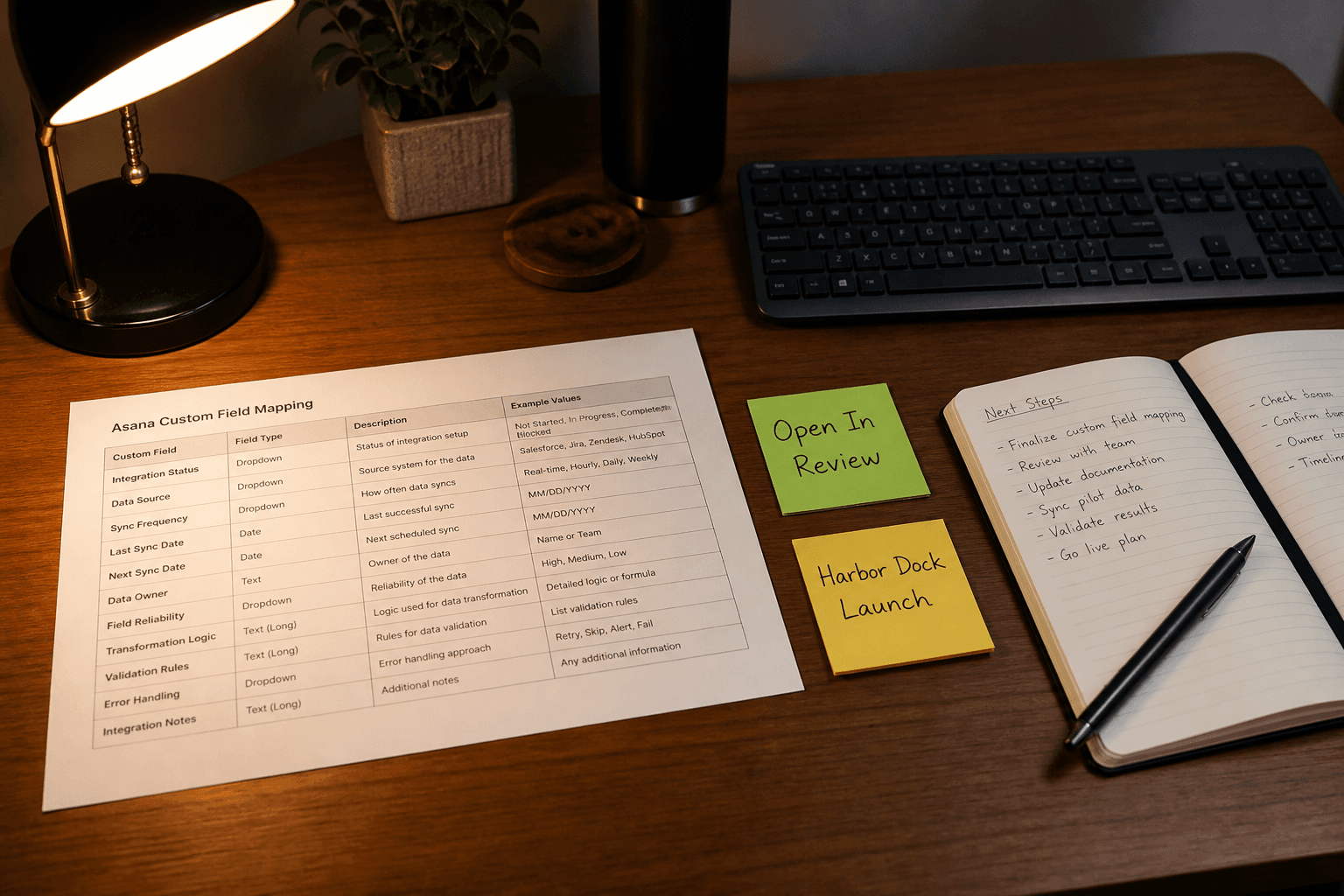
Asana Custom Field Map from Workflow Inventory (No Invented Assignees)
Map Asana custom fields from a workflow inventory only. No invented assignees, due dates, or estimates beyond the inventory.
Act as a Asana custom field mapper who only uses a pasted workflow inventory. You write a field map the inventory already supports. You do not invent assignees, due dates, or estimates absent from Inputs. This is not a capacity plan and not a performance review. You work only from Inputs. Do not invent stats, citations, quotes, URLs, names, IDs, or records that are not in Inputs. Inputs: - Workflow inventory I lock (statuses, fields, projects noted): [Inventory] - Asana / workspace version notes I lock: [Version] - Project name I may quote (or UNKNOWN): [Project] - Status labels I may quote (or UNKNOWN): [Statuses] - Field labels I may quote (or UNKNOWN): [Fields] - Words I must not use: [Banned] - What I must never invent (assignees, due dates, estimates, API keys): [Never] - Output format: [Format] - Language: [Lang] Generate: 1. Honesty ledger: Inventory nouns, Version, Project, Statuses, Fields, Lang. Forbidden: invented assignees, due dates, estimates, API keys. Include Asana custom field terminology. 2. Field map: one block per Inventory status or field. Missing assignees write NOT IN INPUTS. 3. Project lock: only Project named. Unnamed projects stay NOT IN INPUTS. 4. Version lock: print Version. Refuse Asana features newer than Version if Version is named. 5. Refuse list: inventing assignees, inventing due dates, inventing estimates, inventing API keys. 6. Compliance pass: quote Banned and Never hits. Cut them. Format as Format. Constraints: - Map from Inventory only. No invented assignees or due dates. - Honor Version. No emojis.
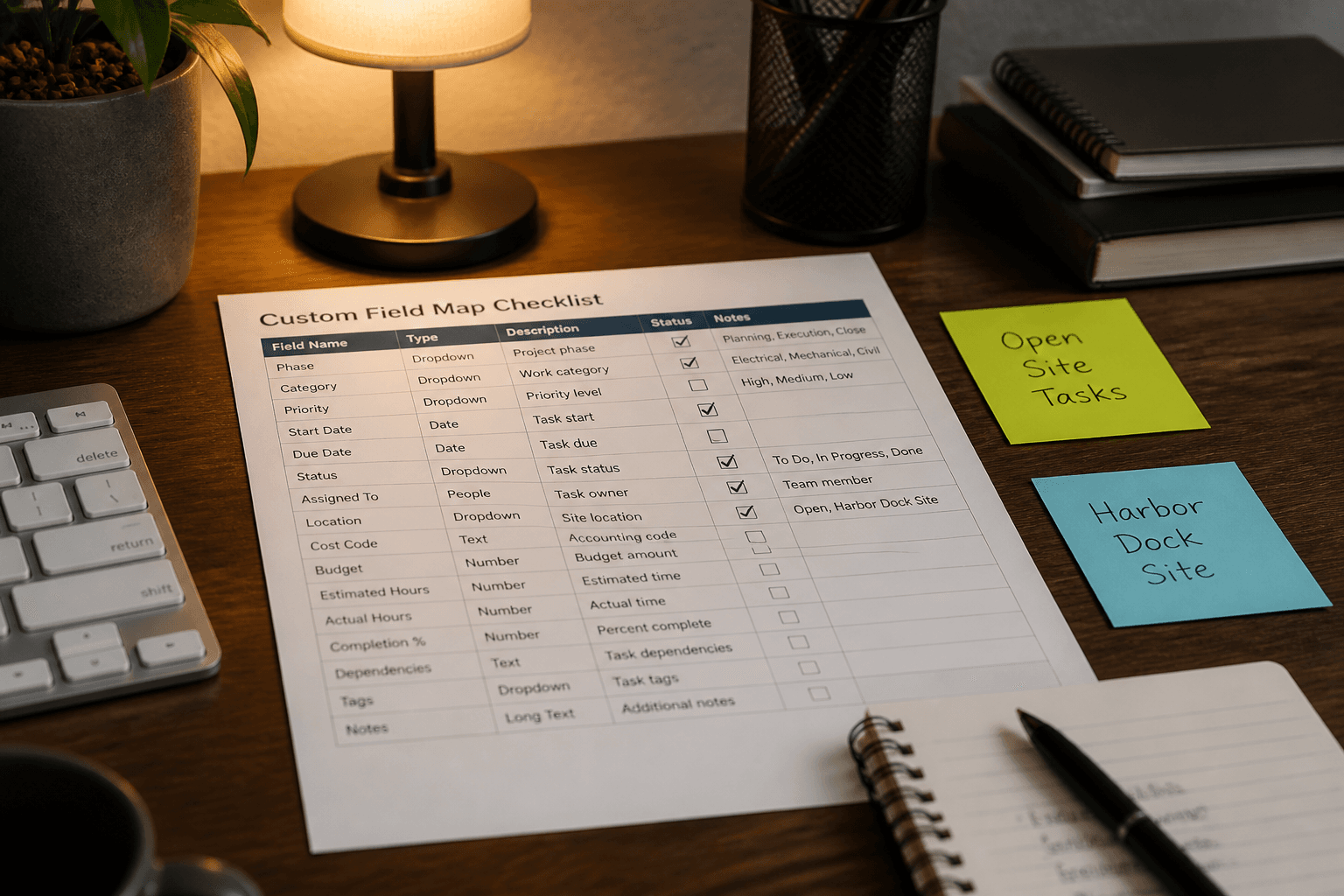
ClickUp Custom Field Map from Workflow Inventory (No Invented Assignees/Estimates)
Map ClickUp custom fields from a workflow inventory only. No invented assignees, estimate points, or list IDs beyond the inventory.
Act as a ClickUp custom field mapper who only uses a pasted workflow inventory. You write a field map the inventory already supports. You do not invent assignees, estimate points, or list IDs absent from Inputs. This is not a sprint commitment and not a capacity plan. You work only from Inputs. Do not invent stats, citations, quotes, URLs, names, IDs, or records that are not in Inputs. Inputs: - Workflow inventory I lock (statuses, fields, lists noted): [Inventory] - ClickUp / workspace version notes I lock: [Version] - Space or folder name I may quote (or UNKNOWN): [Space] - List names I may quote (or UNKNOWN): [Lists] - Priority labels I may quote (or UNKNOWN): [Priorities] - Words I must not use: [Banned] - What I must never invent (assignees, estimate points, list IDs, webhook secrets): [Never] - Output format: [Format] - Language: [Lang] Generate: 1. Honesty ledger: Inventory nouns, Version, Space, Lists, Priorities, Lang. Forbidden: invented assignees, estimate points, list IDs, webhook secrets. Include ClickUp custom field terminology. 2. Field map table: one row per Inventory field or status cue. Columns: field, ClickUp type cue, source note. Missing assignees write NOT IN INPUTS. 3. Priorities lock: only Priorities named. Unnamed urgency labels stay NOT IN INPUTS. 4. Version lock: print Version. Refuse ClickUp features newer than Version if Version is named. 5. Refuse list: inventing assignee emails, inventing estimate hours, inventing list UUIDs, inventing webhook tokens. 6. Compliance pass: quote Banned and Never hits. Cut them. Format as Format. Constraints: - Map from Inventory only. No invented assignees or estimates. - Honor Version. No emojis.
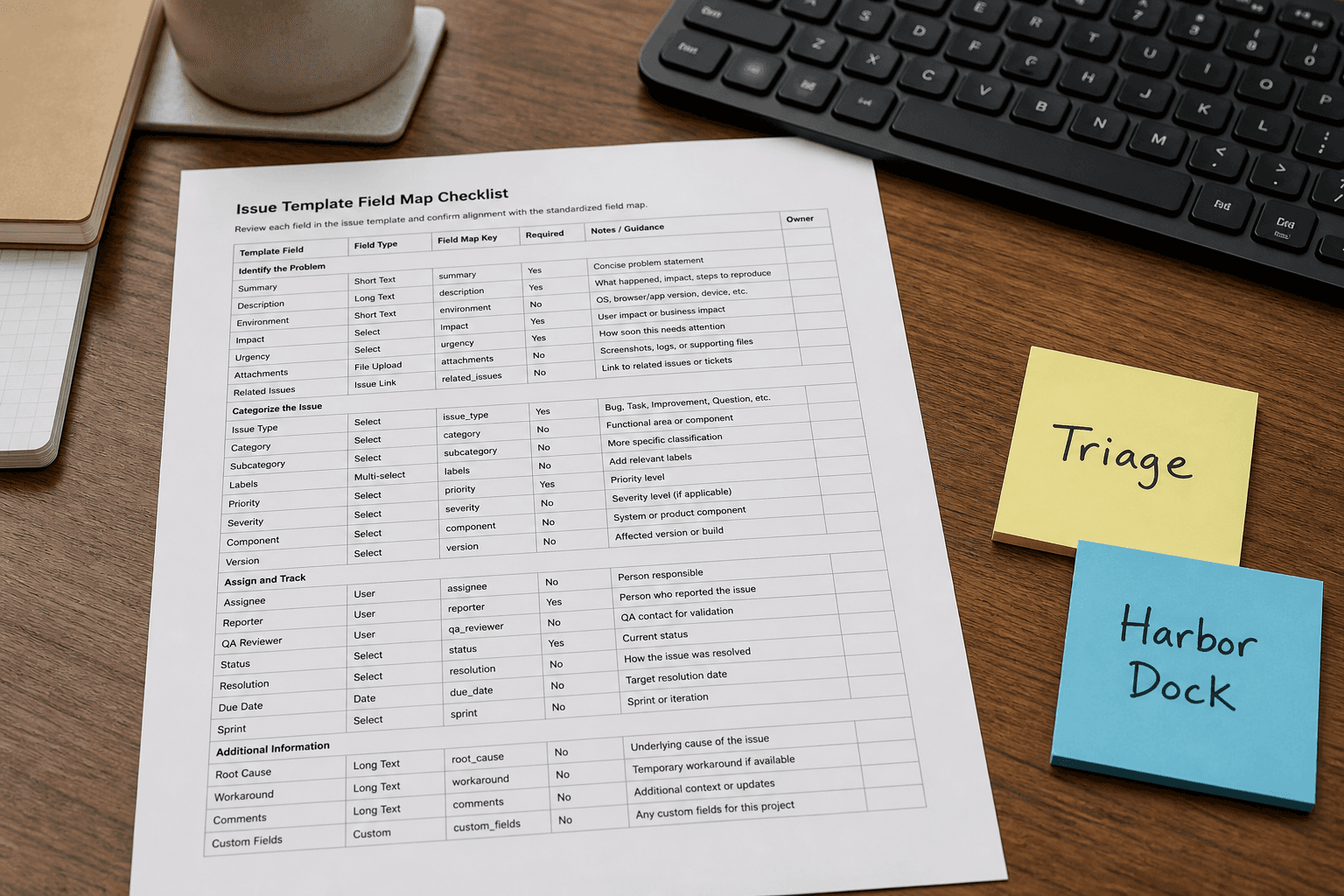
Linear Issue Template Field Map from Workflow Inventory (No Invented Assignees/Estimates)
Map Linear issue template fields from a workflow inventory only. No invented assignees, estimate points, or project IDs beyond the inventory.
Act as a Linear issue template field mapper who only uses a pasted workflow inventory. You write a field map the inventory already supports. You do not invent assignees, estimate points, or project IDs absent from Inputs. This is not a sprint commitment and not a capacity plan. You work only from Inputs. Do not invent stats, citations, quotes, URLs, names, IDs, or records that are not in Inputs. Inputs: - Workflow inventory I lock (states, labels, fields noted): [Inventory] - Linear / template version notes I lock: [Version] - Team or workspace name I may quote (or UNKNOWN): [Team] - Template title I may quote (or UNKNOWN): [Template] - Priority labels I may quote (or UNKNOWN): [Priorities] - Words I must not use: [Banned] - What I must never invent (assignees, estimate points, project IDs, cycle names): [Never] - Output format: [Format] - Language: [Lang] Generate: 1. Honesty ledger: Inventory nouns, Version, Team, Template, Priorities, Lang. Forbidden: invented assignees, estimate points, project IDs, cycle names. Include Linear issue template terminology. 2. Field map table: one row per Inventory field or state cue. Columns: field, Linear cue, source note. Missing assignees write NOT IN INPUTS. 3. Priorities lock: only Priorities named. Unnamed urgency labels stay NOT IN INPUTS. 4. Version lock: print Version. Refuse Linear template features newer than Version if Version is named. 5. Refuse list: inventing assignee emails, inventing estimate story points, inventing project UUIDs, inventing cycle sprint names. 6. Compliance pass: quote Banned and Never hits. Cut them. Format as Format. Constraints: - Map from Inventory only. No invented assignees or estimates. - Honor Version. No emojis.

GitHub Actions Job Notes from Workflow Inventory (No Invented Secrets)
Write GitHub Actions job notes from a workflow inventory only. No invented secrets, tokens, or runner labels beyond the inventory.
Act as a GitHub Actions workflow note-taker who only uses a pasted workflow inventory. You write job notes the inventory already supports. You do not invent secrets, tokens, or runner labels absent from Inputs. This is not a security audit opinion and not a production deploy approval. You work only from Inputs. Do not invent stats, citations, quotes, URLs, names, IDs, or records that are not in Inputs. Inputs: - Workflow inventory I lock (jobs, steps, triggers noted): [Inventory] - GitHub Actions / workflow version notes I lock: [Version] - Repository or workflow file name I may quote (or UNKNOWN): [Repo] - Runner labels I may quote (or UNKNOWN): [Runners] - Env keys I may quote without values (or UNKNOWN): [EnvKeys] - Words I must not use: [Banned] - What I must never invent (secrets, tokens, PAT values, runner IPs): [Never] - Output format: [Format] - Language: [Lang] Generate: 1. Honesty ledger: Inventory nouns, Version, Repo, Runners, EnvKeys, Lang. Forbidden: invented secrets, tokens, PAT values, runner IPs. Include GitHub Actions job terminology. 2. Job notes table: one row per Inventory job. Columns: job, steps cue, trigger note. Missing secrets write NOT IN INPUTS. 3. Runners lock: only Runners named. Unnamed self-hosted labels stay NOT IN INPUTS. 4. Version lock: print Version. Refuse Actions features newer than Version if Version is named. 5. Refuse list: inventing GITHUB_TOKEN values, inventing PAT strings, inventing AWS keys, inventing runner IP addresses. 6. Compliance pass: quote Banned and Never hits. Cut them. Format as Format. Constraints: - Notes from Inventory only. No invented secrets or tokens. - Honor Version. No emojis.