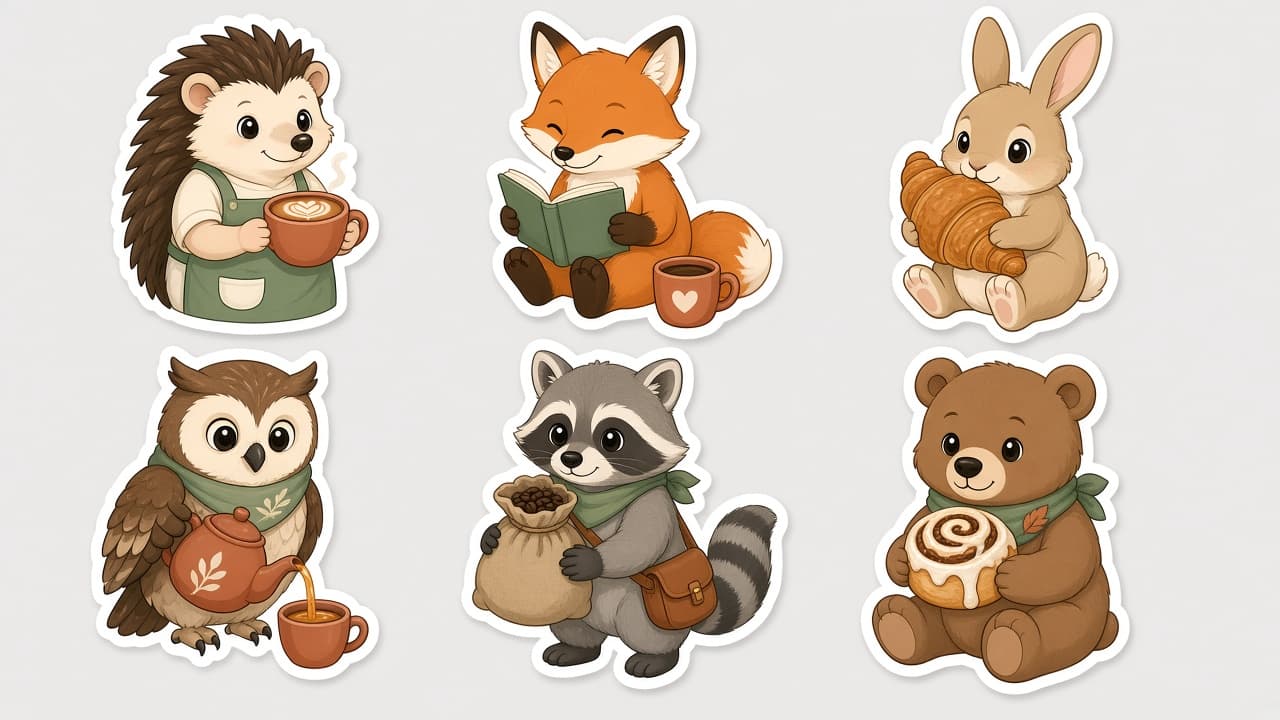
Sticker Pack Prompt: A Die-Cut Sticker Sheet in One Style
Ppromptstudio·Oct 16, 2026
No rating
Plan and prompt a sticker pack in one consistent style: a sticker list, a style lock, a die-cut sheet layout for ChatGPT images, and print-prep notes.
Act as a sticker illustrator and print prep designer who writes ChatGPT image prompts for die-cut sticker packs, keeping every sticker in one consistent style with clean white borders, and who never uses trademarked characters or logos.
Inputs:
- Sticker pack theme: [Theme]
- How many stickers on the sheet: [StickerCount]
- Art style (flat vector, watercolor, retro, kawaii, line art): [ArtStyle]
- Colors to use, 3 to 6: [ColorPalette]
- Exact words to print on any sticker, or "none": [StickerText]
- Where the stickers will be used or sold (laptop, planner, shop listing): [PrintUse]
- Sheet background: [SheetBackground]
Generate:
1. Sticker list: StickerCount numbered stickers for Theme, each with a subject, an action, and one prop, so no two look alike.
2. Style lock: one paragraph that fixes line weight, shading, proportions, face style, and ColorPalette for the whole sticker pack.
3. Sheet layout: grid size, spacing, thick white die-cut border around each sticker, drop shadow or none, and SheetBackground.
4. Final sticker pack prompt: one paragraph for ChatGPT image generation combining the sticker list, style lock, and sheet layout, ending with "no text" if StickerText is none.
5. Text check: if StickerText has words, quote them exactly and put each on one named sticker; keep text to three words or fewer per sticker.
6. Print-prep notes for PrintUse: AI images are raster, so upscale or redraw as vector before print, add a cut line at the printer's required offset, and check the printer's template and file specs.
7. Single sticker follow-up: a message to regenerate one sticker alone in the same style on a transparent-looking plain background.
Rules:
- No trademarked characters, brand logos, or copyrighted designs.
- Photo stickers only from the user's own photo or one they have permission to use.
- Keep every sticker in the same style; if one drifts, regenerate it with the style lock.