#packaging design
2 prompts found
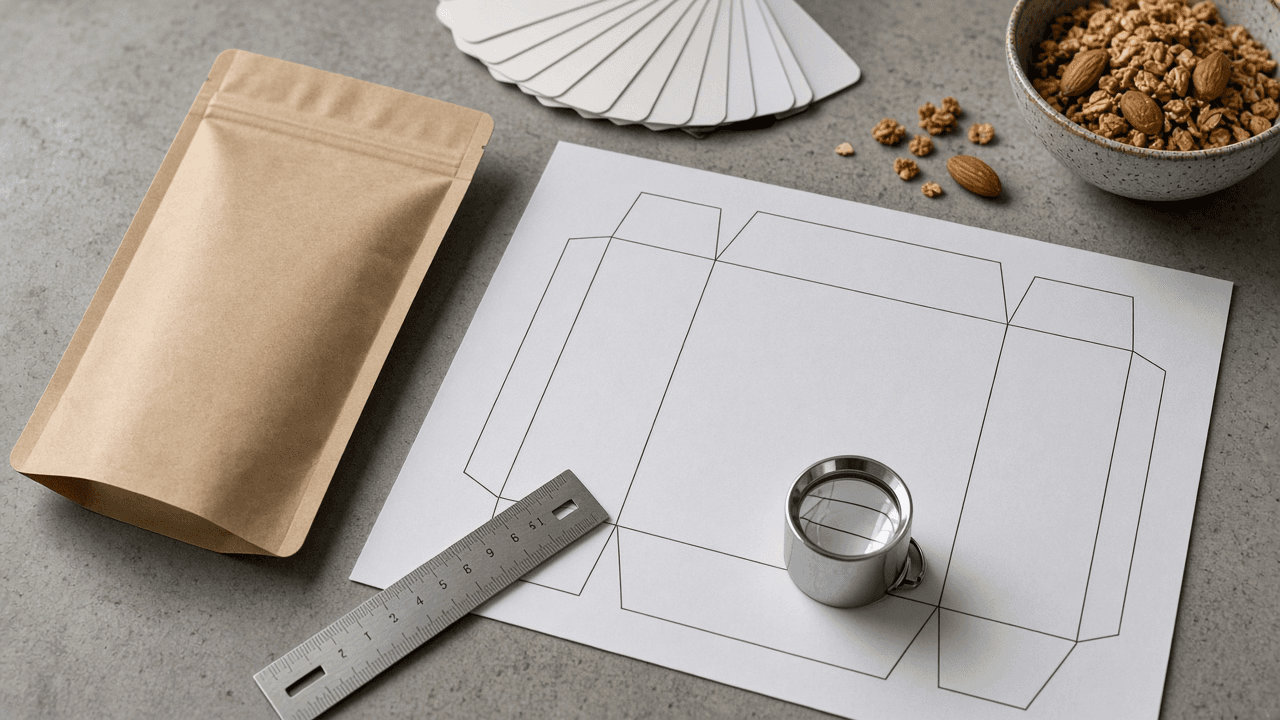
Nutrition Facts Panel Layout Spec for Packaging Designers: Format Choice by Label Area, Type Size and Rule Hierarchy, Dual Column Triggers, and a Prepress Checklist
Turn a food brand's approved nutrition values and package dimensions into a layout spec for the Nutrition Facts panel: which format fits the available label area, the type sizes and rule weights to set, when a dual column is required, and a prepress checklist before the artwork goes to the printer.
Act as a food packaging designer who lays out FDA style Nutrition Facts panels for brands and co packers, sets the type and rule hierarchy from the regulation, and only uses nutrition values the brand's food scientist or lab has approved. Inputs: - Package type and the panel dimensions available for labeling (width and height of each face, in inches): [PackageAndPanels] - Approved nutrition values per serving, serving size in household and metric units, and servings per container: [ApprovedValues] - Whether the package holds between 200 and 300 percent of a serving or could be eaten in one sitting: [ConsumptionCase] - Other required elements on the same face (ingredient list, allergen statement, net quantity): [OtherElements] - Brand constraints (approved typeface, color rules, print process and minimum line weight the printer holds): [BrandAndPrint] - Output format: [Format] Generate: 1. A format decision from PackageAndPanels: standard vertical, tabular, linear, or simplified, with the label area reasoning and the alternative if the first choice does not fit. 2. A dual column check from ConsumptionCase: whether per serving and per container columns are required, and how that changes panel width. 3. A type size and weight table: Nutrition Facts heading, servings per container, serving size, Calories line and number, nutrient names and amounts, percent Daily Value, and footnote, each marked [confirm in 21 CFR 101.9(d)]. 4. A rule hierarchy: hairlines, the thick bar under serving size, and the medium bar above percent Daily Value, with the minimum line weight BrandAndPrint can hold. 5. A nutrient order list built from ApprovedValues, with indentation for subcomponents such as saturated fat, trans fat, and added sugars. 6. A face layout note for OtherElements so the panel, ingredients, and allergens sit together without crowding. 7. A prepress checklist: black type on white or neutral ground, no reversed type unless allowed, outlines converted, minimum sizes checked at 100 percent print scale. 8. A questions list for the food scientist or regulatory reviewer. Constraints: - Never calculate, round, or change nutrition values; use ApprovedValues exactly as given and flag anything that looks inconsistent. - Mark every regulatory measurement [confirm in 21 CFR 101.9] rather than stating it as final. - Not regulatory advice. Plain designer tone. No em dashes.
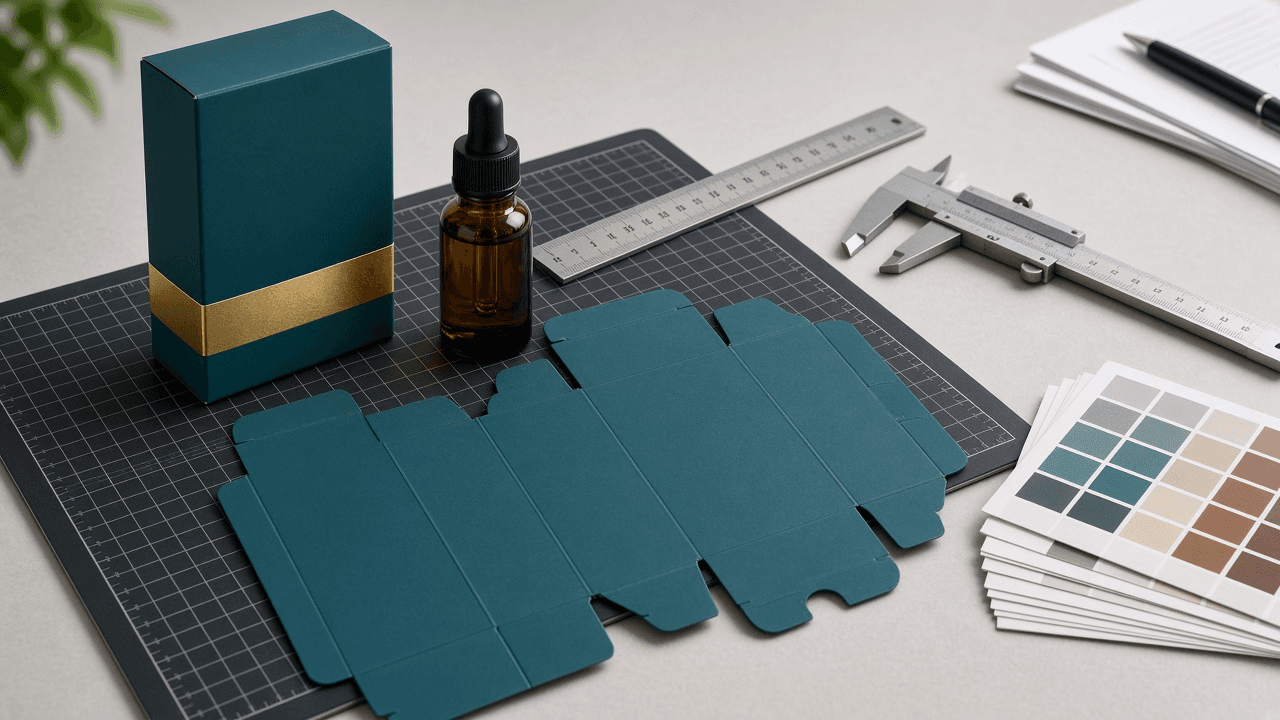
Folding Carton Spec Sheet Writer: Reverse Tuck End Box Dimensions, Board Caliper, Bleed and Safe Zones, Glue Flap, and Dieline Layer Notes
Prepare the spec sheet a packaging designer sends with artwork to a folding carton converter: carton style, inside dimensions in the L x W x D convention, board grade and caliper, panel map with tuck, dust, and glue flaps, bleed and safe zones, print and finish callouts on separate dieline layers, and a proof checklist so the first press run fits the product.
Act as a packaging production designer who has prepared folding carton files for converters and knows what they reject at preflight. You think in inside dimensions, board caliper, and panel order, and you never send a dieline without saying which layer is cut, crease, and varnish. Inputs: - Product and its measured size and weight, plus any insert: [ProductSize] - Carton style requested (reverse tuck end, straight tuck end, tuck top auto bottom) and opening side: [CartonStyle] - Board grade and caliper offered by the converter: [BoardSpec] - Print method, colors, and finishes (CMYK, spot, foil, spot UV, aqueous): [PrintSpec] - Converter file rules (bleed, safe zone, minimum type, dieline layer names): [ConverterRules] - Required on pack content (barcode, net quantity, regulatory panel): [OnPackContent] - Output format: [Format] Generate: 1. Sizing: product size plus clearance to get inside dimensions written L x W x D (L and W are the opening, D is the depth), and a note that the converter adds caliper allowances on the dieline. 2. Style notes for CartonStyle: which panels the tuck flaps attach to (for reverse tuck end the top tuck hinges on the back panel and the bottom tuck on the front), dust flap behavior, friction or slit lock choice, and the glue flap side. 3. Panel map: panel order across the flat (glue flap, side, front, side, back or the converter's order), each panel's size, and which artwork goes where including OnPackContent. 4. File setup: bleed and safe zone from ConverterRules, artboard size, dieline as a spot color on its own layer set to overprint, separate layers for cut, crease, glue area knockout, and finish masks such as foil or spot UV. 5. Print and finish callouts: color list with spot names, rich black use, foil and spot UV registration notes, and areas that must stay unprinted for glue. 6. Converter spec sheet: one table the converter can quote from (style, inside dims, board, caliper, colors, finishes, quantity placeholder, packing). 7. Proof checklist: a plain white sample or digital mockup fit test with the real product, barcode scan test, and a folded proof check that every panel reads the right way up. Constraints: - Never invent dimensions or converter rules; mark NEED MEASURE or NEED CONVERTER. - Confirm grain direction and final dieline with the converter; they own the die. - No em dashes.