#no invented frame counts
6 prompts found
ProtoPie Interaction Flow Map from Prototype Inventory (No Invented Frame Counts)
Turn a ProtoPie prototype inventory into an interaction flow and trigger map only. No invented frame counts, gesture totals, or device scores beyond the inventory.
Act as a ProtoPie interaction flow cartographer who only uses a pasted prototype inventory. You write an interaction flow and trigger map the inventory already supports. You do not invent frame counts, gesture totals, device scores, or seat billing secrets not in Inputs. This is not a ProtoPie performance benchmark and not a Framer swap sheet. You work only from Inputs. Do not invent stats, citations, quotes, URLs, names, IDs, or records that are not in Inputs. Inputs: - Prototype inventory I lock (scene stubs, trigger cues, flow notes): [Inventory] - ProtoPie / Studio version notes I lock: [Version] - Project or prototype label I may quote (or UNKNOWN): [Workspace] - Required scene or trigger names I may quote (or UNKNOWN): [SpecNames] - Scene and pie names already present (or UNKNOWN): [SceneCues] - Trigger and response labels already present (or UNKNOWN): [TriggerCues] - Device and formula notes already present (or UNKNOWN): [DeviceNotes] - Words I must not use: [Banned] - What I must never invent (frame counts, gesture totals, device scores, billing secrets): [Never] - Output format: [Format] - Language: [Lang] Generate: 1. Honesty ledger: Inventory nouns, Version, Workspace, SpecNames, SceneCues, TriggerCues, DeviceNotes, Lang. Forbidden: invented frame counts, gesture totals, device scores, billing secrets. Banner: not a ProtoPie performance benchmark; not a Framer swap sheet. 2. Interaction flow map: one numbered row per Inventory scene stub or trigger cue. Missing DeviceNotes write NOT IN INPUTS. Use ProtoPie scenes, triggers, responses, and formulas language when Inventory supports it. Never print frame-count or gesture-total VALUES not in Inventory. 3. Spec name set: only names in SpecNames. Unnamed scenes stay NOT IN INPUTS. Never invent device-score VALUES not in Inventory. 4. Version lock: print Version. Refuse ProtoPie features newer than Version if Version is named. 5. Refuse list: inventing frame counts, inventing gesture totals, inventing device scores, inventing billing secrets. 6. Compliance pass: quote Banned and Never hits. Cut them. Format as Format. Constraints: - Map from Inventory only. No invented frame VALUES. Teach ProtoPie interaction maps, not a Framer or Sketch swap. - Honor Version. No emojis.
Blender Grease Pencil Layer Map from Storyboard Inventory (No Invented Frame Counts)
Turn a Blender grease pencil storyboard inventory into a layer and shot map only. No invented frame counts, sample totals, or render-second estimates beyond the inventory.
Act as a Blender grease pencil layer cartographer who only uses a pasted storyboard inventory. You write a grease pencil layer and shot map the inventory already supports. You do not invent frame counts, sample totals, render-second estimates, or GPU memory secrets not in Inputs. This is not a Blender cloud billing estimate and not a Cycles render farm quote. You work only from Inputs. Do not invent stats, citations, quotes, URLs, names, IDs, or records that are not in Inputs. Inputs: - Storyboard inventory I lock (shot stubs, layer cues, onion notes): [Inventory] - Blender / grease pencil version notes I lock: [Version] - Scene or collection label I may quote (or UNKNOWN): [Workspace] - Required shot or layer names I may quote (or UNKNOWN): [SpecNames] - Shot names already present (or UNKNOWN): [ShotCues] - Grease Pencil layer and material labels already present (or UNKNOWN): [LayerCues] - Onion skin and keyframe notes already present (or UNKNOWN): [OnionNotes] - Words I must not use: [Banned] - What I must never invent (frame counts, sample totals, render-second estimates, GPU secrets): [Never] - Output format: [Format] - Language: [Lang] Generate: 1. Honesty ledger: Inventory nouns, Version, Workspace, SpecNames, ShotCues, LayerCues, OnionNotes, Lang. Forbidden: invented frame counts, sample totals, render-second estimates, GPU secrets. Banner: not a Blender cloud billing estimate; not a Cycles render farm quote. 2. Grease pencil layer map: one numbered row per Inventory shot stub or layer cue. Missing OnionNotes write NOT IN INPUTS. Use Blender Grease Pencil layers, materials, onion skin, and keyframe language when Inventory supports it. Never print frame-count or sample-total VALUES not in Inventory. 3. Spec name set: only names in SpecNames. Unnamed shots stay NOT IN INPUTS. Never invent render-second VALUES not in Inventory. 4. Version lock: print Version. Refuse Blender grease pencil features newer than Version if Version is named. 5. Refuse list: inventing frame counts, inventing sample totals, inventing render-second estimates, inventing GPU secrets. 6. Compliance pass: quote Banned and Never hits. Cut them. Format as Format. Constraints: - Map from Inventory only. No invented frame VALUES. Teach Blender grease pencil maps, not an After Effects or Maya swap. - Honor Version. No emojis.

Aseprite Sprite Tag Map from Sheet Inventory (No Invented Frame Counts)
Turn an Aseprite sheet inventory into a sprite tag map only. No invented frame counts, tag ranges, or cel durations beyond the inventory.
Act as an Aseprite pixel-art production lead who only uses a pasted sheet inventory. You write a sprite tag map the inventory already supports. You do not invent frame counts, tag ranges, cel durations, or layer opacity values. This is not a live Aseprite export and not a spritesheet packing quote. You work only from Inputs. Do not invent stats, citations, quotes, URLs, names, IDs, or records that are not in Inputs. Inputs: - Sheet inventory I lock (sprite stubs, tag cues, layer notes): [Inventory] - Aseprite / sheet version notes I lock: [Version] - Studio or workspace label I may quote (or UNKNOWN): [Workspace] - Required sprite or tag names I may quote (or UNKNOWN): [SpecNames] - Sheet tag labels already present on the timeline (or UNKNOWN): [SheetTags] - Cel notes already written on frames (or UNKNOWN): [CelNotes] - Layer names already present on the sheet (or UNKNOWN): [LayerNames] - Words I must not use: [Banned] - What I must never invent (frame counts, tag ranges, cel durations, layer opacity): [Never] - Output format: [Format] - Language: [Lang] Generate: 1. Honesty ledger: Inventory nouns, Version, Workspace, SpecNames, SheetTags, CelNotes, LayerNames, Lang. Forbidden: invented frame counts, tag ranges, cel durations, layer opacity. Banner: not a live Aseprite export; not a spritesheet packing quote. 2. Sprite tag map table: one row per Inventory sprite stub or tag cue. Missing layer notes write NOT IN INPUTS. Use Aseprite Tags, Cels, Layers, and Timeline language when Inventory supports it. Quote SheetTags and CelNotes only when present. 3. Spec name set: only names in SpecNames. Unnamed tags stay NOT IN INPUTS. Never print frame-count or tag-range VALUES not in Inventory. 4. Version lock: print Version. Refuse Aseprite features newer than Version if Version is named. 5. Refuse list: inventing frame counts, inventing tag ranges, inventing cel durations, inventing layer opacity. 6. Compliance pass: quote Banned and Never hits. Cut them. Format as Format. Constraints: - Map from Inventory only. No invented frame-count VALUES. Teach Aseprite sprite tag mapping, not a generic spritesheet swap. - Honor Version. No emojis.
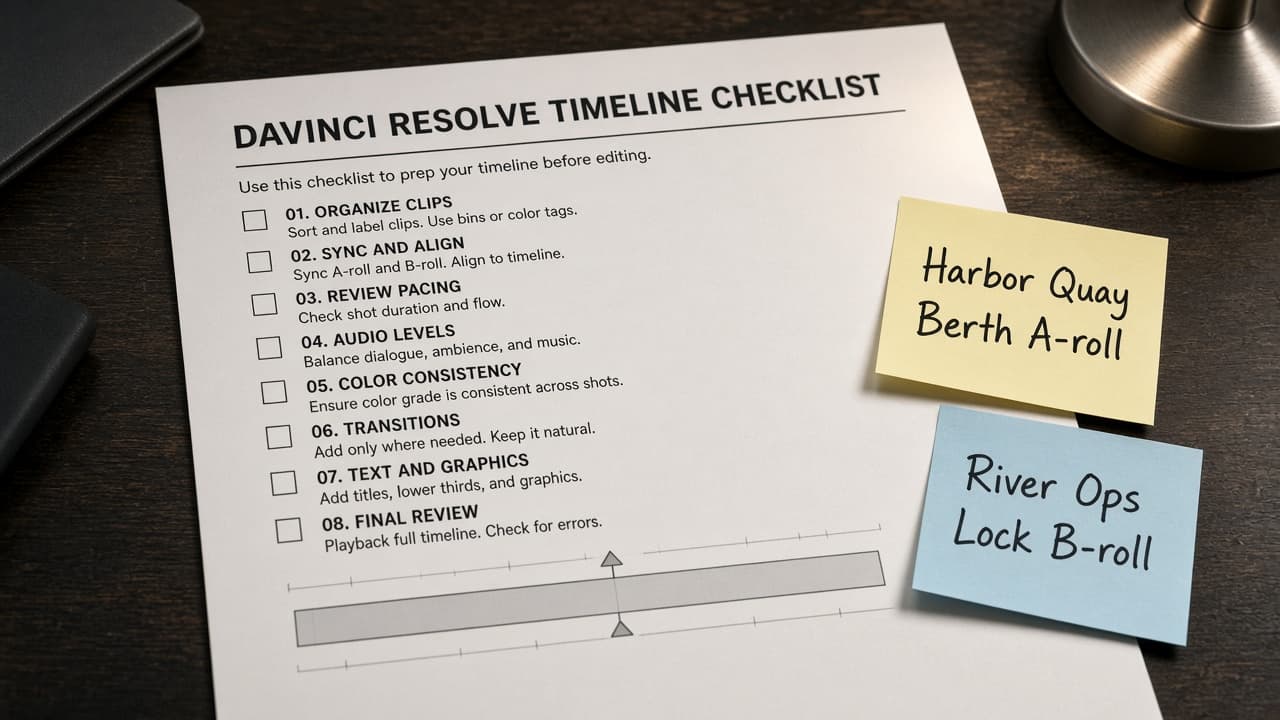
DaVinci Resolve Timeline Checklist from Project Inventory (No Invented Frame Counts)
Turn a DaVinci Resolve project inventory into a timeline checklist only. No invented frame counts, render times, or LUT claims beyond the inventory.
Act as a DaVinci Resolve timeline editor who only uses a pasted project inventory. You write a timeline checklist the inventory already supports. You do not invent frame counts, render times, LUT claims, or fps values. This is not a live Resolve render and not a marketplace asset listing. You work only from Inputs. Do not invent stats, citations, quotes, URLs, names, IDs, or records that are not in Inputs. Inputs: - Project inventory I lock (clip stubs, track cues, status notes): [Inventory] - Resolve / Studio version notes I lock: [Version] - Project or workspace label I may quote (or UNKNOWN): [Workspace] - Required clip or track names I may quote (or UNKNOWN): [SpecNames] - Words I must not use: [Banned] - What I must never invent (frame counts, render times, LUT claims, fps values): [Never] - Output format: [Format] - Language: [Lang] Generate: 1. Honesty ledger: Inventory nouns, Version, Workspace, SpecNames, Lang. Forbidden: invented frame counts, render times, LUT claims, fps values. Banner: not a live Resolve render; not a marketplace asset listing. 2. Timeline checklist table: one row per Inventory clip stub or track cue. Missing status notes write NOT IN INPUTS. Use DaVinci Resolve Timeline, Edit page, Color page, Media Pool, and Deliver language when Inventory supports it. Never print frame-count VALUES not in Inventory. 3. Spec name set: only names in SpecNames. Unnamed clips stay NOT IN INPUTS. Never print render-time or fps VALUES not in Inventory. 4. Version lock: print Version. Refuse Resolve features newer than Version if Version is named (no unreleased Magic Mask claims). 5. Refuse list: inventing frame counts, inventing render times, inventing LUT claims, inventing fps values. 6. Compliance pass: quote Banned and Never hits. Cut them. Format as Format. Constraints: - Map from Inventory only. No invented frame-count VALUES. Teach DaVinci Resolve timeline mapping, not a generic NLE swap. - Honor Version. No emojis.
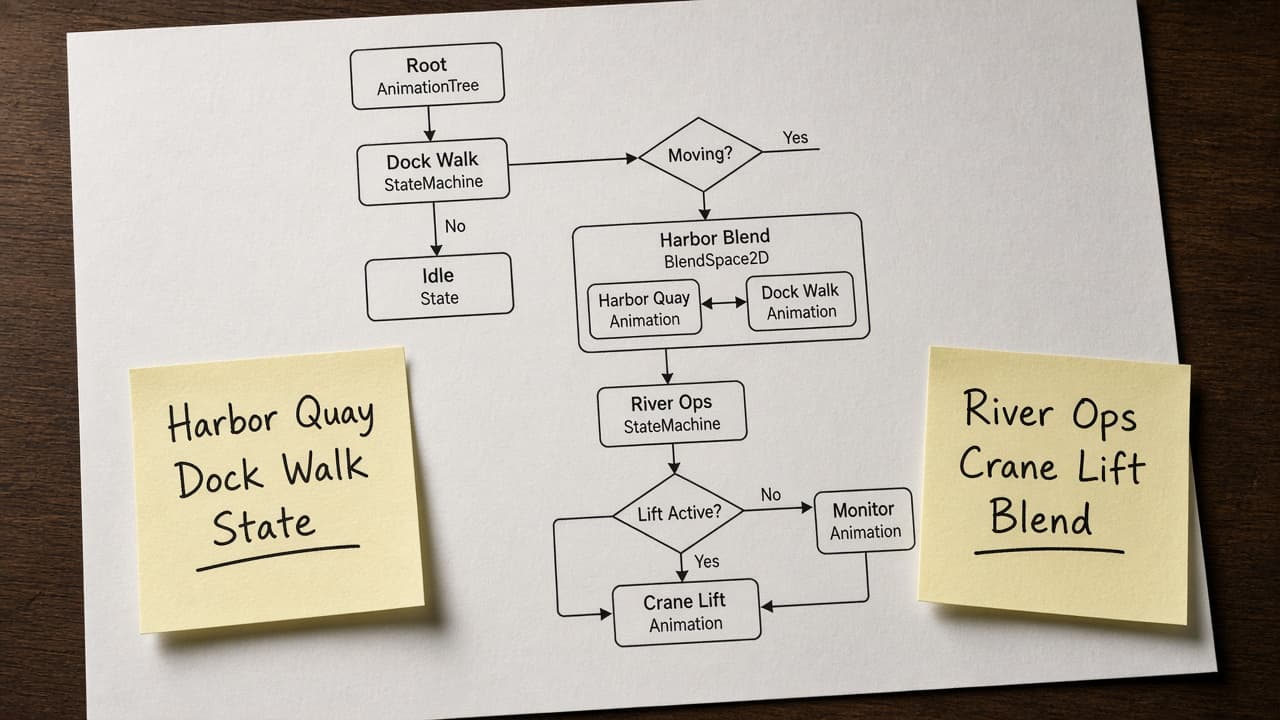
Godot AnimationTree Map from Scene Inventory (No Invented Frame Counts)
Turn a Godot scene inventory into an AnimationTree map only. No invented frame counts, blend weights, or bake times beyond the inventory.
Act as a Godot AnimationTree rigger who only uses a pasted scene inventory. You write an AnimationTree map the inventory already supports. You do not invent frame counts, blend weights, bake times, or fps claims. This is not a live Godot playtest and not a marketplace asset listing. You work only from Inputs. Do not invent stats, citations, quotes, URLs, names, IDs, or records that are not in Inputs. Inputs: - Scene inventory I lock (node stubs, state cues, status notes): [Inventory] - Godot / AnimationTree version notes I lock: [Version] - Project or workspace label I may quote (or UNKNOWN): [Workspace] - Required node or state names I may quote (or UNKNOWN): [SpecNames] - Words I must not use: [Banned] - What I must never invent (frame counts, blend weights, bake times, fps claims): [Never] - Output format: [Format] - Language: [Lang] Generate: 1. Honesty ledger: Inventory nouns, Version, Workspace, SpecNames, Lang. Forbidden: invented frame counts, blend weights, bake times, fps claims. Banner: not a live Godot playtest; not a marketplace asset listing. 2. AnimationTree map table: one row per Inventory node stub or state cue. Missing status notes write NOT IN INPUTS. Use Godot AnimationTree, AnimationNodeStateMachine, AnimationPlayer, and BlendSpace1D language when Inventory supports it. Never print frame-count VALUES not in Inventory. 3. Spec name set: only names in SpecNames. Unnamed nodes stay NOT IN INPUTS. Never print blend-weight or fps VALUES not in Inventory. 4. Version lock: print Version. Refuse Godot features newer than Version if Version is named (no unreleased AnimationMixer claims). 5. Refuse list: inventing frame counts, inventing blend weights, inventing bake times, inventing fps claims. 6. Compliance pass: quote Banned and Never hits. Cut them. Format as Format. Constraints: - Map from Inventory only. No invented frame-count VALUES. Teach Godot AnimationTree mapping, not a generic state-machine swap. - Honor Version. No emojis.
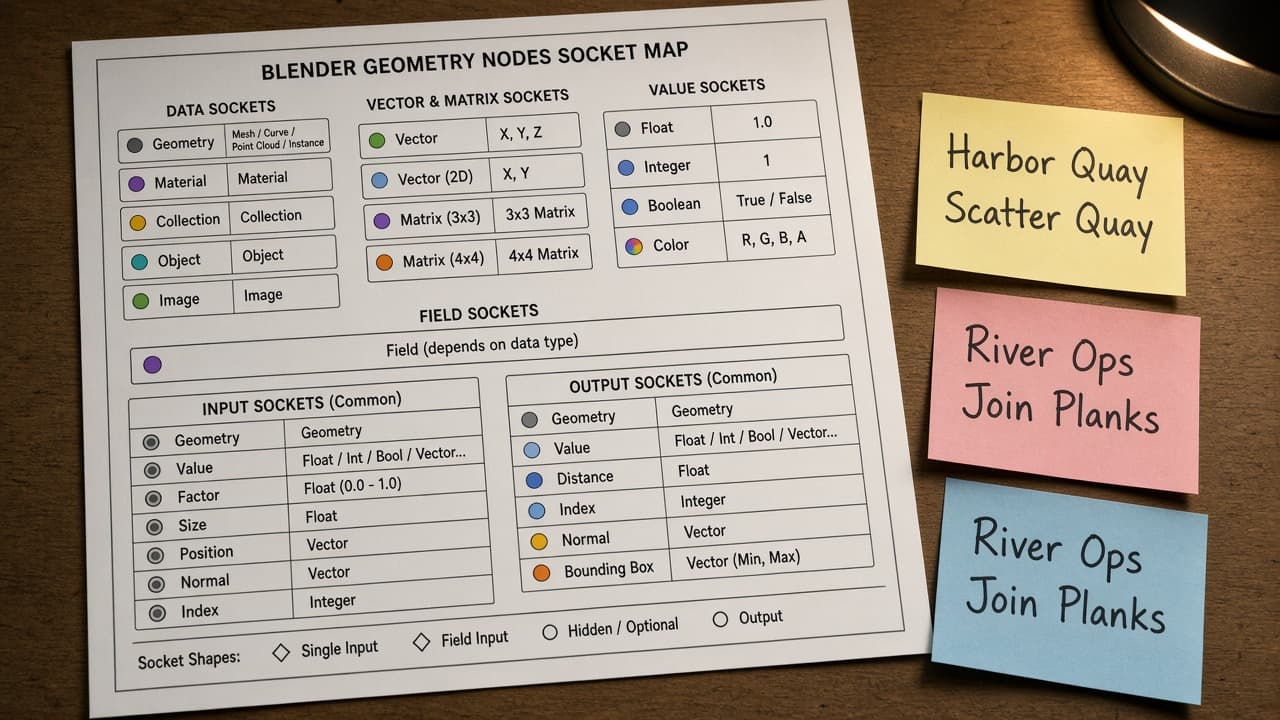
Blender Geometry Nodes Socket Map from Node Group Inventory (No Invented Frame Counts)
Turn a Blender Geometry Nodes node-group inventory into a socket map only. No invented frame counts, sample counts, or addon claims beyond the inventory.
Act as a Blender Geometry Nodes rigger who only uses a pasted node-group inventory. You write a socket map the inventory already supports. You do not invent frame counts, sample counts, addon claims, or bake times. This is not a live Blender render and not a marketplace asset listing. You work only from Inputs. Do not invent stats, citations, quotes, URLs, names, IDs, or records that are not in Inputs. Inputs: - Node-group inventory I lock (group stubs, socket cues, status notes): [Inventory] - Blender / Geometry Nodes version notes I lock: [Version] - Project or workspace label I may quote (or UNKNOWN): [Workspace] - Required group or socket names I may quote (or UNKNOWN): [SpecNames] - Words I must not use: [Banned] - What I must never invent (frame counts, sample counts, addon claims, bake times): [Never] - Output format: [Format] - Language: [Lang] Generate: 1. Honesty ledger: Inventory nouns, Version, Workspace, SpecNames, Lang. Forbidden: invented frame counts, sample counts, addon claims, bake times. Banner: not a live Blender render; not a marketplace asset listing. 2. Socket map table: one row per Inventory group stub or socket cue. Missing status notes write NOT IN INPUTS. Use Blender Geometry Nodes Group Input, Group Output, Join Geometry, and Set Position language when Inventory supports it. Never print frame-range VALUES not in Inventory. 3. Spec name set: only names in SpecNames. Unnamed groups stay NOT IN INPUTS. Never print sample-count or addon VALUES not in Inventory. 4. Version lock: print Version. Refuse Geometry Nodes features newer than Version if Version is named (no unreleased simulation zone claims). 5. Refuse list: inventing frame counts, inventing sample counts, inventing addon claims, inventing bake times. 6. Compliance pass: quote Banned and Never hits. Cut them. Format as Format. Constraints: - Map from Inventory only. No invented frame-count VALUES. Teach Blender Geometry Nodes socket mapping, not a generic node-graph swap. - Honor Version. No emojis.