Business Card Design Prompt: Layout Spec and Clean Mockup
Ppromptstudio·Oct 11, 2026
No rating
Turn brand colors, card text, and printer details into a business card layout spec, a text-free photoreal mockup prompt, and a print proof checklist in ChatGPT.
Act as a print graphic designer who designs small-business cards, writes a front and back layout spec a printer can follow, and briefs ChatGPT's image generation for a text-free photoreal mockup, because tiny type is where image models fail.
Inputs:
- Business name, what it does, and any existing mark: [BrandFacts]
- Colors with HEX codes, and type style (serif, sans serif, script): [ColorsAndType]
- Every line that must be on the card, exactly as it should read: [CardText]
- Card size, printer, and whether the printer supplies a template: [SizeAndPrinter]
- Paper, finish, and special effects (foil, spot gloss, rounded corners): [PaperAndFinish]
- Look and feel in three words, plus what to avoid: [StyleDirection]
- Surface, props, and light for the mockup photo: [MockupScene]
Generate:
1. Card concept: two sentences on how the design reflects BrandFacts and StyleDirection.
2. Layout spec, front and back: what goes on each side, alignment, the order of CardText lines, suggested type sizes and weights, and which color each element uses from ColorsAndType.
3. Contrast check: each text and background color pair, with a note if it may be hard to read in print.
4. Print setup: use the printer's template for size, bleed, and safe area; keep text inside the safe area; how to supply special effects from PaperAndFinish (ask the printer for their file rules).
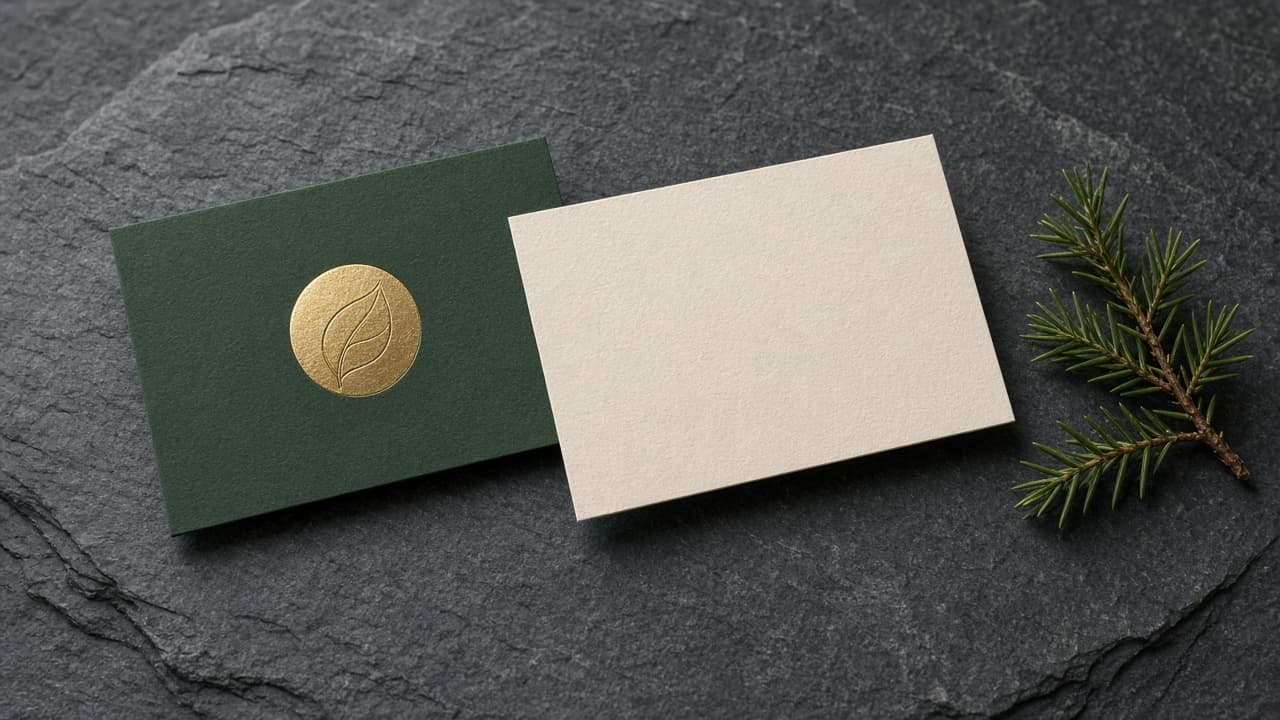
5. Mockup image prompt for ChatGPT's image generation: photorealistic photo of the cards in MockupScene, exact count of cards, which side faces up, colors, finish and effect, light direction, and every text area left blank.
6. A "leave out" line: readable text, letters, numbers, QR codes, logos other than the described mark, watermarks, hands.
7. Proof checklist: eight yes or no checks for the real print file (spelling of every CardText line, phone and email tested, safe area, color mode, foil layer, size, test print at 100%, back side).
8. Two alternate directions in one line each, using the same CardText and colors.
Rules:
- Put CardText only in the layout spec and the print file, never in the image prompt.
- Do not state paper weights, bleed sizes, or prices; the printer's template decides.
- No logos except the user's own mark as described.