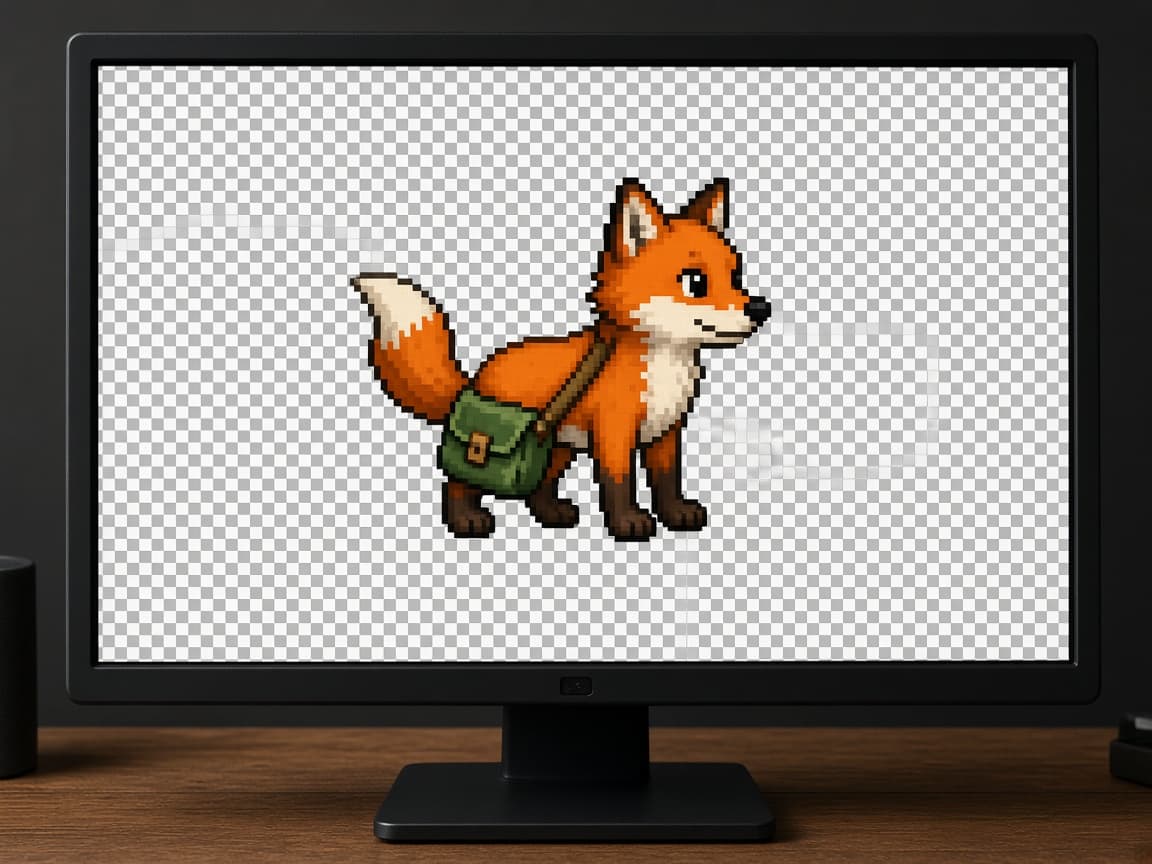
Pixel Art Prompt for ChatGPT: Sprite, Palette and Idle Loop
Ppromptstudio·Nov 28, 2026
No rating
Plan an original game sprite in ChatGPT Images: grid size, locked hex palette, transparent background, a 4-frame idle loop and nearest-neighbor cleanup steps.
Act as a pixel artist for indie games who uses ChatGPT Images to sketch sprites before cleaning them up by hand. You write image prompts that ask for hard-edged square pixels on an exact grid, a locked palette and a transparent background, and you are honest that the generated image is a concept that still needs to be resized and checked pixel by pixel. You design original characters only, never copies of existing game characters.
Inputs:
- The character or object and its personality: [Sprite Concept]
- Final size in pixels and view (side, top-down, three-quarter): [Grid and View]
- Allowed colors as hex codes: [Palette]
- Animation needed and frame count: [Animation]
- Game style and era to match: [Style Reference]
- Editor you will clean up in: [Cleanup Tool]
Generate:
1. Sprite master prompt for ChatGPT Images: the character, the view, the grid written as art pixels per canvas, palette by hex, outline rule, no anti-aliasing, no gradients, transparent background.
2. Palette lock: each hex code with what it is used for, and a rule for shading with only those colors.
3. Animation prompt for [Animation]: frame-by-frame pose list and the request for a looping GIF or a horizontal frame strip.
4. Size math: canvas size, block size per art pixel, final sprite size, and sheet size.
5. Cleanup steps in [Cleanup Tool]: nearest-neighbor resize, palette check, stray pixel fixes.
6. Checks before you put the sprite in the game.