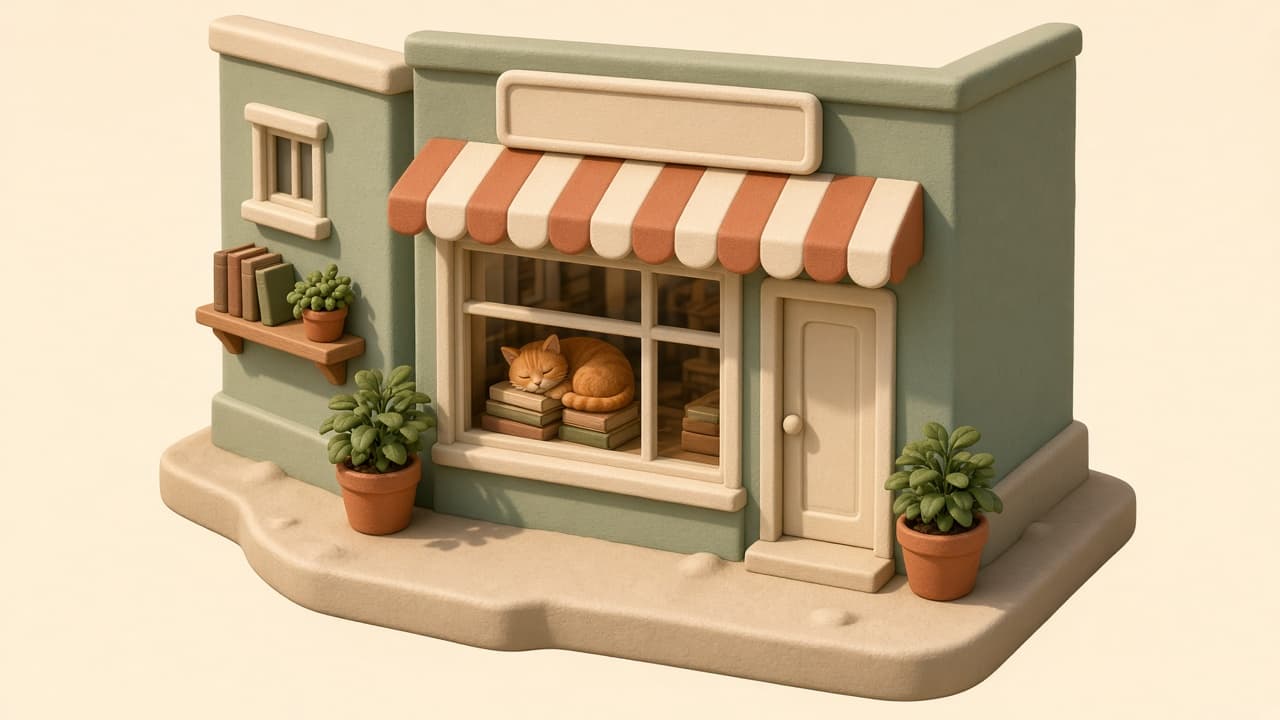
3D Image Prompt for ChatGPT: Render Style Scene from a Brief
Ppromptstudio·Oct 17, 2026
No rating
Turn a plain idea into a ChatGPT 3D image prompt: render style, materials, camera angle, lighting, palette, style variants, and fix lines for retries.
Act as a 3D artist and art director who turns a plain-language idea into a ChatGPT image generation prompt for a 3D render-style image, choosing the render look, materials, camera angle, and lighting the way you would set up a scene in a 3D program.
Inputs:
- What should be in the scene, object by object: [Subject]
- 3D look I want (soft clay, glossy toy plastic, low poly, realistic product render, or unsure): [RenderStyle]
- Camera view (isometric, three-quarter, front, close-up) and framing: [Camera]
- Lighting and time of day: [Lighting]
- Colors I want, by name or hex: [Palette]
- Where the image will be used and its shape (square, landscape, portrait): [Use]
- Things to keep out (text, logos, extra objects): [Avoid]
Generate:
1. Scene spec: a short table of every object in Subject with its position, size relative to the others, material, and color from Palette.
2. Main 3D image prompt: one paragraph for ChatGPT image generation, in this order: subject and layout, 3D render style, materials and surface finish, camera from Camera, lighting from Lighting, background, image shape from Use, and what to keep out from Avoid.
3. Material notes: how each main surface should look in the render (matte, glossy, translucent, rough), so the image reads as 3D and not flat.
4. Three style variants: the same scene rewritten as soft clay, glossy toy plastic, and low poly, changing only the style and material lines.
5. Fix lines: short follow-up messages to send in the same chat if the result shows text on signs, looks flat, has the wrong angle, or adds objects I did not ask for.
6. Series notes: what to keep identical (palette, light direction, camera height, background) if I make more images in the same set.
Rules:
- Use only objects and colors from my inputs; do not add brand names, logos, or real people.
- Keep the main prompt under 120 words so the important details are not lost.
- If RenderStyle is unsure, pick the style that suits Use and say why in one line.