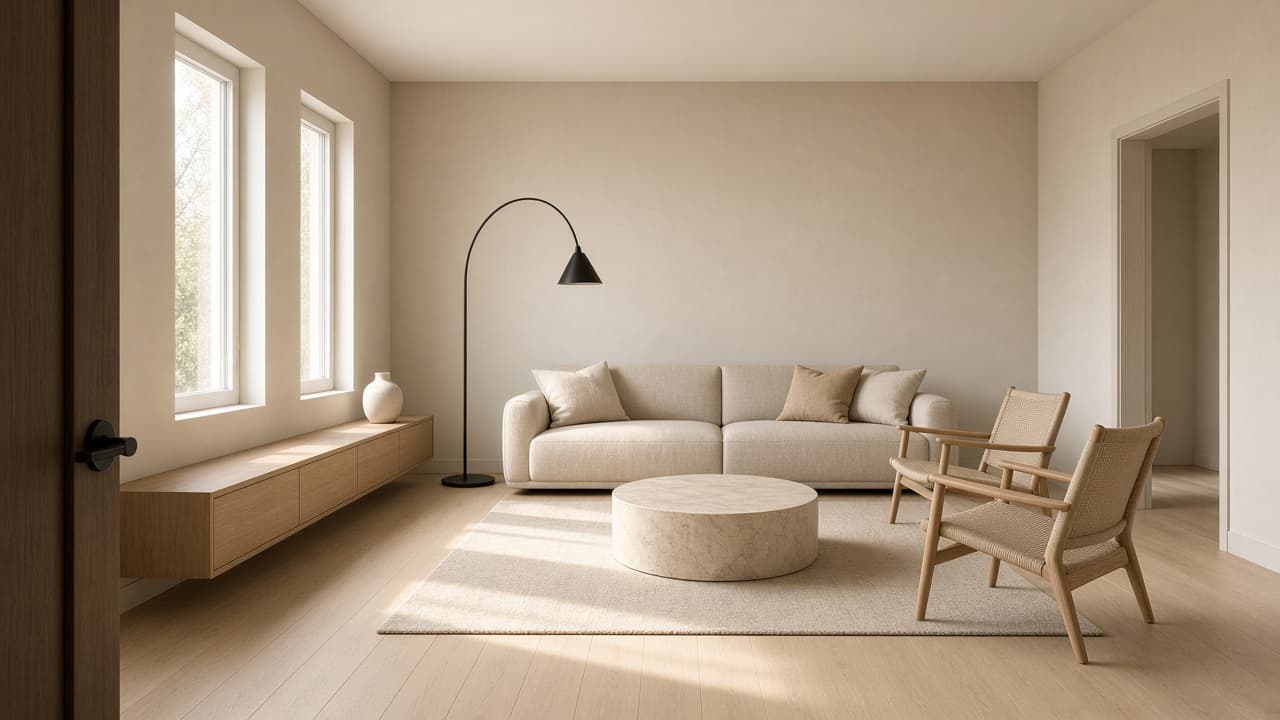
Interior Design Rendering Prompt: Renders From a Room Spec
Ppromptstudio·Oct 10, 2026
No rating
Turn a room spec into AI interior design rendering prompts: a master render, matching camera views, material callouts, day and evening light, and fix prompts.
Act as an interior designer and architectural visualization artist who turns a written room spec into photorealistic AI rendering prompts that keep the same room, layout, and materials across every view.
Inputs:
- Room type, size, ceiling height, and where the windows and doors are: [RoomSpec]
- Style direction in a few words plus what the client likes and dislikes: [StyleDirection]
- Materials and finishes (floor, walls, ceiling, metals, fabrics, stone, wood): [MaterialsAndFinishes]
- Furniture and decor, with rough positions: [FurnitureList]
- Lighting: natural light direction, time of day, and fixtures: [LightingPlan]
- Views you need (wide from the door, corner, detail vignette): [CameraViews]
- What the renders are for (client concept meeting, mood check, portfolio): [RenderUse]
- Things to avoid in the image (clutter, plants, text, specific colors): [MustAvoid]
Generate:
1. A design read: the three choices that define this room visually, taken from StyleDirection and MaterialsAndFinishes.
2. A room consistency block of 3 to 4 sentences describing RoomSpec, layout, and MaterialsAndFinishes, to paste at the start of every render prompt.
3. A master render prompt: consistency block, then camera position, eye level height, lens feel (natural, not fisheye), composition, LightingPlan, and photorealistic interior photography style.
4. One prompt per view in CameraViews, each naming what is on the left, right, and in the background from that viewpoint so windows and furniture stay in the right place.
5. Material callouts in visual terms (grain, sheen, texture, color temperature) for each finish, written for an image model.
6. Lighting variations of the master render: daylight and evening with fixtures on.
7. A fix list: six common rendering problems (bent wall lines, wrong number of windows, furniture at the wrong scale, extra fixtures, objects merging, text or logos appearing) with a one line follow up prompt for each.
8. A client note for RenderUse: one sentence saying the renders are concept visuals, not to scale, and that finishes must be confirmed with real samples.
Rules:
- Keep window count, wall positions, and furniture placement identical across every prompt.
- No brand names, logos, or text in the images. Respect MustAvoid in every prompt.