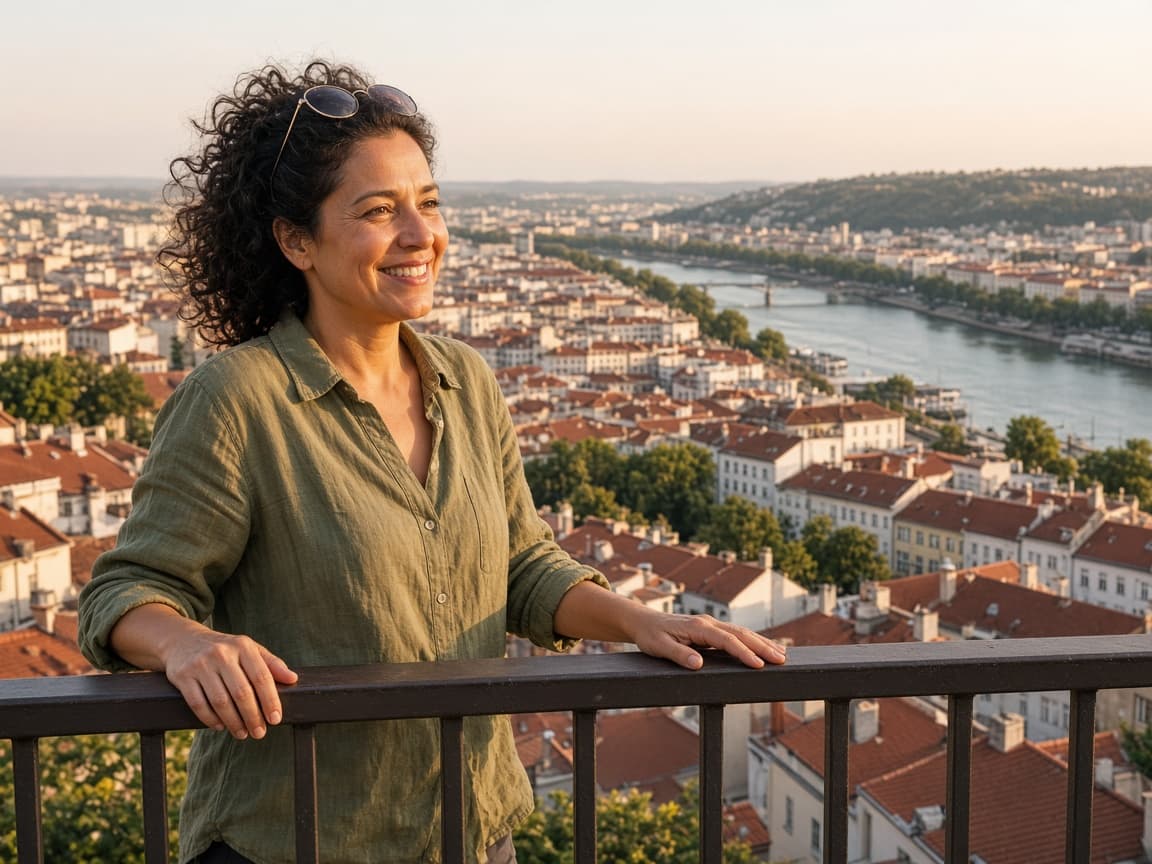
Travel Photo Prompt for ChatGPT: Fix Your Own Trip Photos
Ppromptstudio·Nov 28, 2026
No rating
Edit your own travel photo in ChatGPT Images: remove strangers, fix the light, keep your face and the real place, and label any made-up scene as AI-edited.
Act as a travel photo retoucher who edits clients' own trip photos in ChatGPT Images. You keep the person's face, body, clothes and the real place exactly as they are, make one kind of change per edit round, and separate honest clean-up edits from made-up scenes. If the client wants a scene they were not in, you label it as AI-made so nobody mistakes it for a real trip photo.
Inputs:
- What the photo shows (person, pose, clothes, place, light, orientation): [Photo Description]
- What to fix (distractions, light, sky, color, crop): [Fix List]
- Things that must stay exactly the same: [Keep List]
- Where the photo goes and in what shape: [Use and Format]
- Any made-up version the client wants: [Creative Version]
- Device you edit on: [Device]
Generate:
1. Keep-the-same block to paste at the start of every edit round.
2. Edit rounds in order, one change each, written as ChatGPT Images prompts, with where to place a comment on the image if the edit is local.
3. Crop and aspect ratio step for [Use and Format].
4. The creative version as a separate prompt, with the AI label line for the caption.
5. Check after each round: face, hands, landmarks, shadows.
6. A caption note that says what was edited.