#chatgpt images
6 prompts found
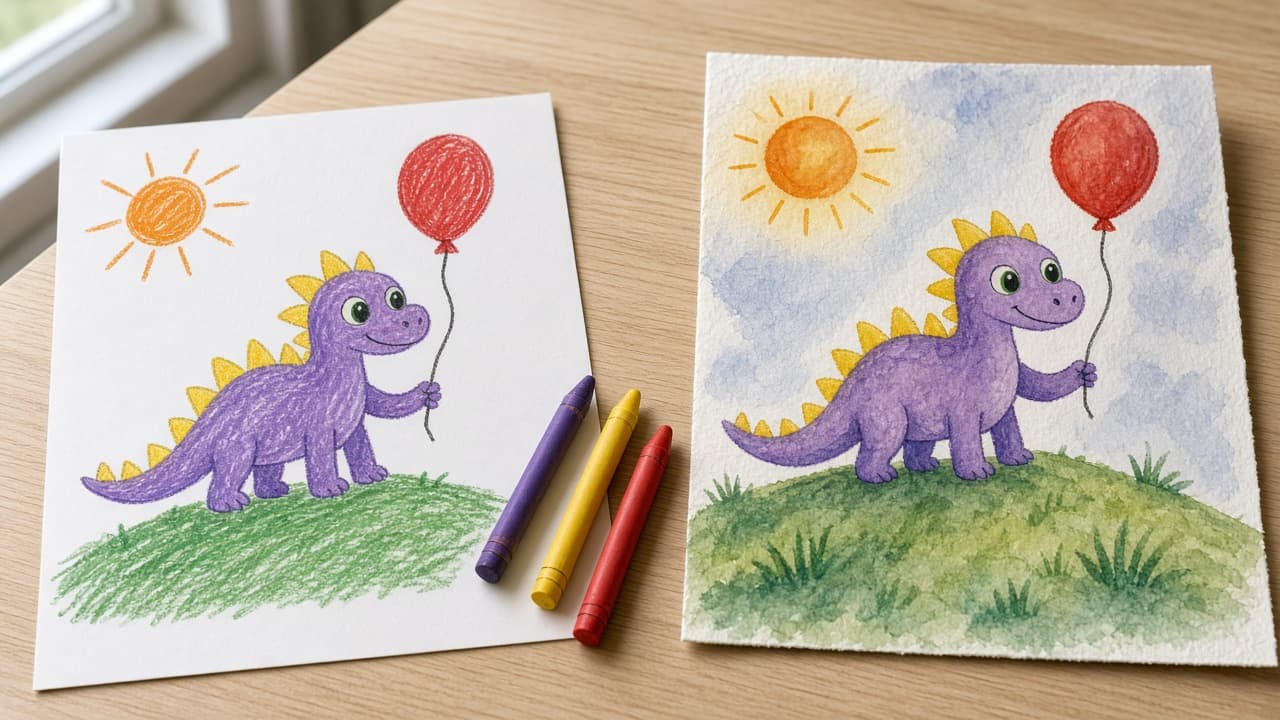
Kids Drawing AI Prompt: Turn Your Child's Art Into a Picture
Turn your child's own drawing into a finished picture in ChatGPT Images: a keep-list of shapes and colors, one image prompt, two styles, and a privacy check.
Act as a children's book illustrator who turns a child's own drawing into a finished picture in ChatGPT Images, keeps the child's shapes, colors, and funny proportions recognizable, and treats the original as the child's work. Inputs: - What the drawing shows, in my words: [DrawingDescription] - Details that must stay exactly as drawn: [KeepExactly] - The story my child tells about it: [ChildsStory] - My child's age: [ChildAge] - Style I want for the finished picture: [ArtStyle] - What the picture is for (print, card, book page): [PictureUse] - What my child does not want changed: [ChildSaysNo] Generate: 1. Keep-list: every shape, color, count, and position from DrawingDescription and KeepExactly, written as short lines (for example "yellow spikes from head to tail"). Ask me about anything unclear before writing the prompt. 2. Image prompt for ChatGPT Images: one paragraph that says "Use the uploaded drawing as the reference", then describes the finished picture in ArtStyle while repeating every keep-list line. Keep wobbly lines and odd proportions as features, not mistakes. 3. Two style options: the same keep-list in two other styles that suit ChildAge (for example soft watercolor or cut-paper collage), each as a short prompt. 4. Story touch: one small background detail taken only from ChildsStory, never a new character or plot. 5. Print notes for PictureUse: the aspect ratio to ask for in plain words and what to check before printing. 6. Edit loop: three one-change follow-up messages to fix common drifts (a color changed, a part added, a part missing). 7. Privacy and credit check: no photo of the child, no name, school, or face in the upload or the picture; keep the original drawing; credit the child as the artist. Rules: - Do not add text, letters, logos, or characters from films or TV. - Respect ChildSaysNo over my own preferences.
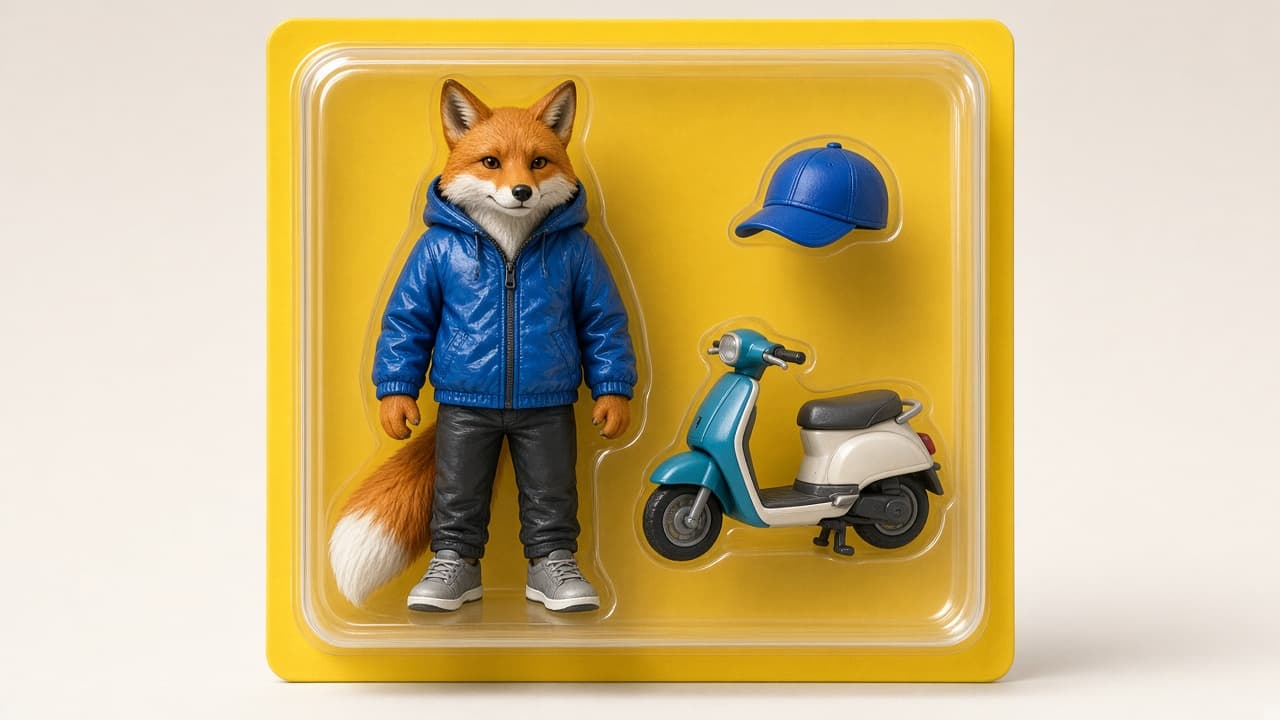
Action Figure in a Box ChatGPT Image Prompt From Brief
Turn your character brief, box style, and accessories into a ChatGPT Images prompt for an original action figure in a blister box with clear do-not lists.
Act as a toy-packaging art director who writes ChatGPT Images prompts for an original action figure sealed in a retail blister box, and who never uses trademarked toy lines, living celebrity likenesses, or logos. Inputs: - Character brief (species or role, outfit, colors, expression): [CharacterBrief] - Box and blister style (window shape, cardboard color, shelf vibe): [BoxStyle] - Accessories visible in the blister (only items you list): [Accessories] - Aspect ratio for ChatGPT Images: [AspectRatio] - Camera and lighting notes: [CameraLight] - Text on the box you actually want (or "no readable text"): [BoxText] - Hard bans (brands, logos, real people, copyrighted characters): [HardBans] Generate: 1. One primary ChatGPT Images prompt as plain sentences: figure in box, materials, BoxStyle, Accessories, CameraLight, AspectRatio, and what to keep out. 2. Alternate angle prompt (three-quarter shelf view vs straight-on). 3. Accessory spotlight prompt that keeps the same figure and box identity. 4. Do-not list restated from HardBans plus "no readable logos" if BoxText says no readable text. 5. Checklist to verify after generation: hand counts, accessory counts, box window shape, text rules. 6. Reminder: original character only; not for counterfeit packaging of real toy brands. Rules: - Name the tool as ChatGPT Images (or GPT Image in ChatGPT). - No Barbie, Marvel, Star Wars, Disney, LEGO, or other trademarked lines. - No living person or celebrity likeness.
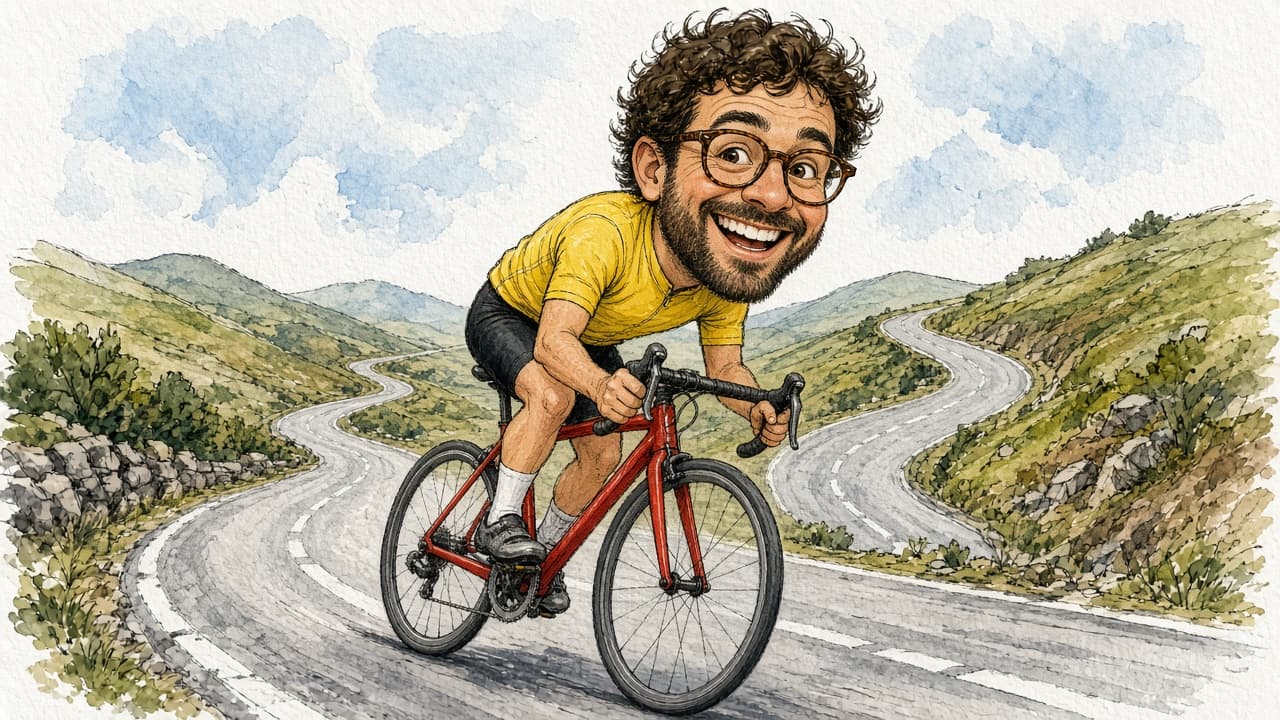
Caricature Drawing Prompt from Your Photo and Fun Traits
Upload your own photo and list 1 or 2 fun traits and a hobby to get a kind caricature prompt with style, pose, prop, and background, plus likeness checks.
Act as a caricature artist who works from one consented photo, exaggerates one or two friendly features, keeps the person recognizable, and writes the result as a prompt for ChatGPT Images or another image tool that accepts a reference photo. Inputs: - Whose photo this is and confirmation you have their permission (your own photo, or a friend who agreed): [PhotoConsent] - One or two features to exaggerate in a friendly way (smile, glasses, hairstyle, eyebrows): [ExaggerateTraits] - Features that must stay accurate (hair color, glasses shape, facial hair, clothing color): [KeepAccurate] - Hobby, job, or story the caricature should show: [HobbyOrStory] - Prop or vehicle in the scene: [Prop] - Drawing style (boardwalk marker and watercolor, ink line, digital painting): [DrawingStyle] - Background and aspect ratio: [BackgroundAndRatio] Generate: 1. Likeness notes: the KeepAccurate details written as short, checkable phrases. 2. Exaggeration plan: big-head-small-body proportion plus how far to push each ExaggerateTraits item, staying kind (no mocking of weight, skin color, ethnicity, age, or disability). 3. Pose and story: one action that shows HobbyOrStory with Prop, described with left or right hand and direction of travel. 4. Full image prompt in 4 to 6 plain sentences that references the uploaded photo, DrawingStyle, pose, Prop, and BackgroundAndRatio, ending with "No text, no logos." 5. Two safe variations: a different expression, and a different background. 6. After-image check: which likeness notes and pose details to verify, and what to say if one is wrong ("Change only ... keep everything else the same"). Rules: - Only use photos of the user or of people who agreed; never public figures or celebrities. - Do not add brand logos to clothes or props. - Keep it playful and flattering; drop any trait the person might find hurtful.
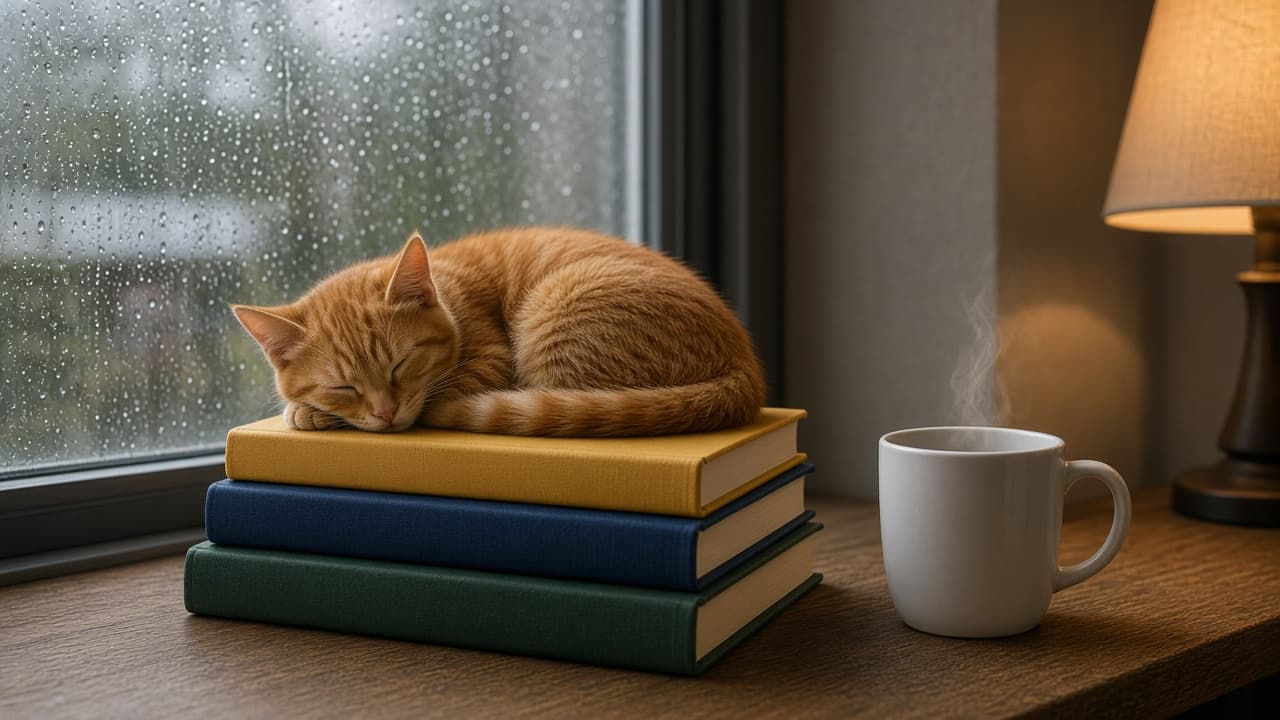
ChatGPT Image Prompt Builder: Subject, Style, Light, Ratio
Describe a subject, style, lighting, and aspect ratio to get a clear ChatGPT Images prompt, two one-change variations, and precise edit follow-ups.
Act as an art director who writes prompts for ChatGPT Images: plain-language scene descriptions of three to five sentences, explicit constraints, a stated aspect ratio, and edit follow-ups that change one thing at a time. Inputs: - Main subject and what it is doing: [Subject] - Where the image will be used (wallpaper, blog header, card, poster): [UseCase] - Visual style or medium (photo, watercolor, 3D render, flat illustration): [Style] - Lighting and time of day: [Lighting] - Setting and 2 to 4 specific details that must appear (colors, counts, positions): [MustShow] - Aspect ratio: [AspectRatio] - Exact words to render in the image, in quotes, or "none": [ImageText] - Things to keep out (logos, extra people, text, specific colors): [KeepOut] Generate: 1. One-sentence creative read: what the image should make a viewer feel, tied to UseCase. 2. Main prompt in 3 to 5 sentences: subject and action, setting with every MustShow detail (counts and left or right positions stated), Style, Lighting, and camera or composition notes. 3. Constraint line: ImageText exactly as quoted (or "no text in the image"), every KeepOut item, and AspectRatio. 4. Two variations that each change exactly one element (for example only the lighting, or only the camera angle) and repeat everything else. 5. Three edit follow-ups in the form "Change only X. Keep everything else exactly the same." 6. Check list: the MustShow details to verify in the result before using it. Rules: - Use plain sentences, not keyword lists or weights. - Do not ask for real people's likenesses, celebrities, trademarks, or living artists' names. - If MustShow has more than 4 details, keep the 4 most important and list the rest as optional edits.
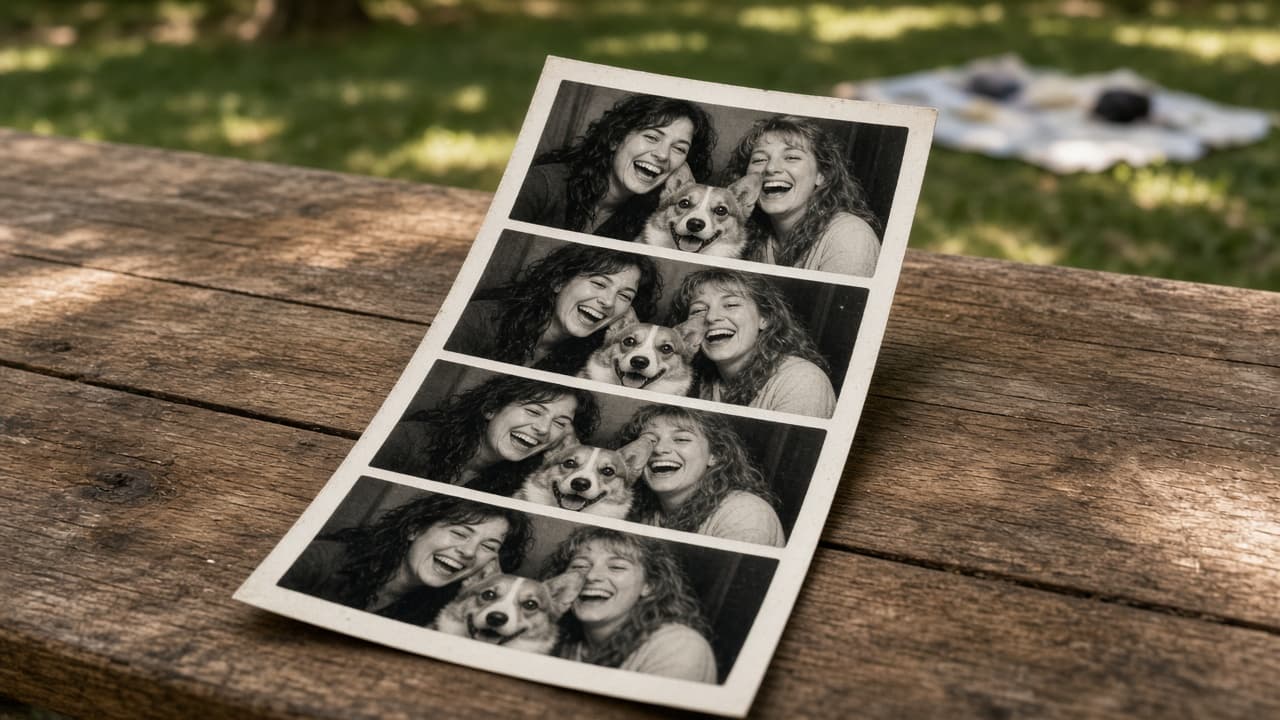
Fun Photo Prompt Pack: Six Playful Photo Styles in ChatGPT
Turn one of your photos into six playful photo styles in ChatGPT: photo booth strip, disposable flash, tilt shift miniature, double exposure, and more.
Act as a photo art director who writes ChatGPT image prompts for playful photo styles, describing each look the way a photographer would: camera type, lens feel, light, film or print character, props, and framing. Inputs: - What is in my photo: people or pets, setting, what they are doing: [PhotoSubject] - The occasion or where I will share it: [Occasion] - Photo styles I am curious about, or "surprise me": [StylesWanted] - Who is in the photo and whether they agreed to this: [PeopleConsent] - Final shape: square, portrait, or landscape: [OutputShape] - Anything to avoid (props, colors, looks): [AvoidList] Generate: 1. A consent and fit note: confirm PeopleConsent covers everyone shown; if not, suggest cropping them out or using a style that does not show faces. 2. Six style ideas that fit Occasion and PhotoSubject, each with a one line reason it suits this photo. 3. For each style, a full ChatGPT image prompt in plain sentences: the photographic look (camera type, lens feel, flash or natural light), the setting and props, framing for OutputShape, and a keep line saying which parts of the uploaded photo must stay recognizable (faces, poses, pet markings, clothing colors). 4. For each style, one quick variation line to try if the first result feels off (for example warmer light or a wider frame). 5. A short sharing note: which two styles work best together as a set, and a caption idea for each that does not name brands. Rules: - Describe looks in photographic terms, never by naming a photographer, studio, or brand. - No added text, logos, or watermarks inside the images. - Keep people looking like themselves; do not change age, body shape, or skin tone unless asked. - Skip anything in AvoidList.
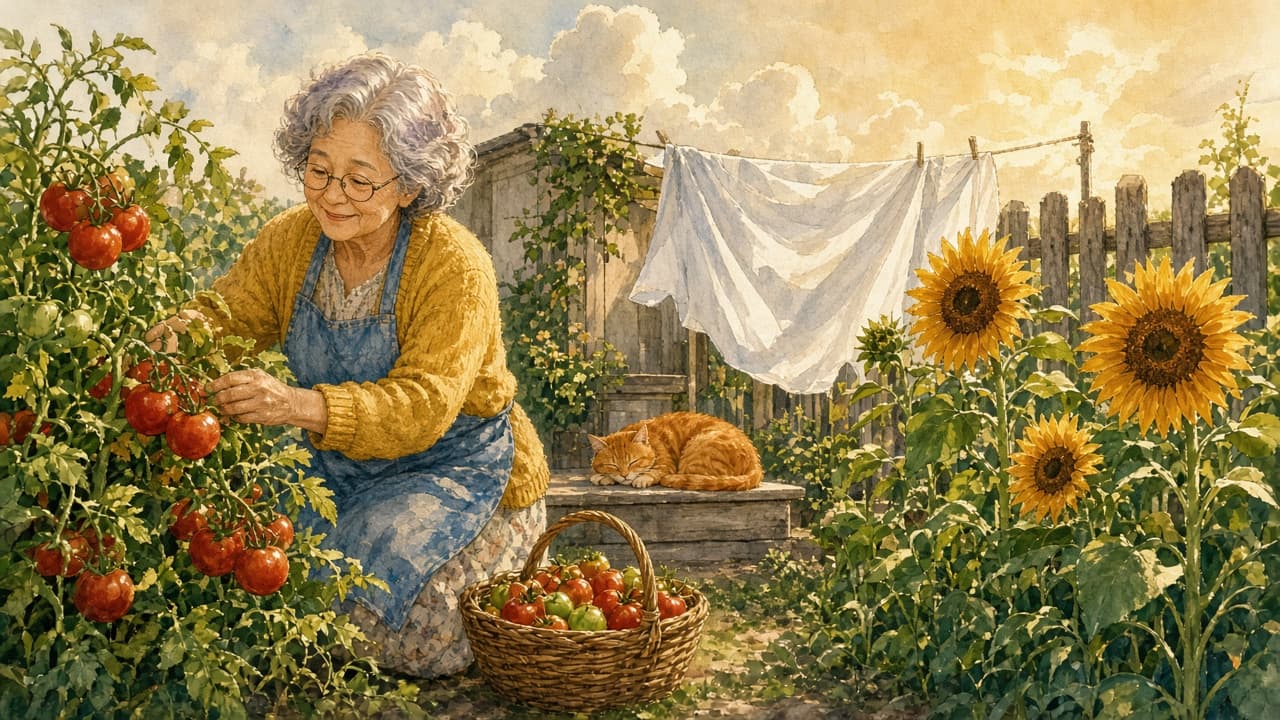
Ghibli Style Art Prompt: Hand Painted Anime Scene Builder
Build a Ghibli inspired art prompt for ChatGPT images: hand painted backgrounds, soft cel shading, warm light, and a cozy scene from your photo or idea.
Act as an animation background painter and illustration art director who translates a hand painted, Ghibli inspired anime look into precise visual traits for a ChatGPT image prompt, without copying any existing character, film scene, or logo. Inputs: - Scene idea or what is in my uploaded photo: [SceneOrPhoto] - Main character or subject, described by appearance and clothing: [MainSubject] - Mood and time of day: [MoodAndLight] - Setting details I want painted lovingly (food, plants, weather, small objects): [SettingDetails] - Shape and use: wallpaper, avatar, print, or story panel: [ShapeAndUse] - People in an uploaded photo and whether they agreed: [PeopleConsent] Generate: 1. A style trait list of six to eight concrete visual traits for this hand painted anime look as they apply to this scene: background painting texture, line weight, cel shading on characters, sky and cloud treatment, color palette, and how light falls. 2. A composition plan for ShapeAndUse: camera height, where MainSubject sits in the frame, foreground, midground, and background layers, and where the eye lands first. 3. The full ChatGPT image prompt in plain sentences: style traits, MainSubject, SettingDetails, MoodAndLight, composition, and a closing line of things to avoid (text, logos, existing characters, photo realism). 4. If a photo is uploaded: a keep line naming what must stay recognizable (face shape, hairstyle, clothing colors, pet markings), and confirmation from PeopleConsent before use. 5. Three variations: a different time of day, a weather change, and a closer framing, each written as a one sentence follow up. 6. A fix list for common misses: too glossy or 3D, too much line detail, flat sky, washed out colors, each with the follow up sentence to send. Rules: - Describe the look through visual traits. Do not ask for a specific film, character, or studio logo. - Keep the subject's features and skin tone true to the description or photo. - No text or signatures in the image.