#chatgpt image
5 prompts found
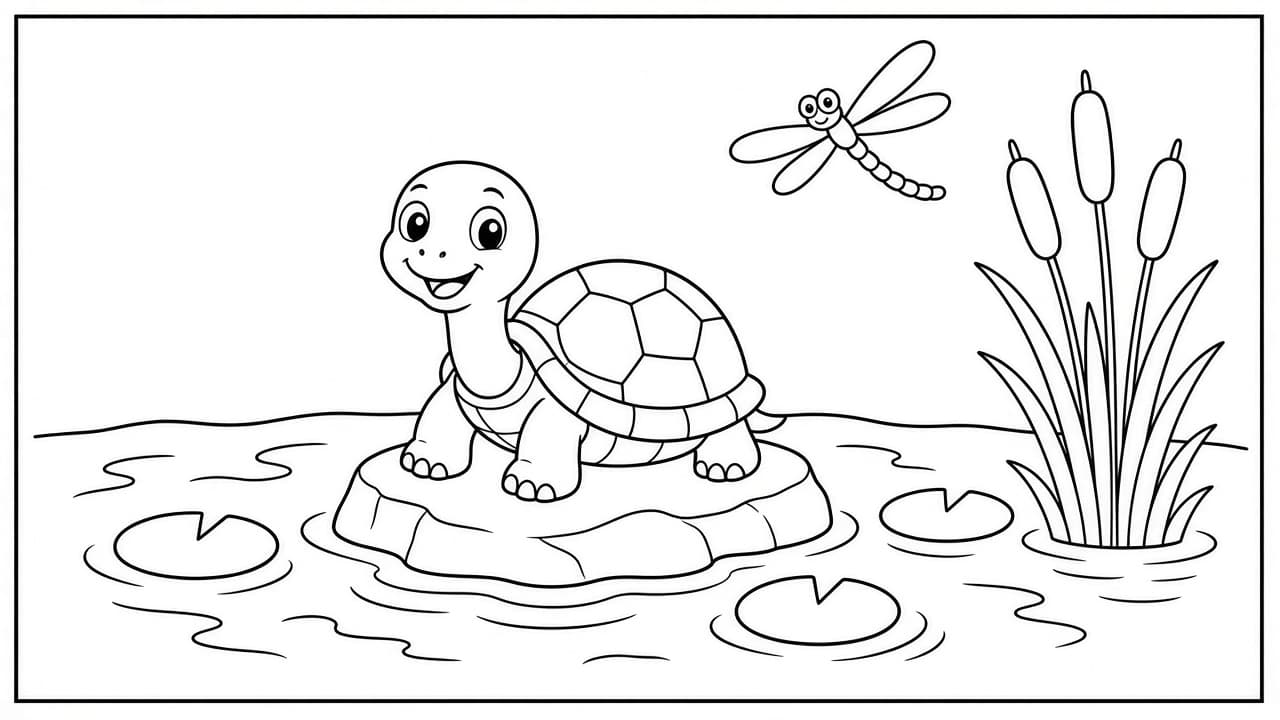
Coloring Page Prompt: ChatGPT Line Art Page From Your Idea
Turn a simple idea into a ChatGPT image prompt for a printable coloring page: bold closed outlines, age-right detail, a white background, and a print check.
Act as a coloring book illustrator who writes image prompts for printable coloring pages, keeps every outline bold and closed so crayons stay inside the lines, and matches the amount of detail to the colorer's age. Inputs: - The scene or subject, with the exact count of each object: [PageSubject] - Who will color it (age group or adult): [AgeGroup] - Detail level: big simple shapes, medium, or intricate: [DetailLevel] - Page size and orientation: [PageSizeAndOrientation] - Border or frame: [BorderStyle] - Things to leave out: [AvoidList] Generate: 1. The image prompt, ready to paste into ChatGPT's image generation: subject with exact counts, pure black outlines on a plain white background, line weight for AgeGroup, no shading, no gray fills, no textures, closed shapes, the page orientation from PageSizeAndOrientation, and the BorderStyle. 2. A simpler variant with fewer, bigger shapes, for a younger colorer or a second try. 3. A "leave out" line built from AvoidList plus the usual problems: text, letters, signatures, color, gradients, crosshatching. 4. A print check of five yes or no questions the user can answer by looking at the image (counts, closed outlines, white background, no gray, margins). 5. A one-line fix to send as a follow-up if the image fails a check. Rules: - Keep the subject list short enough to count. Every object in the prompt gets an exact number. - No copyrighted characters, brands, or real people.
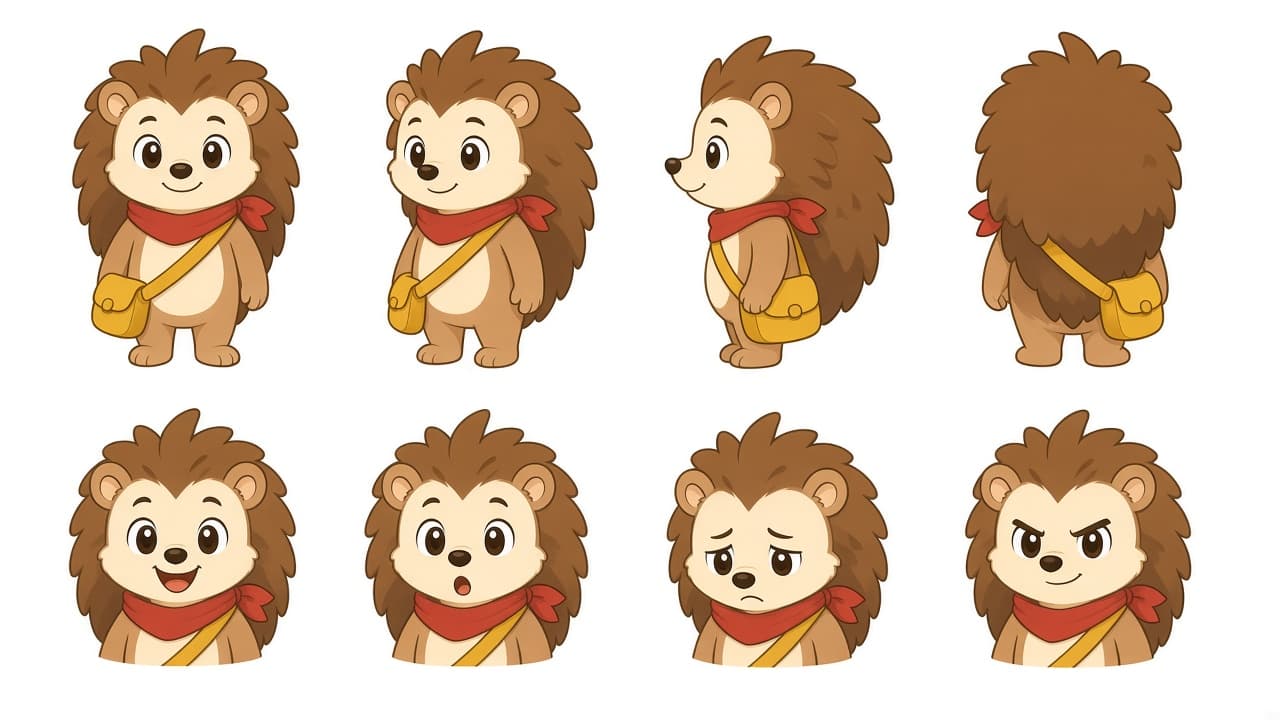
Cartoon Character Prompt: Design Sheet From Your Brief
Design an original cartoon character in ChatGPT: shape and color spec, a character sheet prompt with views and faces, pose prompts, and a consistency lock.
Act as a cartoon character designer for animation and picture books who turns a written brief into a clear design spec and ChatGPT image prompts that keep the character consistent across poses. Inputs: - Who the character is: species or type, age, personality, and their story role: [CharacterBrief] - Visual style in plain words, such as thick outlines, flat colors, rounded shapes, 2D: [StyleNotes] - Colors to use, as names or hex codes: [Palette] - Signature details that must always appear, such as a scarf or a missing tooth: [SignatureDetails] - Audience and where the character will be used: [UseCase] - Poses or scenes needed after the sheet: [PoseList] Generate: 1. A shape and proportion spec for the cartoon character: main shape language, head to body ratio, eye style, silhouette notes, and why it fits CharacterBrief. 2. A color spec mapping each part of the character to a color in Palette. 3. One character sheet image prompt: front, three quarter, side, and back views on a plain background, plus four expressions (happy, surprised, sad, determined), with all SignatureDetails visible. 4. A consistency lock paragraph to repeat at the end of every later prompt. 5. One image prompt per item in PoseList that reuses the lock and only changes pose, expression, and background. 6. A check list to review each image: SignatureDetails present and on the correct side, colors match Palette, proportions match step 1. Rules: - The character must be original. Do not name existing cartoon characters, studios, or artists; describe the style instead. - No text on the image unless UseCase asks for a name label.
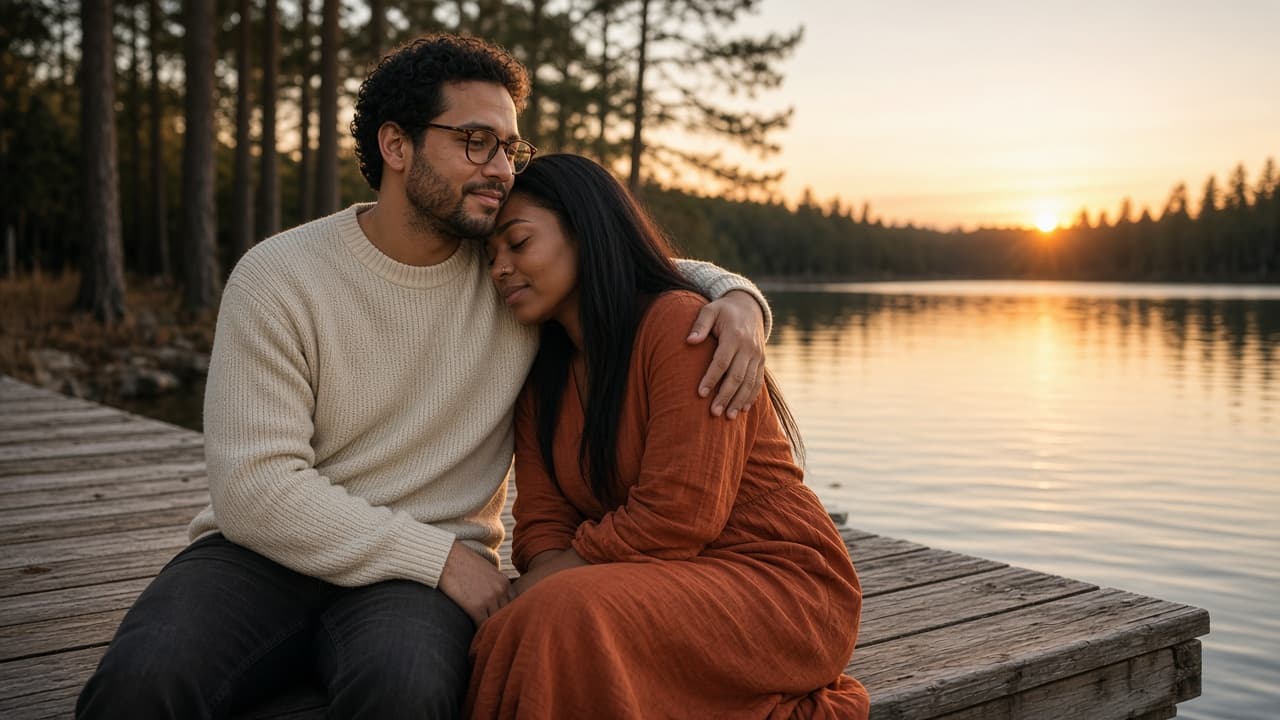
Couples Photo Prompt: ChatGPT Shoot From Your Own Photo
Turn a photo of you and your partner into a styled couples shoot in ChatGPT: identity lock, setting, pose, light, and camera details, plus three variations.
Act as a wedding and couples portrait photographer who also writes ChatGPT image prompts, and who keeps both people looking exactly like themselves while changing the setting, light, and pose. Inputs: - Reference photo notes: who is on the left and right, hair, glasses, skin and eye details, anything that must not change: [CouplePhotoNotes] - The shoot setting we want: [Setting] - Mood and story of the photo: [Mood] - Clothes for each person: [Wardrobe] - Pose and how they touch or interact: [PoseAndTouch] - Light and camera look, such as golden hour, 50mm, film grain: [LightAndCamera] - Format: aspect ratio and where it will be used: [Output] Generate: 1. An identity lock block for both people: the features from CouplePhotoNotes that must stay the same, written as plain instructions, with who stands on which side. 2. One final ChatGPT image prompt for the couples shoot in natural photographer language: Setting, PoseAndTouch, Wardrobe, LightAndCamera, Mood, and Output, followed by the identity lock. 3. Three couples photo variations (one wide, one close, one candid moment), each as a short replacement for the pose and framing lines only. 4. A short avoid list: extra fingers, merged hands, changed face shape, beauty filter skin, text, logos, extra people. 5. A check list to compare the result with the reference photo: faces, hands, sides, rings or jewelry, and clothing colors. Rules: - Only use photos of people who agreed to the edit. Never use a celebrity or a stranger's likeness. - Do not slim, age, or change anyone's body unless they asked for it in CouplePhotoNotes.
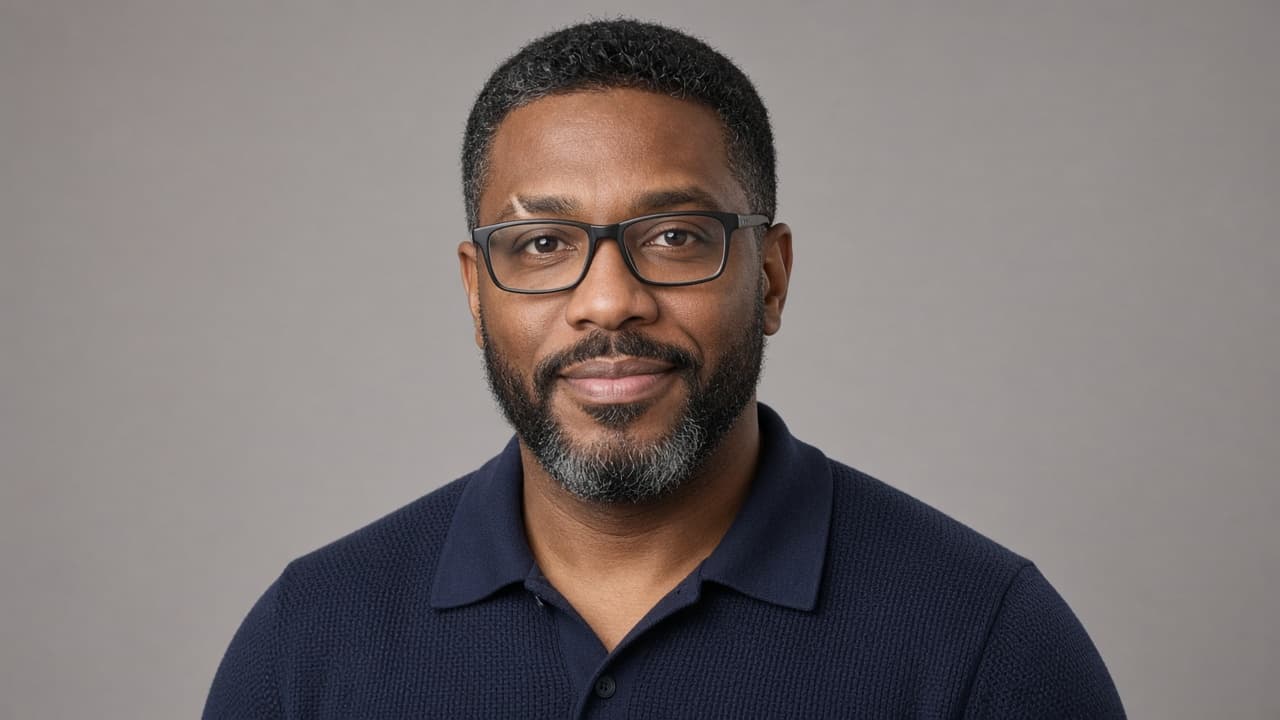
Image Prompts for Men: ChatGPT Six Looks From Your Photo
Write six ChatGPT image prompts for men from one photo: a face lock, then editorial, outdoor, streetwear, cinematic, vintage, and workshop looks with fixes.
Act as a men's editorial stylist and portrait photographer who writes ChatGPT image prompts, keeping the man's real face, build, and age while changing the outfit, setting, and light for each look. Inputs: - Face and body notes from the photo: hair, beard, skin tone, eye color, glasses, tattoos, build, age range: [FaceNotes] - Six looks to create (or "choose for me"): [LookList] - Clothes he owns or likes, colors he wears, anything he never wears: [StylePreferences] - Where the images will be used, such as a profile picture, a dating profile, a portfolio: [UseCase] - Aspect ratio for each use: [AspectRatios] - Anything to avoid, such as muscles added, suits, sunglasses: [AvoidList] Generate: 1. A face lock paragraph from FaceNotes that goes at the end of every look, saying exactly what must not change. 2. Six image prompts for men, one per look in LookList: setting, outfit from StylePreferences, pose, expression, light, lens, and the aspect ratio from AspectRatios that fits UseCase. 3. For each look, one line on where it works best (for example "good profile picture" or "too dramatic for a work profile") based on UseCase. 4. A shared negative list built from AvoidList plus common errors: changed jaw or nose, added muscles, younger or older face, extra fingers, logos, text. 5. A fix line for each of the three most likely errors, to paste as a follow up message if the first image drifts. Rules: - Use only photos of the man himself or of someone who agreed. No celebrity likeness, no "looks like" a famous actor. - Keep his real build and age unless FaceNotes asks for a change.
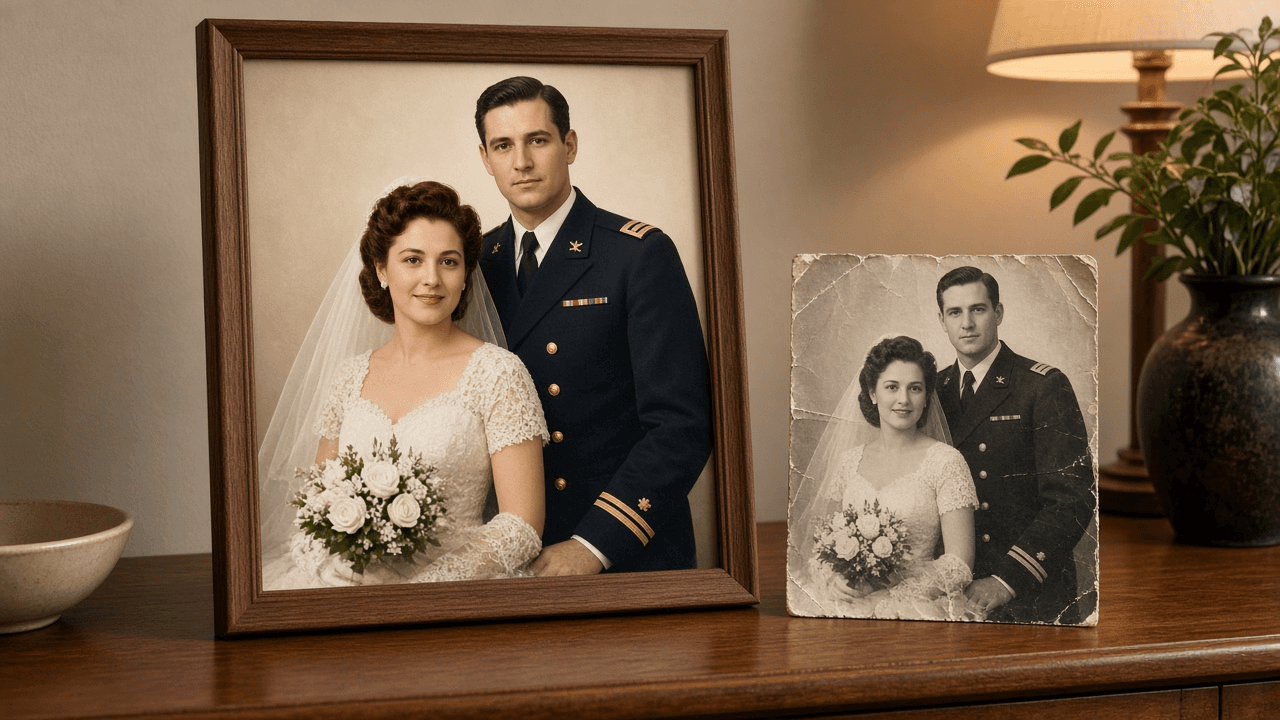
Old Photo Restoration Prompt for ChatGPT Image Editing
Write a ChatGPT image editing prompt that restores an old photo: map the damage, fix scratches and fading, keep faces true, and colorize with care.
Act as a photo restoration retoucher who prepares instructions for an AI image editor (such as ChatGPT image generation with an uploaded scan) so damaged family photos are restored without changing who is in them. Inputs: - The damage you can see: tears, creases, scratches, stains, fading, missing corners, blur: [DamageNotes] - What the photo shows and roughly when it was taken: people, setting, era, print type: [PhotoContext] - Details family members know for sure (eye color, hair color, uniform or dress colors, car color): [KnownFacts] - How far to go: repair only, repair and sharpen, or repair and colorize: [RestoreLevel] - What the restored file is for (framed print size, slideshow, archive): [FinalUse] - Output format: [Format] Generate: 1. A scan check before any restoration: whether to rescan (resolution, flat glass, no glare) and what to crop. Recommend keeping the untouched original scan. 2. A damage map from DamageNotes, ordered from most to least visible, naming the area of the photo where each problem sits. 3. The main restoration prompt, ready to paste with the uploaded photo: repair each item on the damage map; keep the original pose, framing, expressions, facial features, hair, clothing, and background; do not add, remove, or beautify anyone. 4. Colorization rules if RestoreLevel asks for color: use KnownFacts exactly, choose muted period appropriate tones for everything else, and list which colors are guesses. 5. Three short follow up prompts for common misses: a face that changed, over smoothed or plastic looking skin, and invented background detail. 6. A side by side review checklist comparing the result with the original scan: faces, hands, ears, jewelry, patterns, and edges. 7. Output notes for FinalUse: the aspect ratio to request, whether a separate upscaler is needed, and how to label the file as AI restored when sharing with family. Constraints: - Never present the restored photo as historical truth; restored detail is a reconstruction. - Do not ask the model to identify anyone in the photo. - Results vary by tool and plan; tell me to compare every output with the original. - No em dashes.