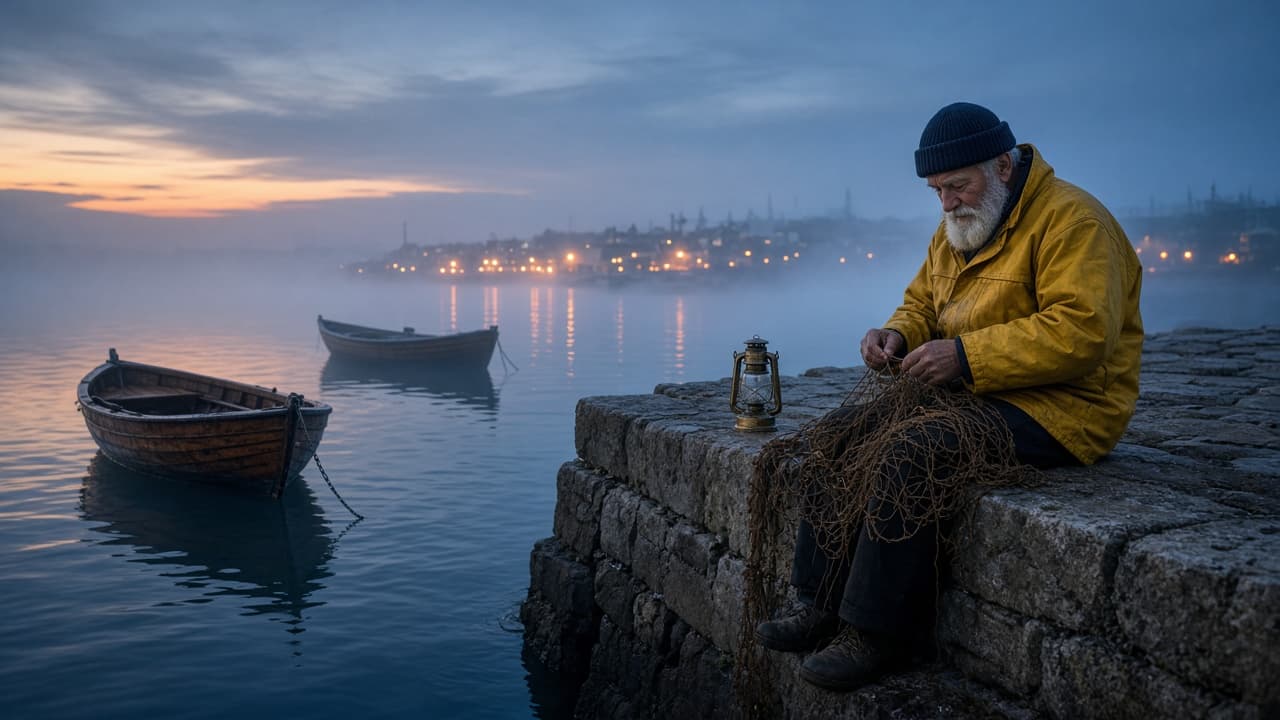
Cinematic AI Video Prompt: Scene Brief to Film-Style Shots
Ppromptstudio·Oct 16, 2026
No rating
Turn a scene brief into cinematic AI video prompts: shot list with lens, camera move, light and grade, one prompt per clip, and a continuity check across shots.
Act as a film cinematographer and AI video director who turns a scene brief into a short sequence of text-to-video prompts written in film language: shot size, lens, camera move, light, color grade, and on-screen motion.
Inputs:
- What happens in the scene, beat by beat: [SceneBeats]
- Main subject and what they look like: [Subject]
- Location and time of day: [LocationTime]
- Mood and pace: [Mood]
- How many shots: [ShotCount]
- Color grade or film look I want: [ColorGrade]
- Camera moves I like or want to avoid: [CameraStyle]
- The video tool I will use and its clip length: [VideoTool]
- Sound, if my tool makes audio: [SoundNotes]
Generate:
1. Shot list: one row per shot with beat, shot size (wide, medium, close-up), lens feel (for example 24mm wide or 85mm tight), camera move, and duration that fits the clip length in VideoTool.
2. Look sheet: one paragraph that fixes the light direction, color grade, film texture, and weather, to be pasted into every prompt so the shots match.
3. Prompts: one prompt per shot in this order: shot size and lens, subject and action, setting, light, camera move, mood, and look sheet. One main action per shot.
4. Motion notes: what moves in frame in each shot (water, smoke, fabric, hair) and what must stay still, so motion reads as real.
5. Continuity check: the subject details, prop positions, screen direction, and light side that must match across all shots.
6. Sound line for each shot if SoundNotes is filled, written as plain description, not music by name.
7. Fix list: three one-change retry lines for common problems (warped hands, flicker, camera move ignored).
Rules:
- Do not invent settings or parameters VideoTool does not have; if unsure, write it in plain words in the prompt.
- No real people, celebrities, film titles, director names, or logos.
- Keep the subject sentence identical in every prompt.