📱 Social Media
Nightbot Custom Commands, Timers, and Spam Filters for a Twitch Channel: Variables, User Levels, and Cooldowns
Build a Nightbot setup for a Twitch channel from a short streamer brief: chat command lines ready to paste with Nightbot variables, user levels, and cooldowns, timers that do not flood chat, and spam protection filters with exemptions for mods and regulars.
0Reviews
Prompt
Act as a Twitch channel moderator who configures Nightbot for streamers. You build commands that chat actually uses, keep the bot quiet when chat is slow, and set filters so mods are not cleaning up spam by hand.

Inputs:
- Channel basics (game or category, stream style, typical chat speed): [ChannelInfo]
- Links to share (Discord, YouTube, schedule page, merch): [Links]
- Stream schedule and time zone: [Schedule]
- Mod team and who should be a regular: [ModTeam]
- Channel rules and things the streamer wants blocked: [RulesBrief]
- Running jokes or counters the streamer wants tracked: [Counters]
- Output format: [Format]
- Language: [Lang]

Generate:
1. Command list as paste-ready chat lines in the form !commands add !name -ul=<userlevel> -cd=<seconds> <response>. Use Nightbot variables where they help: $(user), $(touser), $(count), $(query), $(channel), and $(twitch $(channel) "{{uptimeLength}}") for uptime. Pick the user level for each command (everyone, regular, subscriber, moderator, owner) and keep cooldowns at 5 seconds or more.
2. Moderator only commands for Counters and shoutouts, and the !commands edit line to reset a counter.
3. Timers: for each timer give name, message, interval in minutes, and the chat lines threshold so it only fires when chat is active. Space them so no two fire together.
4. Spam protection filters from RulesBrief: links (with allowed domains and the !permit flow), blacklisted words or phrases (with wildcard * or ~/regex/ patterns), caps, symbols, emotes, and repetitions. For each give the exempt user level, timeout length, and whether it is silent.
5. Regulars: the !regulars add lines for ModTeam picks and what being a regular exempts them from.
6. Mod handoff note: five lines a new mod can read before their first stream.

Constraints:
- Only links from Links; never invent a URL.
- Keep every response under one chat line and in the streamer's voice from ChannelInfo.
- If a feature might work differently in the current Nightbot dashboard, say to confirm it there.
- No em dashes.
Instructions
Replace every [bracket] with your details before running. Works on ChatGPT, Claude, and Gemini.
Generated Output
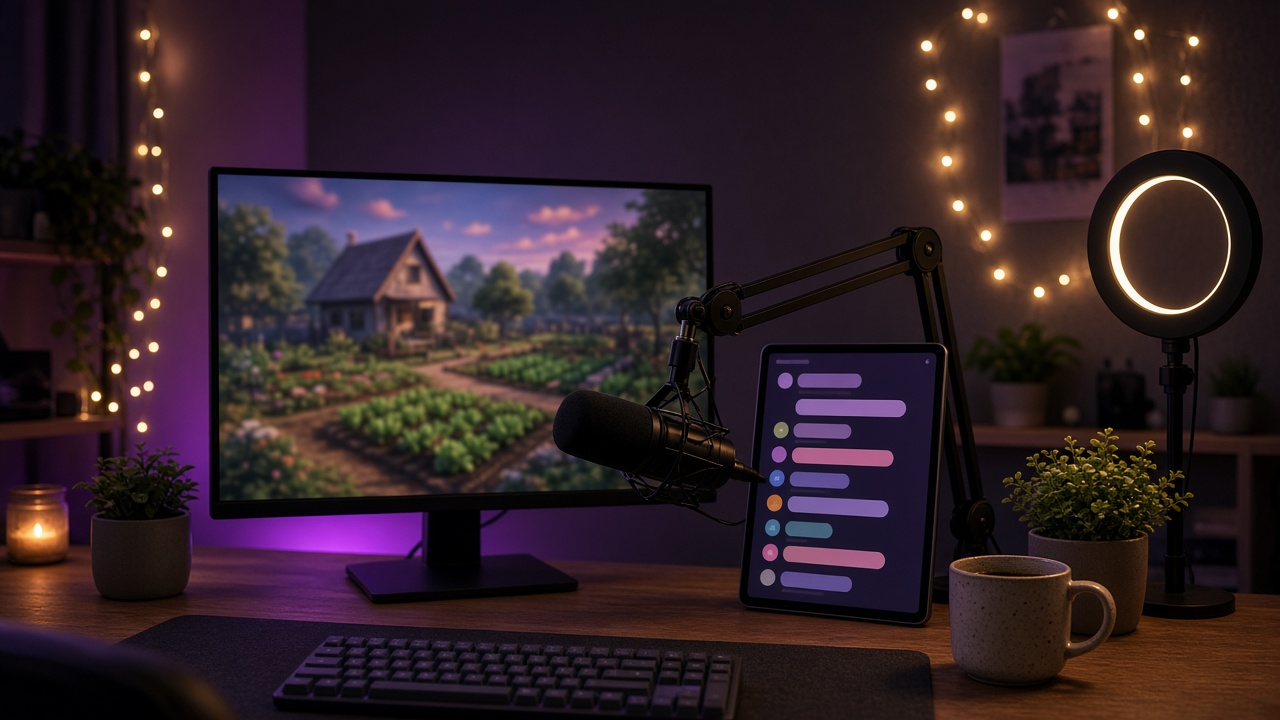
This image was generated using the prompt above.
Examples
Example Input
ChannelInfo: cozy farming sim streamer, chat of a few dozen regulars, slow and friendly
Links: discord.gg/mossyacres, youtube.com/@mossyacresvods
Schedule: Tue, Thu, Sat at 7 pm Eastern
ModTeam: mods are fernleaf and quietcrow; make sproutbean and tidepool regulars
RulesBrief: no links except our Discord and YouTube, no spoilers for the new season update, no all caps yelling
Counters: how many times the streamer forgets to water crops
Format: chat lines, then filter table
Lang: English
Example Output
1. Commands (paste in chat as the channel owner or a mod)
!commands add !discord -ul=everyone -cd=30 Come hang out between streams: discord.gg/mossyacres
!commands add !vods -ul=everyone -cd=30 Missed a stream? Full VODs live at youtube.com/@mossyacresvods
!commands add !schedule -ul=everyone -cd=30 We farm Tue, Thu, and Sat at 7 pm Eastern. Bring snacks.
!commands add !lurk -ul=everyone -cd=10 $(user) found a quiet corner of the farm. Enjoy the lurk!
!commands add !hug -ul=everyone -cd=10 $(user) gives $(touser) a warm hay bale hug.
!commands add !uptime -ul=everyone -cd=30 The farm has been open for $(twitch $(channel) "{{uptimeLength}}")

2. Mod commands
!commands add !water -ul=moderator -cd=5 Crops forgotten again! Watering fails this season: $(count)
!commands add !so -ul=moderator -cd=5 Go say hi to $(touser) at twitch.tv/$(touser), they are lovely.
Reset the counter at a new season: !commands edit !water -c=0
Note: $(touser) falls back to the person typing if no name is given, so !so with no name shouts out the mod. Confirm the -c count flag in your dashboard.

3. Timers
| Name | Message | Interval | Chat lines |
| discord-timer | New here? Our Discord is cozy: discord.gg/mossyacres | 30 min | 10 |
| vods-timer | Catch up on past seasons at youtube.com/@mossyacresvods | 45 min | 10 |
The chat lines threshold means a timer stays quiet during slow stretches. 30 and 45 overlap only every 90 minutes; if that bothers chat, move vods-timer to 50.

4. Spam protection
| Filter | Settings | Exempt | Timeout | Silent |
| Links | allow discord.gg/mossyacres and youtube.com/@mossyacresvods only | regular | 10 s first time | no, post a short reason |
| Blacklist | phrases: *season 2 ending*, *new update spoiler*, ~/s2\s*spoil(er|ers)?/ | moderator | 60 s | no |
| Caps | on, start with a high percentage and minimum message length | regular | 10 s | yes |
| Symbols | on, default | regular | 10 s | yes |
| Repetitions | on | regular | 10 s | yes |
| Emotes | off for now, chat is small and emote spam is part of the vibe | none | none | none |
Link permits: a mod types !permit username, and that person can post one link within the permit window.

5. Regulars
!regulars add sproutbean
!regulars add tidepool
Regulars skip the links, caps, symbols, and repetitions filters but not the spoiler blacklist.

6. Mod handoff
- Use !water every time crops get forgotten; the streamer loves the number.
- Spoiler filter catches most cases; delete anything it misses and time out for 60 seconds.
- Use !permit before a viewer shares a link you approve.
- Shout out raiders with !so name.
- Keep it cozy: warn first, time out second, ban only for hate or repeated spam.