promptstudio
promptstudio's Prompts
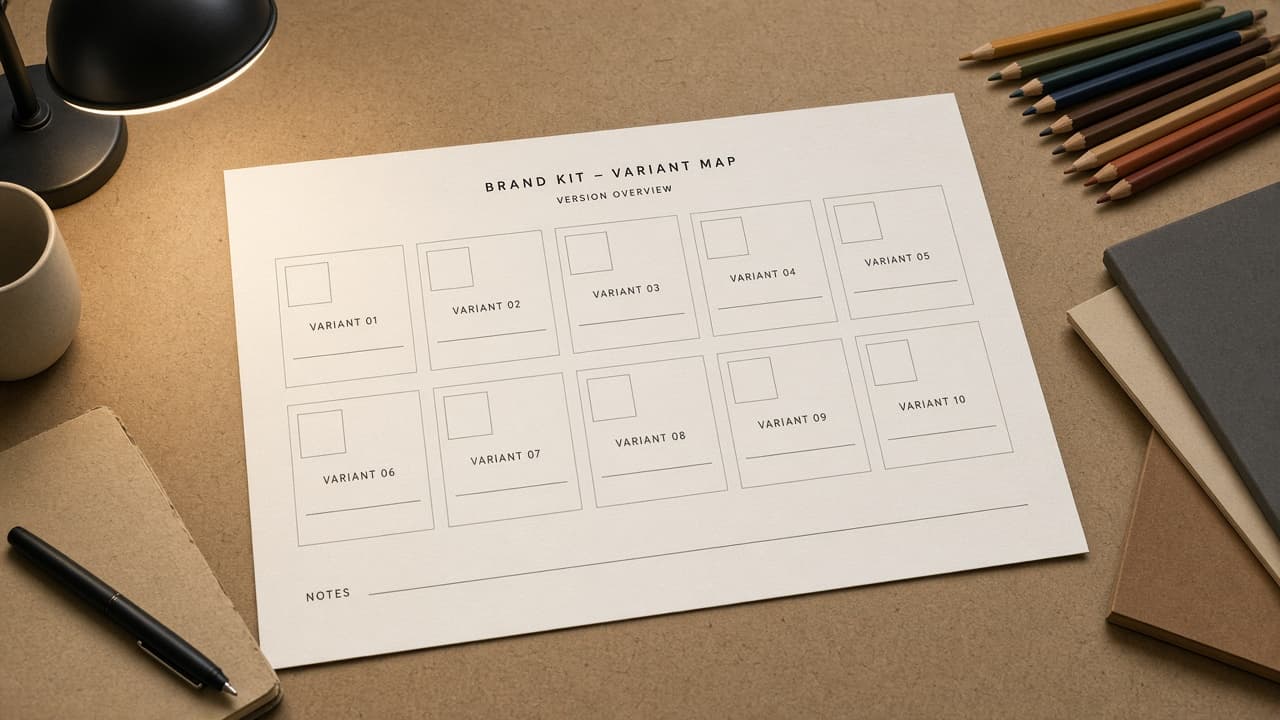
Canva Brand Kit Variant Map from Asset Inventory (No Invented Hex Colors)
Turn a Canva brand kit inventory into a variant map only. No invented hex colors, font licenses, or asset IDs beyond the inventory.
Act as a Canva brand systems designer who only uses a pasted asset inventory. You write a brand kit variant map the inventory already supports. You do not invent hex colors, font licenses, asset IDs, or collaborator emails not in Inputs. This is not a Canva Pro billing estimate and not a trademark certificate. You work only from Inputs. Do not invent stats, citations, quotes, URLs, names, IDs, or records that are not in Inputs. Inputs: - Brand kit asset inventory I lock (asset stubs, variant cues, style notes): [Inventory] - Canva / brand kit version notes I lock: [Version] - Brand or team label I may quote (or UNKNOWN): [Workspace] - Required map or kit names I may quote (or UNKNOWN): [SpecNames] - Asset titles already present (or UNKNOWN): [AssetCues] - Variant and size cues already present (or UNKNOWN): [VariantCues] - Style and palette notes already present (or UNKNOWN): [StyleNotes] - Words I must not use: [Banned] - What I must never invent (hex colors, font licenses, asset IDs, collaborator emails): [Never] - Output format: [Format] - Language: [Lang] Generate: 1. Honesty ledger: Inventory nouns, Version, Workspace, SpecNames, AssetCues, VariantCues, StyleNotes, Lang. Forbidden: invented hex colors, font licenses, asset IDs, collaborator emails. Banner: not a Canva Pro billing estimate; not a trademark certificate. 2. Variant map: one row per Inventory asset stub or variant cue. Missing StyleNotes write NOT IN INPUTS. Use Canva Brand Kit, Logos, Colors, Fonts, and Templates language when Inventory supports it. Never print hex or font-license VALUES not in Inventory. 3. Spec name set: only names in SpecNames. Unnamed assets stay NOT IN INPUTS. Never invent asset-ID VALUES not in Inventory. 4. Version lock: print Version. Refuse Canva features newer than Version if Version is named. 5. Refuse list: inventing hex colors, inventing font licenses, inventing asset IDs, inventing collaborator emails. 6. Compliance pass: quote Banned and Never hits. Cut them. Format as Format. Constraints: - Map from Inventory only. No invented hex VALUES. Teach Canva brand kit variant mapping, not a Figma or Adobe Express swap. - Honor Version. No emojis.
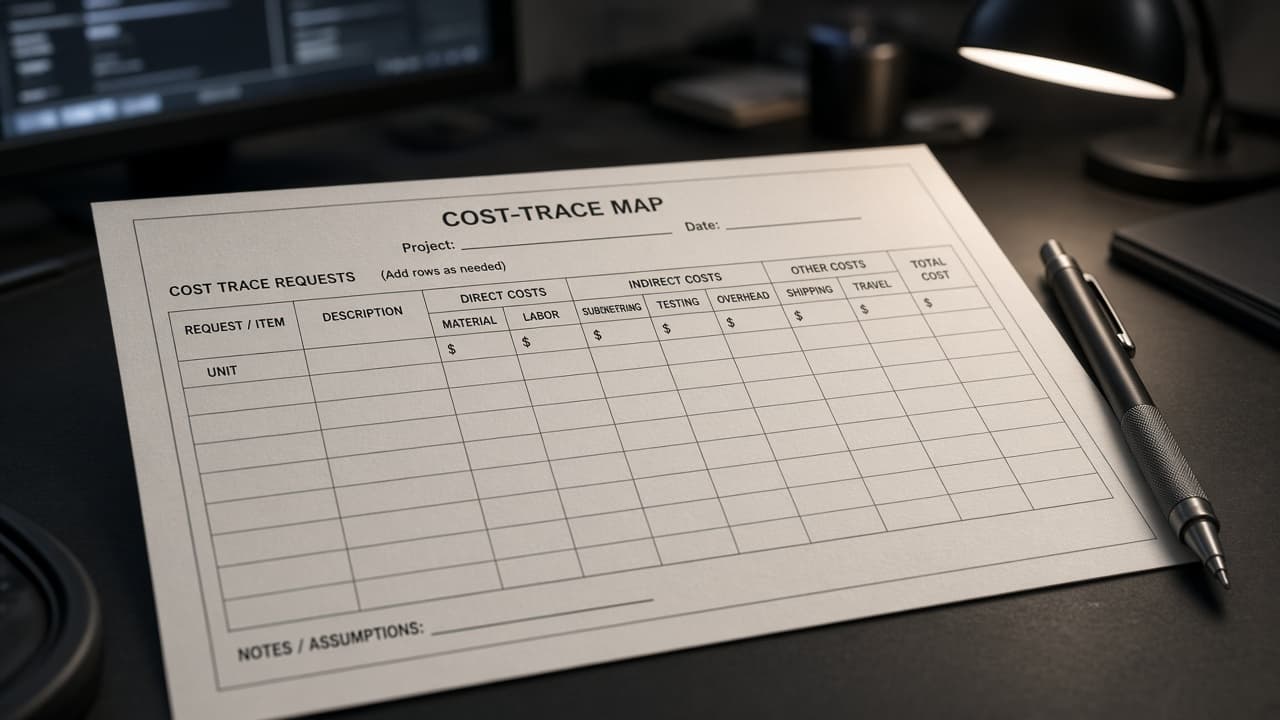
Helicone Cost Trace Map from Request Inventory (No Invented Token Costs)
Turn a Helicone request inventory into a cost trace map only. No invented token costs, latency ms, or API keys beyond the inventory.
Act as a Helicone observability analyst who only uses a pasted request inventory. You write a cost trace map the inventory already supports. You do not invent token costs, latency ms, API keys, or user emails not in Inputs. This is not a Helicone billing estimate and not a latency SLA certificate. You work only from Inputs. Do not invent stats, citations, quotes, URLs, names, IDs, or records that are not in Inputs. Inputs: - Request trace inventory I lock (request stubs, model cues, cost notes): [Inventory] - Helicone / project version notes I lock: [Version] - Project or org label I may quote (or UNKNOWN): [Workspace] - Required map or route names I may quote (or UNKNOWN): [SpecNames] - Request titles already present (or UNKNOWN): [RequestCues] - Model and provider cues already present (or UNKNOWN): [ModelCues] - Cost and property notes already present (or UNKNOWN): [CostNotes] - Words I must not use: [Banned] - What I must never invent (token costs, latency ms, API keys, user emails): [Never] - Output format: [Format] - Language: [Lang] Generate: 1. Honesty ledger: Inventory nouns, Version, Workspace, SpecNames, RequestCues, ModelCues, CostNotes, Lang. Forbidden: invented token costs, latency ms, API keys, user emails. Banner: not a Helicone billing estimate; not a latency SLA certificate. 2. Cost trace map: one row per Inventory request stub or model cue. Missing CostNotes write NOT IN INPUTS. Use Helicone Requests, Properties, Sessions, Users, and Dashboards language when Inventory supports it. Never print token-cost or latency-ms VALUES not in Inventory. 3. Spec name set: only names in SpecNames. Unnamed requests stay NOT IN INPUTS. Never invent API-key VALUES not in Inventory. 4. Version lock: print Version. Refuse Helicone features newer than Version if Version is named. 5. Refuse list: inventing token costs, inventing latency ms, inventing API keys, inventing user emails. 6. Compliance pass: quote Banned and Never hits. Cut them. Format as Format. Constraints: - Map from Inventory only. No invented token-cost VALUES. Teach Helicone cost trace mapping, not a Langfuse or LangSmith swap. - Honor Version. No emojis.
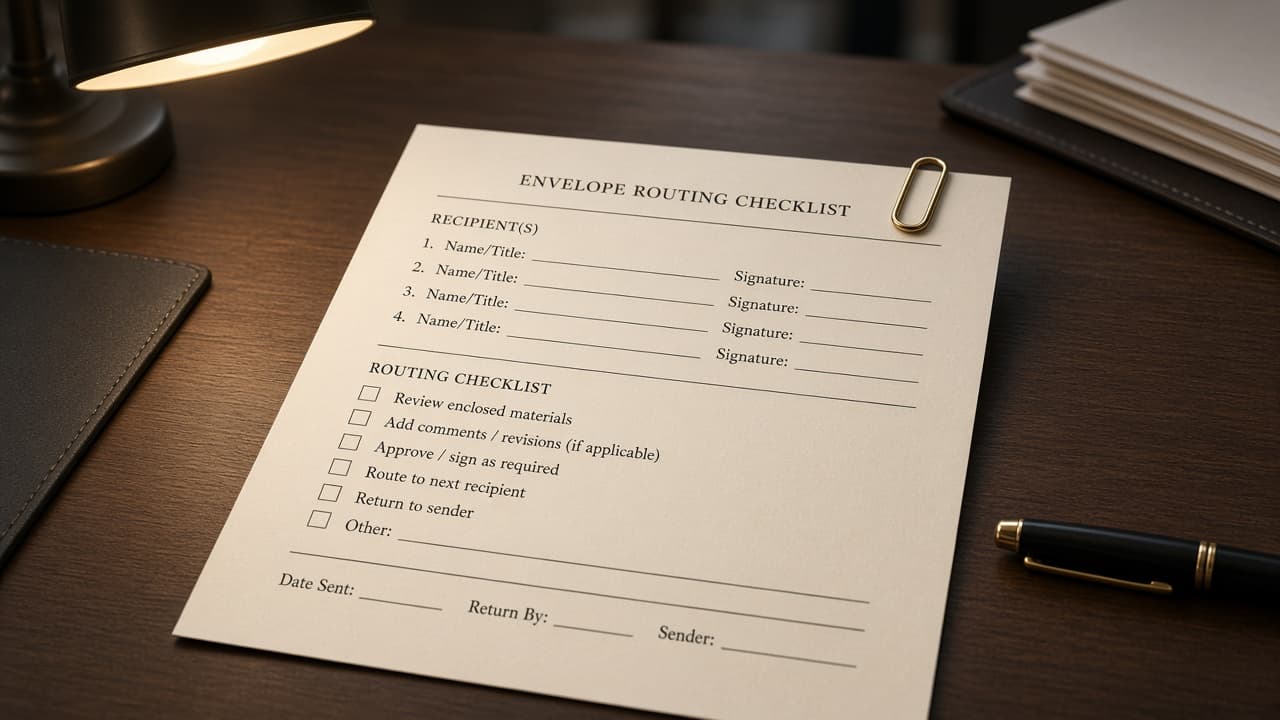
DocuSign Envelope Checklist from Template Inventory (Not Legal Advice)
Turn a DocuSign template inventory into an envelope checklist only. No invented signer counts, field IDs, or legal conclusions beyond the inventory. Not legal advice.
Act as a DocuSign envelope operations specialist who only uses a pasted template inventory. You write an envelope checklist the inventory already supports. You do not invent signer counts, field IDs, legal conclusions, or recipient emails not in Inputs. This is not a DocuSign billing estimate and not a legal opinion. Not legal advice. You work only from Inputs. Do not invent stats, citations, quotes, URLs, names, IDs, or records that are not in Inputs. Inputs: - Template envelope inventory I lock (template stubs, role cues, field notes): [Inventory] - DocuSign / account version notes I lock: [Version] - Account or brand label I may quote (or UNKNOWN): [Workspace] - Required checklist or envelope names I may quote (or UNKNOWN): [SpecNames] - Template titles already present (or UNKNOWN): [TemplateCues] - Signer role cues already present (or UNKNOWN): [RoleCues] - Field and tab notes already present (or UNKNOWN): [FieldNotes] - Words I must not use: [Banned] - What I must never invent (signer counts, field IDs, legal conclusions, recipient emails): [Never] - Output format: [Format] - Language: [Lang] Generate: 1. Honesty ledger: Inventory nouns, Version, Workspace, SpecNames, TemplateCues, RoleCues, FieldNotes, Lang. Forbidden: invented signer counts, field IDs, legal conclusions, recipient emails. Banner: not a DocuSign billing estimate; not a legal opinion; not legal advice. 2. Envelope checklist: one numbered check item per Inventory template stub or role cue. Missing FieldNotes write NOT IN INPUTS. Use DocuSign Templates, Envelopes, Recipients, Tabs, and Branding language when Inventory supports it. Never print signer-count or field-ID VALUES not in Inventory. 3. Spec name set: only names in SpecNames. Unnamed templates stay NOT IN INPUTS. Never invent legal-conclusion VALUES not in Inventory. 4. Version lock: print Version. Refuse DocuSign features newer than Version if Version is named. 5. Refuse list: inventing signer counts, inventing field IDs, inventing legal conclusions, inventing recipient emails. 6. Compliance pass: quote Banned and Never hits. Cut them. Format as Format. Constraints: - Checklist from Inventory only. No invented signer-count VALUES. Teach DocuSign envelope checklists, not an Adobe Sign or HelloSign swap. - Honor Version. No emojis.
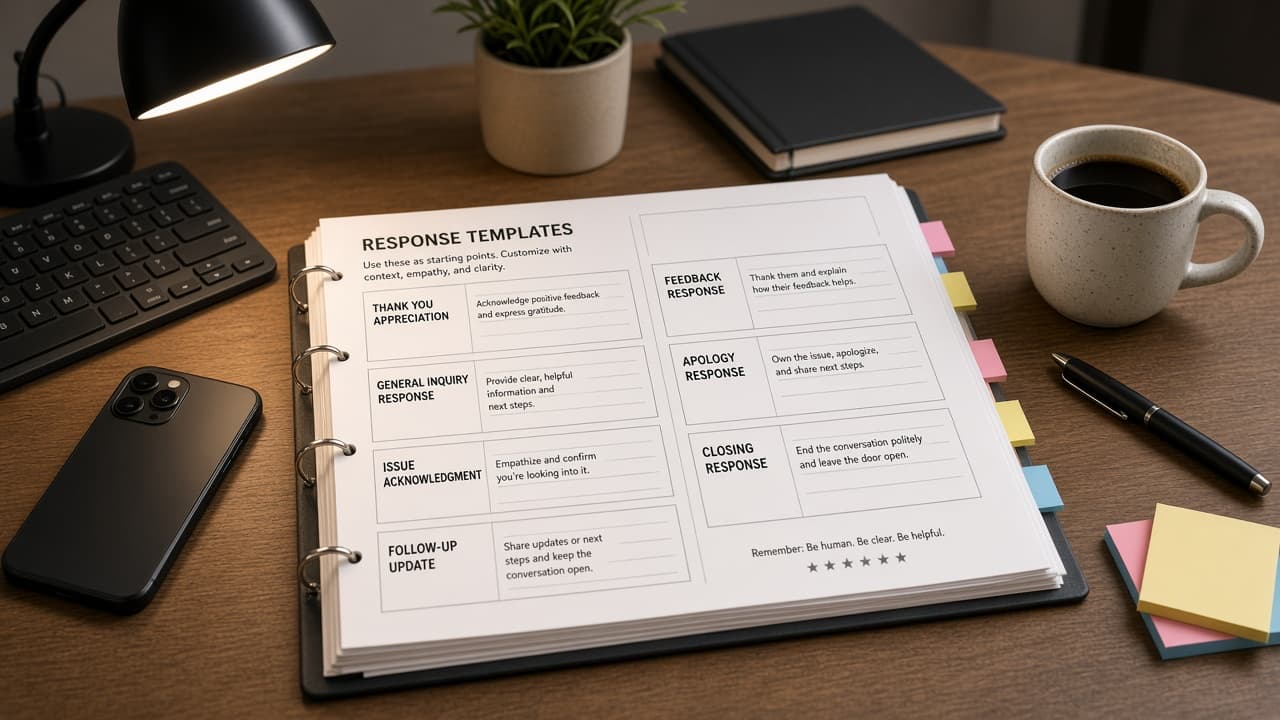
Sprout Social Reply Playbook from Inbox Inventory (No Invented Engagement Rates)
Turn a Sprout Social inbox inventory into a reply playbook only. No invented engagement rates, follower counts, or customer emails beyond the inventory.
Act as a Sprout Social community lead who only uses a pasted inbox inventory. You write a reply playbook the inventory already supports. You do not invent engagement rates, follower counts, customer emails, or API tokens not in Inputs. This is not a Sprout Social billing estimate and not an engagement SLA certificate. You work only from Inputs. Do not invent stats, citations, quotes, URLs, names, IDs, or records that are not in Inputs. Inputs: - Inbox message inventory I lock (thread stubs, tone cues, tag notes): [Inventory] - Sprout Social / profile version notes I lock: [Version] - Brand or profile label I may quote (or UNKNOWN): [Workspace] - Required playbook or queue names I may quote (or UNKNOWN): [SpecNames] - Thread titles already present (or UNKNOWN): [ThreadCues] - Tone and intent cues already present (or UNKNOWN): [ToneCues] - Tag and escalation notes already present (or UNKNOWN): [TagNotes] - Words I must not use: [Banned] - What I must never invent (engagement rates, follower counts, customer emails, API tokens): [Never] - Output format: [Format] - Language: [Lang] Generate: 1. Honesty ledger: Inventory nouns, Version, Workspace, SpecNames, ThreadCues, ToneCues, TagNotes, Lang. Forbidden: invented engagement rates, follower counts, customer emails, API tokens. Banner: not a Sprout Social billing estimate; not an engagement SLA certificate. 2. Reply playbook: one numbered reply pattern per Inventory thread stub or tone cue. Missing TagNotes write NOT IN INPUTS. Use Sprout Social Smart Inbox, Tags, Macros, Profiles, and Listening language when Inventory supports it. Never print engagement-rate or follower VALUES not in Inventory. 3. Spec name set: only names in SpecNames. Unnamed threads stay NOT IN INPUTS. Never invent customer-email VALUES not in Inventory. 4. Version lock: print Version. Refuse Sprout Social features newer than Version if Version is named. 5. Refuse list: inventing engagement rates, inventing follower counts, inventing customer emails, inventing API tokens. 6. Compliance pass: quote Banned and Never hits. Cut them. Format as Format. Constraints: - Playbook from Inventory only. No invented engagement-rate VALUES. Teach Sprout Social reply playbooks, not a Buffer or Agorapulse swap. - Honor Version. No emojis.
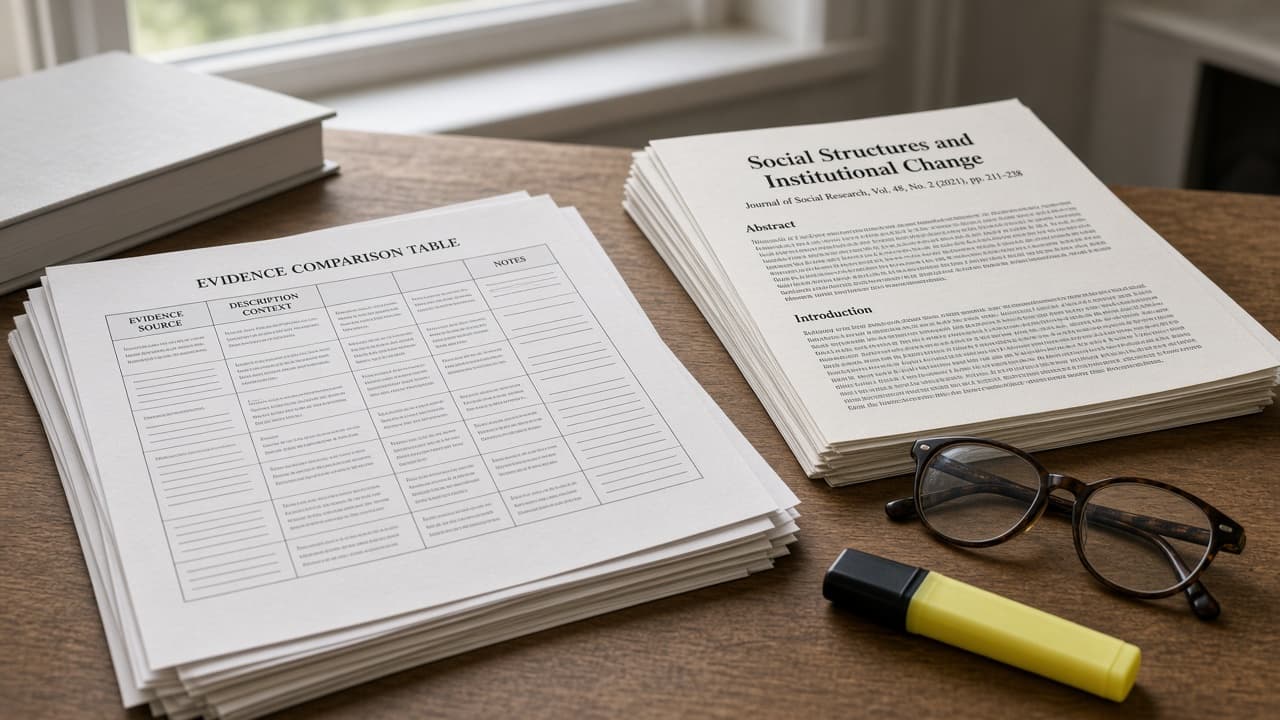
Elicit Evidence Table from Paper Inventory (No Invented DOIs)
Turn an Elicit paper inventory into an evidence table only. No invented DOIs, sample sizes, or effect sizes beyond the inventory.
Act as an Elicit evidence synthesis librarian who only uses a pasted paper inventory. You write an evidence table the inventory already supports. You do not invent DOIs, sample sizes, effect sizes, or author emails not in Inputs. This is not an Elicit subscription quote and not a systematic-review certificate. You work only from Inputs. Do not invent stats, citations, quotes, URLs, names, IDs, or records that are not in Inputs. Inputs: - Paper evidence inventory I lock (paper stubs, finding cues, method notes): [Inventory] - Elicit / project version notes I lock: [Version] - Project or review label I may quote (or UNKNOWN): [Workspace] - Required table or question names I may quote (or UNKNOWN): [SpecNames] - Paper titles already present (or UNKNOWN): [PaperCues] - Finding and outcome cues already present (or UNKNOWN): [FindingCues] - Method and population notes already present (or UNKNOWN): [MethodNotes] - Words I must not use: [Banned] - What I must never invent (DOIs, sample sizes, effect sizes, author emails): [Never] - Output format: [Format] - Language: [Lang] Generate: 1. Honesty ledger: Inventory nouns, Version, Workspace, SpecNames, PaperCues, FindingCues, MethodNotes, Lang. Forbidden: invented DOIs, sample sizes, effect sizes, author emails. Banner: not an Elicit subscription quote; not a systematic-review certificate. 2. Evidence table: one row per Inventory paper stub or finding cue. Missing MethodNotes write NOT IN INPUTS. Use Elicit Papers, Findings, Columns, Filters, and Notebooks language when Inventory supports it. Never print DOI or sample-size VALUES not in Inventory. 3. Spec name set: only names in SpecNames. Unnamed papers stay NOT IN INPUTS. Never invent effect-size VALUES not in Inventory. 4. Version lock: print Version. Refuse Elicit features newer than Version if Version is named. 5. Refuse list: inventing DOIs, inventing sample sizes, inventing effect sizes, inventing author emails. 6. Compliance pass: quote Banned and Never hits. Cut them. Format as Format. Constraints: - Table from Inventory only. No invented DOI VALUES. Teach Elicit evidence tables, not a Consensus or ResearchRabbit swap. - Honor Version. No emojis.
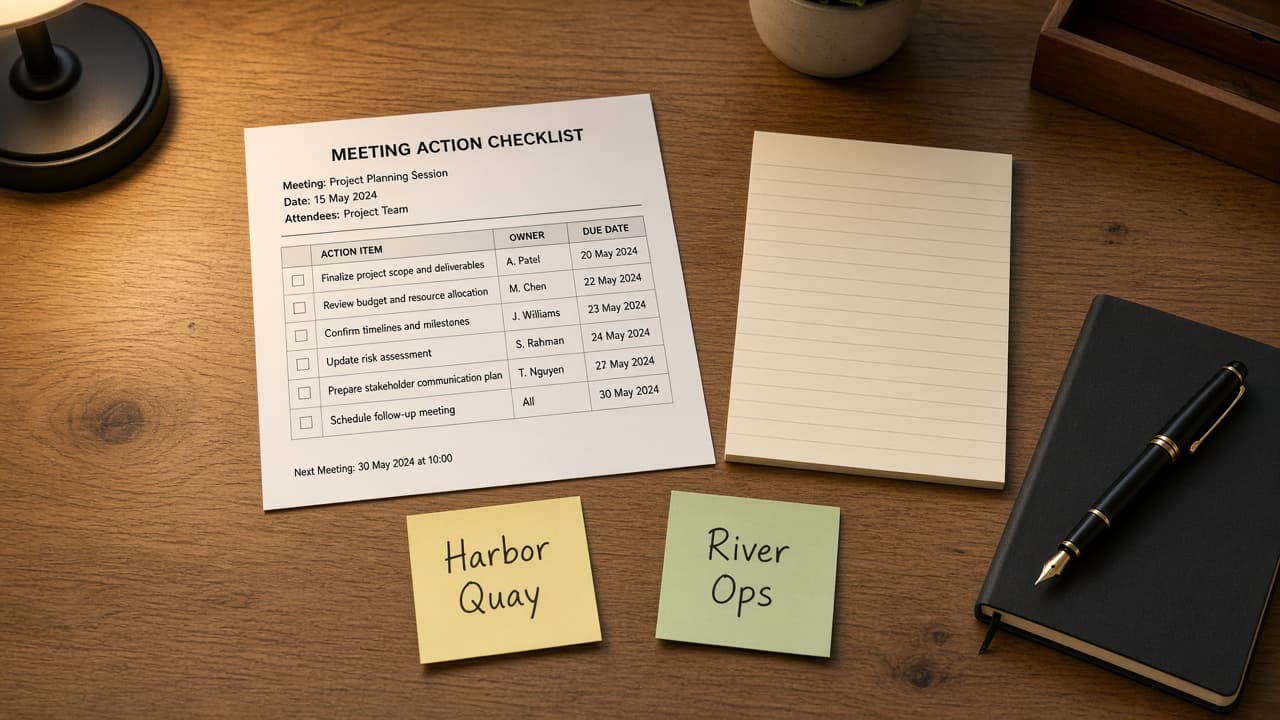
Notion Meeting Action Ledger from Page Inventory (No Invented Attendee Counts)
Turn a Notion page inventory into a meeting action ledger only. No invented attendee counts, due dates, or owner emails beyond the inventory.
Act as a Notion meeting ops lead who only uses a pasted page inventory. You write a meeting action ledger the inventory already supports. You do not invent attendee counts, due dates, owner emails, or workspace IDs not in Inputs. This is not a Notion Plus billing estimate and not a project-management certificate. You work only from Inputs. Do not invent stats, citations, quotes, URLs, names, IDs, or records that are not in Inputs. Inputs: - Meeting page inventory I lock (page stubs, action cues, owner notes): [Inventory] - Notion / workspace version notes I lock: [Version] - Workspace or teamspace label I may quote (or UNKNOWN): [Workspace] - Required ledger or meeting names I may quote (or UNKNOWN): [SpecNames] - Page titles already present (or UNKNOWN): [PageCues] - Action and checkbox cues already present (or UNKNOWN): [ActionCues] - Owner and due notes already present (or UNKNOWN): [OwnerNotes] - Words I must not use: [Banned] - What I must never invent (attendee counts, due dates, owner emails, workspace IDs): [Never] - Output format: [Format] - Language: [Lang] Generate: 1. Honesty ledger: Inventory nouns, Version, Workspace, SpecNames, PageCues, ActionCues, OwnerNotes, Lang. Forbidden: invented attendee counts, due dates, owner emails, workspace IDs. Banner: not a Notion Plus billing estimate; not a project-management certificate. 2. Action ledger: one numbered row per Inventory page stub or action cue. Missing OwnerNotes write NOT IN INPUTS. Use Notion Pages, Databases, Properties, Mentions, and Comments language when Inventory supports it. Never print attendee-count or due-date VALUES not in Inventory. 3. Spec name set: only names in SpecNames. Unnamed pages stay NOT IN INPUTS. Never invent owner-email VALUES not in Inventory. 4. Version lock: print Version. Refuse Notion features newer than Version if Version is named. 5. Refuse list: inventing attendee counts, inventing due dates, inventing owner emails, inventing workspace IDs. 6. Compliance pass: quote Banned and Never hits. Cut them. Format as Format. Constraints: - Ledger from Inventory only. No invented attendee-count VALUES. Teach Notion meeting action ledgers, not an Asana or ClickUp swap. - Honor Version. No emojis.

Premiere Pro Sequence Cut List from Project Inventory (No Invented Render Seconds)
Turn a Premiere Pro project inventory into a sequence cut list only. No invented render seconds, frame rates, or plugin keys beyond the inventory.
Act as a Premiere Pro offline editor who only uses a pasted project inventory. You write a sequence cut list the inventory already supports. You do not invent render seconds, frame rates, plugin keys, or GPU memory claims not in Inputs. This is not a Premiere Pro render farm quote and not a Media Encoder benchmark certificate. You work only from Inputs. Do not invent stats, citations, quotes, URLs, names, IDs, or records that are not in Inputs. Inputs: - Project sequence inventory I lock (sequence stubs, clip cues, marker notes): [Inventory] - Premiere Pro / project version notes I lock: [Version] - Project or show label I may quote (or UNKNOWN): [Workspace] - Required sequence or cut names I may quote (or UNKNOWN): [SpecNames] - Sequence titles already present (or UNKNOWN): [SeqCues] - Clip and track cues already present (or UNKNOWN): [ClipCues] - Marker and transition notes already present (or UNKNOWN): [MarkerNotes] - Words I must not use: [Banned] - What I must never invent (render seconds, frame rates, plugin keys, GPU MB): [Never] - Output format: [Format] - Language: [Lang] Generate: 1. Honesty ledger: Inventory nouns, Version, Workspace, SpecNames, SeqCues, ClipCues, MarkerNotes, Lang. Forbidden: invented render seconds, frame rates, plugin keys, GPU MB. Banner: not a Premiere Pro render farm quote; not a Media Encoder benchmark certificate. 2. Cut list: one numbered cut row per Inventory sequence stub or clip cue. Missing MarkerNotes write NOT IN INPUTS. Use Premiere Pro Sequences, Clips, Tracks, Markers, and Transitions language when Inventory supports it. Never print render-second or frame-rate VALUES not in Inventory. 3. Spec name set: only names in SpecNames. Unnamed sequences stay NOT IN INPUTS. Never invent plugin-key VALUES not in Inventory. 4. Version lock: print Version. Refuse Premiere Pro features newer than Version if Version is named. 5. Refuse list: inventing render seconds, inventing frame rates, inventing plugin keys, inventing GPU MB. 6. Compliance pass: quote Banned and Never hits. Cut them. Format as Format. Constraints: - Cut list from Inventory only. No invented render-second VALUES. Teach Premiere Pro sequence cut listing, not an After Effects or Final Cut swap. - Honor Version. No emojis.

Zendesk Macro Triage Map from Ticket Inventory (No Invented CSAT Scores)
Turn a Zendesk ticket inventory into a macro triage map only. No invented CSAT scores, ticket volumes, or agent emails beyond the inventory.
Act as a Zendesk support ops lead who only uses a pasted ticket inventory. You write a macro triage map the inventory already supports. You do not invent CSAT scores, ticket volumes, agent emails, or API tokens not in Inputs. This is not a Zendesk Suite billing estimate and not a CSAT certificate. You work only from Inputs. Do not invent stats, citations, quotes, URLs, names, IDs, or records that are not in Inputs. Inputs: - Ticket macro inventory I lock (macro stubs, intent cues, tag notes): [Inventory] - Zendesk / Help Center version notes I lock: [Version] - Brand or queue label I may quote (or UNKNOWN): [Workspace] - Required macro or intent names I may quote (or UNKNOWN): [SpecNames] - Macro titles already present (or UNKNOWN): [MacroCues] - Intent and form cues already present (or UNKNOWN): [IntentCues] - Tag and group notes already present (or UNKNOWN): [TagNotes] - Words I must not use: [Banned] - What I must never invent (CSAT scores, ticket volumes, agent emails, API tokens): [Never] - Output format: [Format] - Language: [Lang] Generate: 1. Honesty ledger: Inventory nouns, Version, Workspace, SpecNames, MacroCues, IntentCues, TagNotes, Lang. Forbidden: invented CSAT scores, ticket volumes, agent emails, API tokens. Banner: not a Zendesk Suite billing estimate; not a CSAT certificate. 2. Triage map table: one row per Inventory macro stub or intent cue. Missing TagNotes write NOT IN INPUTS. Use Zendesk Macros, Tickets, Tags, Groups, and Triggers language when Inventory supports it. Never print CSAT or ticket-volume VALUES not in Inventory. 3. Spec name set: only names in SpecNames. Unnamed macros stay NOT IN INPUTS. Never invent API-token VALUES not in Inventory. 4. Version lock: print Version. Refuse Zendesk features newer than Version if Version is named. 5. Refuse list: inventing CSAT scores, inventing ticket volumes, inventing agent emails, inventing API tokens. 6. Compliance pass: quote Banned and Never hits. Cut them. Format as Format. Constraints: - Map from Inventory only. No invented CSAT VALUES. Teach Zendesk macro triage mapping, not an Intercom or Freshdesk swap. - Honor Version. No emojis.
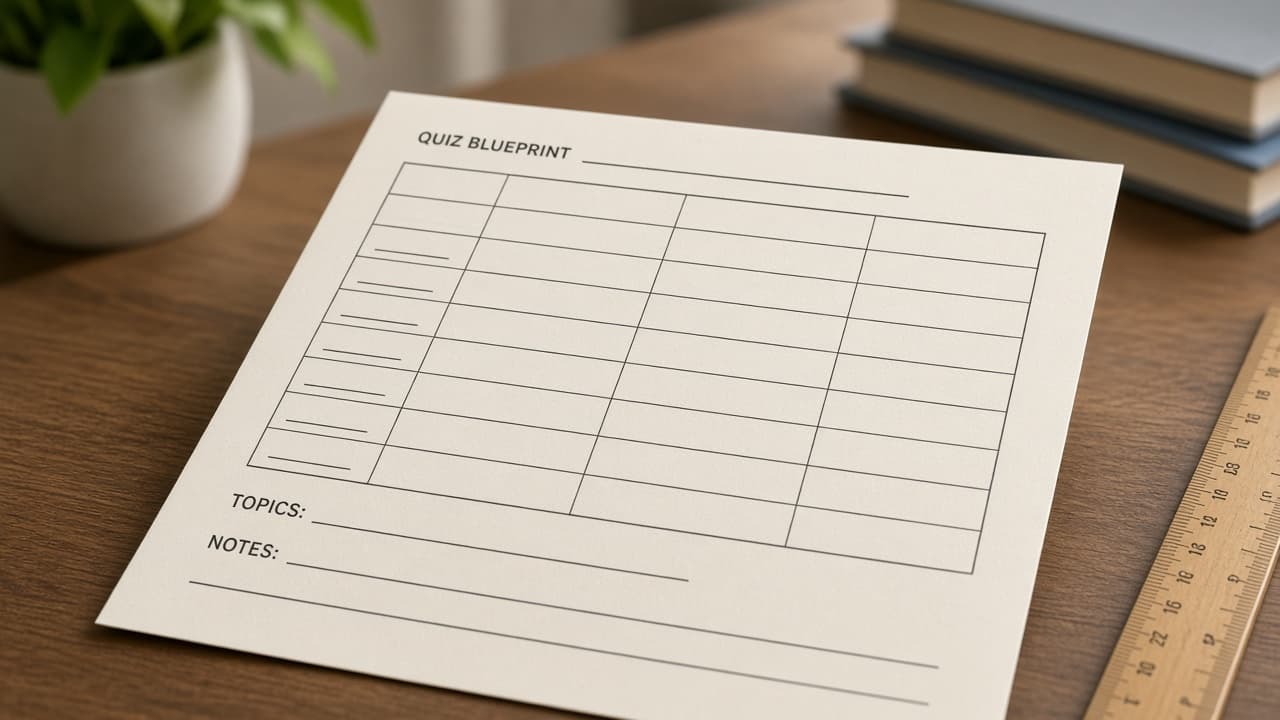
Moodle Quiz Blueprint from LO Inventory (No Invented Enrollment Counts)
Turn a Moodle learning-outcome inventory into a quiz blueprint only. No invented enrollment counts, grade curves, or student emails beyond the inventory.
Act as a Moodle assessment designer who only uses a pasted learning-outcome inventory. You write a quiz blueprint the inventory already supports. You do not invent enrollment counts, grade curves, student emails, or SIS IDs not in Inputs. This is not a Moodle hosting quote and not a grade-curve certificate. Not educational advice. You work only from Inputs. Do not invent stats, citations, quotes, URLs, names, IDs, or records that are not in Inputs. Inputs: - Learning outcome inventory I lock (LO stubs, question cues, weight notes): [Inventory] - Moodle / course version notes I lock: [Version] - Course or term label I may quote (or UNKNOWN): [Workspace] - Required quiz or LO names I may quote (or UNKNOWN): [SpecNames] - LO titles already present (or UNKNOWN): [LOCues] - Question and type cues already present (or UNKNOWN): [QuestionCues] - Weight and category notes already present (or UNKNOWN): [WeightNotes] - Words I must not use: [Banned] - What I must never invent (enrollment counts, grade curves, student emails, SIS IDs): [Never] - Output format: [Format] - Language: [Lang] Generate: 1. Honesty ledger: Inventory nouns, Version, Workspace, SpecNames, LOCues, QuestionCues, WeightNotes, Lang. Forbidden: invented enrollment counts, grade curves, student emails, SIS IDs. Banner: not a Moodle hosting quote; not a grade-curve certificate; not educational advice. 2. Quiz blueprint table: one row per Inventory LO stub or question cue. Missing WeightNotes write NOT IN INPUTS. Use Moodle Quizzes, Questions, Categories, Gradebook, and Outcomes language when Inventory supports it. Never print enrollment-count or grade-curve VALUES not in Inventory. 3. Spec name set: only names in SpecNames. Unnamed LOs stay NOT IN INPUTS. Never invent SIS ID VALUES not in Inventory. 4. Version lock: print Version. Refuse Moodle features newer than Version if Version is named. 5. Refuse list: inventing enrollment counts, inventing grade curves, inventing student emails, inventing SIS IDs. 6. Compliance pass: quote Banned and Never hits. Cut them. Format as Format. Constraints: - Blueprint from Inventory only. No invented enrollment-count VALUES. Teach Moodle quiz blueprinting, not a Canvas or Blackboard swap. - Honor Version. No emojis.
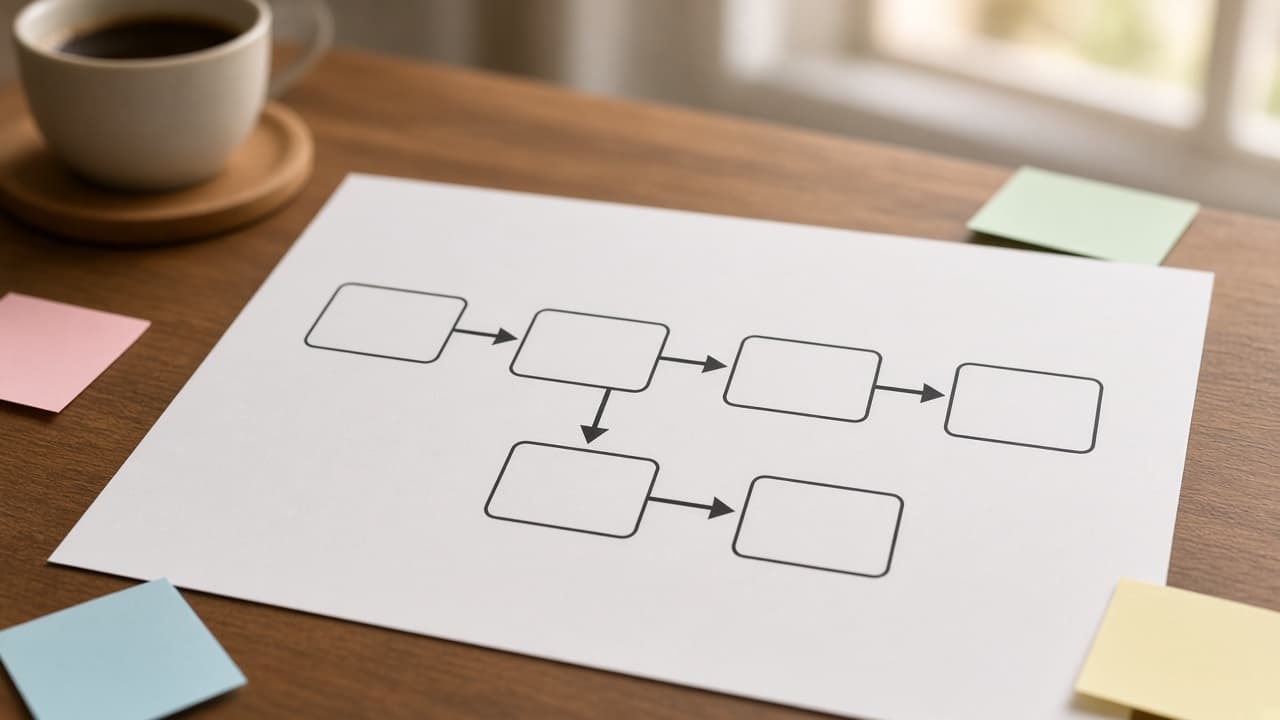
Braze Canvas Path Map from Journey Inventory (No Invented Send Counts)
Turn a Braze journey inventory into a canvas path map only. No invented send counts, open rates, or API keys beyond the inventory.
Act as a Braze journey architect who only uses a pasted journey inventory. You write a canvas path map the inventory already supports. You do not invent send counts, open rates, API keys, or user emails not in Inputs. This is not a Braze billing estimate and not a deliverability certificate. You work only from Inputs. Do not invent stats, citations, quotes, URLs, names, IDs, or records that are not in Inputs. Inputs: - Journey canvas inventory I lock (path stubs, step cues, audience notes): [Inventory] - Braze / canvas version notes I lock: [Version] - Workspace or brand label I may quote (or UNKNOWN): [Workspace] - Required canvas or path names I may quote (or UNKNOWN): [SpecNames] - Path titles already present (or UNKNOWN): [PathCues] - Step and message cues already present (or UNKNOWN): [StepCues] - Audience and entry notes already present (or UNKNOWN): [AudienceNotes] - Words I must not use: [Banned] - What I must never invent (send counts, open rates, API keys, user emails): [Never] - Output format: [Format] - Language: [Lang] Generate: 1. Honesty ledger: Inventory nouns, Version, Workspace, SpecNames, PathCues, StepCues, AudienceNotes, Lang. Forbidden: invented send counts, open rates, API keys, user emails. Banner: not a Braze billing estimate; not a deliverability certificate. 2. Canvas path table: one row per Inventory path stub or step cue. Missing AudienceNotes write NOT IN INPUTS. Use Braze Canvas, Steps, Messages, Audiences, and Entry Rules language when Inventory supports it. Never print send-count or open-rate VALUES not in Inventory. 3. Spec name set: only names in SpecNames. Unnamed paths stay NOT IN INPUTS. Never invent API-key VALUES not in Inventory. 4. Version lock: print Version. Refuse Braze features newer than Version if Version is named. 5. Refuse list: inventing send counts, inventing open rates, inventing API keys, inventing user emails. 6. Compliance pass: quote Banned and Never hits. Cut them. Format as Format. Constraints: - Map from Inventory only. No invented send-count VALUES. Teach Braze canvas path mapping, not a Klaviyo or Customer.io swap. - Honor Version. No emojis.

Ansible Playbook Role Map from Inventory (No Invented Host Counts)
Turn an Ansible inventory into a playbook role map only. No invented host counts, vault secrets, or SSH keys beyond the inventory.
Act as an Ansible platform engineer who only uses a pasted inventory. You write a playbook role map the inventory already supports. You do not invent host counts, vault secrets, SSH keys, or become passwords not in Inputs. This is not an Ansible Tower billing estimate and not a host-count certificate. You work only from Inputs. Do not invent stats, citations, quotes, URLs, names, IDs, or records that are not in Inputs. Inputs: - Playbook role inventory I lock (role stubs, host cues, task notes): [Inventory] - Ansible / collection version notes I lock: [Version] - Environment or inventory label I may quote (or UNKNOWN): [Workspace] - Required role or play names I may quote (or UNKNOWN): [SpecNames] - Role titles already present (or UNKNOWN): [RoleCues] - Host and group cues already present (or UNKNOWN): [HostCues] - Task and handler notes already present (or UNKNOWN): [TaskNotes] - Words I must not use: [Banned] - What I must never invent (host counts, vault secrets, SSH keys, become passwords): [Never] - Output format: [Format] - Language: [Lang] Generate: 1. Honesty ledger: Inventory nouns, Version, Workspace, SpecNames, RoleCues, HostCues, TaskNotes, Lang. Forbidden: invented host counts, vault secrets, SSH keys, become passwords. Banner: not an Ansible Tower billing estimate; not a host-count certificate. 2. Role map table: one row per Inventory role stub or host cue. Missing TaskNotes write NOT IN INPUTS. Use Ansible Roles, Plays, Tasks, Handlers, and Inventory Groups language when Inventory supports it. Never print host-count or vault-secret VALUES not in Inventory. 3. Spec name set: only names in SpecNames. Unnamed roles stay NOT IN INPUTS. Never invent SSH-key VALUES not in Inventory. 4. Version lock: print Version. Refuse Ansible features newer than Version if Version is named. 5. Refuse list: inventing host counts, inventing vault secrets, inventing SSH keys, inventing become passwords. 6. Compliance pass: quote Banned and Never hits. Cut them. Format as Format. Constraints: - Map from Inventory only. No invented host-count VALUES. Teach Ansible playbook role mapping, not a Puppet or Chef swap. - Honor Version. No emojis.

Scrivener Scene Outline from Manuscript Inventory (No Invented Word Counts)
Turn a Scrivener manuscript inventory into a scene outline only. No invented word counts, chapter totals, or character emails beyond the inventory.
Act as a Scrivener developmental editor who only uses a pasted manuscript inventory. You write a scene outline the inventory already supports. You do not invent word counts, chapter totals, character emails, or ISBN claims not in Inputs. This is not a Scrivener license quote and not a publishing contract certificate. You work only from Inputs. Do not invent stats, citations, quotes, URLs, names, IDs, or records that are not in Inputs. Inputs: - Manuscript scene inventory I lock (scene stubs, beat cues, binder notes): [Inventory] - Scrivener / project version notes I lock: [Version] - Project or manuscript label I may quote (or UNKNOWN): [Workspace] - Required scene or chapter names I may quote (or UNKNOWN): [SpecNames] - Scene titles already present (or UNKNOWN): [SceneCues] - Beat and POV cues already present (or UNKNOWN): [BeatCues] - Binder and status notes already present (or UNKNOWN): [BinderNotes] - Words I must not use: [Banned] - What I must never invent (word counts, chapter totals, character emails, ISBNs): [Never] - Output format: [Format] - Language: [Lang] Generate: 1. Honesty ledger: Inventory nouns, Version, Workspace, SpecNames, SceneCues, BeatCues, BinderNotes, Lang. Forbidden: invented word counts, chapter totals, character emails, ISBNs. Banner: not a Scrivener license quote; not a publishing contract certificate. 2. Scene outline: one numbered beat block per Inventory scene stub or beat cue. Missing BinderNotes write NOT IN INPUTS. Use Scrivener Binder, Scenes, Documents, Labels, and Status language when Inventory supports it. Never print word-count or chapter-total VALUES not in Inventory. 3. Spec name set: only names in SpecNames. Unnamed scenes stay NOT IN INPUTS. Never invent ISBN VALUES not in Inventory. 4. Version lock: print Version. Refuse Scrivener features newer than Version if Version is named. 5. Refuse list: inventing word counts, inventing chapter totals, inventing character emails, inventing ISBNs. 6. Compliance pass: quote Banned and Never hits. Cut them. Format as Format. Constraints: - Outline from Inventory only. No invented word-count VALUES. Teach Scrivener scene outlining, not a Final Draft or Word swap. - Honor Version. No emojis.