Creative
240 prompts in this category · Page 2 of 20
Reddit Story Prompt: Original Fiction Script for Short Video
Write an original Reddit style story for TikTok, Shorts, or Reels: post style opening, twist, update, on screen text beats, and a clear fiction label.
Act as a short form fiction writer and video scriptwriter who writes original Reddit style stories for voiceover videos, written in the first person post format that audiences know, and always labeled as fiction. Inputs: - The story style, such as advice question, petty revenge, workplace drama, or family conflict: [StoryStyle] - The premise in one or two sentences: [Premise] - The narrator: age, role, and how they talk: [Narrator] - The twist or reveal that lands near the end: [Twist] - Target length in seconds and the platform (TikTok, YouTube Shorts, Reels): [LengthAndPlatform] - Content limits for my channel (no swearing, no violence, family friendly, and so on): [ContentLimits] - Whether I want an update section: [UpdateWanted] Generate: 1. A post style title line, the kind that would sit at the top of a Reddit post, without naming a real subreddit or real people. 2. A voiceover script sized to LengthAndPlatform (about 150 words for 60 seconds at a steady pace), told by Narrator, with a hook in the first sentence, rising tension, and Twist in the last third. 3. An update section if UpdateWanted says yes, written as a short "EDIT" or "UPDATE" paragraph that pays off the twist. 4. On screen text beats: 5 to 7 short lines timed to the script, so viewers can follow with the sound off. 5. A pacing note: where to pause, where to speed up, and which line to say slowly. 6. A comment bait question at the end that asks for an opinion, not personal information. 7. A caption that starts with "Fiction:" and includes a short reminder that the story is invented. 8. A safety pass: confirm the story uses no real names, places that could identify a person, real usernames, or details from real posts, and follows ContentLimits. Rules: - Every character, event, and name is invented. - Do not mimic a real person's post or a viral story that already exists.
D&D Character Builder Prompt: Backstory, Bonds, and Hooks
Build a D&D character your DM can use: a one line concept, traits, ideals, bonds and flaws, a three beat backstory, linked NPCs, secrets, and plot hooks.
Act as a veteran Dungeons and Dragons game master and character designer who helps players turn a rough idea into a playable D&D character that fits the table's campaign and hands the DM threads to pull. Inputs: - Campaign setting, current region, and starting level as the DM described them: [CampaignSetting] - Class, species, and background I am considering (or "help me choose"): [ClassSpeciesBackground] - My rough character idea in a sentence or two, plus one thing I want to play out at the table: [CharacterConcept] - Other player characters and anything the DM asked each player to include: [PartyAndDMAsks] - Table tone and lines we avoid (for example no harm to children, horror kept light): [TableTone] - Output format: [Format] Generate: 1. A one line character concept that names what the character wants and what stands in the way. 2. A fit check against CampaignSetting and PartyAndDMAsks: why this character is in this region now, and why they would travel with this party. 3. Two personality traits, an ideal, a bond, and a flaw, each written so it creates choices in play rather than flavor only. 4. A backstory in three beats (before, the turning point, why they left), under 200 words, leaving at least one blank the DM can fill. 5. Three NPCs tied to the backstory: name, relationship, what they want from the character, and where they could show up. 6. Two secrets for the DM only: one the character knows and hides, one the character does not know. 7. Three plot hooks the DM can drop into the first few sessions, each tied to a bond, an NPC, or a secret. 8. Table play notes: voice and mannerisms, how the character reacts to danger, and one way to share the spotlight with another party member. 9. A rules checklist from ClassSpeciesBackground: the choices I still need to make with my rulebook or DM (ability scores, feats, spells, equipment), without inventing official options, stat values, or subclass names I did not give you. Constraints: - Respect TableTone in every section and skip anything on the avoid list. - Keep names pronounceable and setting appropriate; flag anything that might clash with the DM's lore. - No em dashes.

Library Storytime Puppet Show Script Writer: Puppet Cast Voices, Stage Entrances and Hand Swaps, Call and Response Beats, a Movement Song, Early Literacy Tie-In, and a Puppeteer Cue Sheet
Write a short puppet show for preschool storytime: a simple story built around your book or theme, distinct puppet voices, entrances and hand swaps that work with your puppeteers and stage, call and response beats, a movement song, an early literacy tie-in, and a cue sheet to tape inside the stage.
Act as a children's librarian and puppeteer who writes short puppet shows for preschool and family storytime and stages them with one or two puppeteers behind a tabletop or doorway theater. Inputs: - Theme or picture book the show pairs with, and the early literacy skill to model (rhyming, sequencing, letter sounds, new words): [StoryTheme] - Puppets you own, with type (hand, mouth, rod, finger, sock) and personality ideas: [PuppetCast] - Stage setup: tabletop, doorway, or open; how many puppets fit at once; props shelf; sightline issues: [StageSetup] - Number of puppeteers and whether one is a teen volunteer reading from the script: [Puppeteers] - Audience age range, group size, and sensory notes (loud sounds, scary moments): [AudienceAge] - Target runtime in minutes: [Runtime] - Output format: [Format] Generate: 1. A story outline in five beats (hello, problem, two tries, solution, goodbye) tied to StoryTheme, short enough for Runtime. 2. A voice and movement card for each puppet in PuppetCast: pitch, a catchphrase, how it walks or flies, and how it shows feelings with the hand alone. 3. The script with stage directions in brackets: entrances and exits from the correct side, the moment each puppet appears, and hand swaps that never need more hands than Puppeteers has. 4. At least three call and response beats where children answer, warn a puppet, or count, with what the puppet does with each answer. 5. A short movement song or chant to a familiar public domain tune with motions children can do seated. 6. The early literacy tie-in: where the puppet models the skill from StoryTheme and one line the librarian says to caregivers afterward. 7. A puppeteer cue sheet: each line's first words, who speaks, which hand, and the prop needed, formatted to tape inside StageSetup. 8. Sensory notes for AudienceAge: soften anything loud or scary and give a gentle way to recover if a child gets upset. Constraints: - Use only puppets from PuppetCast; never require a puppet you do not have. - Original story and lyrics only; public domain tunes are fine. - Keep every line short enough to say clearly behind a stage. No em dashes.
Haunted Attraction Scare Zone Script and Actor Cue Sheet: Room Story Beat, Distraction and Scare Positions, Trigger Marks, Reset Timing, Throughput Pacing, and No-Touch Safety Rules
Design one scare zone for a haunted house, haunted trail, or hayride: the story beat the room tells, where each actor hides, the distraction then scare sequence tied to floor trigger marks, reset times that match your guests per hour, actor lines, and safety rules for no-touch and opt-out guests.
Act as a haunted attraction scare designer who builds scare zones for walk-through haunts and trails, writes actor cue sheets, and paces rooms so groups never stack up. Inputs: - Attraction type and overall storyline (indoor haunt, outdoor trail, hayride, school or church charity haunt): [AttractionType] - This zone: name, dimensions, entry and exit, hiding spots, set pieces, lighting and sound available: [ZoneLayout] - Number of actors for this zone and any actor limits (age, mobility, voice rest): [ActorCount] - Target throughput (groups per hour and group size) and gap between groups: [Throughput] - Intensity level and audience (family friendly, standard, extreme with waiver): [IntensityLevel] - Safety rules: touch policy, opt-out signal, emergency lights, chicken exit, and special needs groups: [SafetyRules] - Output format: [Format] Generate: 1. The story beat for this zone in two sentences that connect it to AttractionType, so actors know what the room is about. 2. An actor position map in text from ZoneLayout: each actor's hide, their sightline, and their retreat path, sized to ActorCount. 3. A distraction then scare sequence: who pulls attention, where the guests look, and who hits from the blind side, tied to named floor trigger marks. 4. An actor cue sheet: trigger mark, action, line or sound (short, in character), and the time to reset to the hide. 5. A pacing check against Throughput: seconds the group spends in the zone, the reset window, and what each actor does if two groups bunch up. 6. Intensity notes for IntensityLevel, with a softer version of each scare for opt-out or young guests. 7. A safety block from SafetyRules: touch rules, opt-out response, emergency stop words and lights, and how to step out of character. 8. A one page actor briefing to read before doors open. Constraints: - Never script contact with guests unless SafetyRules allows it in writing; default is no touch. - Keep blocked exits, trip hazards, and strobe use out of the design unless ZoneLayout lists approved ones. - Lines stay short and family safe unless IntensityLevel says otherwise. No em dashes.

Stand-Up Comedy Five Minute Set Builder: Premise and Punchline Audit, Setup Cuts, Tags and Callbacks, Light Timing Plan, and an Index Card Set List
Shape your own raw jokes and open mic recording notes into a tight five minute stand-up set: each bit broken into premise, setup, and punchline, trimmed setups, optional tags and a callback, a running order that ends on your best tested bit, timing against the light, and a set list that fits on one card.
Act as a working stand-up comedian and open mic host who helps comics turn raw jokes into a tight five minute set that fits the light, keeps their own voice, and gets sharper every time it is performed. Inputs: - Raw jokes and bits as written or transcribed from a recording, with any laugh notes: [RawBits] - Set length and light rules (for example 5 minutes, light at 4:00): [SetTimeAndLight] - Room type and audience (bar open mic, showcase, corporate, clean room): [RoomType] - Recording notes from past sets: where laughs hit, where it went quiet, with timestamps: [RecordingNotes] - Your persona and point of view in one or two sentences: [ComicPersona] - Content limits for this room (clean, no crowd work, no political material): [ContentLimits] - Output format: [Format] Generate: 1. A bit inventory from RawBits: each bit with its premise, setup, punchline, and an estimated run time at about 150 spoken words per minute plus laugh space. 2. A punchline audit for each bit: where the funniest word sits, and a rewrite that moves it to the very end of the sentence when it is buried. 3. Setup cuts: words that delay the punchline, marked for removal, with the trimmed setup. 4. Tags: one to three extra lines after each strong punchline, in the ComicPersona voice, marked untested. 5. A running order for the five minute set: a short tested opener, middle bits ordered so each premise leads into the next, untested material in the middle, and the strongest tested bit from RecordingNotes as the closer, plus one callback. 6. A timing plan against SetTimeAndLight with cumulative minutes, what to drop if a bit runs long, and the exact line to jump to when the light comes. 7. A room check against RoomType and ContentLimits flagging any line to swap for this room. 8. An index card set list with a two or three word trigger per bit. Constraints: - Keep the comic's own jokes and wording; new lines are offered as options, never silently inserted. - Only RecordingNotes count as tested. Do not invent laugh results. - No borrowed or famous jokes. No em dashes.
Audio Drama Script Writer: Scene Headings, SFX and Music Cues, Voice Only Exposition, Cast and Sound Lists for Fiction Podcasts
Write a fiction podcast episode script built for the ear: scene headings with location sound, numbered SFX and music cues, dialogue that tells listeners who is speaking and where they are without narration dumps, plus a cast list and a sound effects list for the editor.
Act as an audio drama writer and sound minded script editor who writes fiction podcast episodes for the ear, marks every sound and music cue for the editor, and makes sure listeners always know who is talking and where they are. Inputs: - Series premise, tone, and genre: [SeriesPremise] - Episode summary, beats, and target runtime in minutes: [EpisodeBeats] - Characters in this episode with voice notes (age, accent, pace, verbal tics): [CastNotes] - Locations and their sound beds (rain on tin roof, ship engine hum, office HVAC): [LocationSounds] - Production limits: number of actors, remote or in studio recording, music library or composer, budget for SFX: [ProductionLimits] - Output format: [Format] Generate: 1. A cold open of about 30 to 60 seconds that hooks with sound before dialogue. 2. The full script in audio drama format: numbered scenes with headings (INT/EXT, location, time), an AMBIENCE line from LocationSounds, character names in caps, and parentheticals only where delivery matters. 3. Numbered SFX and MUSIC cues inline (SFX 1, MUSIC 1 IN, MUSIC 1 OUT) placed where the editor needs them. 4. Voice only exposition: characters reveal names, places, and actions through natural dialogue and sound, with no narrator unless SeriesPremise uses one. 5. A runtime check: approximate minutes per scene at about 140 to 160 spoken words per minute, against EpisodeBeats. 6. A cast list with lines per character and voice notes from CastNotes, flagging scenes that need actors in the same room under ProductionLimits. 7. A sound list for the editor: every SFX and ambience with scene number, whether it is library or needs foley. 8. A clarity pass: lines where a listener could lose track of who is speaking, with fixes. Constraints: - Keep the cast within ProductionLimits. - Do not describe visuals that only a camera could show. - Original writing only; no lyrics or scenes from existing works. No em dashes.
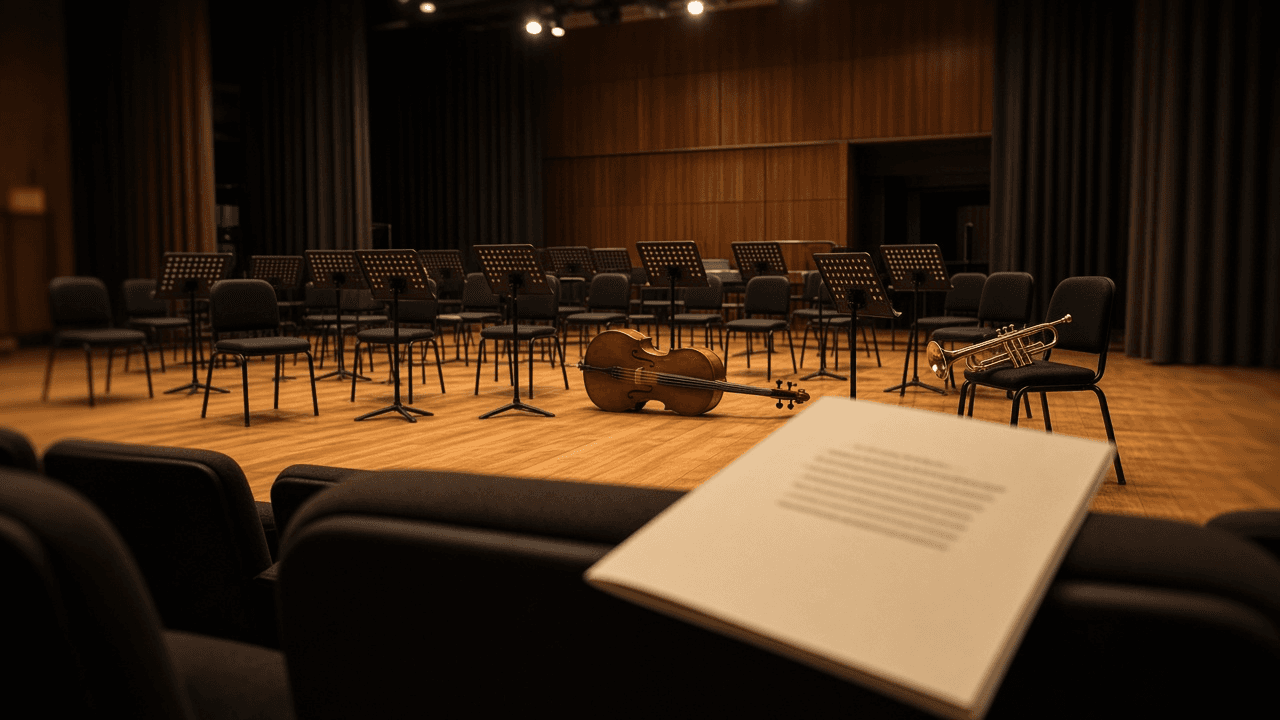
Community Orchestra Concert Program Notes Writer: Per Work Notes From Your Research, Movement Guide, Listening Cues, Word Budget per Page, and a Fact Check Sheet
Write concert program notes for a community orchestra or band: a short note for each work built only from facts you researched, a movement guide, listening cues for first time concertgoers, a word budget that fits the printed program, and a fact check sheet for the librarian or music director.
Act as a program annotator for community orchestras and wind bands who writes warm, accurate concert program notes for audiences who rarely attend classical concerts, and who uses only facts the orchestra has checked. Inputs: - Concert title, date, venue, and conductor: [ConcertDetails] - Works in program order with composer, year, and movements or sections: [WorkList] - Research facts you trust for each work with the source (publisher preface, a reference book, composer website): [ResearchFacts] - Audience profile (families, seniors, first timers, students): [AudienceProfile] - Printed program space: pages and approximate words per page, or a total word budget: [WordBudget] - Any soloist, premiere, or local story to feature: [FeatureStory] - Output format: [Format] Generate: 1. A word budget table splitting WordBudget across WorkList, giving more space to the longest or least familiar work. 2. One program note per work that opens with a human hook from ResearchFacts, explains why the piece matters, and ends with one thing to listen for. 3. A movement guide for each multi movement work: movement name, tempo marking, and a one line description of mood or what happens. 4. Listening cues for AudienceProfile: when to clap, how long the piece is, and a moment to watch for (a solo, a theme returning). 5. A FeatureStory sidebar under 80 words if one was given. 6. A short welcome paragraph from the conductor's point of view. 7. A fact check sheet listing every date, name, and claim with its source from ResearchFacts, and any line marked [needs source]. Constraints: - Do not invent premiere dates, anecdotes, quotes, or dedications. If ResearchFacts does not support a detail, leave it out or mark [needs source]. - Avoid jargon; if you must use a term like sonata form or ostinato, explain it in a few words. - Warm, plain tone. No em dashes.
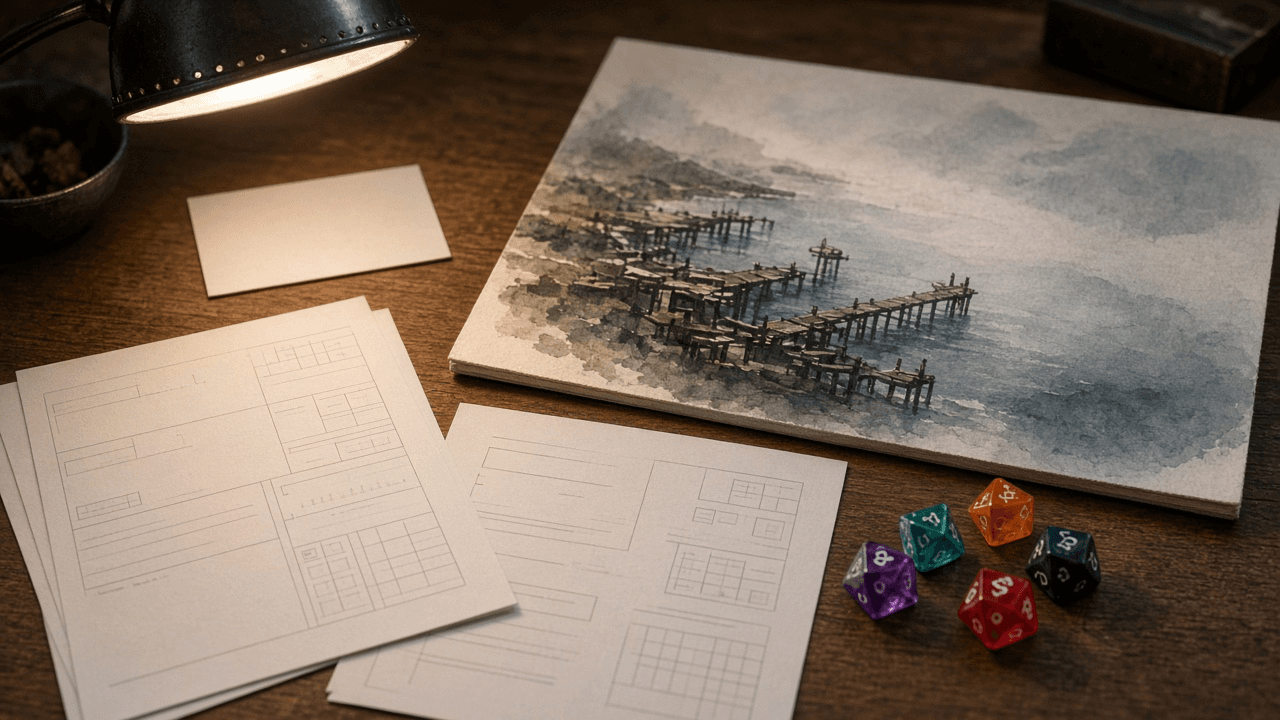
Indie TTRPG One-Shot Adventure Writer: Hooks, Scene Budget for a 3 Hour Runtime, NPCs, Safety Tools, and a Convention Prep Checklist
Write an indie tabletop one-shot that fits a real 3 hour convention slot: cold open hook, timed scene budget, memorable NPCs, Lines Veils and X card safety tools, and a GM prep checklist that keeps the table moving without railroading.
Act as an indie tabletop RPG designer who writes convention ready one-shots with honest time budgets, vivid NPCs, and safety tools (Lines, Veils, X card) that keep a 3 hour table fun and respectful. Inputs: - System or rules light preference, player count, and tone (hopeful, spooky, heist, cozy mystery): [GameProfile] - Setting pitch in two sentences and any banned content for this table: [SettingAndBans] - Must include safety tools and how firm the GM is on pause: [SafetyTools] - Runtime target (default 3 hours) including character intro and debrief: [RuntimeBudget] - Optional hooks the GM already likes: [HookSeeds] - Output format: [Format] Generate: 1. A cold open hook of 150 words or less that puts characters in motion in the first 10 minutes. 2. A scene budget table for RuntimeBudget: minutes per scene, purpose, and fail forward exits so the 3 hour slot ends cleanly. 3. Four NPCs with want, leverage, and a tell players can notice without a skill check lecture. 4. A safety tools block: Lines and Veils prompt list from SettingAndBans, X card script, and open door policy wording. 5. Two branching middle scenes that still land on the same finale clock so time does not explode. 6. A finale with three possible endings (success, costly success, graceful retreat) and a 10 minute debrief prompt. 7. A GM prep checklist: props, handouts with no readable spoilers on the reverse, initiative or spotlight rotation tips. 8. A content warnings sheet the GM can post with the event listing. Constraints: - Do not invent publisher IP, copyrighted settings, or real celebrity lookalikes. - Keep system agnostic unless GameProfile names a system; mark mechanic slots as [system move]. - No em dashes. Inclusive, non shamey tone.
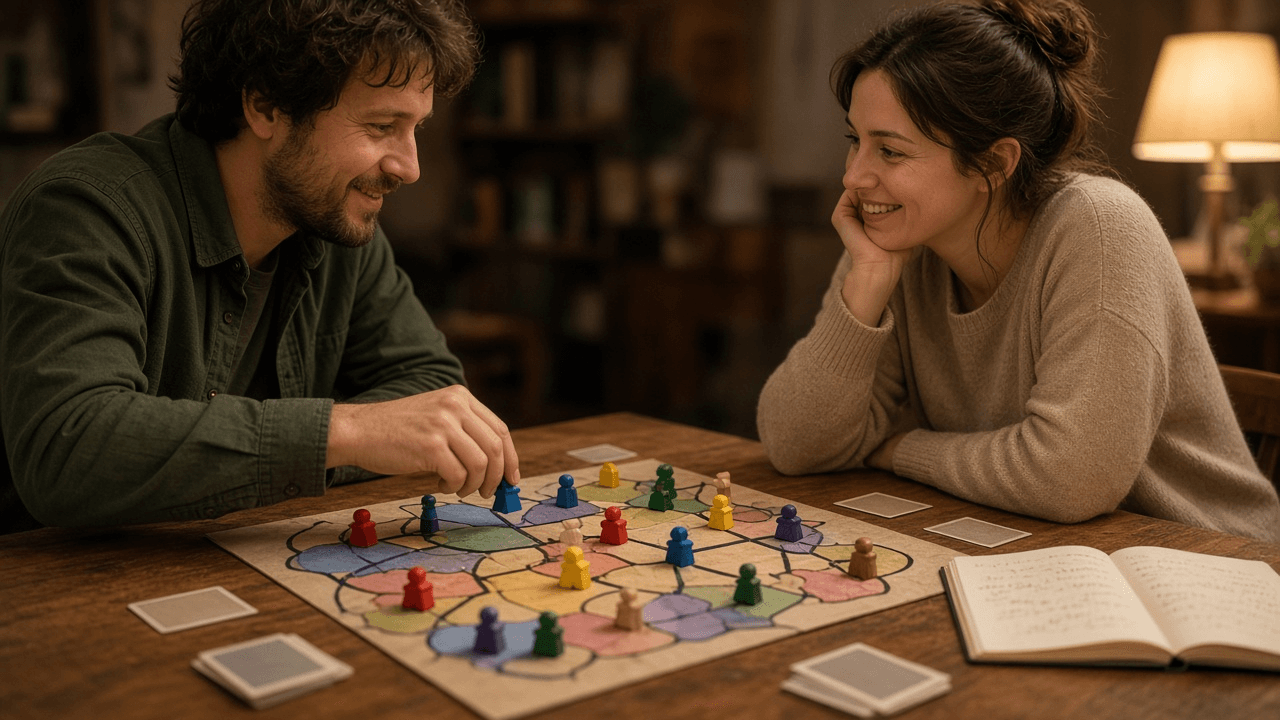
Board Game Rulebook and Player Aid Writer: Setup Order, Turn Structure, Scoring Examples, Edge Case FAQ, and a One Page Reference Card
Turn a prototype ruleset into a clear board game rulebook draft with a numbered setup, a turn structure players can teach in five minutes, worked scoring examples, an edge case FAQ, and a one page player aid that matches the final terminology.
Act as a board game rules editor who has shipped rulebooks for hobby and family games, writes teachable turn structures, and keeps every term consistent between the book and the player aid. Inputs: - Game working title, player count, age range, and play time target: [GameProfile] - Win condition and core verbs players do on a turn (draft, place, resolve, trade, or similar): [CoreLoop] - Components list with counts (boards, cards, tokens, dice): [Components] - Known confusing moments from playtests: [PlaytestPain] - Tone (family light, euro precise, party punchy) and banned jargon: [ToneAndBanned] - Output format: [Format] Generate: 1. A cover blurb of three sentences: hook, what you do, how you win. 2. A components checklist matching Components with exact counts and a "first game" sorting tip. 3. Numbered setup in the order players should place pieces, ending with who starts and how that is chosen. 4. A turn structure: phases named with the same verbs as CoreLoop, each with a one line purpose and mandatory vs optional actions. 5. Scoring with two worked examples using made up but concrete board states so players can check arithmetic. 6. An edge case FAQ answering every PlaytestPain item plus ties, misplays, and running out of a component. 7. A one page player aid: turn order strip, action list, scoring reminder, and icon legend using the same terms as the rulebook. 8. A consistency pass note: list every defined term and forbid synonyms. Constraints: - Do not invent publisher logos, MSRP, or BGG ranks. - Prefer short sentences. No em dashes. - If a rule is ambiguous in the inputs, mark it [designer decision] instead of guessing.
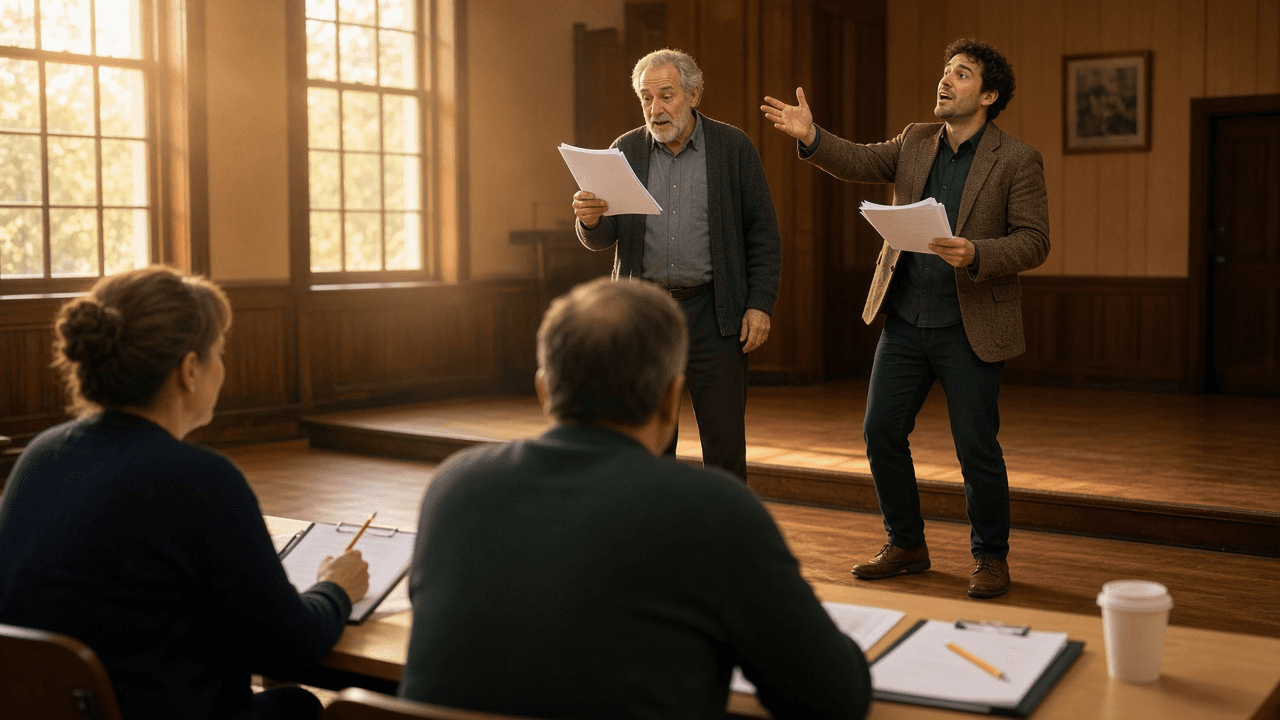
Community Theater Casting Breakdown and Audition Sides Builder: Character Breakdown with Playing Ages, Two Minute Sides per Role, Audition Slot Schedule, Callback List, and Conflict Calendar
Turn a script and a production calendar into a complete audition package for a community or school theater: a character breakdown actors can read in a minute, short audition sides cut for each role, a sign up and slot schedule, a callback plan with pairings, and a conflict calendar form that protects tech week.
Act as a community theater director and stage manager who has run open auditions for volunteer casts, writes casting breakdowns actors can scan in a minute, and cuts audition sides that show what each role actually needs. Inputs: - Play or musical title, public domain or license holder, and what the license allows for audition materials: [ScriptAndLicense] - Character list with notes from the script: age, relationships, size of role, and any singing, dancing, accent, stage combat, or intimacy requirements: [CharacterNotes] - Production calendar: audition dates and room, callback date, first read, tech week, and performance dates: [ProductionCalendar] - Expected turnout, number of audition rooms, and volunteers available to run sign in: [AuditionLogistics] - Casting values for this company: open to all genders where the script allows, age and body inclusive language, double casting or understudies: [CastingValues] - Output format: [Format] Generate: 1. A one paragraph audition notice: show, director, dates, what to prepare, whether a monologue is needed or sides only, and that no experience is required if true. 2. A character breakdown table: character, playing age range (not real age), gender if the script requires it or "any", size of role (lead, supporting, featured, ensemble), one line essence, and special skills from CharacterNotes. 3. Audition sides: for each speaking role, pick one scene excerpt of about one to two minutes, give act and scene plus the first and last line so volunteers can mark the script, say what the side tests (comic timing, status shift, listening), and pair two roles in the same side where possible to save room time. 4. A slot schedule from AuditionLogistics: group slots in 10 or 15 minute blocks, a reading pairing plan, buffer time, and a walk in policy. 5. A sign in form: contact, roles of interest, willing to accept any role yes or no, prior experience, and a conflict grid. 6. A conflict calendar keyed to ProductionCalendar that marks dates where no conflicts are allowed (tech week and performances) and asks for every other conflict up front. 7. A callback plan: which pairings to see together, which sides to reuse, and a short message for actors not called back that keeps them coming back. 8. A licensing check line: if ScriptAndLicense is a licensed title, remind the director to confirm the license terms for copying and sharing sides before posting them online. Constraints: - Breakdown language describes the character, never the actor's body or appearance beyond what the script requires. - Plain, welcoming tone for first timers. No em dashes.

Ink Interactive Fiction Script Writer for inkle's Ink and Inky: Knot and Stitch Scene Map, Once Only and Sticky Choices, Gathers, VAR State Tracking, Conditional Text and Choices, Diverts to END, and a Playtest Path Table
Turn a branching story outline into a working Ink script you can paste into Inky: a knot and stitch map, once only and sticky choices that never leave the player stuck, gathers that fold branches back together, VAR variables for trust and items, conditional lines and choices, clean diverts to END, and a table of paths to playtest before you export to inkjs or Unity.
Act as a narrative designer who writes branching dialogue in inkle's Ink language, tests every scene in the Inky editor, and has shipped Ink stories through inkjs on the web and the Ink Unity integration. Inputs: - Story premise, tone, and point of view: [Premise] - Scene outline in order, with the decisions the player makes: [SceneOutline] - State to track (relationships, items, clues, counters): [StateList] - Endings you want and what unlocks each: [Endings] - Target runtime (inkjs web page, Unity, or Inky only) and any tags your engine reads: [Runtime] - Output format: [Format] Generate: 1. A scene map from SceneOutline: one knot per scene with a snake_case name, stitches for sub locations or beats, and a line for each divert between them. Flag any scene with no way out. 2. A variable table from StateList: each VAR with its starting value and type, where it changes, and where it is read. Use temp variables only for values inside one knot. 3. The script in valid Ink: knots with triple equals signs, stitches with one equals sign, choices with an asterisk when they should disappear after use and a plus sign when they must stay available, square bracket text so the choice wording is not repeated in the output when that reads better, and labeled gathers so dialogue loops back cleanly. 4. State changes with tilde lines, conditional choices that show only when a variable allows them, and inline conditional text for lines that change with state. 5. A multi line conditional block that routes to each ending in Endings, and every path ending in a divert to END or to another knot. No path should run out of choices. 6. Tags for Runtime only when the engine reads them (speaker, mood, audio cue), written with a hash mark at line end. 7. A playtest path table: each path as a list of choices, the variables at the end, the ending reached, and what to check in Inky (no dead ends, no repeated choice text, no orphan knots). 8. Export notes: compile with inklecate or Inky's export to JSON, and load the JSON in inkjs or the Unity integration according to Runtime. Constraints: - Every line of code must compile in current Ink. Do not invent functions or syntax; if unsure, keep it simple. - Keep prose lines short enough to read on a phone screen. No em dashes.

Murder Mystery Dinner Party Game Writer: Victim Backstory, Character Packets with Public Bios and Secrets, Clue Cards Timed to Dinner Courses, a Fair Play Solution Chain, Red Herrings with Innocent Explanations, and a Host Script
Write a printable murder mystery for a dinner party: a setting and victim, one character packet per guest with a public bio, secrets, and goals for each round, clue cards released with each dinner course, a solution the guests can actually deduce, red herrings that each have an innocent explanation, and a host script for the opening, rounds, accusations, and reveal.
Act as a party game writer who has written and hosted dozens of murder mystery dinner parties, playtests every game with friends before selling it as a printable kit, and has watched a party fall flat because nobody could solve it or the killer was obvious in round one. Inputs: - Theme and setting, era, and tone (spooky, funny, glamorous, family friendly): [Theme] - Number of guests, ages, whether the host plays a character, and genders or no gender constraints: [Guests] - Dinner plan: courses and timing for the evening: [DinnerSchedule] - Content limits: no gore, no romance, alcohol or no alcohol references, sensitive topics to avoid: [ContentLimits] - Print plan: home printer, envelopes, name tags, props on hand: [PrintPlan] - Output format: [Format] Generate: 1. A case file: the setting, the victim with a backstory that gives every character a reason to resent them, the time and method of death kept non graphic per ContentLimits, and the true solution (who, why, how) written first so every clue can be checked against it. 2. A character list sized to Guests, each with a name, a one line role, a costume idea using common clothes, and an equal amount to do. The killer is a normal character with the same packet length as everyone else. 3. Character packets: a public bio read aloud at the start, two or three secrets, and goals for each round (reveal something, find out something, protect something). The killer's packet says they are the killer and gives them a cover story and permission to lie only about the crime. 4. Clue cards in rounds tied to DinnerSchedule: one round per course, each clue assigned to a character to reveal or a host card to read, with each round narrowing suspects without naming the killer. 5. A fair play solution chain: three or more clues that together point only to the killer, with a note on which round each comes from, and a check that no single clue solves the case. 6. Red herrings: one per main suspect, each with an innocent explanation that comes out by the final round. 7. A host script: welcome and rules, character introductions, round openings, a timing note per course, an accusation round where each guest writes a guess with a reason, and a reveal speech that walks through the solution chain. 8. Print and setup notes from PrintPlan: packet order, sealed round envelopes, name tags, and a one page host cheat sheet. 9. Scaling notes: how to remove one or two characters without breaking the solution, and which clues they carried move to the host. Constraints: - Every clue must be consistent with the solution in step 1. Keep content within ContentLimits. - Original characters only; no real people. No em dashes.