How to Use the Whatnot Live Auction Show Run Sheet Prompt to Plan Shows That Hold Bidders
Plan a Whatnot live selling show from your inventory: a minute by minute run sheet, lots ordered to build and hold energy, starting bids and Buy It Now prices that protect your margin, giveaway rules that follow the platform policy you paste, host talk tracks for each block, clear moderator jobs, and a shipping promise you can keep.
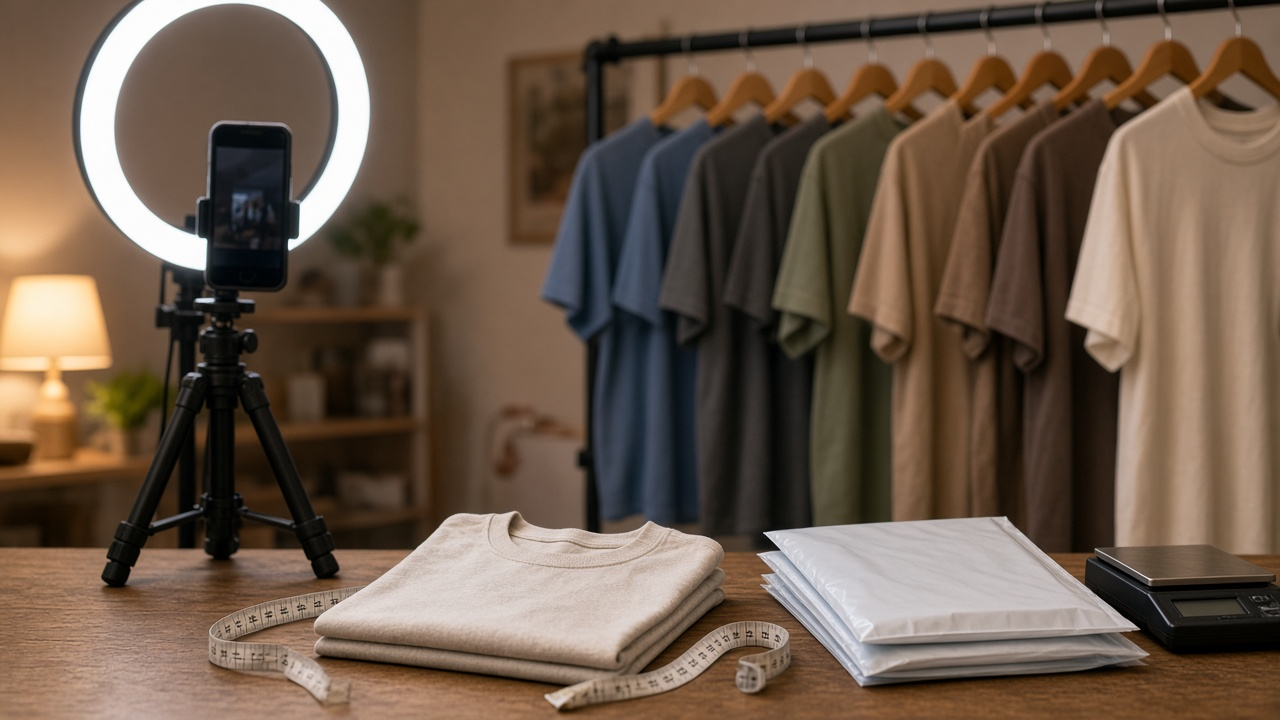
Live auction selling looks spontaneous on camera, but the shows that keep viewers bidding are planned. The seller knows which lot opens the show, when the standout piece comes up, what the lowest acceptable price is for each tier, and what the moderators are watching for. Without that plan, energy dips, good pieces sell too cheap, and giveaways drift outside the platform rules. The Whatnot Live Auction Show Run Sheet: Lot Order, Starting Bids and Buy It Now Prices, Giveaway Rules, Host Talk Tracks, Moderator Roles, and a Shipping Promise prompt turns your inventory and the policies you paste into a run sheet you can follow live.
What the prompt produces
- A minute by minute run sheet with warm up, opening hook, auction blocks, giveaway moments, and a close.
- Lot order that opens strong, spaces standout pieces through the show, and fills gaps with low cost lots.
- Starting bids and Buy It Now prices by tier, checked against your margin goals.
- Giveaway rules written only from the policy text you paste.
- Host talk tracks for the opening, condition descriptions, the final seconds of an auction, and thanking winners.
- Moderator roles so each person knows their job.
- A shipping promise you say on air and put in the show description.
- A post show checklist for labels, bundling, and repricing notes.
How to fill the inputs
ShowDetails covers the category, day, start time, and planned length.
LotList is your inventory with condition, your cost, quantity, and any standout pieces. Include measurements or grading details that buyers ask about in chat.
MarginGoals sets the lowest price you will accept per tier and your overall target. The prompt uses this to decide which lots are safe for low starts.
PlatformPolicies should be pasted from Whatnot's current seller and giveaway rules. The prompt follows only what you paste and marks anything else for you to check, which keeps giveaways and claims inside the rules.
ModTeam lists your moderators and their strengths.
ShippingSetup gives your packing days, carrier, ship by promise, and bundling rules.
Reading the example output
The example plans a 90 minute show of vintage band and tour t-shirts. The run sheet announces the standout 1994 tour shirt at the start and schedules it at 9:10, after viewers have warmed up and before people start drifting away. Tier C reprints and flawed shirts run in short bursts, never more than four in a row, so the show does not stall.
Pricing follows the margin goals: Tier A shirts start at one and a half times cost and are marked unsafe for very low starts, while Tier C shirts are fine at five dollars. The standout shirt has a small collar hole, and the talk track shows it on camera before the timer starts.
The giveaway section sticks to the pasted policy: free to enter, no purchase needed, and the seller pays shipping, which is why the giveaways use low cost shirts. One moderator handles sizing questions and pins measurements, and the other tracks winners in a sheet for combined shipping.
Tips for better results
- Paste the current policy text every time. Platform rules change.
- Measure every garment before the show so moderators can answer quickly.
- Treat your gross target as a goal and check progress at the midpoint.
- Write the shipping promise in the show description, not only on air.
Mistakes to avoid
- Do not start high value lots at prices below your margin floor.
- Do not describe condition beyond what your notes say.
- Do not invent viewer counts or sales results in your planning.
Who it is for
Live sellers on Whatnot and similar platforms, resellers moving from listings to live shows, and moderators who help run them.
A practical routine
Build the run sheet the day before, share the moderator roles with your team, and after the show, use the repricing notes to adjust the next lot list.
Related PromptDig links
Plan your next show with the Whatnot Live Auction Show Run Sheet: Lot Order, Starting Bids and Buy It Now Prices, Giveaway Rules, Host Talk Tracks, Moderator Roles, and a Shipping Promise prompt. For more seller and creator prompts, Browse more prompts. If you have a live selling checklist that works, Share a prompt.