How to Use the Storefront Sign Permit Prompt to Build a Drawing Set the City Will Approve
Prepare the drawing set a city sign permit desk expects for a wall sign, blade sign, or window graphics: the allowed sign area from the code and the building frontage, the measured area of your design, the sheets to draw and what each must show, illumination and electrical notes, attachment details, and the landlord and district approvals to collect first.
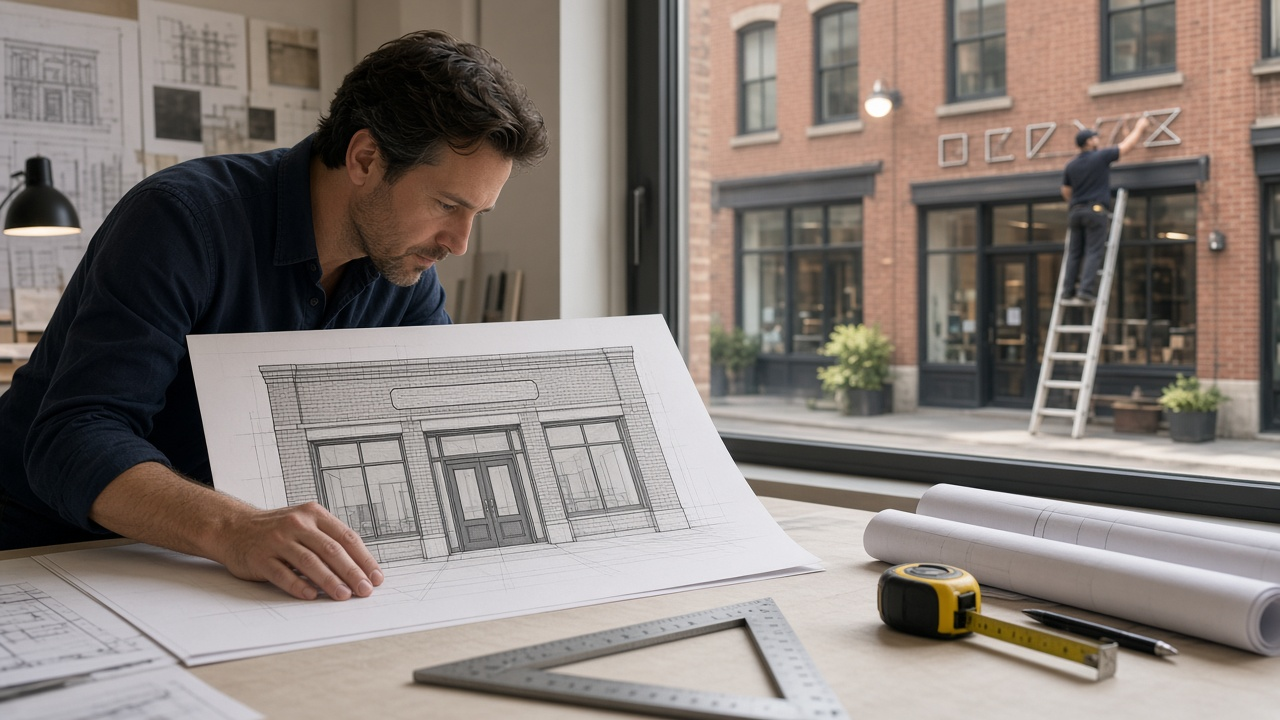
A new storefront sign is often the last thing between a small business and opening day, and the permit desk is where it stalls. Plan reviewers send back submittals for the same reasons again and again: the sign area is measured the wrong way, the elevation is not to scale, the frontage is missing, or the landlord letter is not attached. The Storefront Sign Permit Drawing Package Planner: Frontage Based Sign Area Allowance, Box Method Area Math, Elevation and Site Plan Sheets, Illumination and Electrical Listing Notes, Mounting Detail, and Landlord Sign Criteria Check prompt starts from your local sign code and your storefront facts, does the area math, and lists every sheet and label a reviewer expects to see.
What the prompt produces
- An allowance calculation that multiplies your frontage by the code's rate, applies any per sign maximum, and subtracts signs that stay.
- A measured area table for each proposed sign using the method your code names, with fixes if anything is over.
- A sheet list covering the site plan, front elevation, sign detail, attachment section, and electrical notes.
- Labels to place on each sheet, written the way a reviewer scans for them.
- Illumination and electrical notes, including the listing label on the finished sign and any separate electrical permit.
- Attachment notes based on your wall material, with a flag for when a structural note may be needed.
- A pre submittal approvals list for landlord, design review, or historic review.
- A short permit narrative to paste into the application.
How to fill the inputs
SignCodeExcerpt is the heart of the prompt. Paste the rules for your zone: square feet allowed per foot of frontage, maximum per sign, number of signs, height limits, projecting sign clearance, how area is measured, and lighting hours. Anything you do not paste is marked "confirm with the city."
StorefrontFacts gives tenant frontage, storefront height, wall material, corner or inline unit, and whether you are in a historic district or overlay.
ProposedSigns describes each sign: type, overall size, letter heights, colors, and logo shape.
Illumination says whether the sign is unlit, face lit, or halo lit, and where power comes from.
LandlordCriteria pastes the shopping center or building sign rules and any approval letter requirement.
Reading the example output
The example is a cafe with 32 feet of frontage in a commercial zone, proposing halo lit channel letters, a round logo, and a small blade sign.
- The allowance is shown as arithmetic, 32 feet times 1.5 square feet, so the reviewer can check it in seconds.
- Letters and logo are measured as separate rectangles, which keeps the total under the limit. The prompt warns that some cities measure them as one box and suggests confirming the rule.
- The blade sign sits exactly at its limit, and its clearance over the sidewalk is labeled on the elevation.
- Sheet labels are specific, such as frontage dimension, height above grade, and area callouts.
- The timer note matches the code's lighting hours.
- The landlord letter is listed first because many reviewers will not start without it.
Tips for better results
- Paste the actual code text, not a summary from memory.
- Measure your frontage on site. Lease drawings are sometimes wrong.
- Ask your fabricator for letter depth, materials, and the power supply location before drafting.
- Keep a small gap between logo and letters if your code allows separate rectangles.
- Submit the landlord approval with the first application, not after the first comment letter.
Mistakes to avoid
- Do not guess code numbers. A wrong allowance means a redesign.
- Do not draw the elevation out of scale. Reviewers check dimensions.
- Do not forget electrical permits for lit signs if your city requires them separately.
- Do not mount into mortar joints when anchoring into brick if better anchoring is available.
Who it is for
Sign designers, sign shop estimators, architects handling tenant improvements, small business owners preparing their own submittals, and property managers who review tenant sign packages.
Related PromptDig links
Open the Storefront Sign Permit Drawing Package Planner: Frontage Based Sign Area Allowance, Box Method Area Math, Elevation and Site Plan Sheets, Illumination and Electrical Listing Notes, Mounting Detail, and Landlord Sign Criteria Check prompt and paste your sign code and storefront facts to get your allowance math and sheet list. For more design and planning prompts, Browse more prompts. If you have a permit drawing checklist you trust, Share a prompt.