How to Use the Stand-Up Comedy Five Minute Set Builder Prompt to Tighten Your Next Open Mic Set
Shape your own raw jokes and open mic recording notes into a tight five minute stand-up set: each bit broken into premise, setup, and punchline, trimmed setups, optional tags and a callback, a running order that ends on your best tested bit, timing against the light, and a set list that fits on one card.
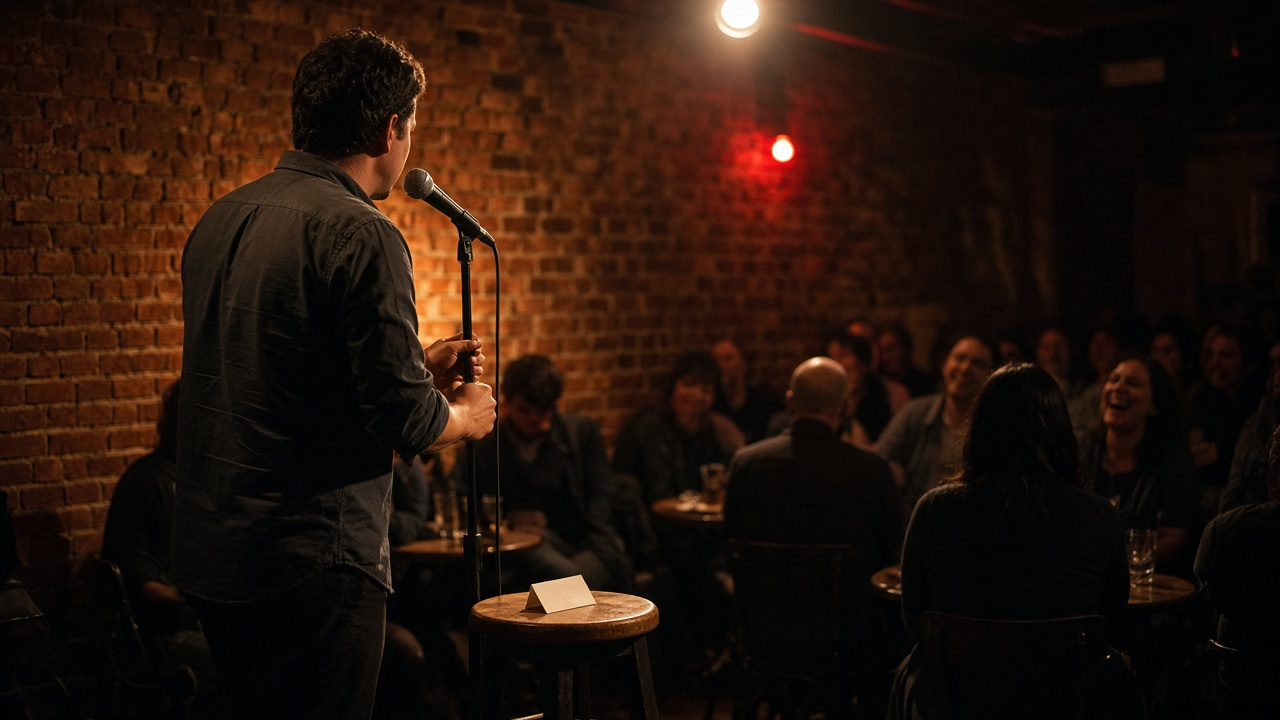
Most new comics have more jokes than they have set. They have a notes app full of premises, a few recordings from open mics, and a vague sense of which bits worked. What they rarely have is a five minute set with a clear opener, a closer that has been tested, and a plan for what to do when the light comes early. The Stand-Up Comedy Five Minute Set Builder: Premise and Punchline Audit, Setup Cuts, Tags and Callbacks, Light Timing Plan, and an Index Card Set List prompt takes your own jokes and your own recording notes and organizes them into a set you can actually walk on stage with.
What the prompt produces
- A bit inventory that breaks each joke into premise, setup, and punchline, with an estimated run time including laugh space.
- A punchline audit that shows where the funniest word sits and offers a rewrite when it is buried in the middle of the sentence.
- Setup cuts that remove the words standing between the audience and the laugh.
- Tags written in your voice and clearly marked as untested, so you decide whether to try them.
- A running order with a tested opener, untested material in the middle, and your strongest tested bit as the closer, plus one callback option.
- A timing plan against the light, with what to drop if a bit runs long and the exact line to jump to.
- A room check against the room type and content limits.
- An index card set list with two or three word triggers.
How to fill the inputs
RawBits is your material as you wrote it or as you said it on a recording. Paste the exact wording. The prompt is built to keep your words and offer changes as options, so the more accurate this is, the more useful the audit will be.
SetTimeAndLight tells the prompt how long you have and when the light comes. A five minute spot with a light at four minutes is common, but write down what your host actually does.
RoomType describes the audience. A bar open mic full of other comics laughs differently from a paying showcase crowd, and the prompt uses that to judge how much to trust a quiet night.
RecordingNotes is the most important field. Write down where the laughs hit and where it went quiet, with timestamps from your recording. Only these notes count as tested.
ComicPersona is one or two sentences about your point of view. The prompt uses it to write tags that sound like you.
ContentLimits lists anything off limits for this room, such as keeping it clean for an audition.
Reading the example output
The example uses four short bits from a tired office worker who overthinks small things. The self checkout bit got the biggest laugh on the recording, so the prompt makes it the closer. The dad texting bit also got a big laugh and is short, so it opens. The gym treadmill bit has never been performed, so it goes in the middle, where a quiet moment costs the least.
The timing plan is honest: the four bits add up to about three minutes with laughs, which is short of a full five. Instead of padding, the output suggests writing one more bit in the same theme or expanding the untested bit with an act out. It also names the exact punchline to jump to if the light comes early.
Tips for better results
- Record every set, even bad ones. RecordingNotes is what separates tested from untested.
- Try the suggested punchline rewrites on different nights so you can compare them.
- Give a new bit three tries before you cut it, especially at a mic full of comics.
- Keep the index card in your pocket, not in your hand.
Mistakes to avoid
- Do not let the prompt replace your voice. Treat every new line as an option.
- Do not count a laugh you remember but did not record.
- Do not use borrowed or famous jokes. The prompt is told not to, and you should hold the same line.
Who it is for
Open mic comics building their first tight five, comics preparing a showcase audition, and hosts who coach newer performers.
A practical routine
After each mic, update RecordingNotes the same night, rerun the prompt, and compare the new running order with the old one. Over a few weeks the set settles into an order that works.
Related PromptDig links
Open the Stand-Up Comedy Five Minute Set Builder: Premise and Punchline Audit, Setup Cuts, Tags and Callbacks, Light Timing Plan, and an Index Card Set List prompt before your next mic. To find more creative writing prompts, Browse more prompts. If you have a joke writing workflow that helps you, Share a prompt.