How to Use the Hacked Social Media Account Recovery Prompt to Take Back a Brand Account Fast
A step by step incident runbook for a social media manager whose brand account was taken over: what to secure in the first hour, which official recovery path to use on each platform, how to audit admins, partners, and ad accounts, what to tell followers and when, and the access rules that keep it from happening again.
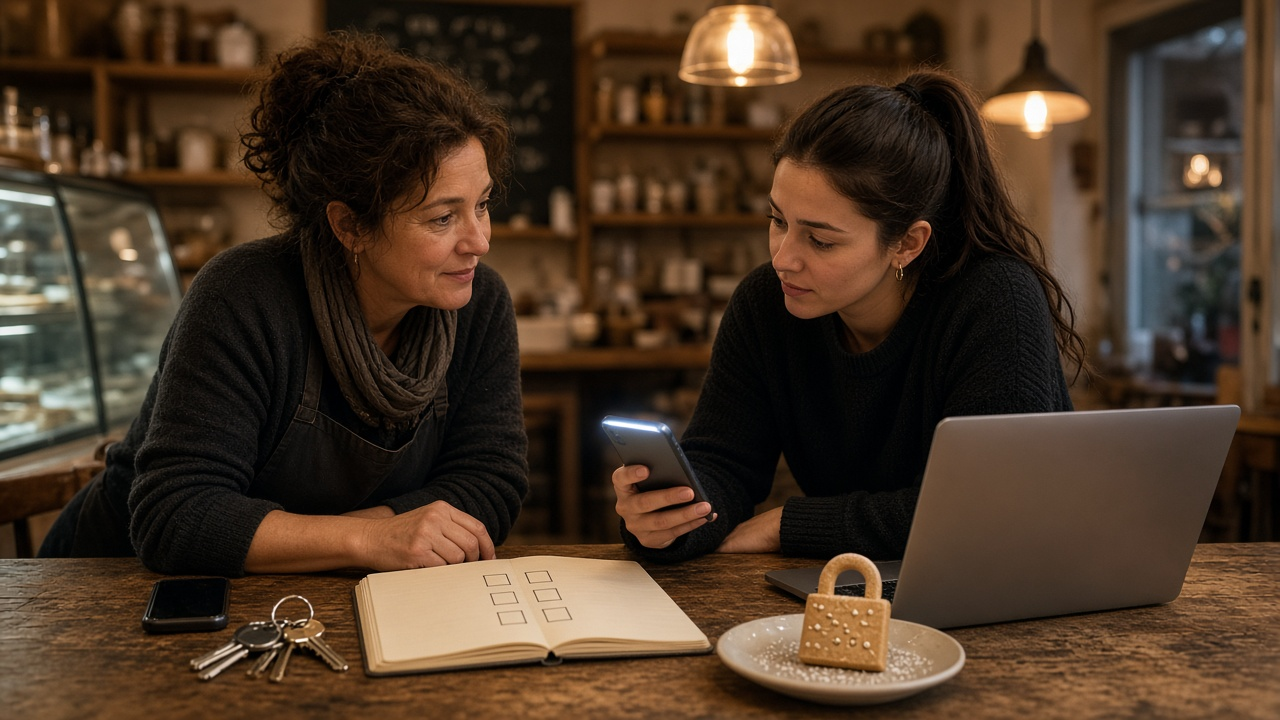
When a business account is taken over, the first hour matters more than anything else. The attacker is posting scams to your followers, changing recovery details, and sometimes spending money on your ad account. Most owners lose time by panicking, searching for help in the wrong places, or answering "recovery experts" who message them. The Hacked Business Social Media Account Recovery Runbook: Lock the Email First, Platform Recovery Paths, Admin and Partner Access Audit, Unauthorized Ad Spend Check, Follower Notice, and Post Incident Access Policy prompt gives you an ordered runbook built only on official recovery flows, plus the access rules that keep it from happening again.
What the prompt produces
- A first hour checklist that secures the email inbox before anything else, then the platform accounts, then any device that clicked a suspicious link.
- Platform by platform recovery steps that start with the security email from the platform, then the official hacked account help flow, then identity verification.
- An access audit that removes unknown admins and partners, downgrades people who do not need full control, and revokes unknown connected apps.
- An ad and billing check for unauthorized campaigns and charges.
- An evidence log template with timestamps, screenshots, and support case numbers.
- Follower messages for a holding notice and a recovered notice, sent through channels you still control.
- A post incident access policy with named admins, two factor authentication, and a password manager.
- A short leadership summary of impact and next steps.
How to fill the inputs
AffectedAccounts lists every platform and what you still control on each. Losing one account while keeping another changes the plan, because the account you still have becomes your warning channel.
IncidentTimeline captures login alerts, changed email or phone, attacker posts and messages, and any ad spend. Times matter for the evidence log.
AccessMap is honest about who has access today, including freelancers, old agencies, and shared passwords.
AdAccounts names linked payment methods and spending limits.
BackupChannels lists your email list, website, and other social accounts.
Reading the example output
The example is a small bakery whose Instagram was taken over at night. The attacker changed the account email and posted a fake crypto giveaway, while the Facebook Page and TikTok were still safe.
- The email inbox is secured first. If the attacker can read the inbox, every password reset goes to them.
- The revert link comes before the help flow. Platforms often email the old address when the account email changes, and that message can be the fastest way back.
- Uncertain menu paths are flagged so the owner checks the platform's help center instead of trusting a guess.
- An old agency partner is removed during the access audit, which is a common and forgotten risk.
- The daily ad cap is lowered until access is clean.
- Follower messages make no guesses about who did it. They simply say not to click links or answer messages from the account.
Tips for better results
- Run the prompt as soon as you notice the problem, and keep it open while you work.
- Screenshot everything before you delete it. Evidence helps with support cases and card disputes.
- Use an authenticator app or security key for two factor, not text messages alone, when the platform allows it.
- Give each person their own login with the lowest role they need.
- Schedule an access review every quarter and after any contractor leaves.
Mistakes to avoid
- Do not pay anyone who contacts you offering to recover the account. Official flows are free.
- Do not reset platform passwords while the email inbox is still compromised.
- Do not post angry public speculation about the attacker.
- Do not forget connected apps and business tools, which can keep access even after a password change.
Who it is for
Social media managers, small business owners, agencies that manage client accounts, nonprofit communications staff, and creators with a business presence who want a calm plan ready before they ever need it.
Related PromptDig links
Open the Hacked Business Social Media Account Recovery Runbook: Lock the Email First, Platform Recovery Paths, Admin and Partner Access Audit, Unauthorized Ad Spend Check, Follower Notice, and Post Incident Access Policy prompt and paste your incident details to get your recovery runbook. For more social media operations prompts, Browse more prompts. If your team has a security checklist that works, Share a prompt.