How to Use the Orchestra Program Notes Prompt to Write Notes First Timers Actually Read
Write concert program notes for a community orchestra or band: a short note for each work built only from facts you researched, a movement guide, listening cues for first time concertgoers, a word budget that fits the printed program, and a fact check sheet for the librarian or music director.
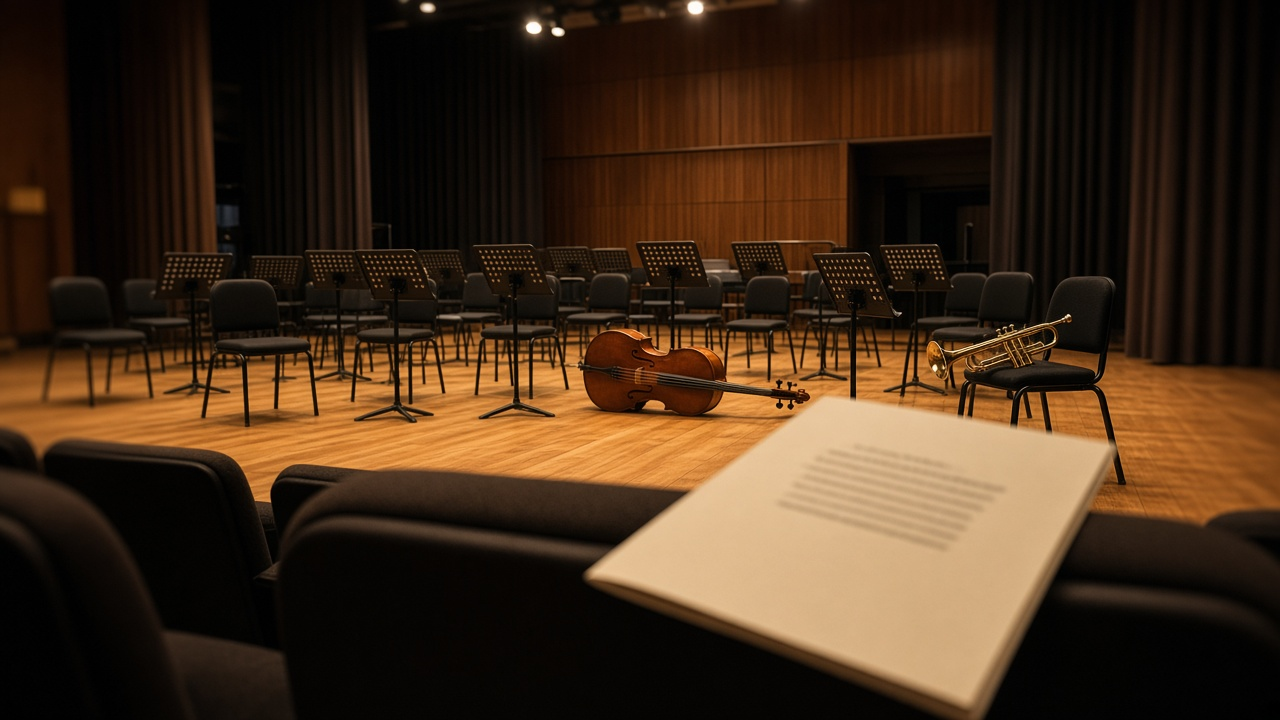
Program notes are often the only thing a new concertgoer reads before the lights go down. Too many read like encyclopedia entries, packed with opus numbers and form diagrams. The Community Orchestra Concert Program Notes Writer: Per Work Notes From Your Research, Movement Guide, Listening Cues, Word Budget per Page, and a Fact Check Sheet prompt writes warm, short notes built only from research your orchestra trusts, sized to fit the printed program.
What the prompt produces
- A word budget table that splits your space across the works.
- One note per work that opens with a human hook, explains why the piece matters, and ends with something to listen for.
- A movement guide with tempo markings and a one line description of each movement.
- Listening cues for new audiences: when to clap, how long each piece runs, and a moment to watch.
- A feature sidebar for a soloist, premiere, or local story.
- A short welcome from the conductor.
- A fact check sheet listing every claim with its source, and lines marked needs source.
How to fill the inputs
ConcertDetails covers the title, date, venue, and conductor so the welcome and sidebar sound like your concert.
WorkList should list works in program order with composer, year, and movements. If you are playing only some movements, say which ones.
ResearchFacts is the heart of accuracy. Paste the facts you trust and where they came from: a publisher preface, a reference work, the score, or a composer website. The prompt will not add anecdotes, quotes, or dedications that are not in this list. If a detail sounds great but is not sourced, it gets marked or left out.
AudienceProfile shapes tone. Notes for families and first timers use fewer terms and more listening cues than notes for a subscriber audience.
WordBudget keeps notes printable. Give pages and words per page or a total.
FeatureStory is optional. A student soloist or a local connection gives the audience a reason to care.
Reading the example output
The example is a community orchestra playing two movements of the Grieg Holberg Suite and the Dvorak Eighth Symphony.
- The word budget gives Dvorak twice the space of the Grieg because it is longer and has four movements.
- Each note ends with one concrete listening task, such as counting how many ways the orchestra changes a cello tune.
- A term like variations is explained in a few words instead of assumed.
- The listening cues leave timings as needs source, because no one supplied them, and suggest using rehearsal timings.
- The fact check sheet catches one detail the note implies but the research did not support, so the librarian can confirm or cut it.
Tips for better results
- Add rehearsal timings to the inputs. Audiences like knowing how long a piece lasts.
- Ask the conductor for one sentence on why they chose the program. It makes the welcome sound like a person.
- Read the notes aloud. If a sentence is hard to say, it is hard to read in a dim hall.
- Keep the fact check sheet with the concert file for the next time you program the work.
Mistakes to avoid
- Do not let an AI tool supply premiere dates or famous quotes from memory. Use the sources you checked.
- Do not fill the page to the edge. White space helps people read before the downbeat.
- Do not hide the clapping guidance. New audiences worry about it more than you think.
Who it is for
Community orchestra librarians, wind band directors, youth orchestra staff, volunteer program editors, and conductors who write their own notes between rehearsals.
Making notes part of the concert experience
Good notes also work outside the printed program. Pull the listening task from each note for a short spoken introduction from the stage, or post the movement guide online the week before so families can listen ahead. Because every fact is sourced on the check sheet, you can reuse pieces with confidence across the program, the website, and an email to ticket holders.
Related PromptDig links
Open the Community Orchestra Concert Program Notes Writer: Per Work Notes From Your Research, Movement Guide, Listening Cues, Word Budget per Page, and a Fact Check Sheet prompt with your next program. For more creative prompts, Browse more prompts. If you have a concert writing format that works for your audience, Share a prompt.