How to Use the Audio Drama Script Prompt to Write Fiction Podcast Episodes Built for the Ear
Write a fiction podcast episode script built for the ear: scene headings with location sound, numbered SFX and music cues, dialogue that tells listeners who is speaking and where they are without narration dumps, plus a cast list and a sound effects list for the editor.
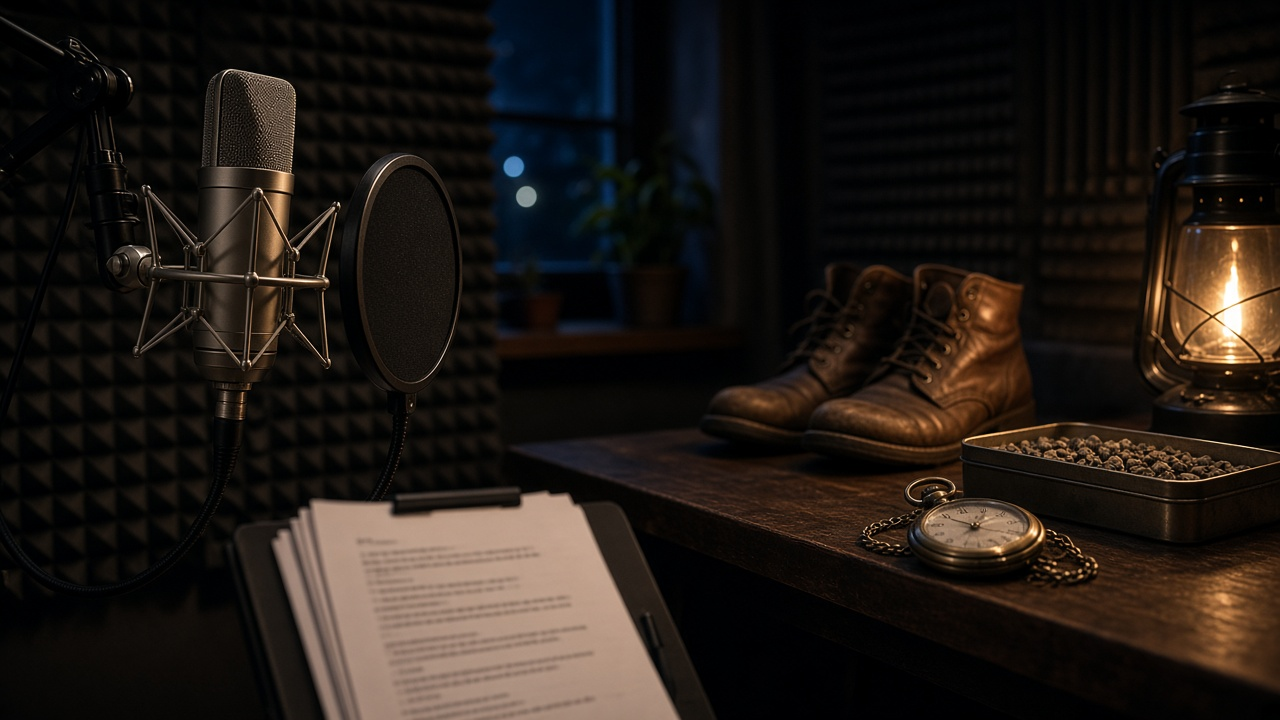
Writing for audio is different from writing for the screen. Listeners cannot see who walked into the room, what the weather is doing, or which character is holding the letter. Every one of those details has to come through dialogue, ambience, or a sound effect, and the editor needs to know exactly where each cue lands. The Audio Drama Script Writer: Scene Headings, SFX and Music Cues, Voice Only Exposition, Cast and Sound Lists for Fiction Podcasts prompt drafts episodes in a true audio drama format, with numbered cues and a sound list your editor can work from.
What the prompt produces
- A cold open that hooks with sound before the first line of dialogue.
- A full script with scene headings, an ambience line for each location, character names in caps, and parentheticals only where delivery matters.
- Numbered SFX and music cues placed inline, such as SFX 3 or MUSIC 1 OUT.
- Voice only exposition, where names, places, and actions come through natural dialogue.
- A runtime check based on spoken words per minute.
- A cast list with line counts and voice notes.
- A sound list for the editor with scene numbers and sources.
- A clarity pass that finds lines where listeners could lose track of who is speaking.
How to fill the inputs
SeriesPremise sets the tone and tells the prompt whether your show uses a narrator. Many audio dramas work without one, and the prompt respects that choice.
EpisodeBeats should include the target runtime. A 22 minute episode and a 45 minute episode need very different scene counts.
CastNotes describe how each character sounds: age, accent, pace, and verbal habits. A character who mumbles when lying gives the writer a tool that works only in audio.
LocationSounds are the backbone of the format. A wood stove crackle or a metal stair ring tells listeners where they are faster than any line of dialogue.
ProductionLimits keep the script realistic. If you have four remote actors and library sound effects only, the prompt will not write a crowd scene or a custom foley moment you cannot produce.
Reading the example output
The example is an episode of a coastal mystery set at a lighthouse bed and breakfast.
- The cold open uses a ticking pocket watch, thunder, and a sudden silence to set up the missing watch before anyone speaks.
- In scene 1, the owner says the teenage helper's name twice early so listeners learn it by ear.
- The power cut is a sound cue, not a description, and the fridge hum stopping tells listeners the lights are out.
- In scene 2, a parenthetical places one character "from below", which tells the editor to mix her voice distant.
- The sound list marks every cue as library audio to match the production limits.
The runtime check shows how many minutes remain for the rest of the episode, which keeps the writer honest about pacing.
Tips for better results
- Read the script aloud before recording. If you stumble, the actor will too.
- Give each character a different speech rhythm. Listeners separate voices by pace as much as by tone.
- Keep scenes short at first. Audio scenes that run too long without a sound change can feel static.
- Ask for a revised sound list after every draft so the editor works from the latest version.
Mistakes to avoid
- Do not describe what only a camera could see, like a meaningful glance.
- Do not let characters say each other's names in every line. Once early is usually enough.
- Do not stack too many sounds at once. A clear ambience bed plus one cue at a time is easier to follow.
Who it is for
Independent fiction podcasters, writers moving from prose or screenwriting into audio, drama teachers running radio play projects, and small studios that need scripts their editors can cut quickly.
A simple writing routine
Outline the episode beats, run the prompt for two scenes, and read them aloud with your cast. Fix the clarity issues, then generate the remaining scenes and the final sound list. Share the sound list with your editor before recording so library sounds are ready when the dialogue tracks arrive.
Related PromptDig links
Open the Audio Drama Script Writer: Scene Headings, SFX and Music Cues, Voice Only Exposition, Cast and Sound Lists for Fiction Podcasts prompt with your premise and episode beats. For more creative writing prompts, Browse more prompts. If you have a format that works for your show, Share a prompt.