How to Prompt an App Store Screenshot Sequence
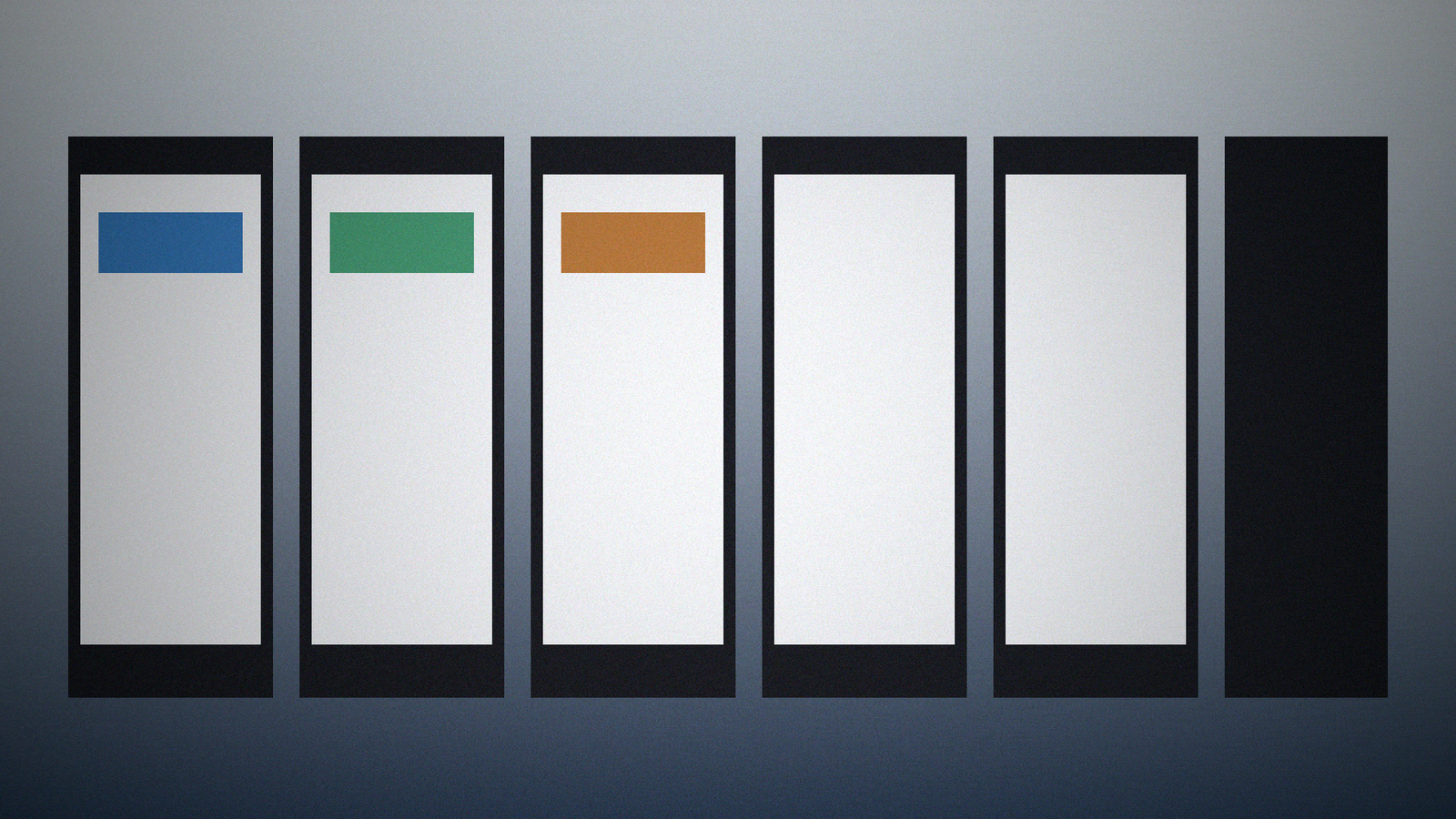
App Store sequences fail when frame one is a 4.9-star billboard. The model invents a quote, a download count, and a device the app does not support. Reviewers bounce. The job is six frames from the UI and copy you actually have, with sizes from Inputs, and a hard ban on invented ratings.
The matching generator is the App Store Screenshot Sequence (6 Frames) prompt. Browse related cards in the PromptDig library (Browse more prompts). When a filled run survives, share the version you actually use (Share a prompt).
Six frames is a story, not a trophy case
Brief: what the app does in one sentence and the six beats you want (problem, action, result, and so on) only if you named them. Tool and version: the image model or design tool you will use. Else unknown. Exact text: captions you will really show, quoted. Sizes: the App Store size you ship (for example 1290x2796) if you named it. Brand kit: colors and type style. Do not depict: star ratings, review quotes, download counts, OS chrome you do not own, extra apps.
If you only have four real screens, say so. The generator should not mint two lifestyle photos with fake UI to fill six. Gaps can say "frames 5-6 need real screens."
Quote captions. Do not quote customers you do not have.
Visual plan: six ordered frames with the same device, same bezel treatment, same background family. Exact prompts list size on every frame and quote caption text from Text only.
Text-in-image rules: only the quoted captions. No "4.9," no "#1 app," no "Loved by thousands." If Brand wants a wordmark, say you will composite it. Do not ask the model to redraw it.
Export checklist: exact pixel size, safe area for status bars if you still include device chrome, a ratings hunt. If any frame shows stars, it failed.
Do not invent iOS version numbers, storage sizes, or "Editor's Choice" badges.
Gaps: missing size is a ship-blocker
Gaps: missing device size, missing real UI refs, missing caption list, missing whether Android is in scope, missing brand colors. If Sizes is blank, do not guess 1290x2796. Write unknown and stop the export list.
This is store-listing art direction, not a growth forecast.
A worked pass: six UI beats, zero stars
Brief: habit tracker, six frames: today list, add item, streak calendar, reminder, widget, empty-state honesty. Text: captions "Today," "Add one," "See the week," "Remind me," "On the Home Screen," "Start with one." Size named. Brand: two colors from the kit. Do not depict: ratings, quotes, people, other apps.
Plan: same phone, same background wash, captions above the device if you will letter later, or quoted in-frame if Text said in-frame. Prompts repeat size and the no-stars negative.
If frame one grows a five-star row, discard it. If frame six invents a testimonial, discard it. If you only pasted three UI refs, frames 4-6 are Gaps, not lifestyle filler. Six is a count, not a mandate to hallucinate UI.
Frame order should match the store: first frame is the one that has to make sense at thumbnail size. That still does not license a star row. If you need localization, rerun with quoted captions in that language. Do not let the model mix English captions with a second language it invented.
Fill the card, then run
Name the six beats and the store size. Paste captions you own. Forbid stars. Then reject any frame with a rating.
Brief: [Brief]
Tool and version: [Tool]
Exact text to render if any: [Text]
Sizes: [Sizes]
Brand kit: [Brand]
Do not depict: [DoNot]
The store already shows ratings from real users. Your sequence should not compete with a fake score. When a run returns six frames with no stars and no invented quotes, share that filled card.