ChatGPT Prompts for Internal Linking: 12 for Your Link Maps
12 ChatGPT prompts for internal linking: audit crawl exports, fix orphan pages, map topic clusters, write natural anchors, and link new posts from your URLs.
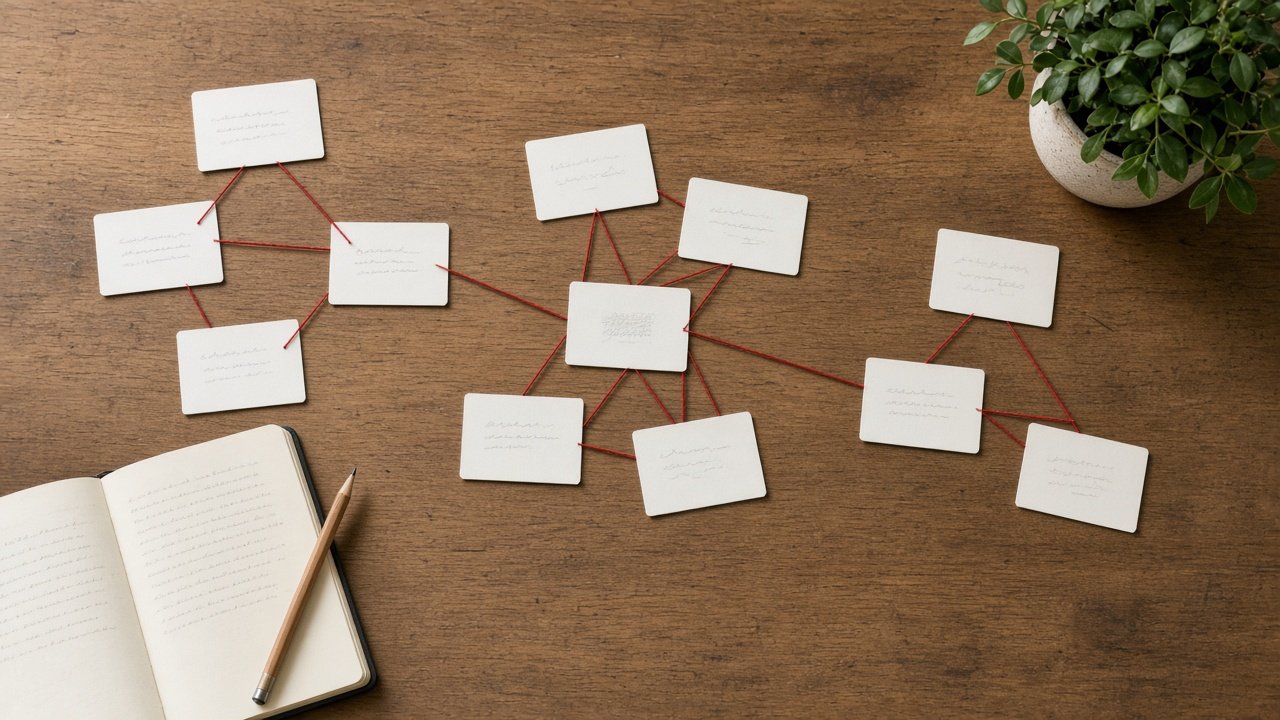
ChatGPT prompts for internal linking help you plan which of your own pages should link to each other, with what anchor text, so readers and search engines can find related content. Paste your real URL list, crawl export, and orphan report, and ask ChatGPT to link only between URLs that exist on your site. The 12 prompts below cover auditing current links, mapping clusters, writing anchors, linking new pages, and checking the work.
Google's link guidance asks for crawlable <a href> links with descriptive, concise anchor text. Write anchors for readers, skip keyword stuffing, and do not trust any claim of a fixed link count or ranking formula.
Audit your current links
1. Crawl export summary
Here is my crawl export of internal links as source and target [paste]. Count inbound links per URL, list the ten pages with the fewest, and show any URL that links only to itself.
2. Orphan page finder
Compare my full URL list [paste] with the targets in my internal links export [paste]. List every URL with no inbound internal links, grouped by topic.
3. Broken and redirected links
From this export of internal links with status codes [paste], list links that hit 404s or redirects, the page each sits on, and the final URL to link to instead, only if it is in my URL list.
Map your topic clusters
4. Pillar and cluster map
Group these URLs and topics [paste] under these pillar pages [list]. Mark each page as pillar or supporting, and flag pages that fit no pillar.
5. Cluster link plan
For the cluster under [pillar URL] [paste pages], plan links so every supporting page links to the pillar, the pillar links to each supporting page, and closely related pages link to each other. Use only these URLs.
6. Content gaps from the map
From this cluster map [paste], list subtopics my pages mention but no page covers in depth. Do not link them; describe each as a possible new page.
Write good anchors
7. Anchor options per link
For each link in this list [source and target URLs with page topics], suggest three anchor phrases that describe the target in natural words and fit a sentence on the source page.
8. Anchor variety check
Here are my planned links and anchors [paste]. Count how often each exact anchor is used, flag any used more than [number] times, and suggest varied replacements.
Link new and updated pages
9. New page link plan
I am publishing [new URL] about [topic]. From my URL list [paste], pick up to [number] existing pages that should link to it and the pages it should link to, with anchors and where each link fits.
10. Refresh old posts with new links
Here are my five oldest posts in [topic] with their outlines [paste] and my newer URLs [paste]. Suggest where each old post should link to a newer page, with the anchor and the sentence it fits in.
Check the work
11. Link limit per page
From this link map [paste], count new links added per source page and flag any page over [number]. Suggest which links to drop first, keeping orphan fixes.
12. Post-launch QA list
Write a QA checklist for after these internal links go live [paste map]: recrawl checks, orphan status, link status codes, anchor fit in context, and pages to recheck in [weeks].
Build a full link map in one prompt
The flagship Internal Linking Prompt: Link Map From Your Own URL List takes your URL list, pillar pages, existing links, orphan pages, a new page, and your anchor rules, and returns a cluster table, a numbered link map, orphan fixes, a new page plan, an anchor check, content gaps, and a QA list. Its example coffee site adds 12 links and gives both orphan pages new inbound links.
Keep it real
Link only to URLs you have checked exist; an AI tool cannot see your site unless you paste the data, so never let it guess a path. Write anchors for readers, avoid stuffing the same phrase everywhere, and judge results in your own Search Console and analytics data rather than by any fixed formula.
Related prompts
To plan the clusters themselves, use the SEO topic cluster and content planner or SEO keyword research clusters from your search data. For on-page work, see ChatGPT prompts for SEO optimization, and for a full site review, the technical website SEO audit and action plan.
To tune each page itself, use the on-page SEO page audit and rewrite plan, and for structured data see ChatGPT prompts for schema markup.
Find more in the SEO category, look through Browse, or post your own on Share.