ChatGPT Prompt for Color Palette: 12 Prompts for Designers
12 ChatGPT prompts for color palettes: brand palettes with hex codes, color roles, contrast checks, palettes from photos, UI themes, and print-ready specs.
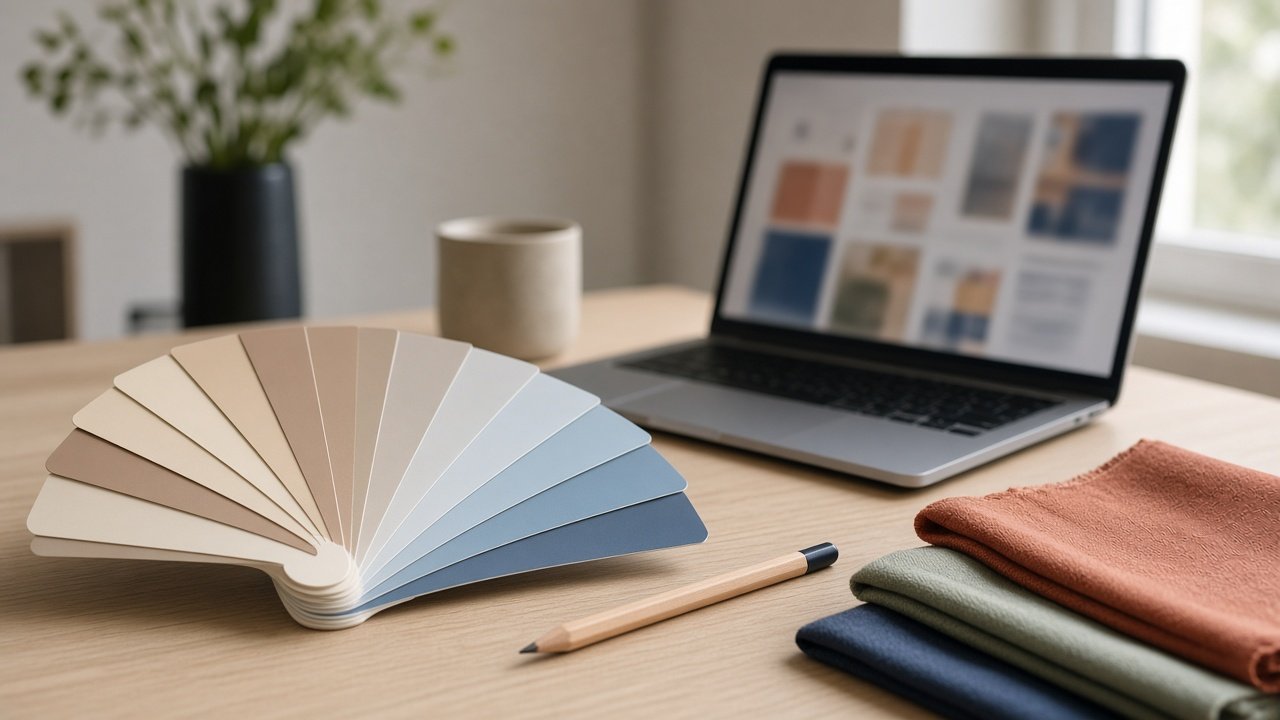
A ChatGPT prompt for color palette work should ask for hex codes, a job for each color, and contrast checks, not just a list of pretty names. The 12 prompts below cover brand palettes, palettes from photos and moods, UI themes, and checks before launch. Always confirm contrast ratios in a contrast tool and test printed colors on the real material.
Brand palettes
1. Palette from a brand brief
My brand is [brand], selling [product] to [audience], and it should feel [3 mood words]. Create a 5-color palette with hex codes, a role for each color, and the share of a layout each should take.
2. Build around a color I must keep
My logo color is [hex] and must stay. Build a palette of 5 colors around it for [use cases], and explain how each new color supports it.
3. Three directions to compare
Give me 3 different palette directions for [brand]: one safe, one bold, one minimal. Each with 5 hex codes and one line on where it would work best.
Palettes from moods and photos
4. Palette from a photo I describe
Here is a description of a photo I love: [describe colors, light, and objects]. Turn it into a 6-color palette with hex codes, from darkest to lightest, and name each color after something in the photo.
5. Seasonal palette
Create a [season] palette for [product or event] with 5 hex codes that still works with my brand colors [hex list]. Say which brand color stays as the anchor.
6. Palette for a room or event
I am planning [wedding, party, or room] in a [place] with [existing colors or materials]. Suggest a 4-color palette with hex codes and where each color shows up (flowers, linens, signage).
Website and app colors
7. UI color roles
From these brand colors [hex list], assign UI roles: background, surface, text, primary button, secondary button, link, success, warning, and error. Add any missing colors with hex codes.
8. Dark mode version
Here is my light theme [roles and hex codes]. Create a matching dark theme with hex codes for each role, keeping the brand recognizable and the text readable.
9. Contrast check table
Check these text and background pairs [list with hex codes] against WCAG 2. Give each ratio to two decimals and say if it passes for normal text (4.5:1) and large text (3:1). Suggest a fix for each failure.
Print and production
10. Usage rules sheet
Write a one-page usage guide for this palette [hex list and roles]: what goes on buttons, headings, and backgrounds, and which combinations to never use.
11. Specs per material
For these items [packaging, menu, signage, social posts], write one line each saying which palette colors to use and where, based on [palette].
12. Print test plan
I am printing [items] on [paper or material]. List what to test before a full print run, and which of my colors [hex list] are most likely to shift and why.
Build a brand palette in one prompt
The flagship Color Palette Prompt: Brand Colors With Hex Codes and Roles takes your brand brief, audience, mood words, colors that must stay, use cases, and colors to avoid. It returns a palette with roles and shares, reasons for each color, a WCAG contrast table, fixes for failing pairs, usage rules, and specs for each use. Its example is a bakery that keeps its terracotta logo but adds a darker rust for buttons, because white on terracotta fails for normal text.
Tips for better palettes
Give every color a job before you pick more colors. Check contrast for the exact pairs you will use, since a palette can look fine as swatches and still fail as text. Screens and print differ, so print a test piece on the real paper or packaging.
Related prompts
For accessibility-first work, use the accessible color palette with contrast ratios. App teams on Android can try the Material 3 color scheme builder. Starting a brand from scratch? See the ChatGPT prompt for logo design and the brand identity design brief generator.
Find more in the Design category, look through Browse, or post your own on Share.