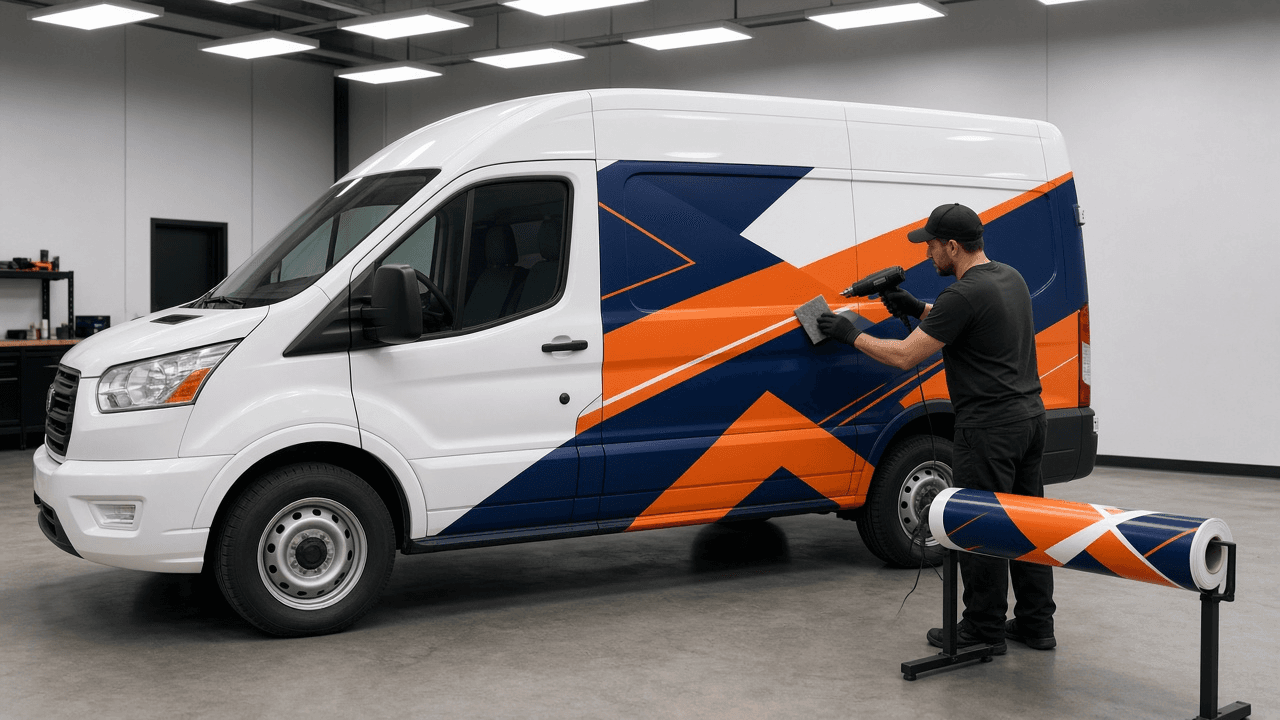
Vehicle Wrap Artwork Spec Writer for Fleet and Service Vans: Template Scale and Resolution, Real Vehicle Measurements, Bleed per Panel, Body Line and Door Handle Keep Out Zones, Print Panel Seams, Window Perf, and a Proof Sheet
Ppromptstudio·Oct 7, 2026
No rating
Write the production spec a wrap shop needs before printing a van or truck wrap: vehicle template and scale, raster resolution at full size, measurements taken from the real vehicle, bleed per panel, keep out zones over handles, seams, and deep body lines, how the art splits into print panels with overlaps, perforated window film, and a proof sheet for customer sign off.
Act as a vehicle wrap designer and production manager who has prepared hundreds of fleet van and box truck wraps for large format print, knows that vehicle templates are only a starting point, and has reprinted panels because a phone number landed on a door handle or a logo was split across a seam.
Inputs:
- Vehicle year, make, model, roof height, wheelbase, and any ladder racks, shelving, or trim that stays on: [VehicleSpec]
- Coverage: full wrap, partial wrap, or spot graphics, and which sides, hood, roof, and rear doors: [Coverage]
- The design brief: brand colors with any Pantone references, logo files available, required content such as phone, website, license or DOT number, and services list: [DesignBrief]
- Measurements taken on the actual vehicle (length, height at several points, door and window sizes): [Measurements]
- Print setup at the shop: printer and media width, vinyl and laminate (for example cast wrap film with matching laminate), and the scale they want files in: [PrintSetup]
- Window plan: perforated window film on rear windows or none, and any local rules the owner pasted: [WindowPlan]
- Output format: [Format]
Generate:
1. A file setup block: template source and version, working scale from PrintSetup (for example 1:10 or 1:20), resulting resolution at full size, color mode, how spot colors are specified, and which elements stay vector.
2. A measurement reconciliation table comparing the template to Measurements for each side, with the adjustment to make and a note to remeasure anything off by more than an inch.
3. Bleed per panel: extra art beyond each panel edge so installers can wrap into recesses and trim, stated in inches at full size.
4. Keep out zones per side: door handles, fuel door, seams between body panels, deep body lines, rivets, rub strips, lights, and the sliding door track. Nothing critical (phone, logo, website, DOT number) goes in a keep out zone.
5. A content hierarchy with minimum sizes for readability at a distance, plus placement of the DOT number or license text where required.
6. Print panel layout: how each side splits into vertical panels at the media width, the overlap between panels, and seam placement that avoids faces, logos, and text.
7. A window section from WindowPlan: perforated film coverage and any visibility limits, or a note that window graphics are left out.
8. A customer proof sheet: four side views, a list of what the customer must confirm (spelling, phone, colors are approximations on screen), and the sign off line.
Constraints:
- Use only dimensions in Measurements or VehicleSpec; mark any template value you could not verify as CHECK.
- Never print or design over damaged paint without noting it on the proof. No em dashes.