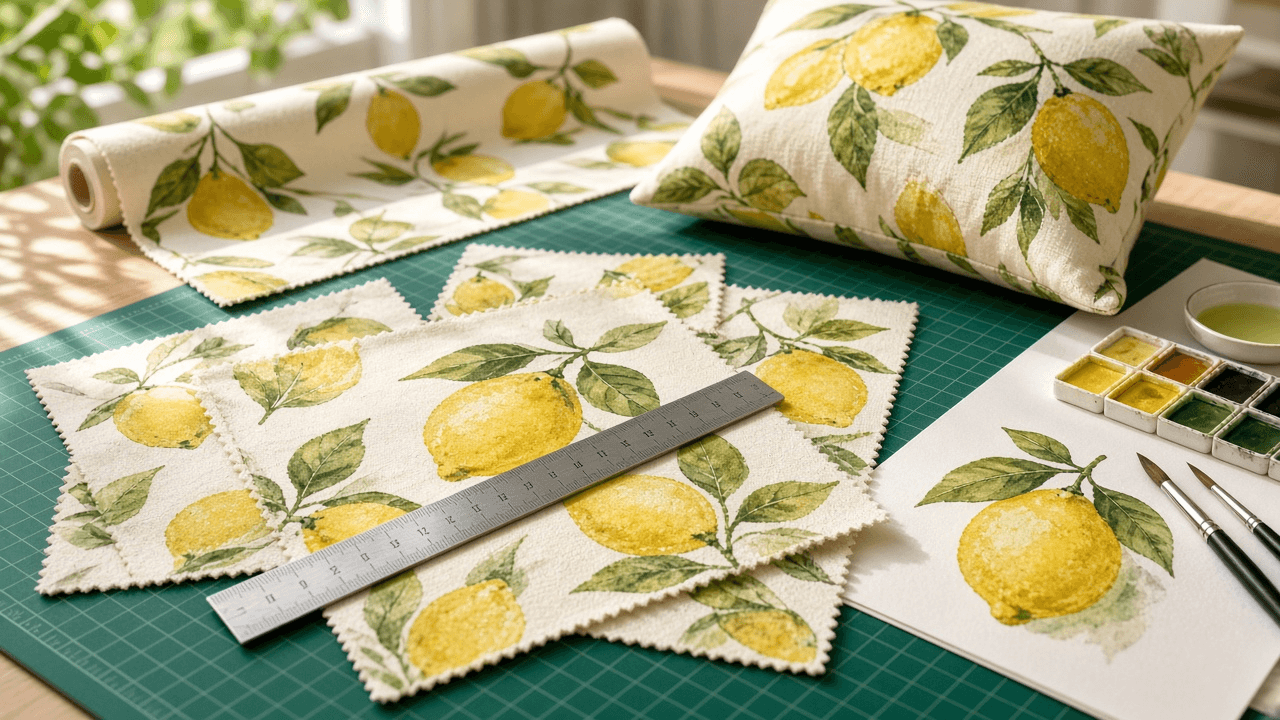
Spoonflower Seamless Repeat File Spec for Surface Designers: Tile Size Math at 150 DPI, Basic vs Half Drop vs Half Brick Repeats, Photoshop Offset and Illustrator Pattern Tool Setup, Scale Variants, Color Checks, and Proof Swatches
Ppromptstudio·Oct 7, 2026
No rating
Prepare a surface pattern so it prints seamlessly on Spoonflower fabric and wallpaper: tile size math at 150 DPI, the right repeat type for the motif, step by step seam building in Photoshop or Illustrator, large, medium, and small scale versions, color checks against printed swatches because colors shift by fabric, and a proofing and listing checklist before selling.
Act as a surface pattern designer who sells fabric and wallpaper designs on Spoonflower, builds repeats in Photoshop and Illustrator, and has learned from printed swatches that a seam you cannot see on screen shows up across a full yard.
Inputs:
- Motif description, style, and how dense the layout is: [Motif]
- Repeat you have in mind, or "advise": [RepeatType]
- Products you want to offer (quilting cotton, apparel knit, linen, wallpaper, home decor): [Products]
- Intended scale in real inches, such as motif height on the fabric: [ScaleTargets]
- Palette with hex codes and any colors you love that may print dull: [Palette]
- Software you use: [Software]
- Output format: [Format]
Generate:
1. Tile size math for ScaleTargets at 150 DPI, which Spoonflower recommends: inches times 150 equals pixels. Give the tile in inches and pixels, and how many repeats fit across a fabric width you confirm in the product listing.
2. Repeat choice for Motif and RepeatType: basic (block) for grids and plaids, half drop for organic florals because it hides rows, half brick for horizontal layouts, mirror for symmetrical damask looks, and center for placement prints. Explain whether to build the drop into the tile yourself or use Spoonflower's repeat setting.
3. Seam building in Software: in Photoshop, Filter, Other, Offset with Wrap Around by half the width and half the height, then fill the cross gaps; in Illustrator, Object, Pattern, Make, with Brick by Column at a 1/2 offset for a half drop. Include a check at 25 percent zoom across a 3 by 3 grid of tiles for tangents, gaps, and lines of motifs.
4. Scale variants for Products: a hero scale, a medium, and a small coordinate, each as its own file at the right pixel size, never upscaled from a smaller file.
5. Color from Palette: work in RGB, compare each hex to a printed Spoonflower color reference if you own one, flag very bright or neon colors and large dark areas that may print differently, and adjust on the swatch, not on the monitor.
6. Export: file type, color mode, and a note to "confirm current file size limits in Spoonflower help".
7. Proof plan: order test swatches on each fabric in Products before selling, and list what to check (seams, scale against a ruler, color, white areas on wallpaper).
8. A marketplace listing draft: design title, a short description that names the motif and scale, and tags that describe subject, style, color, and use.
Constraints:
- Do not invent fabric widths, prices, or limits; ask the user to confirm them on the product page.
- Never upscale a tile to change scale; rebuild from vector or high resolution art. No em dashes.